Rapid storyboards
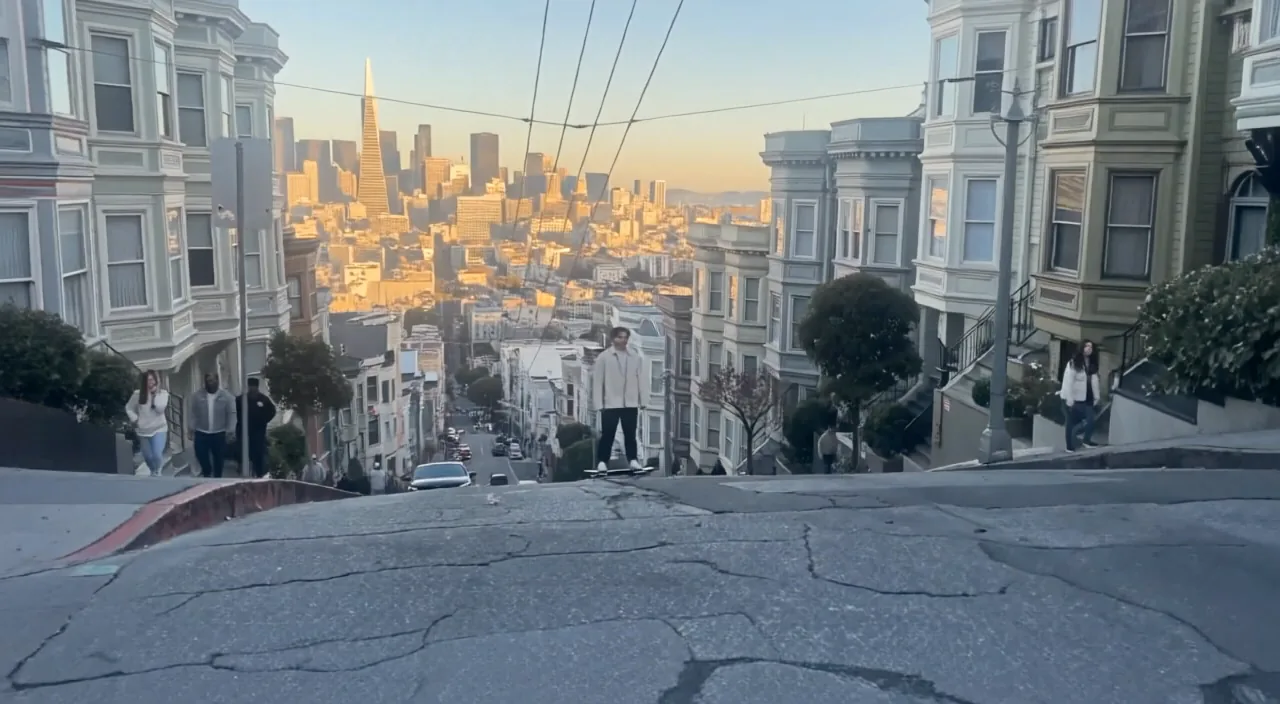
Compare camera, pacing, and lighting ideas before committing to a final shot.
Google video generation
Generate responsive text-to-video or image-to-video clips with optional native audio, up to 1080p and eight seconds.
Compare camera, pacing, and lighting ideas before committing to a final shot.
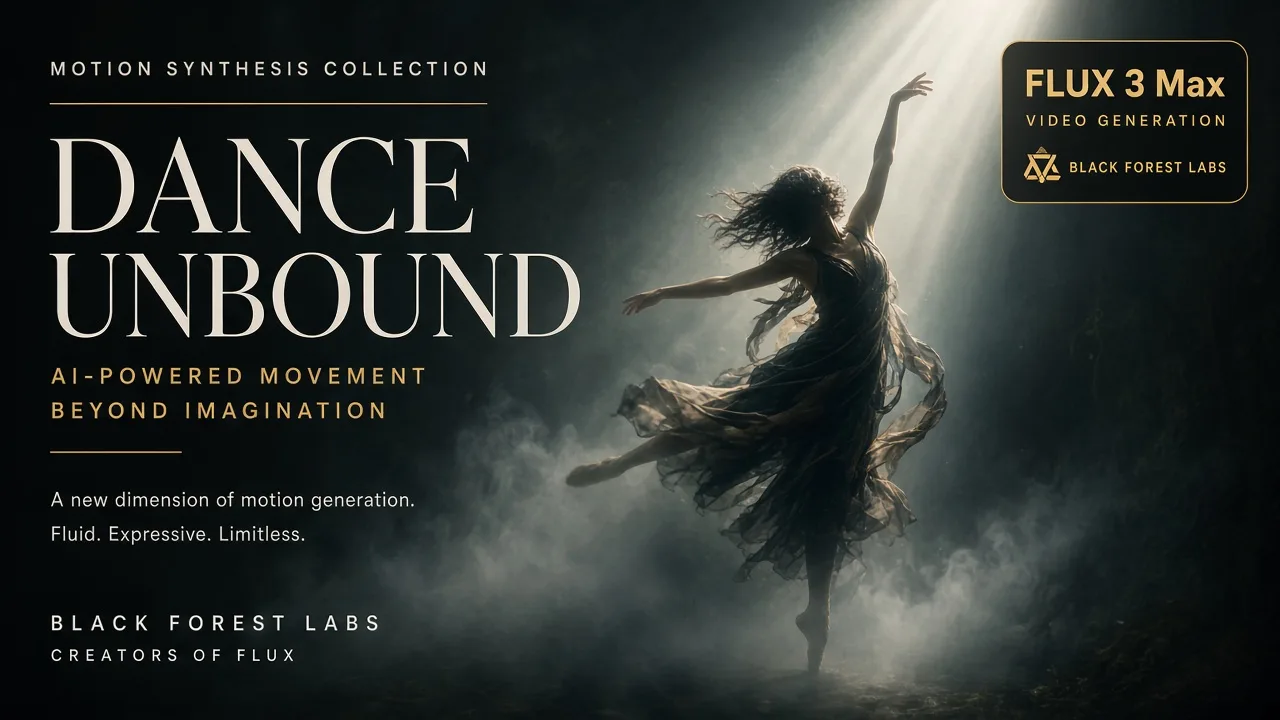
Generate landscape and vertical video hooks with matching sound.
Bring approved product imagery into motion for campaign exploration.
Explore more shot directions with lower latency and cost than the standard model.
Add dialogue, ambience, and effects directly during video generation.
Animate a supplied image while preserving its main composition and subject.
Choose flagship control, faster iteration, or cost-efficient volume.
| Feature | Veo 3 FastCurrent | ||||
|---|---|---|---|---|---|
| Best for | Rapid iteration | Premium cinematic work | Fast creative iteration | Scaled content creation | Cinematic generation |
| Speed | Fast | Standard | Fast | Optimized | Standard |
| Native audio | Configurable | Configurable | Configurable | Always on | Configurable |
| Frame control | First frame | First + last | First + last | First + last | First frame |
| Subject references | — | 1–3 images | — | — | — |
| Default resolution | 1080p | 1080p | 1080p | 720p | 1080p |
Describe subject movement separately from the camera movement.
Name the sound sources and balance you expect in the finished clip.
Use 720p for iteration and move to 1080p after the direction is working.
Understand the inputs, generation settings, and outputs supported by Veo 3 Fast.




Explore other models, or browse the full catalog.