Narrative concepts
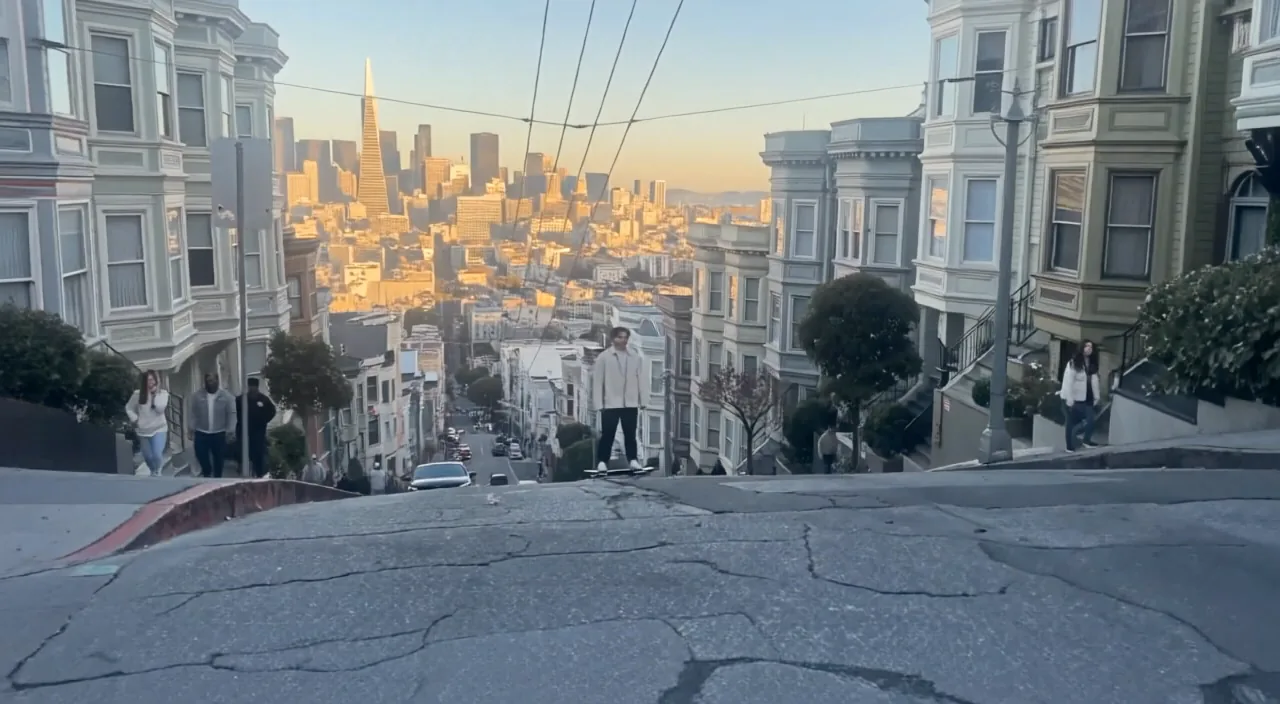
Prototype character moments, dialogue scenes, and cinematic beats.
Google video generation
Generate 4, 6, or 8-second landscape and portrait video from text or a first frame, with synchronized dialogue, ambience, and effects.
Prototype character moments, dialogue scenes, and cinematic beats.
Explore product, brand, and social-video directions with sound.
Use a supplied image to anchor composition and subject appearance.
Generate dialogue, ambience, and sound effects together with the visuals.
Direct a shot from a prompt or animate an uploaded first frame.
Choose 720p or 1080p, 16:9 or 9:16, and a 4, 6, or 8-second duration.
Choose flagship control, faster iteration, or cost-efficient volume.
| Feature | Veo 3Current | ||||
|---|---|---|---|---|---|
| Best for | Cinematic generation | Premium cinematic work | Fast creative iteration | Scaled content creation | Rapid iteration |
| Speed | Standard | Standard | Fast | Optimized | Fast |
| Native audio | Configurable | Configurable | Configurable | Always on | Configurable |
| Frame control | First frame | First + last | First + last | First + last | First frame |
| Subject references | — | 1–3 images | — | — | — |
| Default resolution | 1080p | 1080p | 1080p | 720p | 1080p |
Put spoken lines in quotes and describe the important ambience and effects.
Specify framing, lens, camera movement, subject action, and lighting in that order.
Choose a clear image whose aspect ratio matches the intended video.
Understand the inputs, generation settings, and outputs supported by Veo 3.




Explore other models, or browse the full catalog.