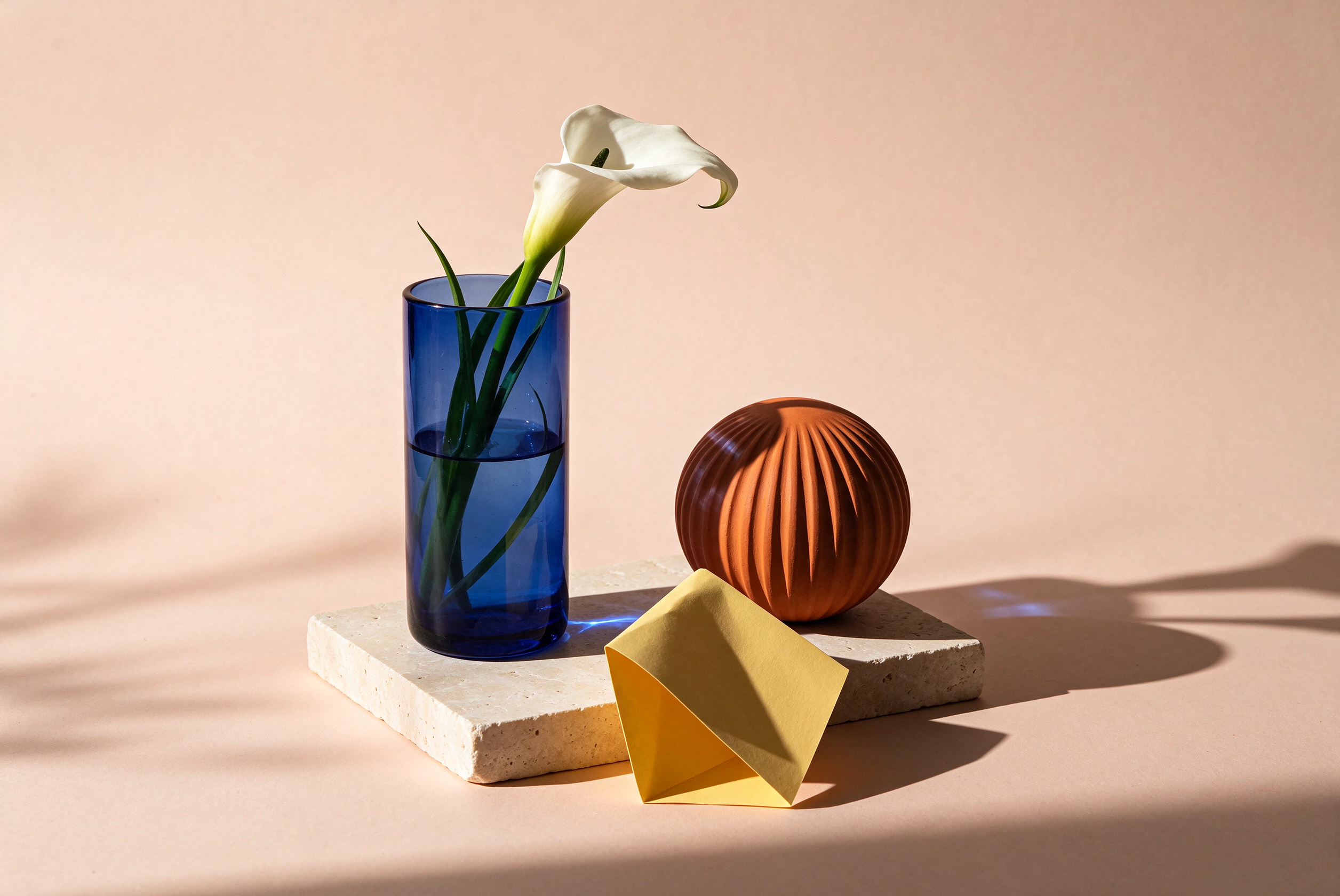

Products
Create product backgrounds, refine lighting and prepare photos for your shop.
Each solution groups tools, examples, and a recommended order of work. Only published workflows appear here.
Start with a clear product photo. Clean it, choose a packshot or scene, explore apparel and color variants, then review and download the images you need for your store or campaign.
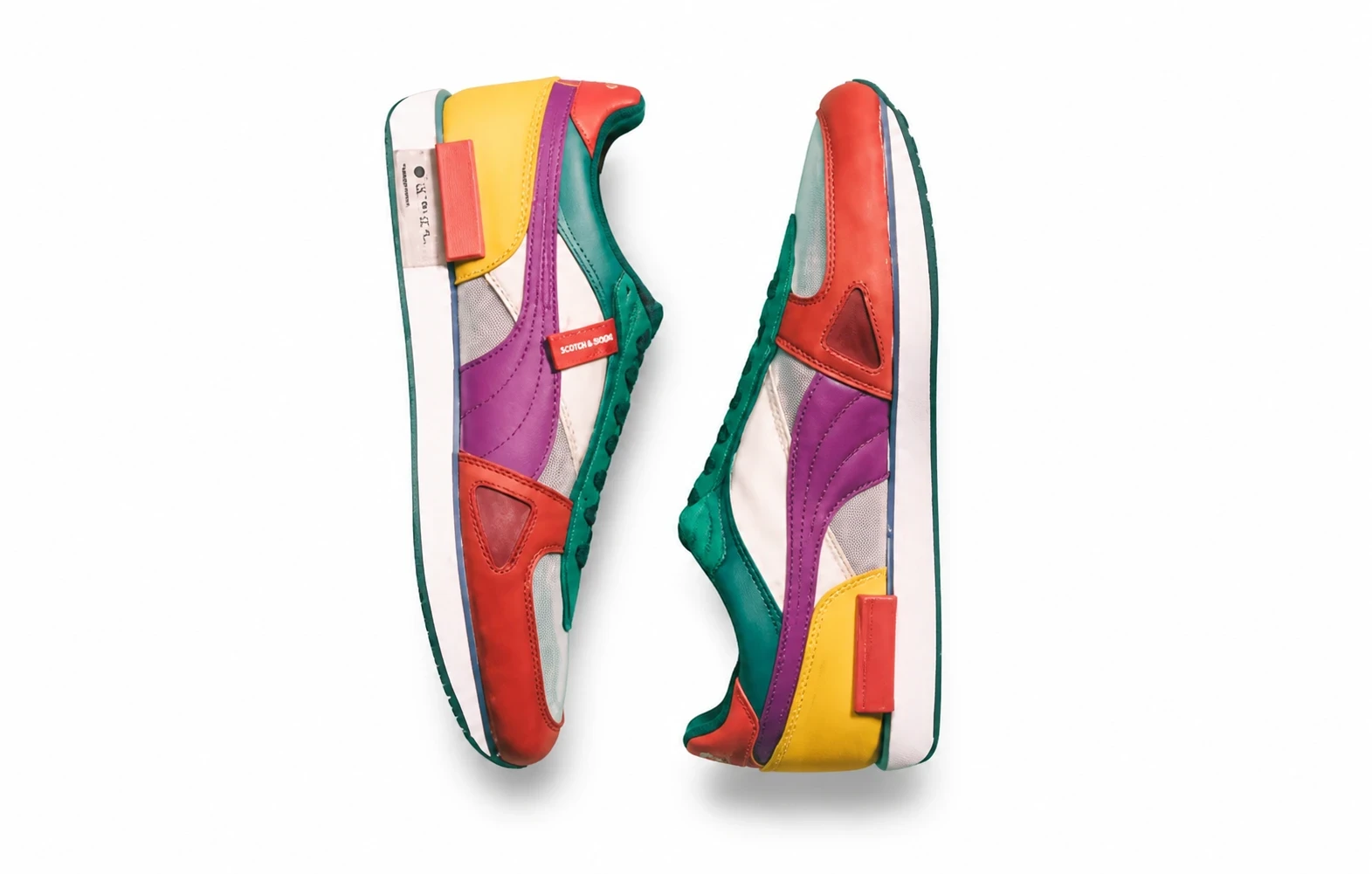

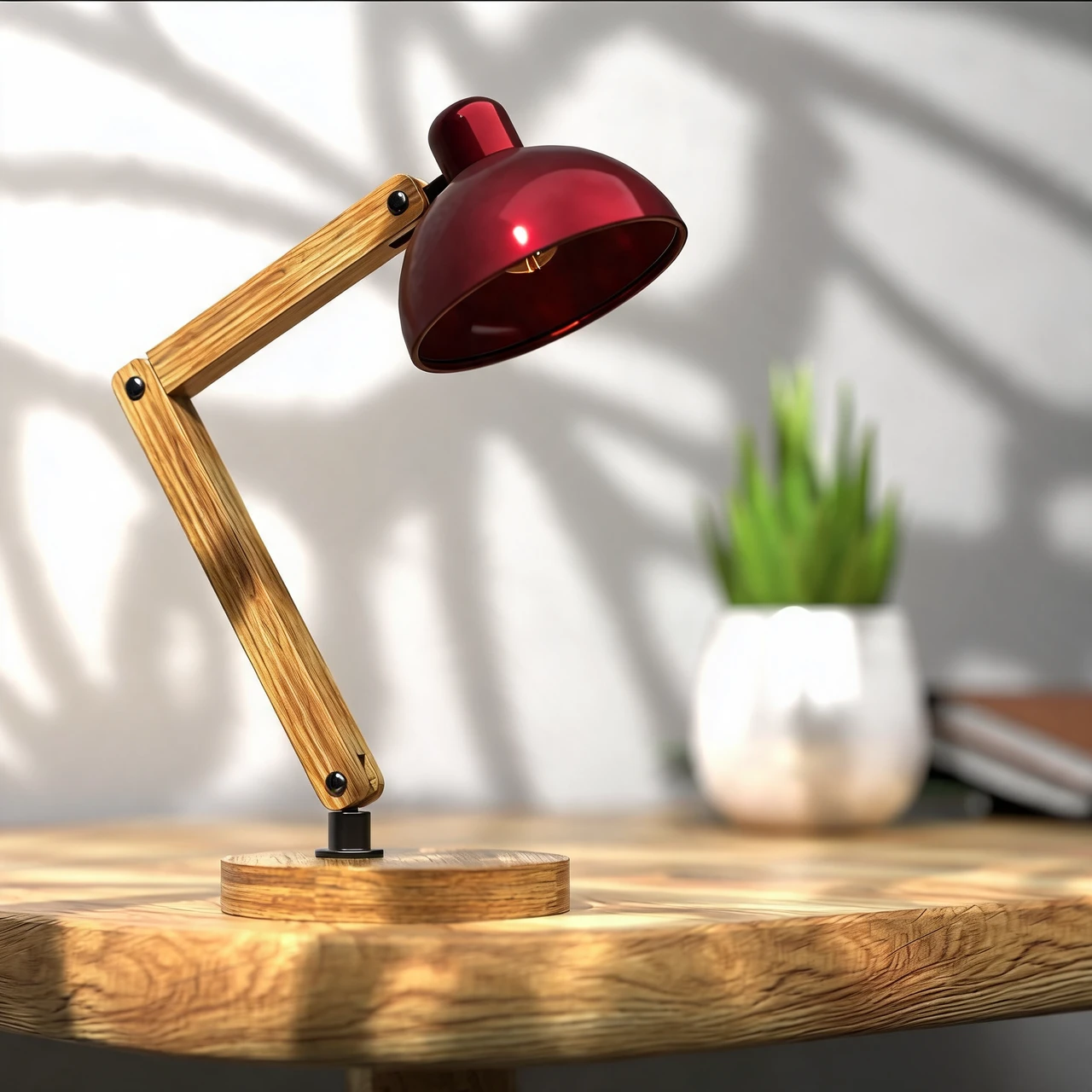
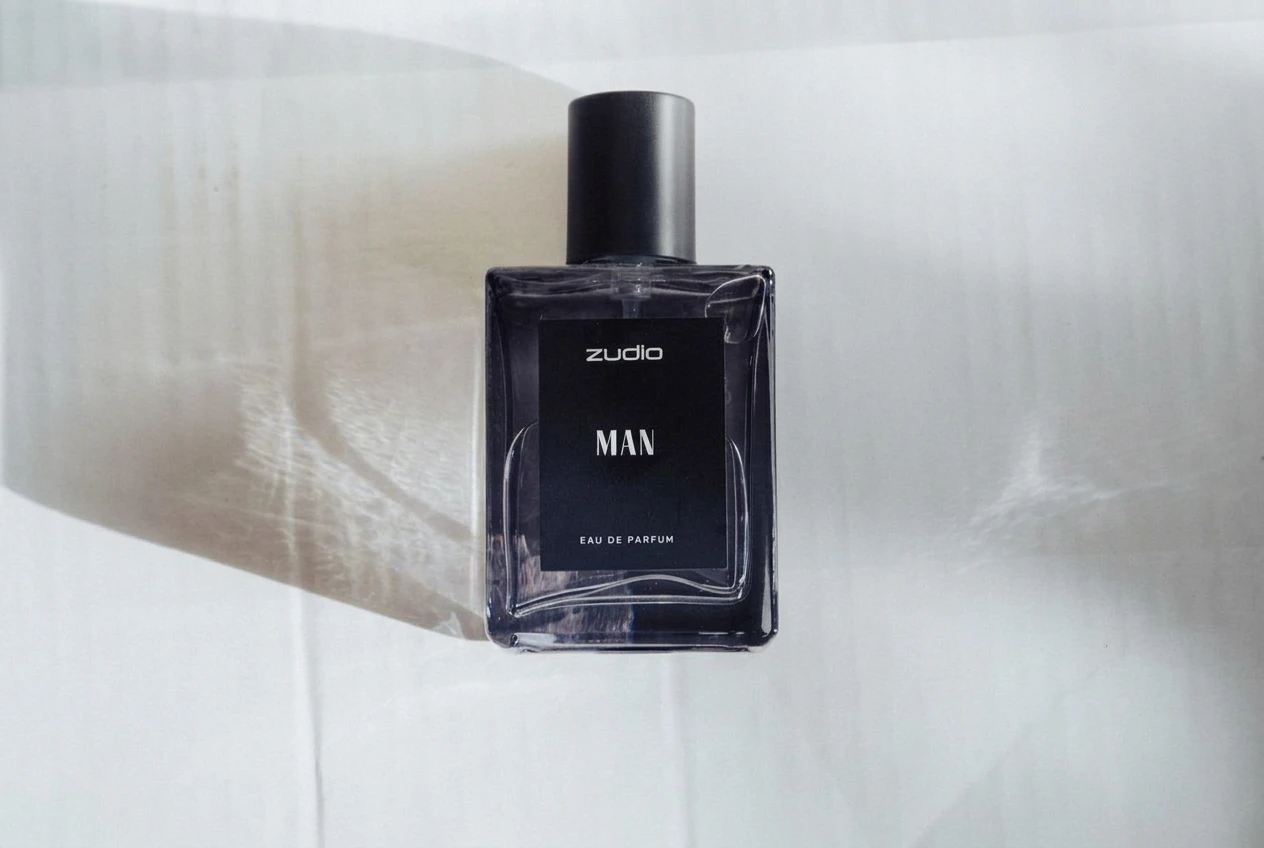
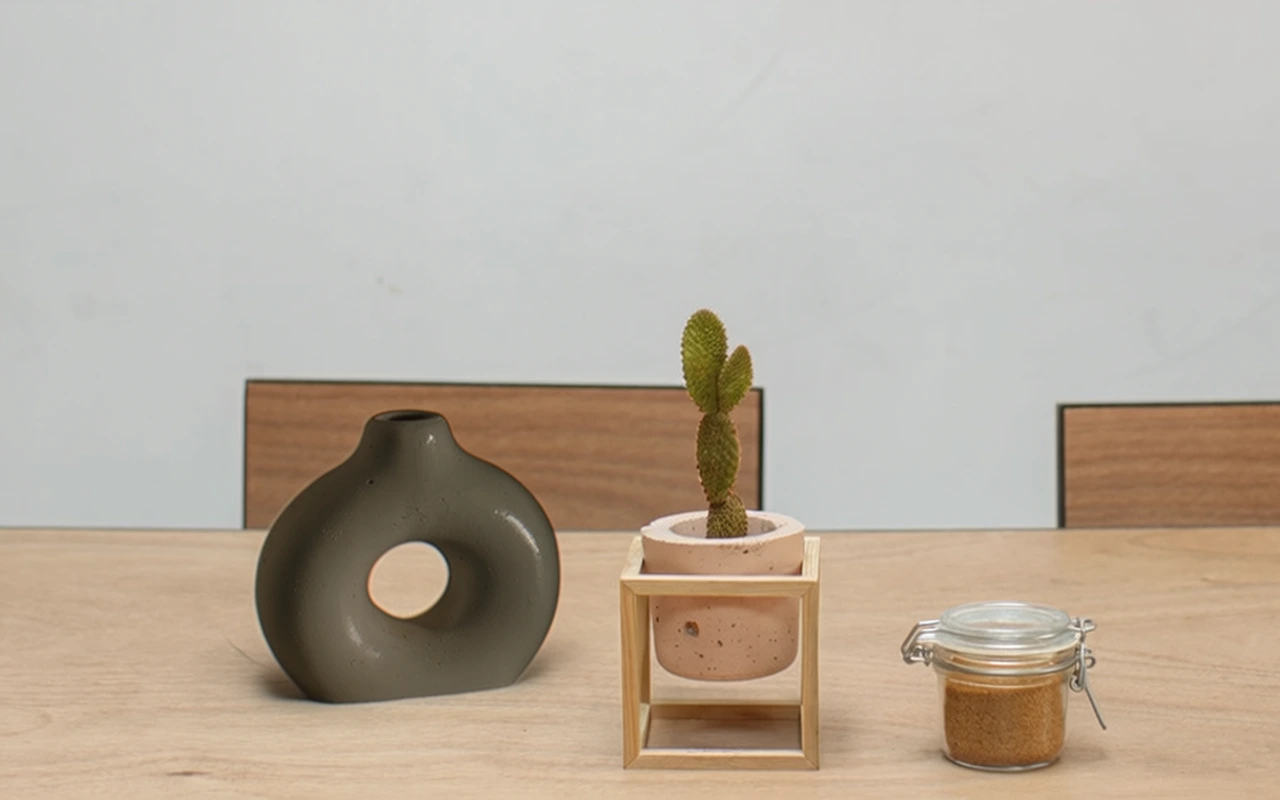
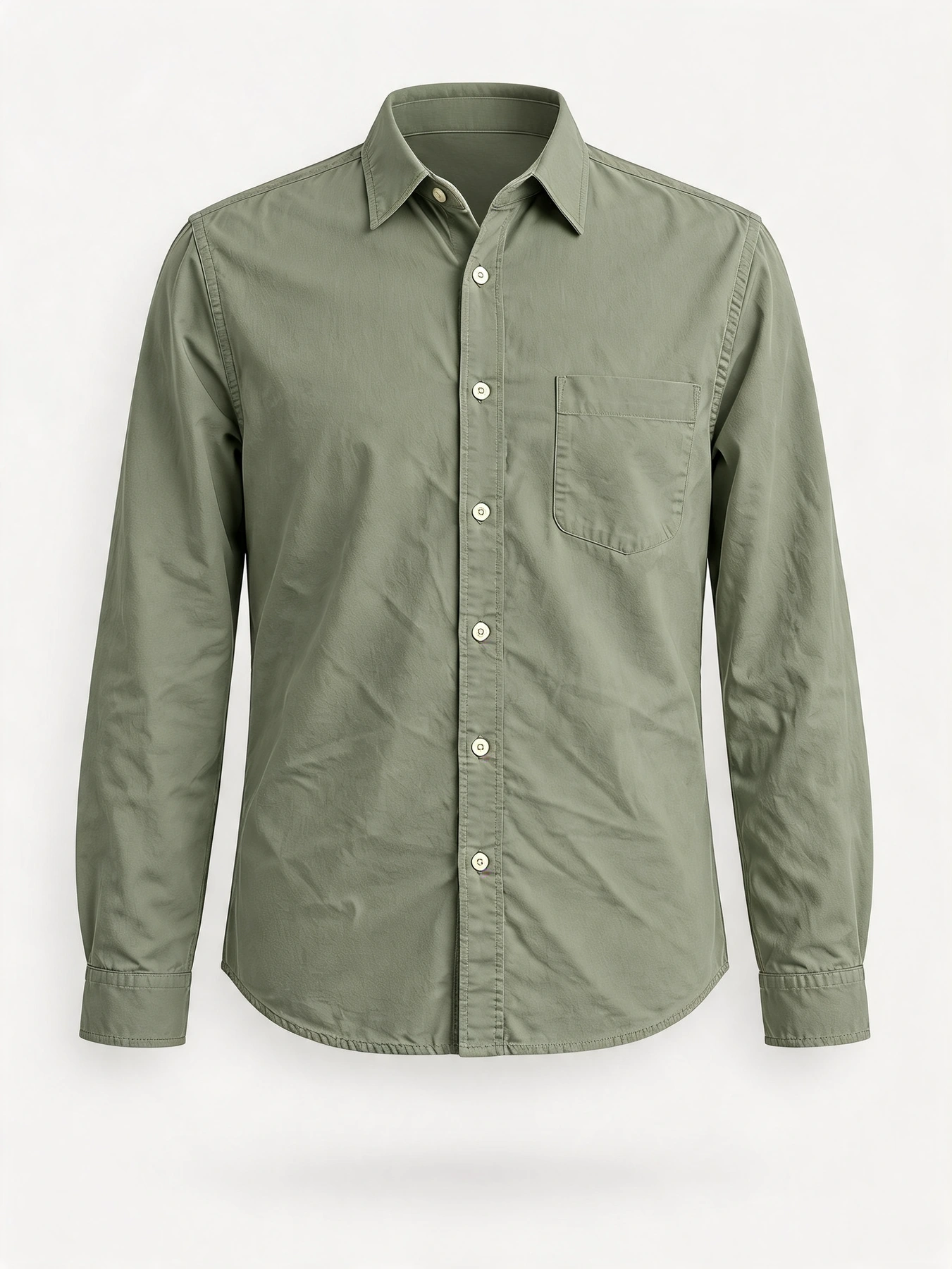
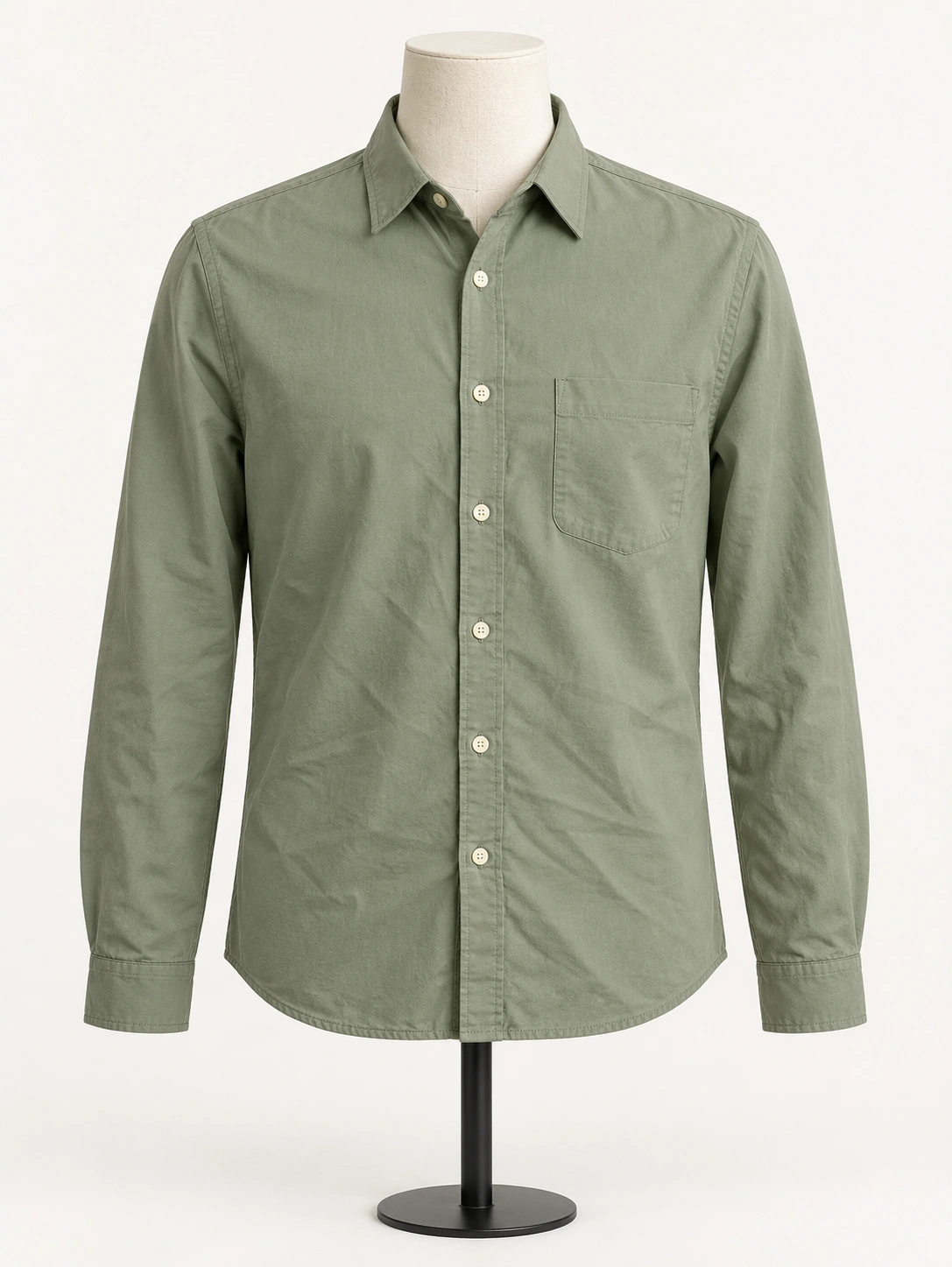 Before
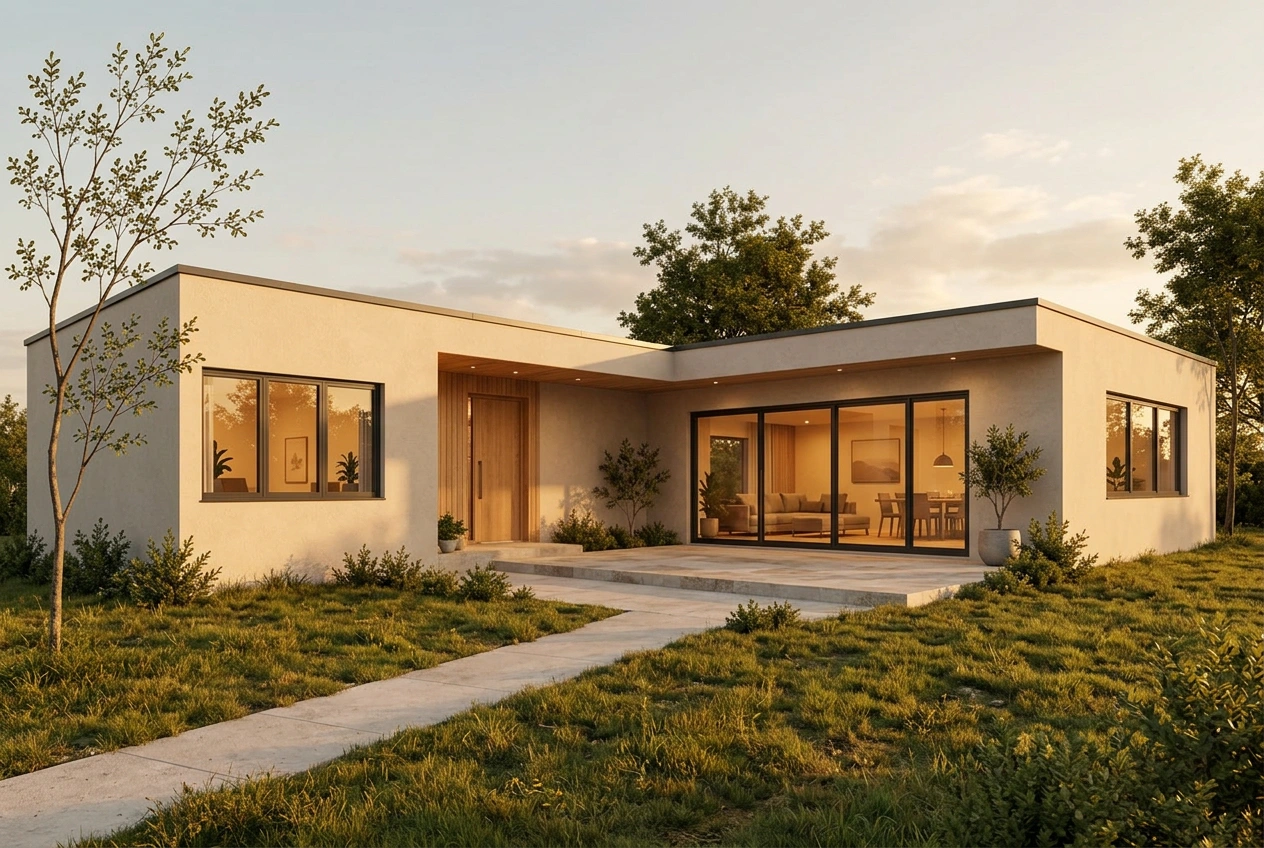
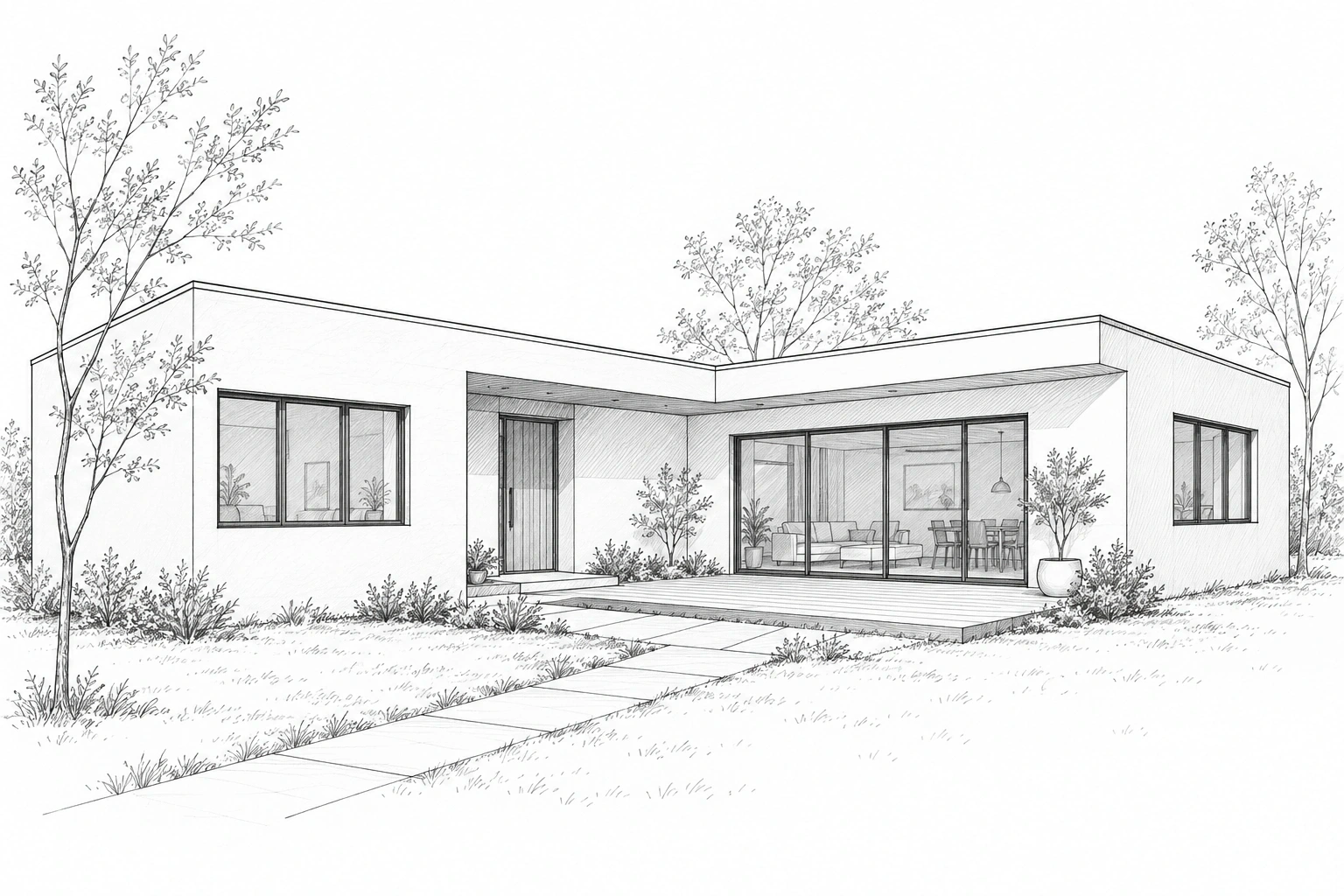
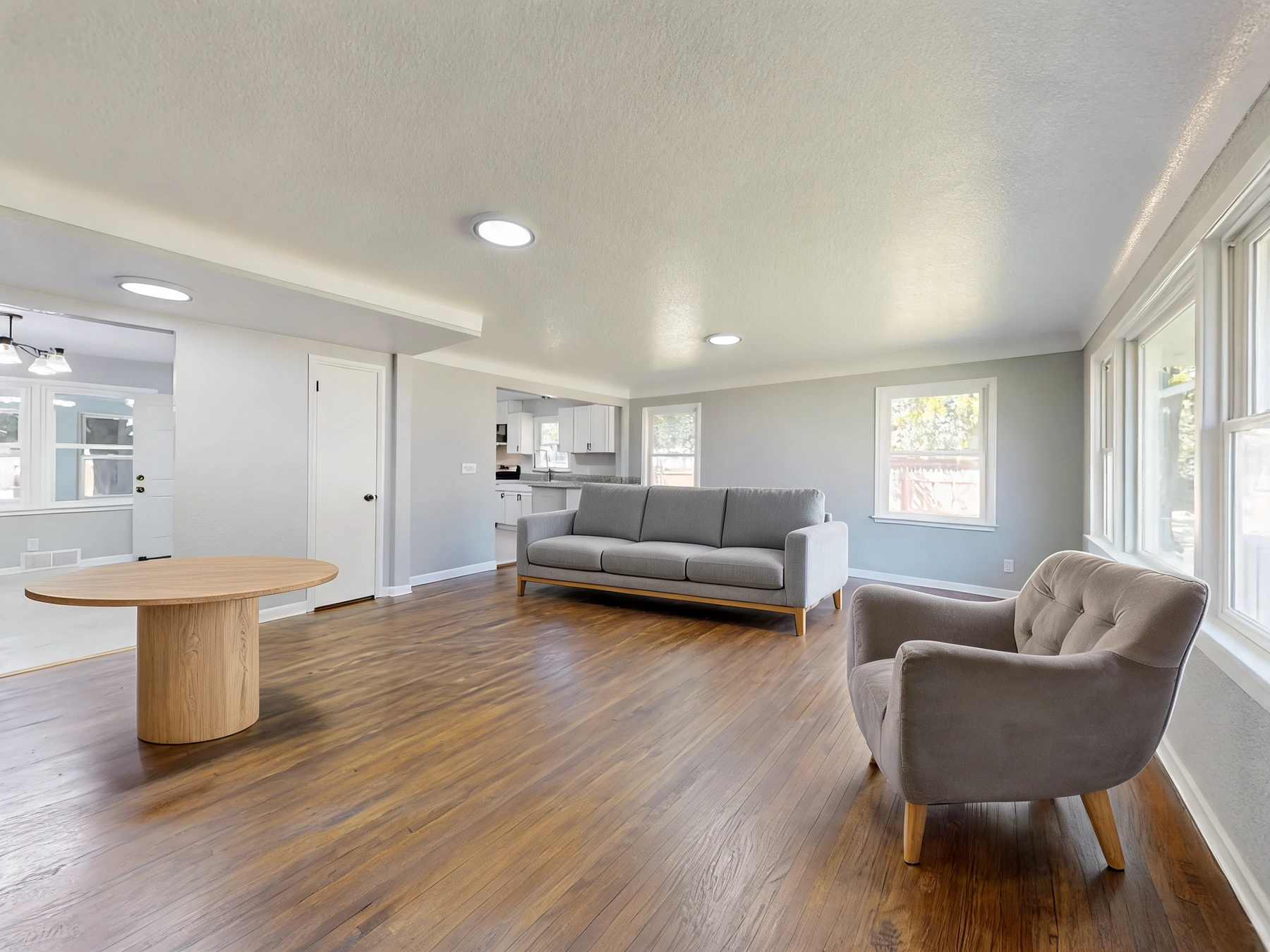
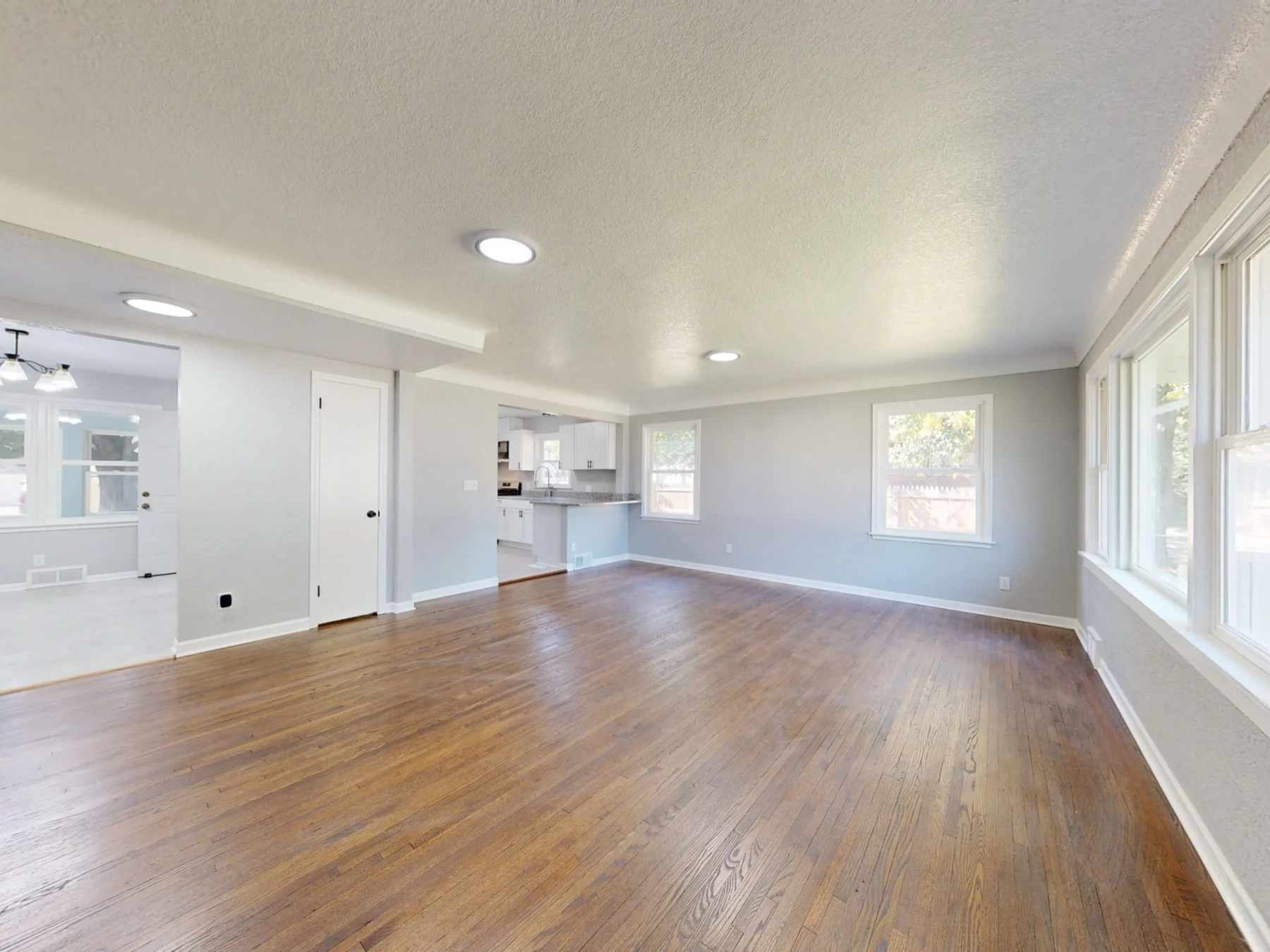
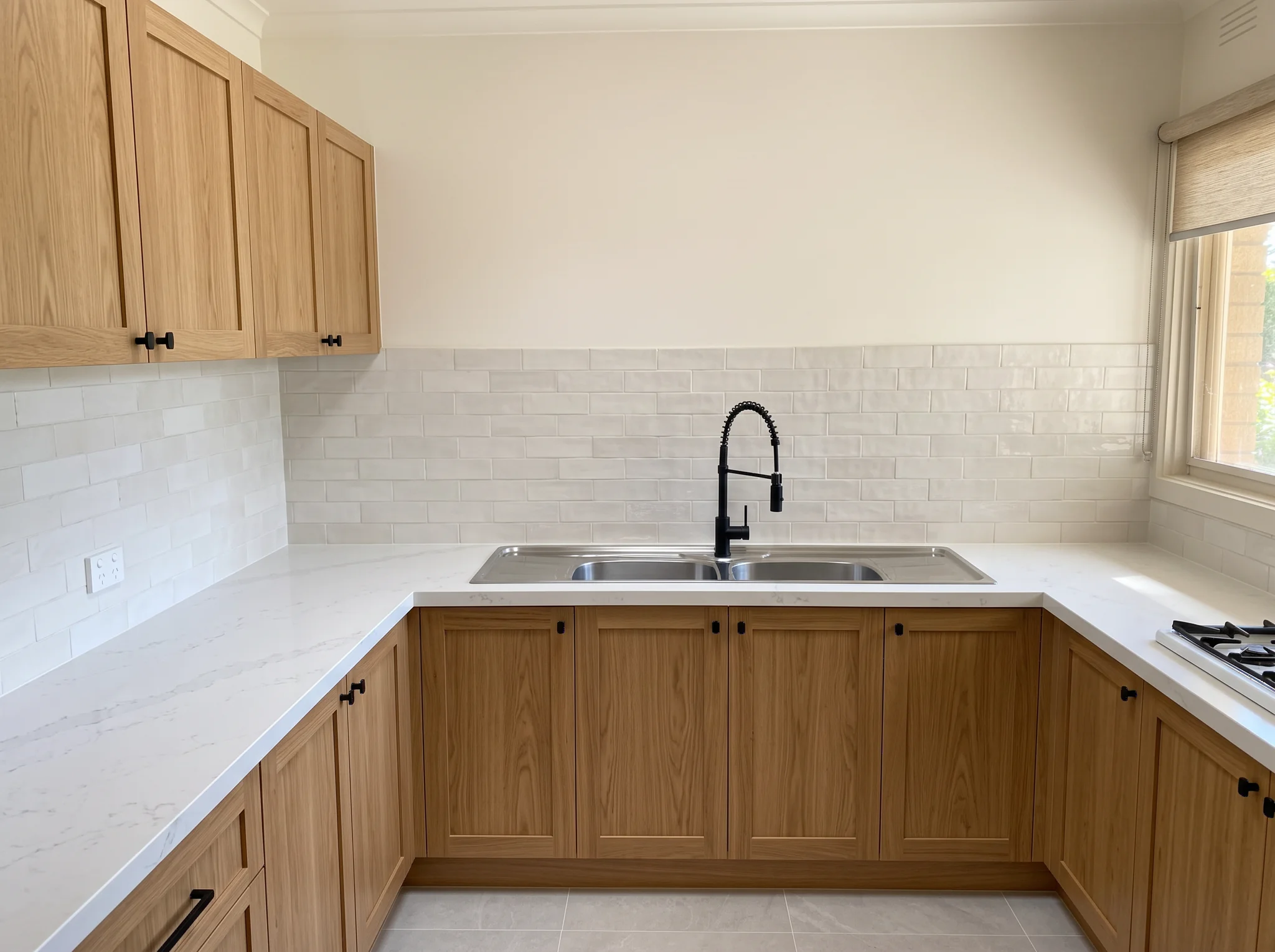
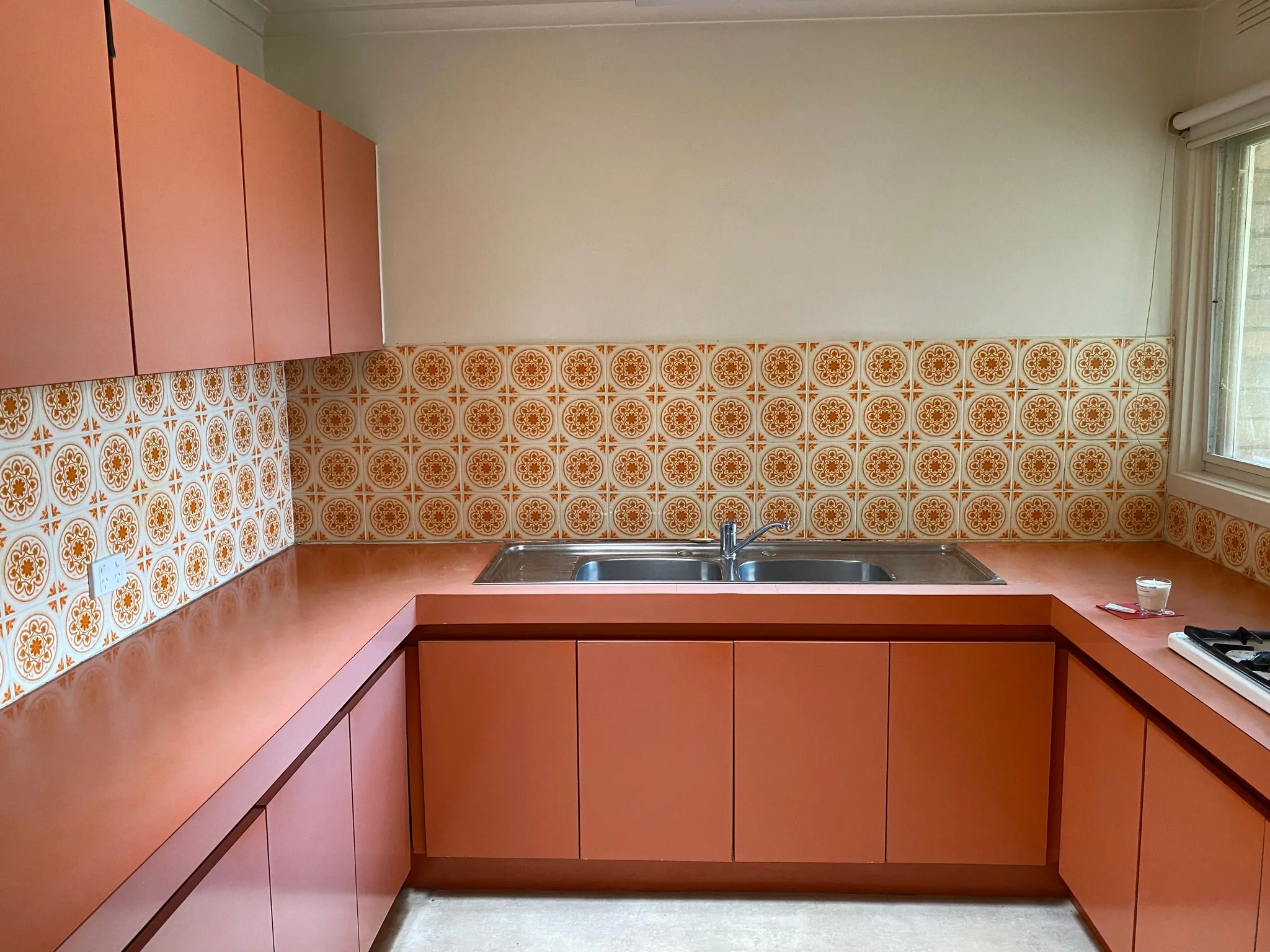
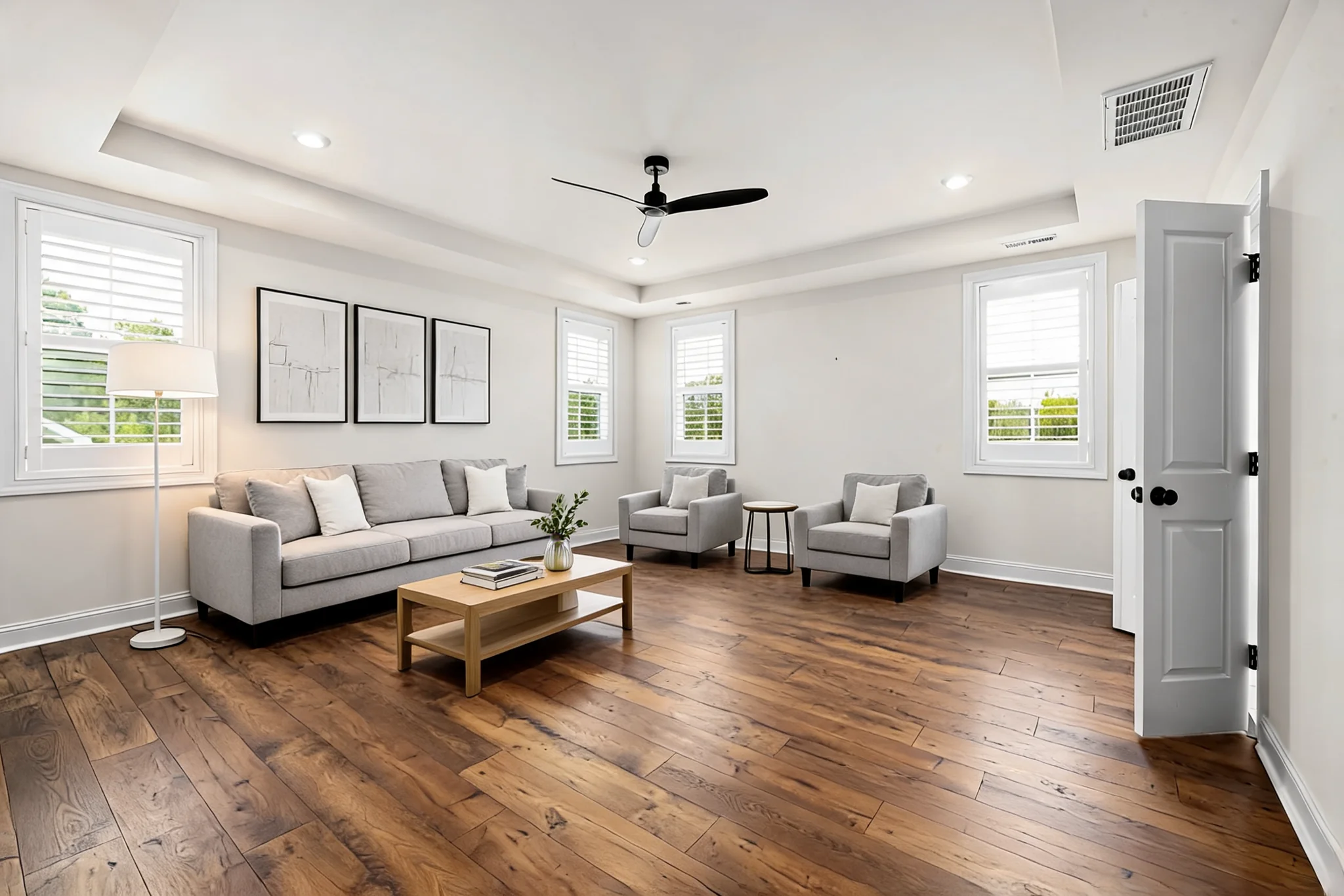
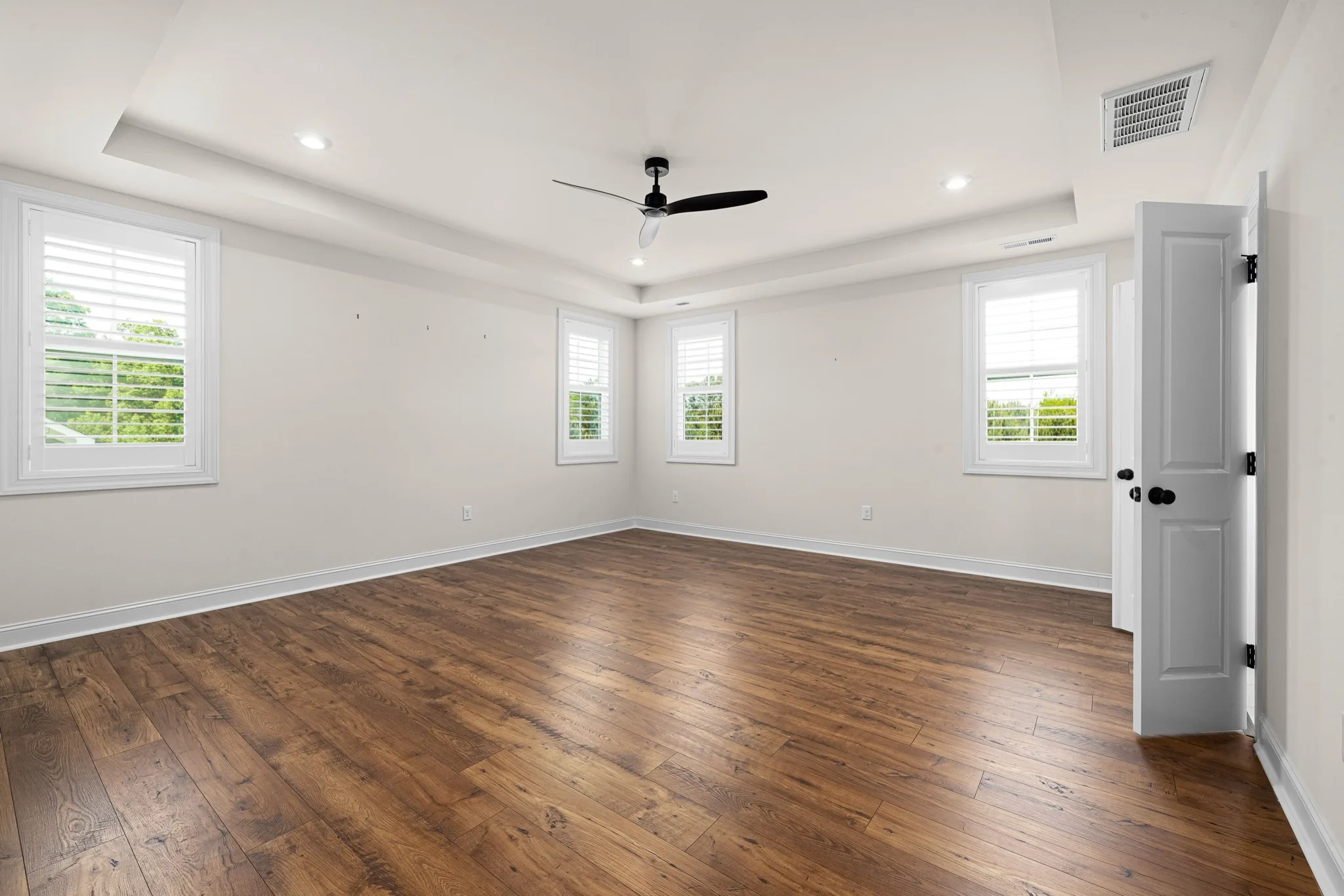
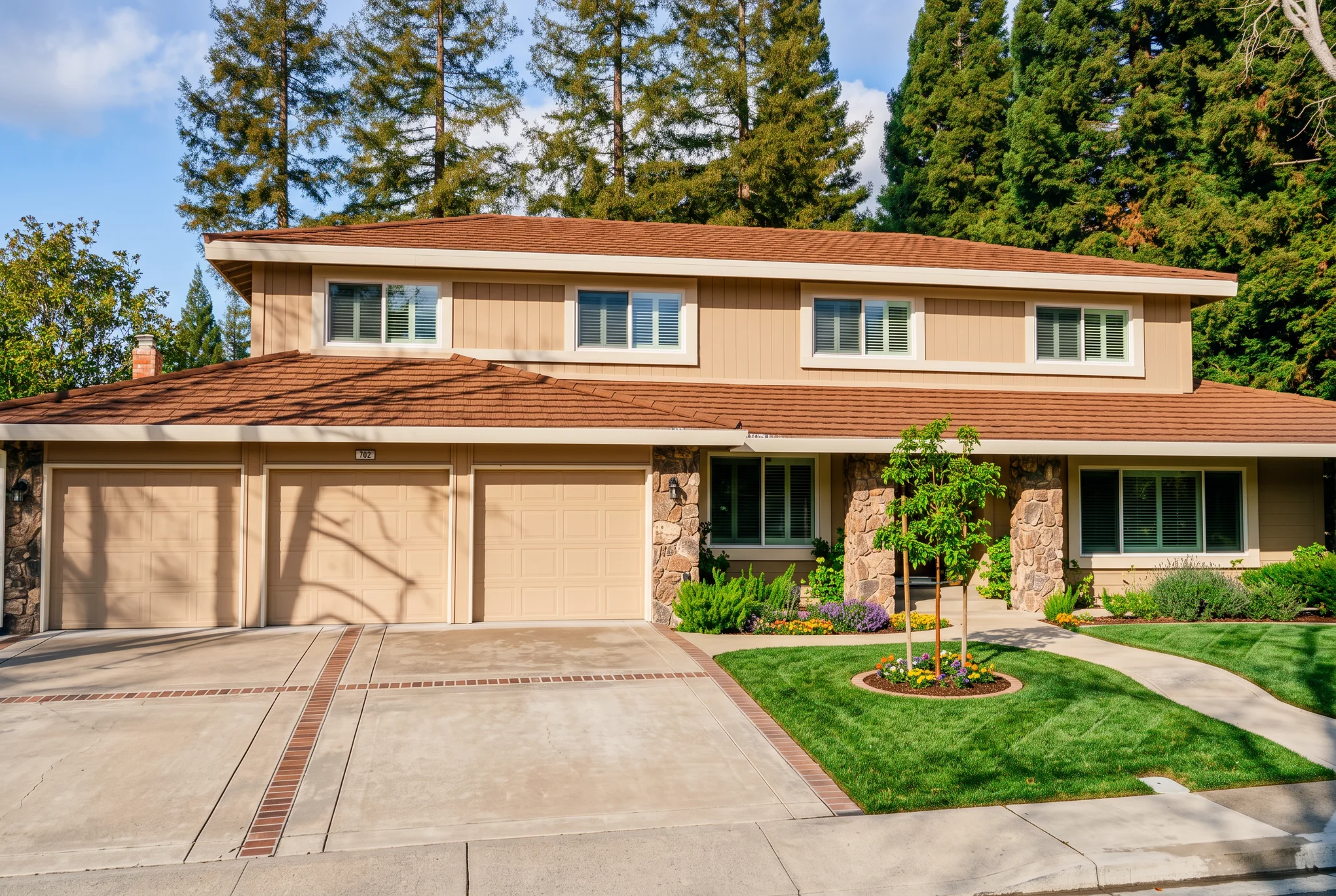
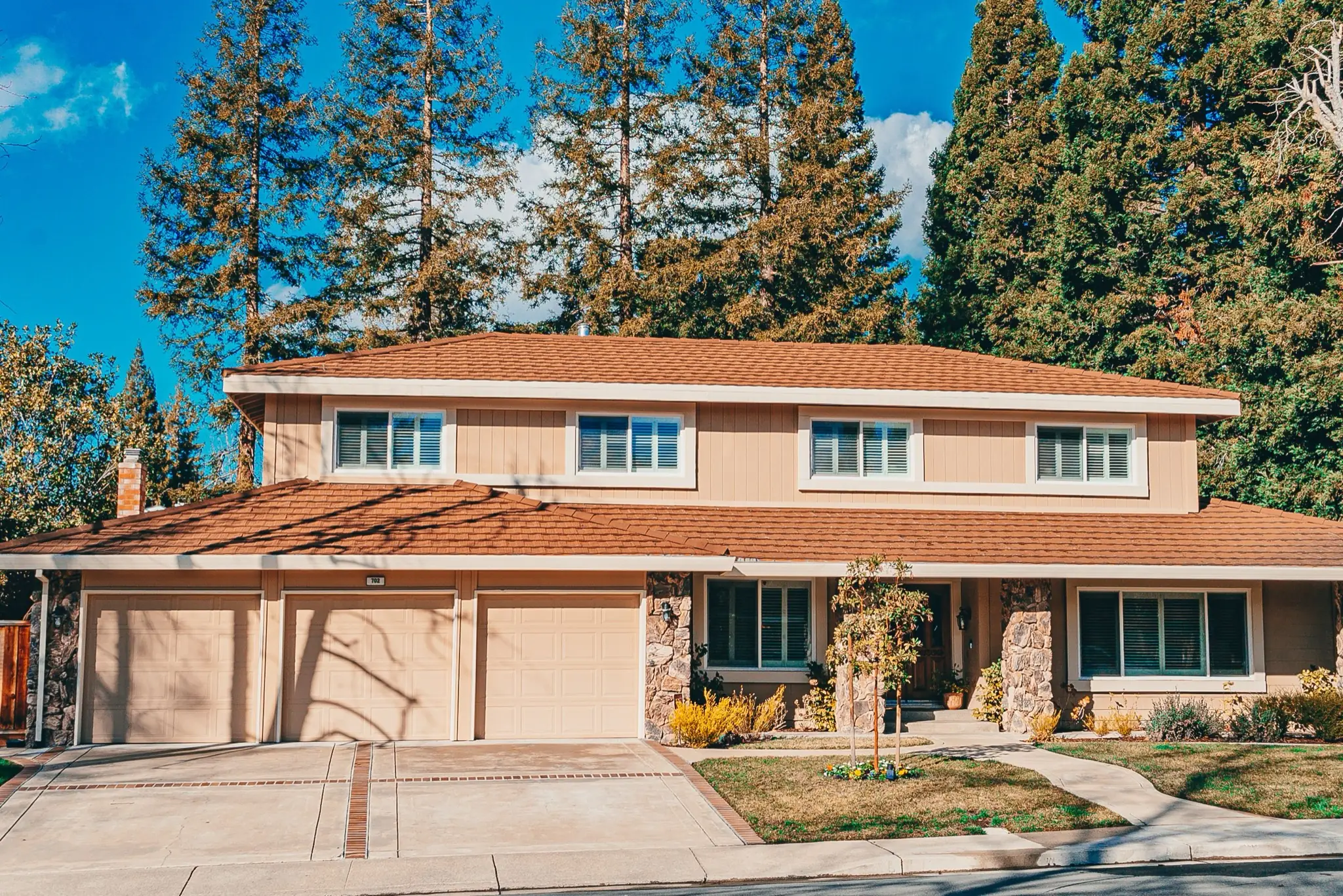
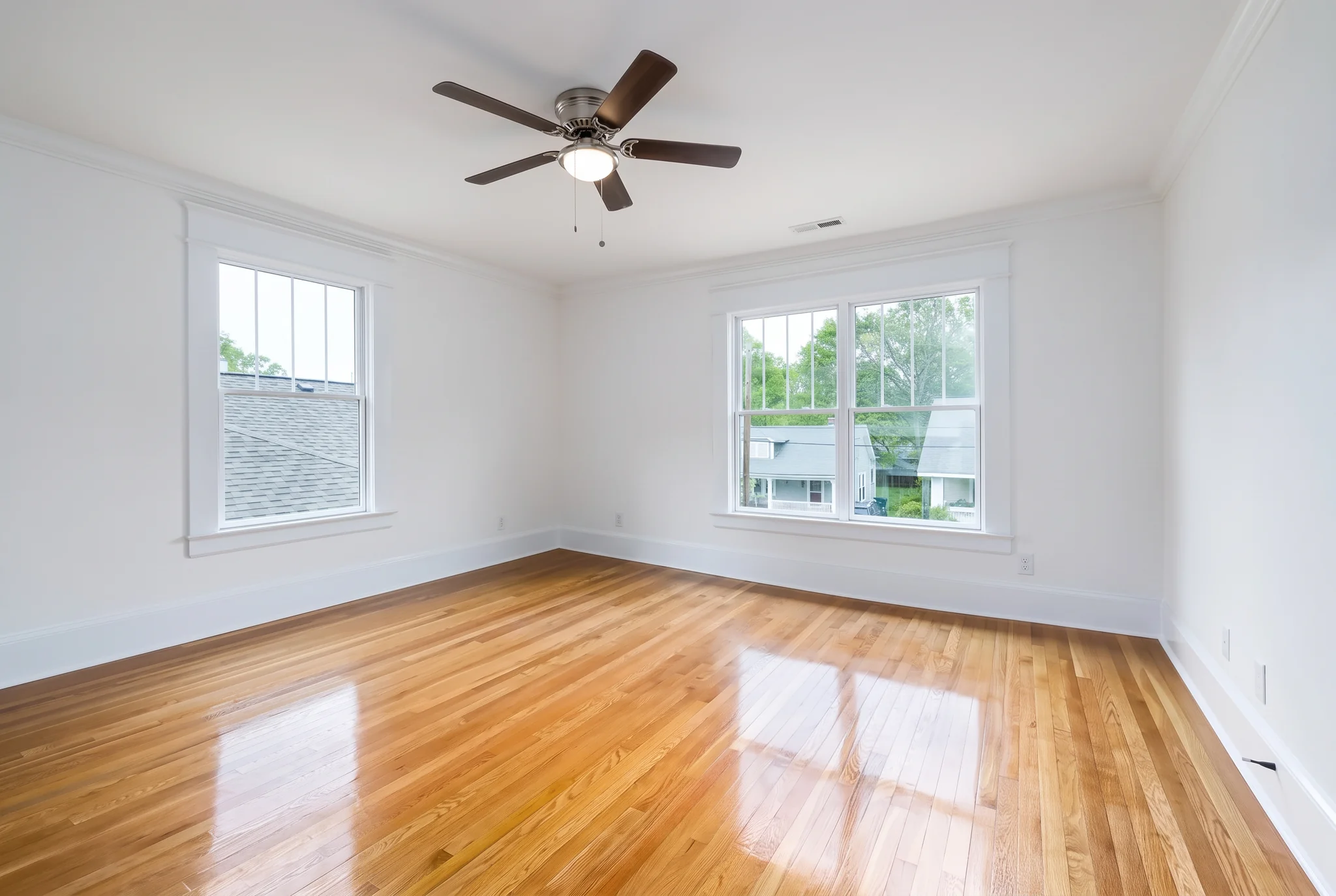
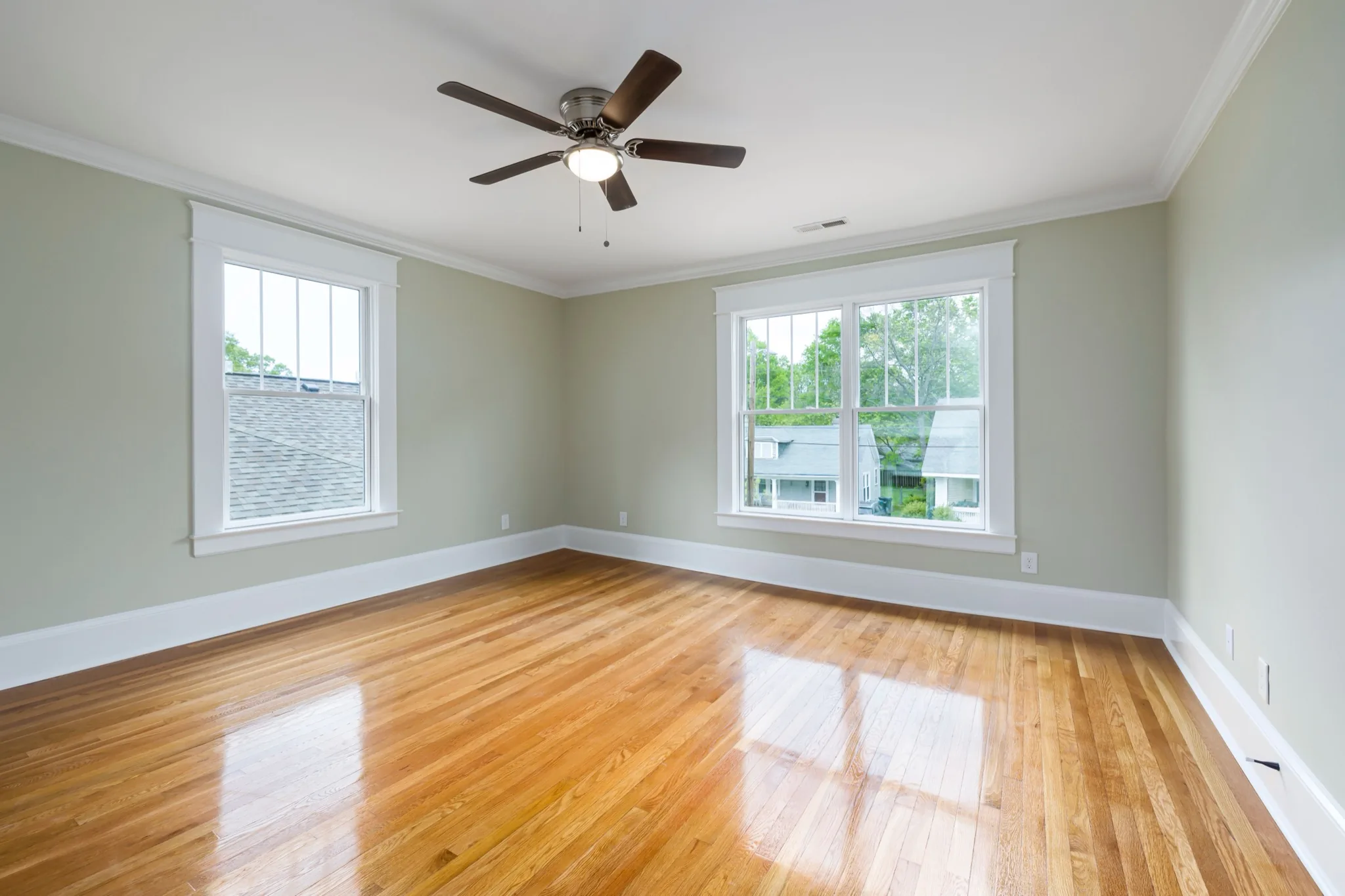
Render architectural sketches, visualize furniture in rooms, and preview kitchen remodels, cabinet colors, wall and floor finishes, house exteriors and landscaping.
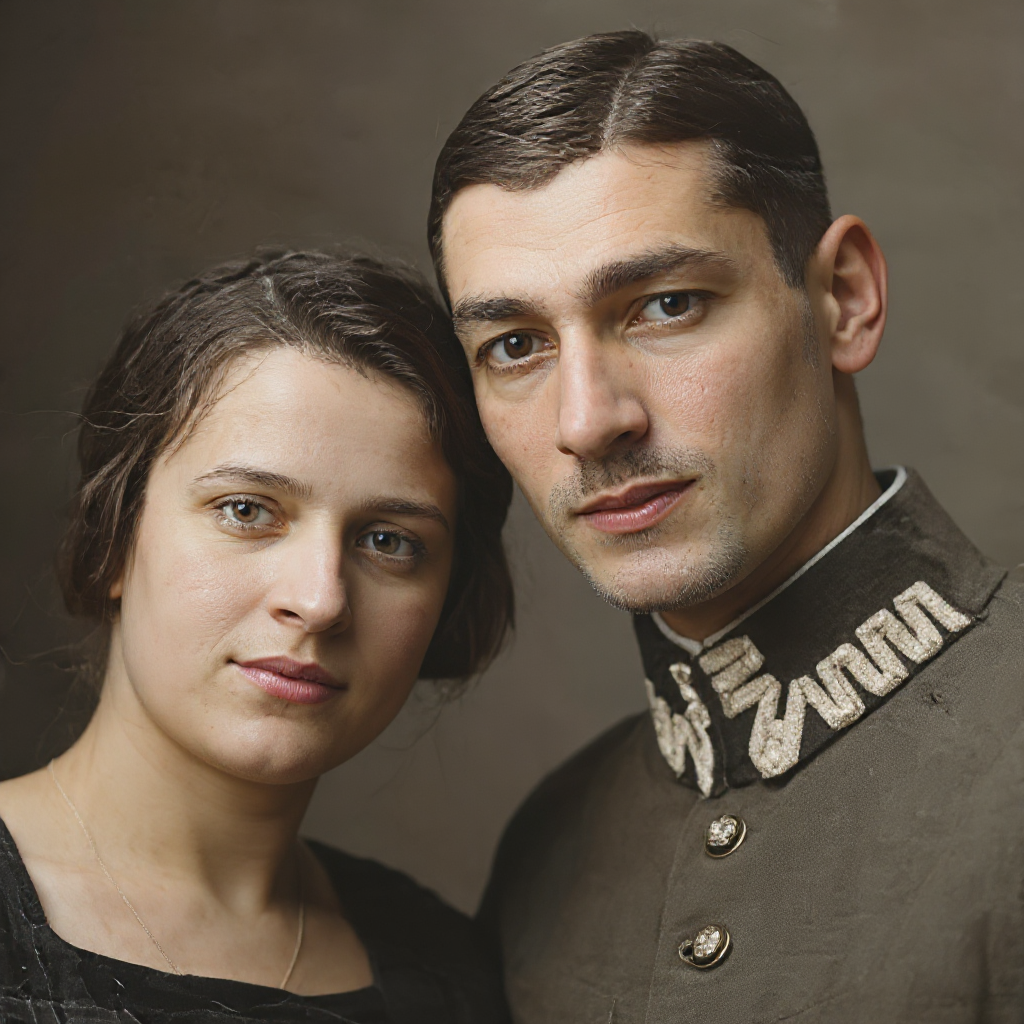
From family prints to career headshots, choose the next step for your own portraits: restore detail, refine light, polish skin and teeth, or finish a usable headshot or print.

 Before

 Before
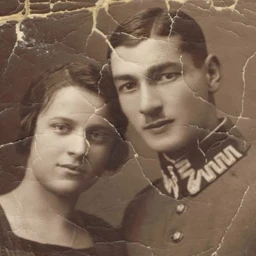 Before

 Before
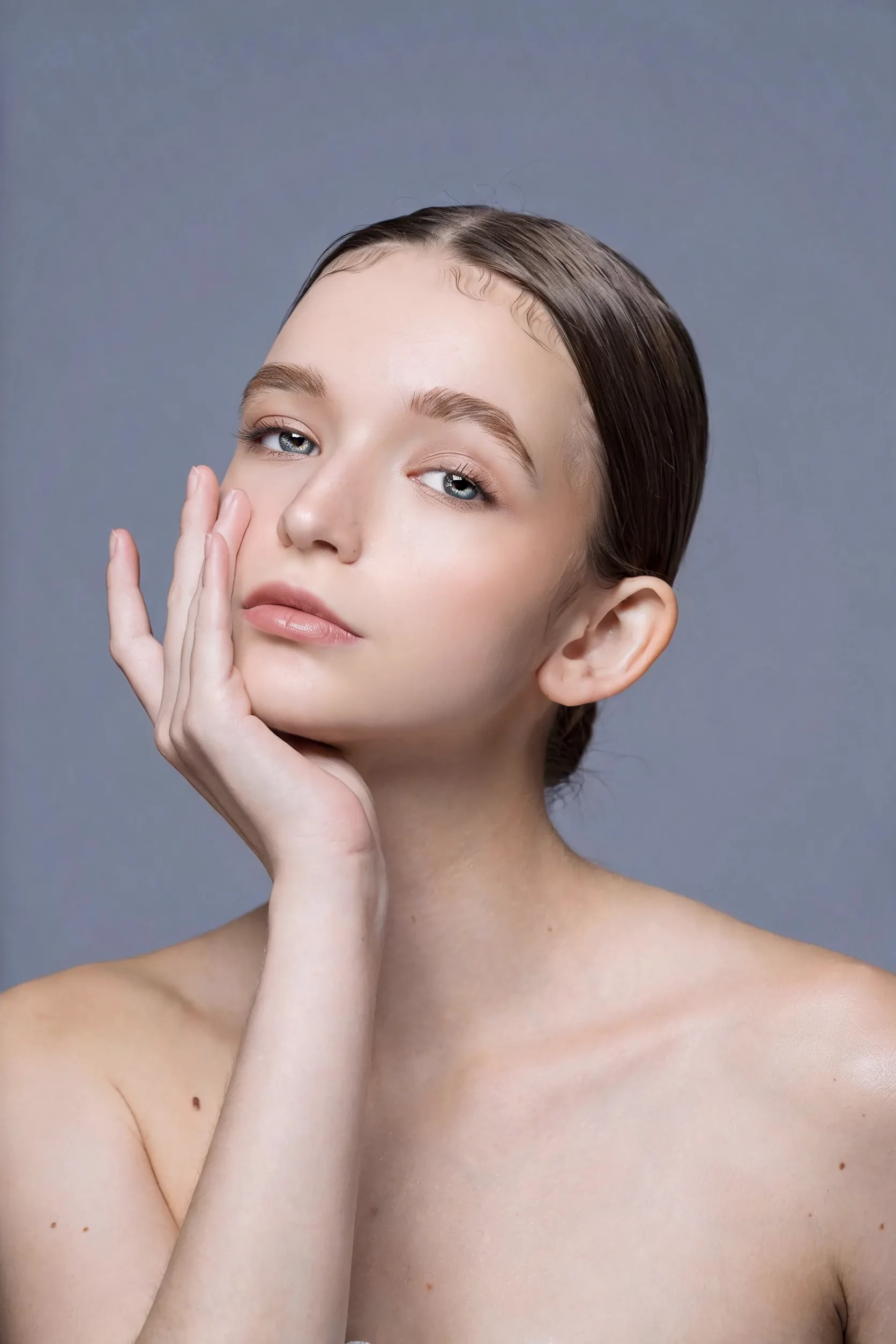
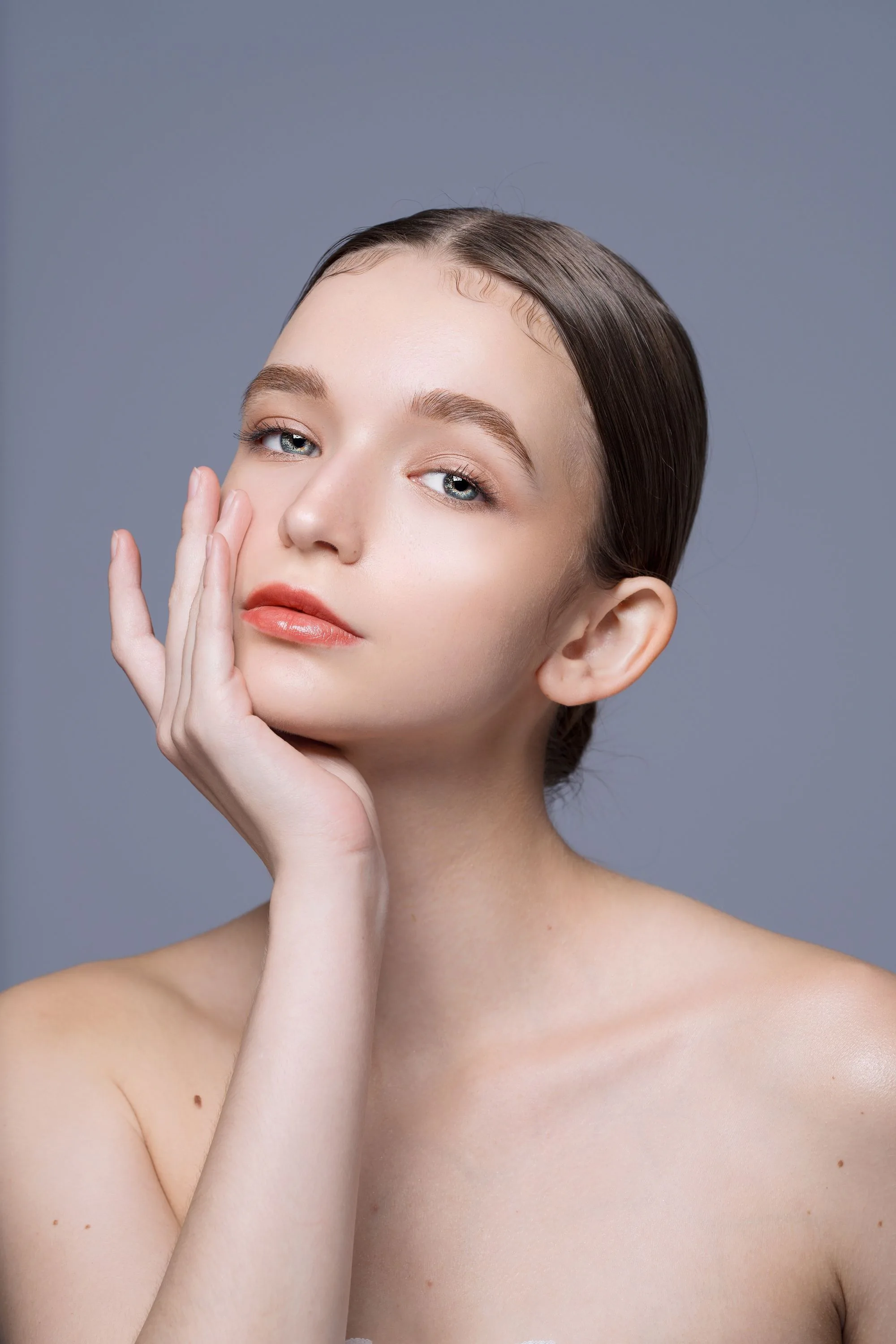 BeforeBefore
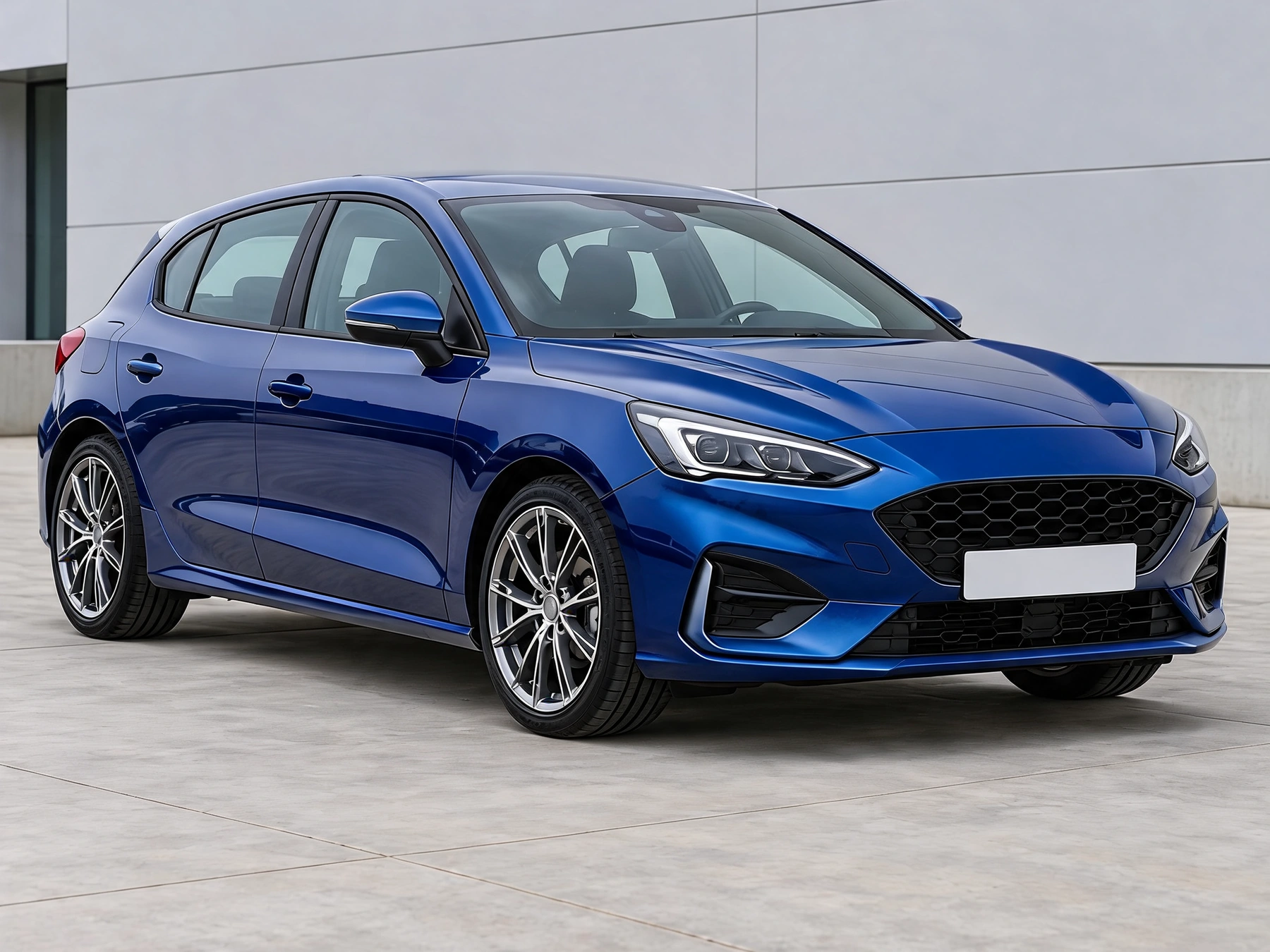
Start with your car photo and choose a focused tool: paint, wraps, wheels, body parts, exterior details or studio rendering.
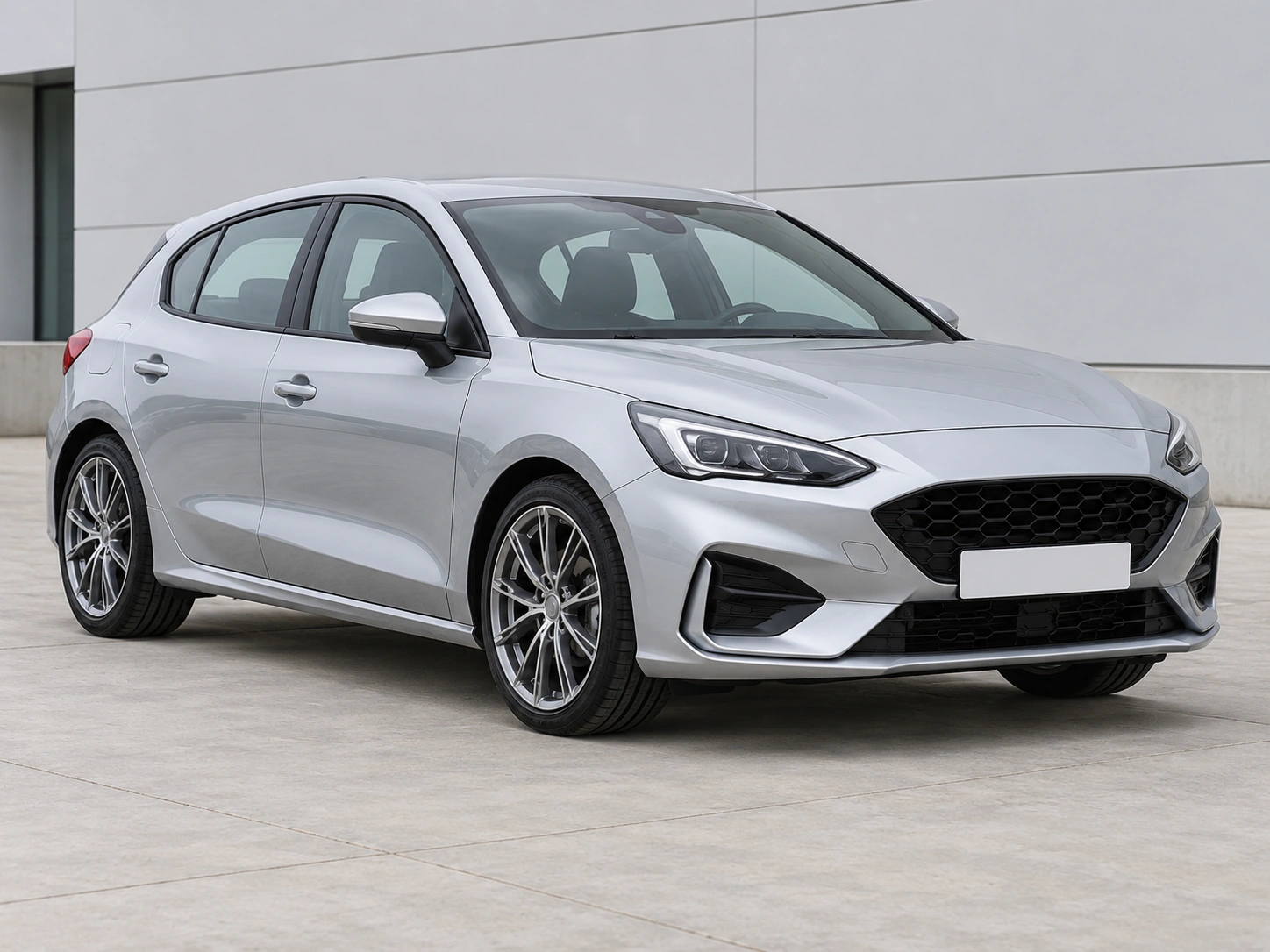
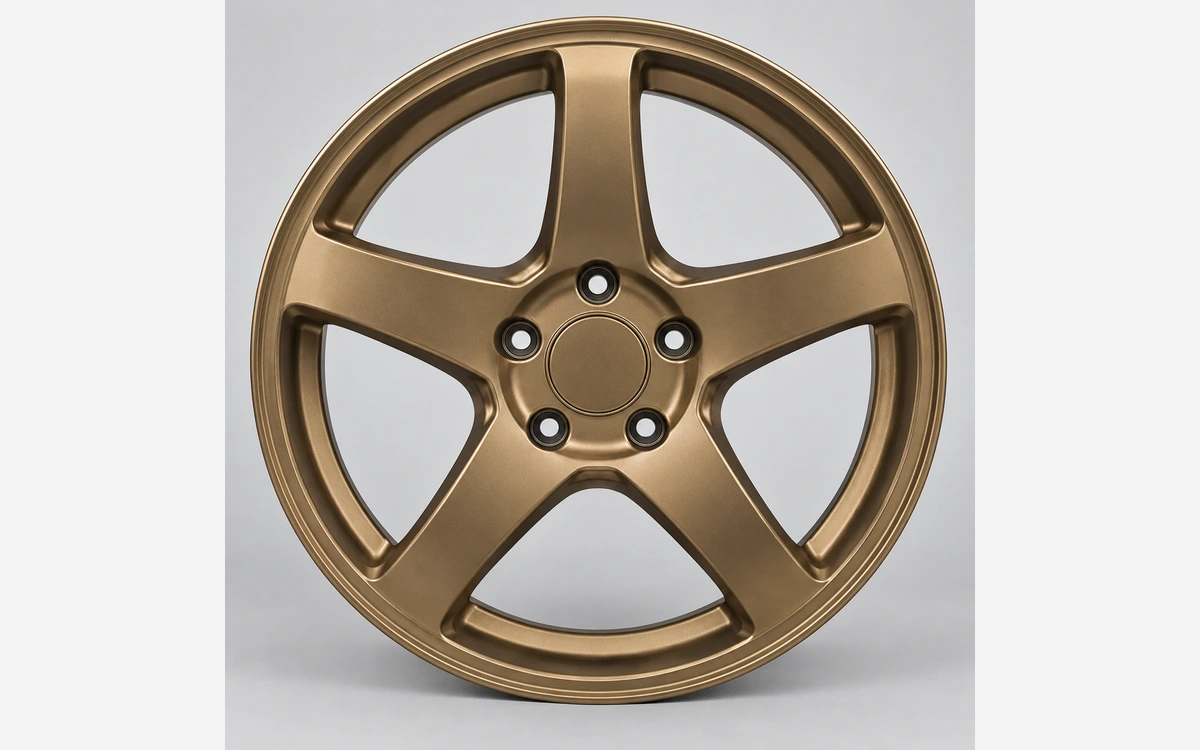

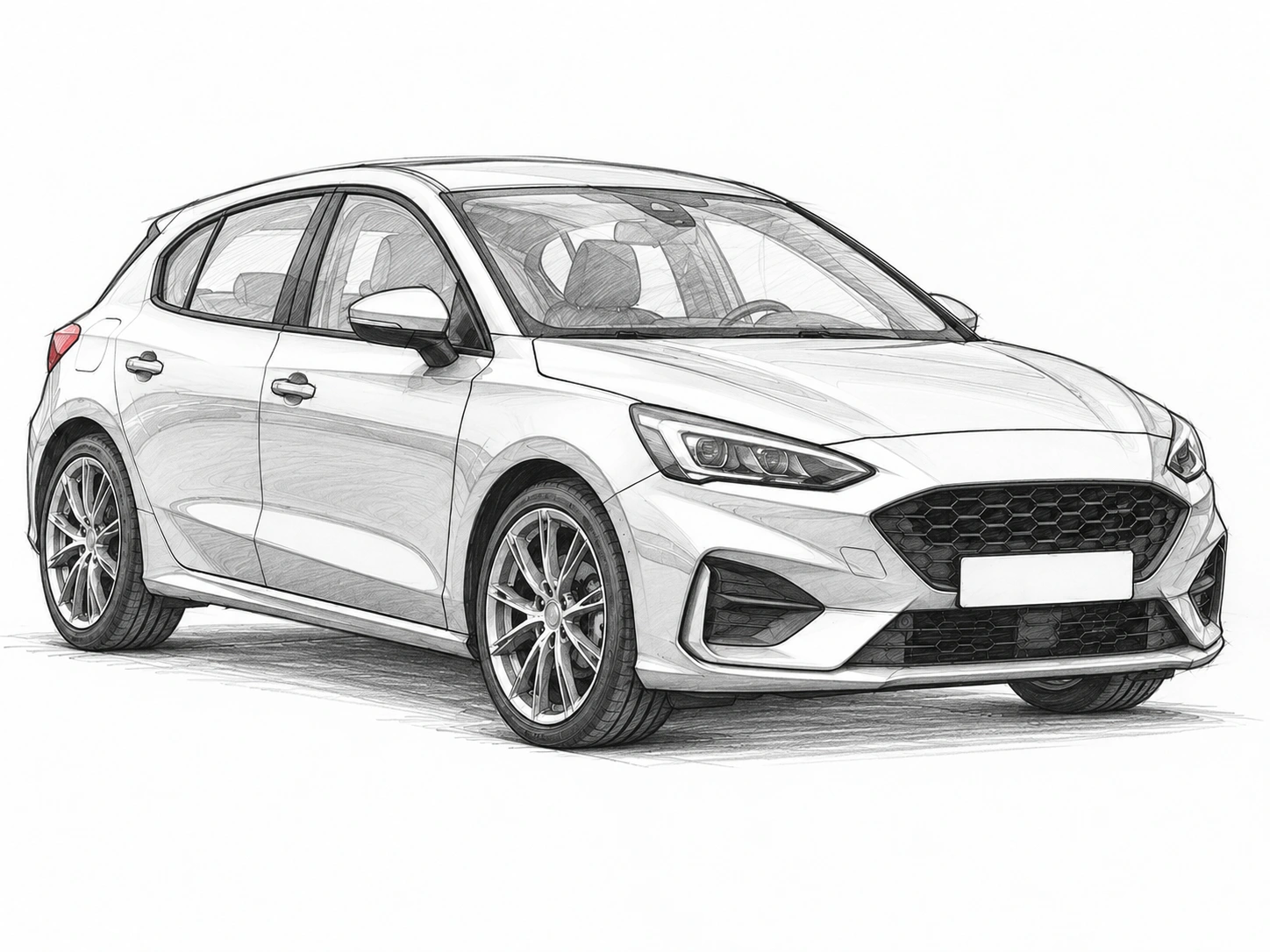
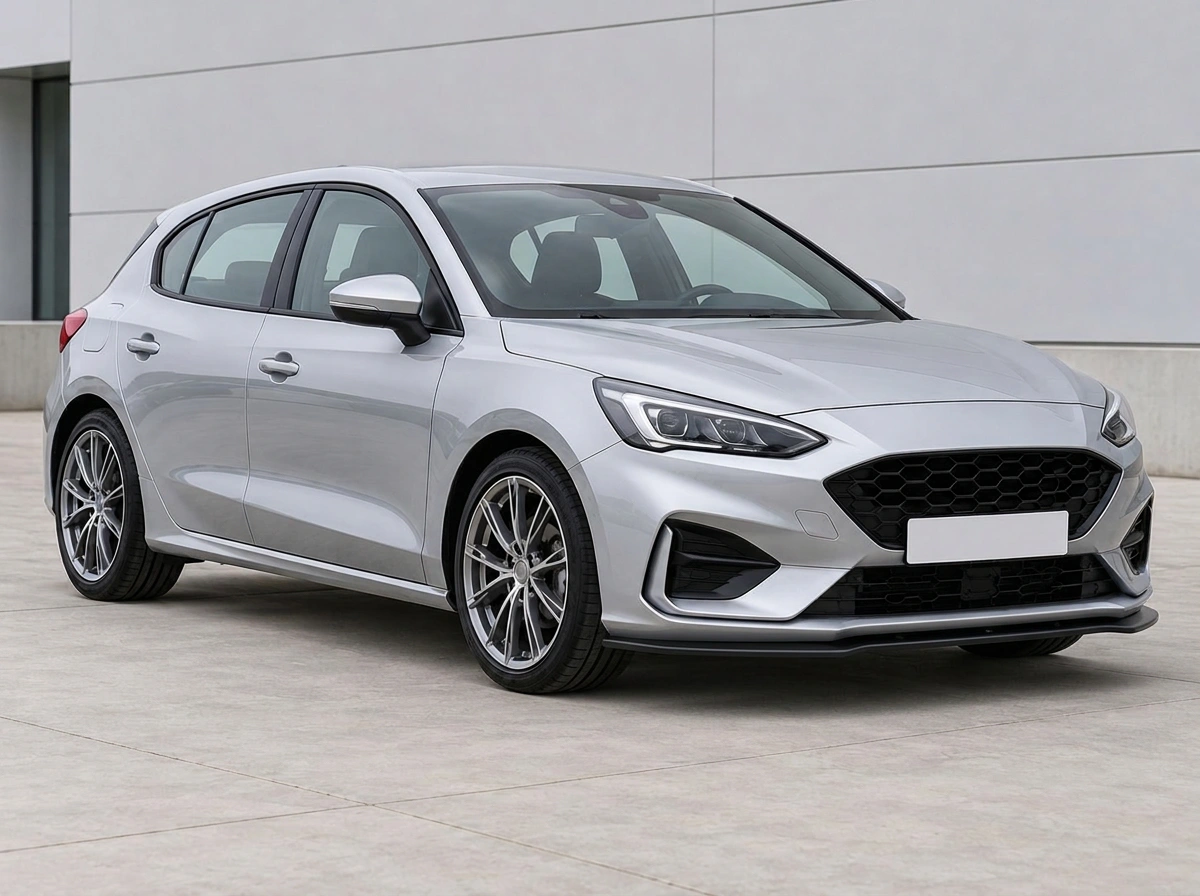
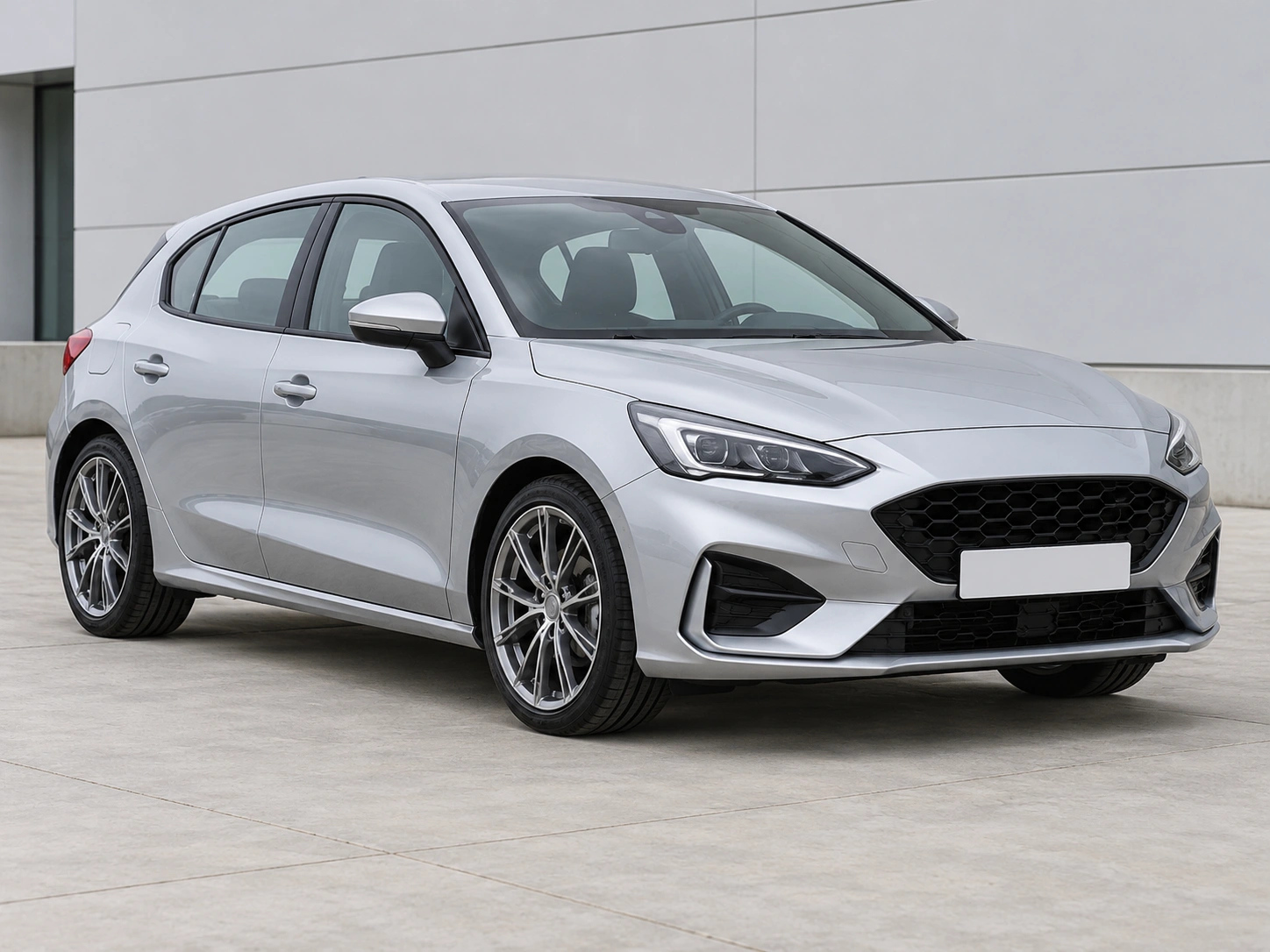
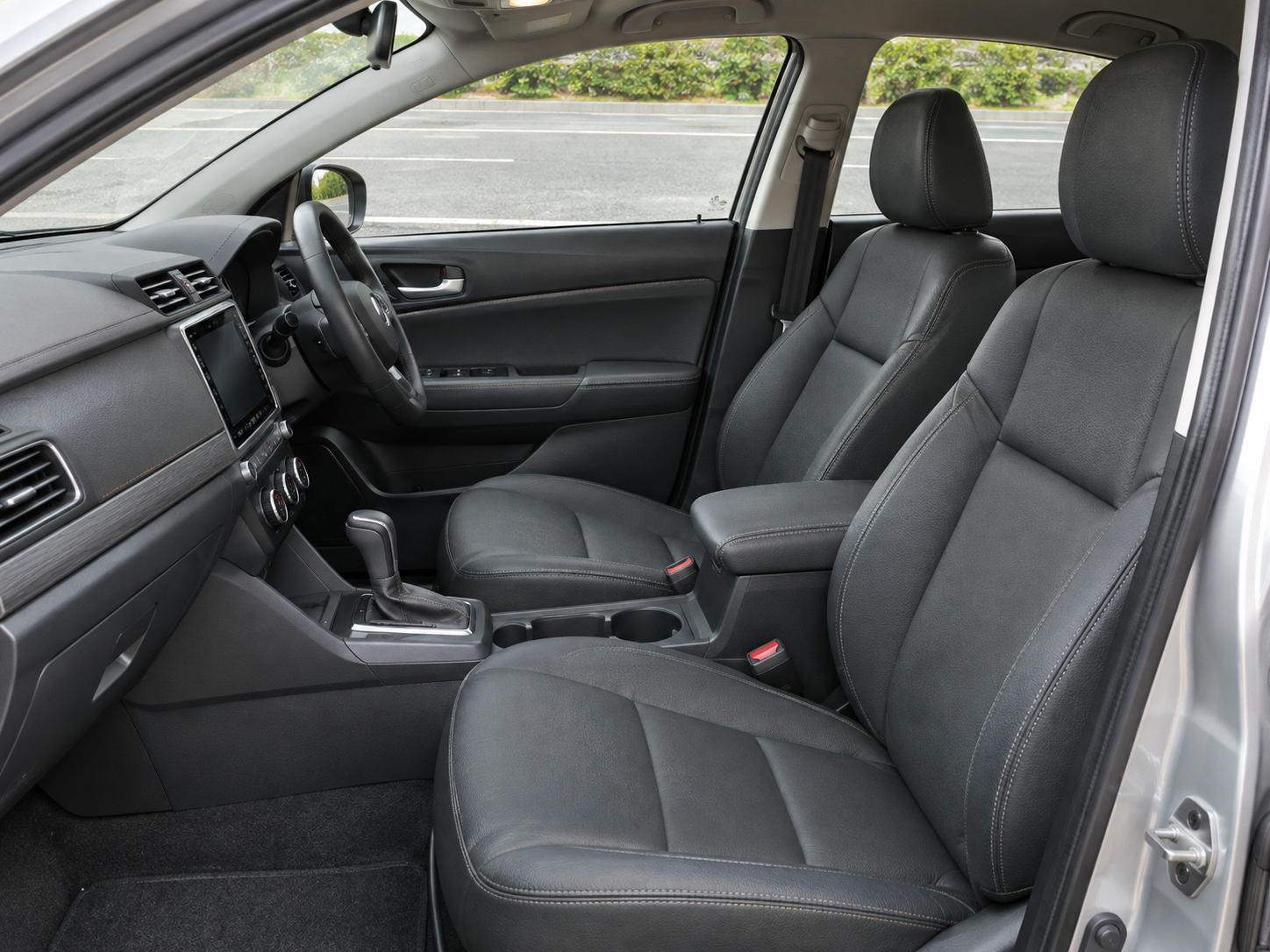
Real before-and-after examples from the same tools used in each solution.
Create product backgrounds, refine lighting and prepare photos for your shop.
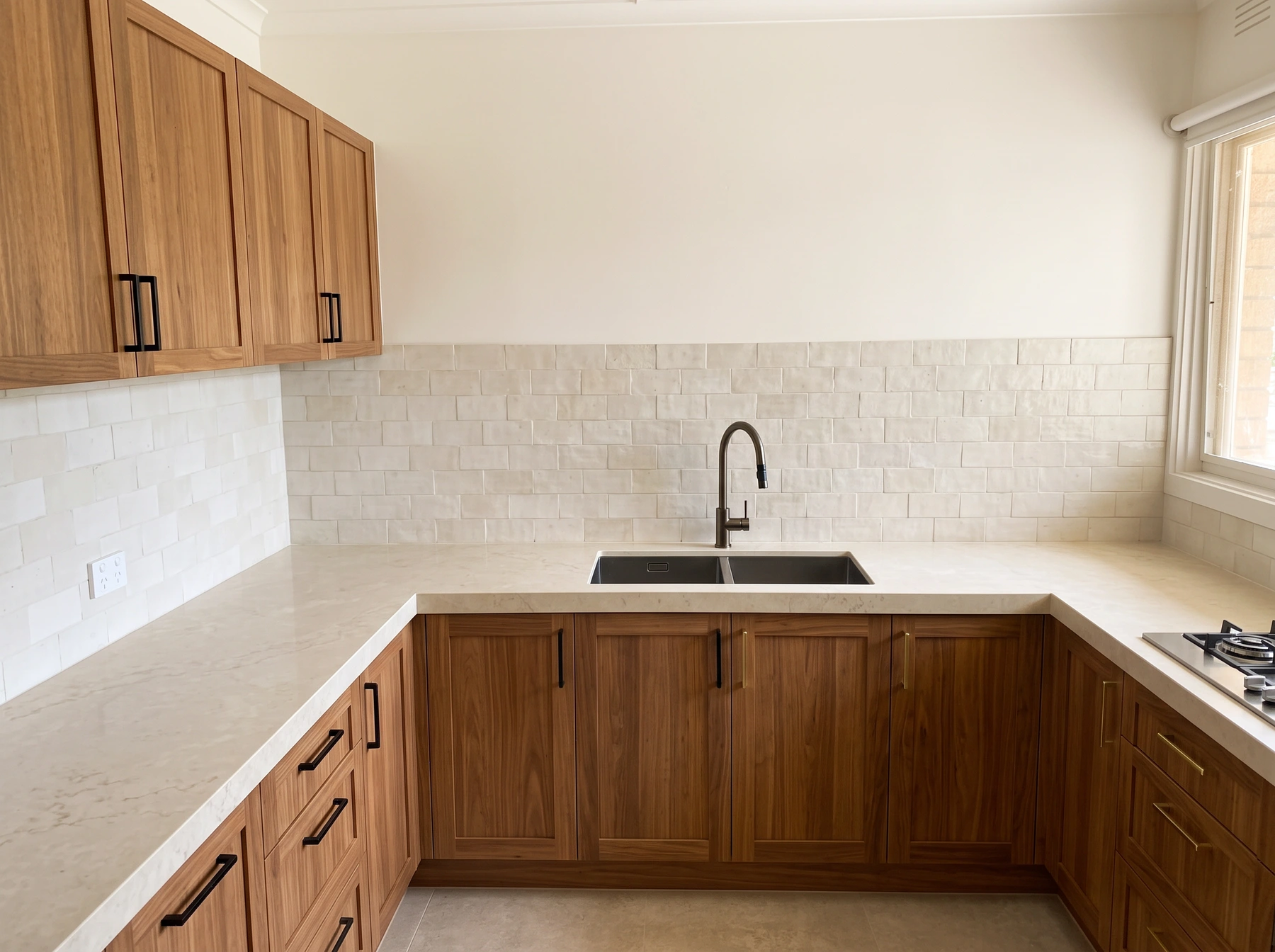
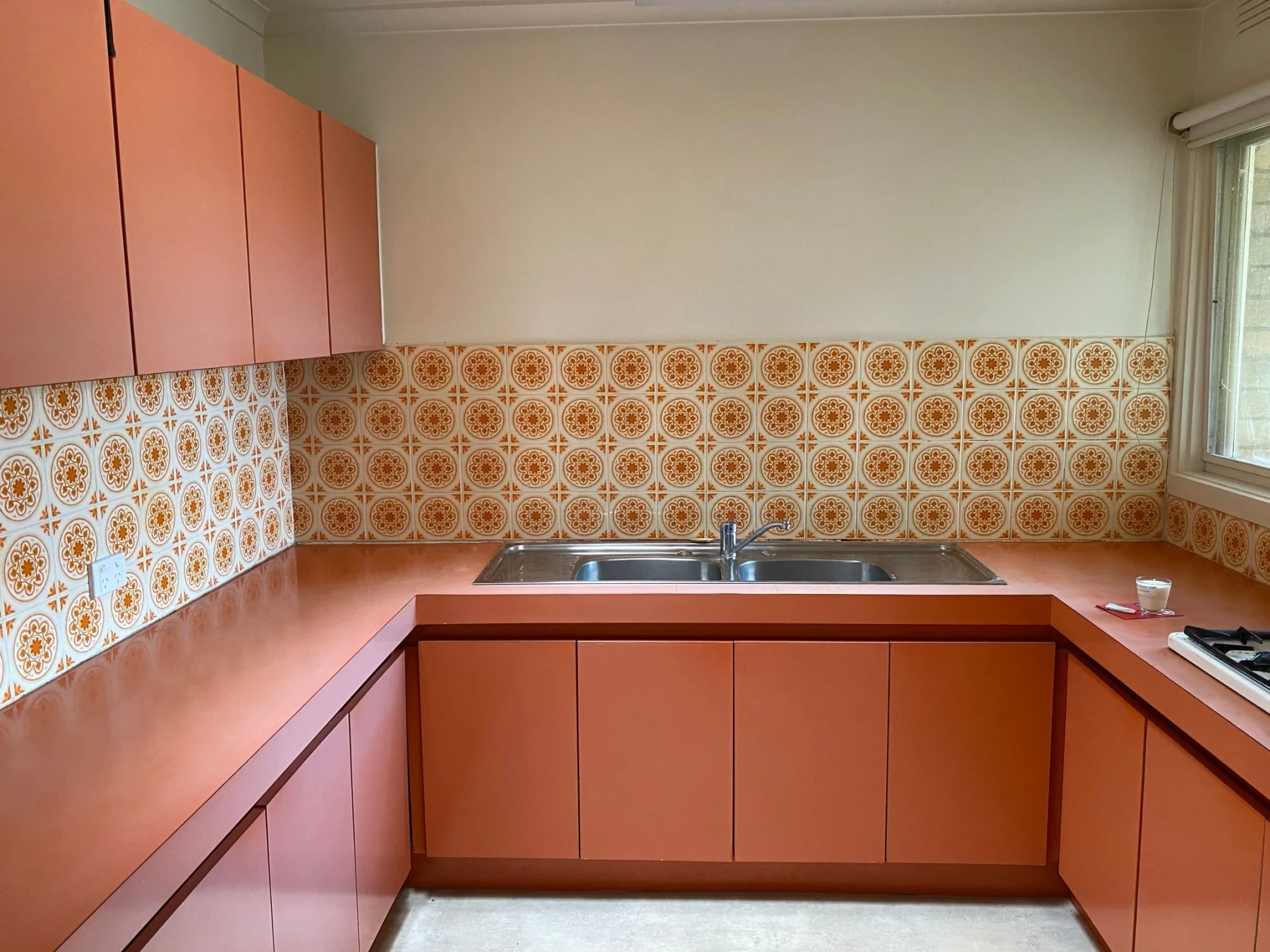
Place furniture, try new finishes and preview changes to interiors and exteriors.


Refine light, retouch a photo or create a professional headshot.
Try paint colors, wraps, wheels and exterior details on your own car.
Pick a scene, use the focused tools, then review and continue into creation when you need more control.
Start with products, spaces, portraits, or cars — then open the matching solution.
Each solution highlights the common tools for that job. Open any card to start.
Check the result, refine with nearby tools, or move into Create with models and templates.
When you need freer generation, model comparison, or a reusable recipe, jump into Create.
Pick a published workflow above, or check pricing before you run a tool.