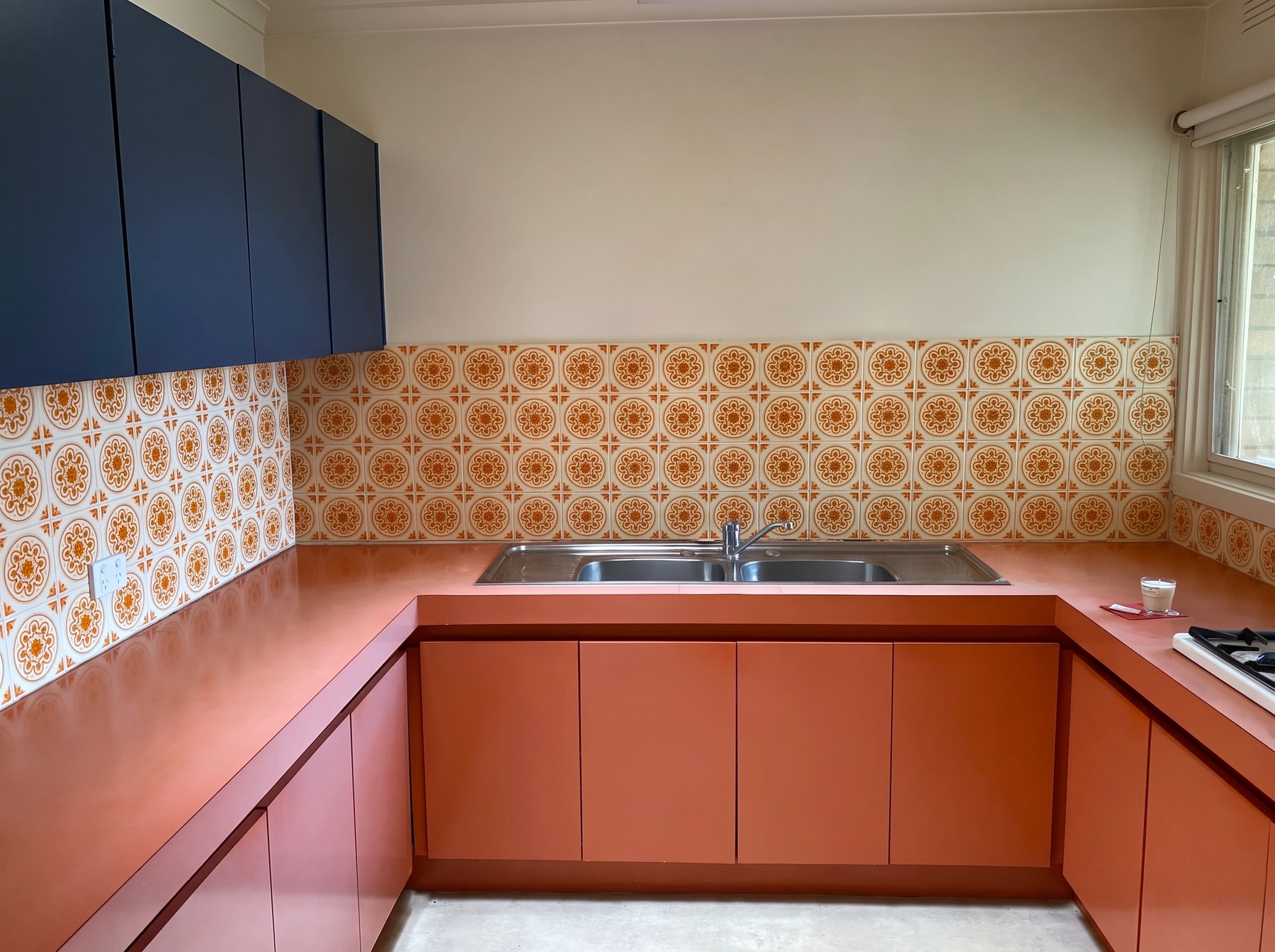
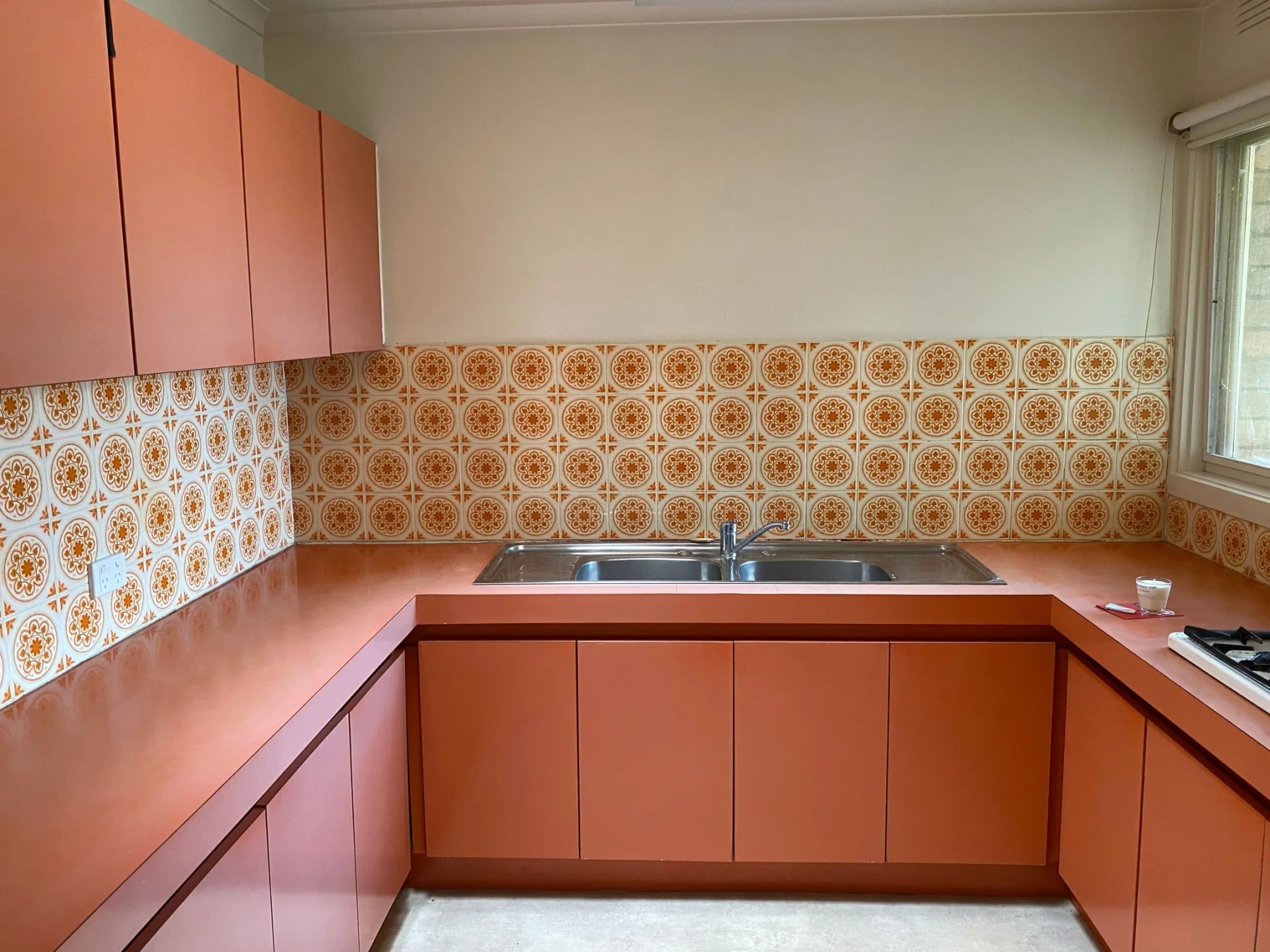
- Upper cabinets only
- Navy
Preview wall paint, wallpaper, floors, kitchen cabinet colors, countertops, backsplashes and shower tiles on your photo. Choose a finish or upload a material sample.
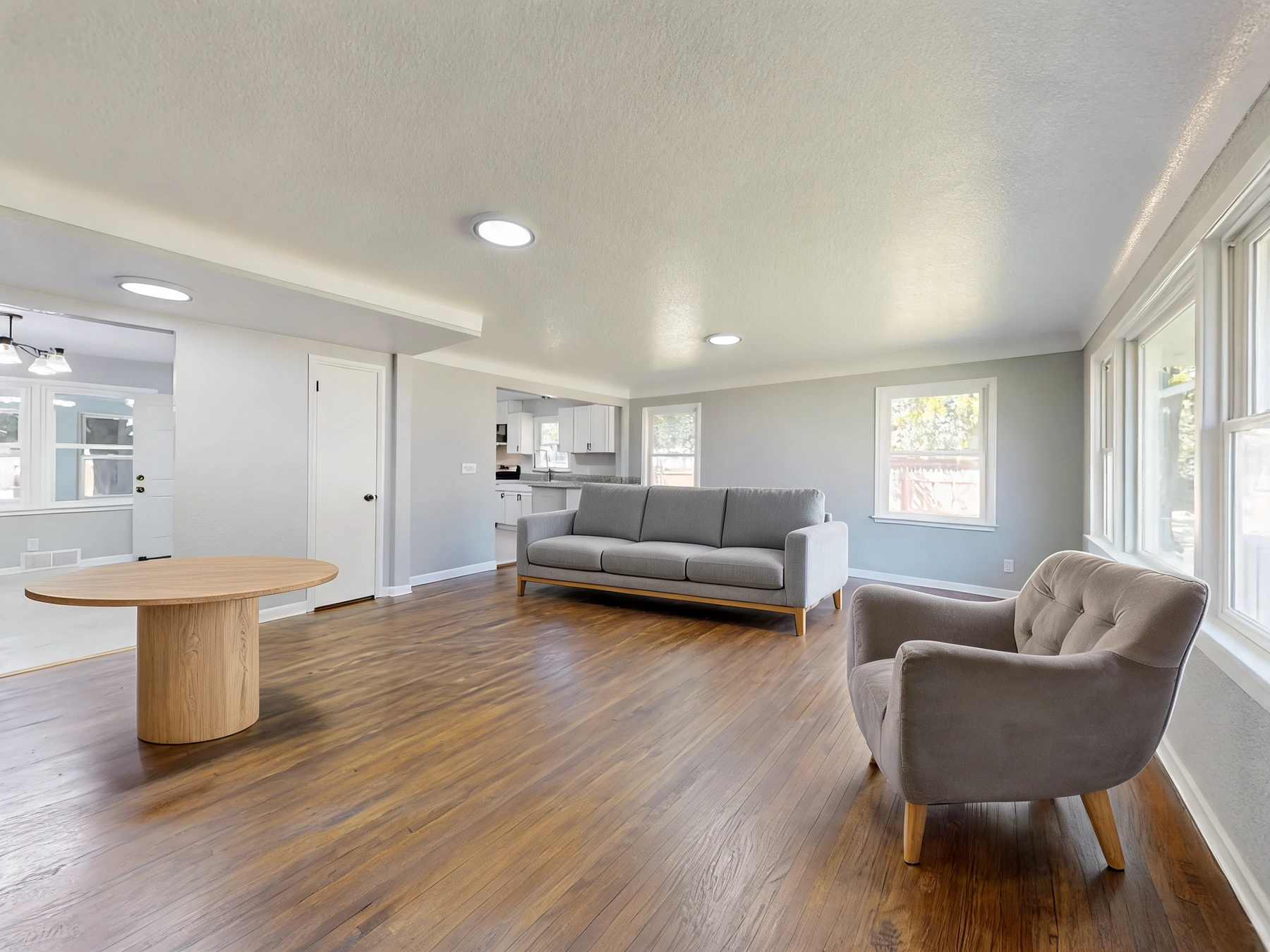
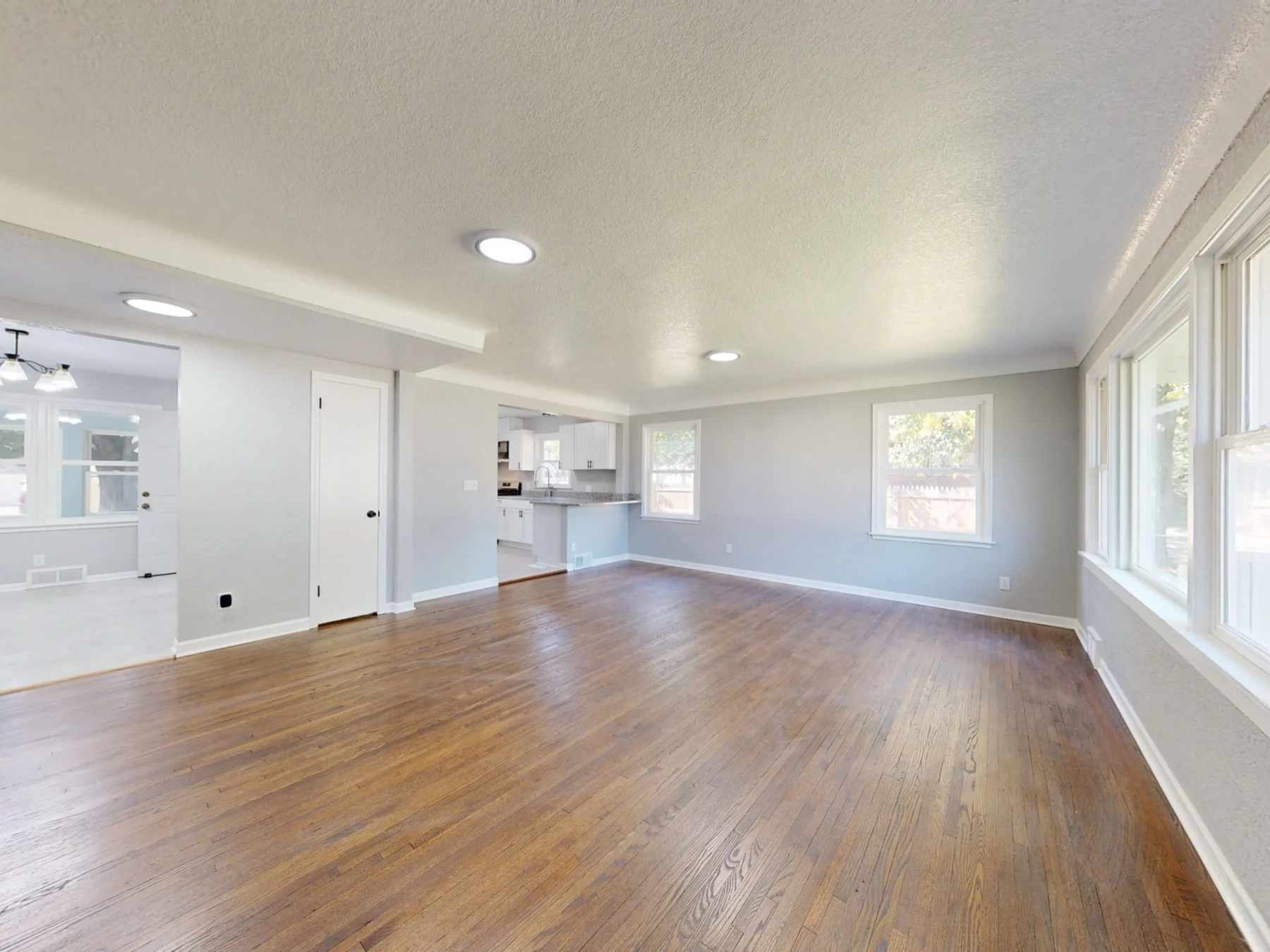
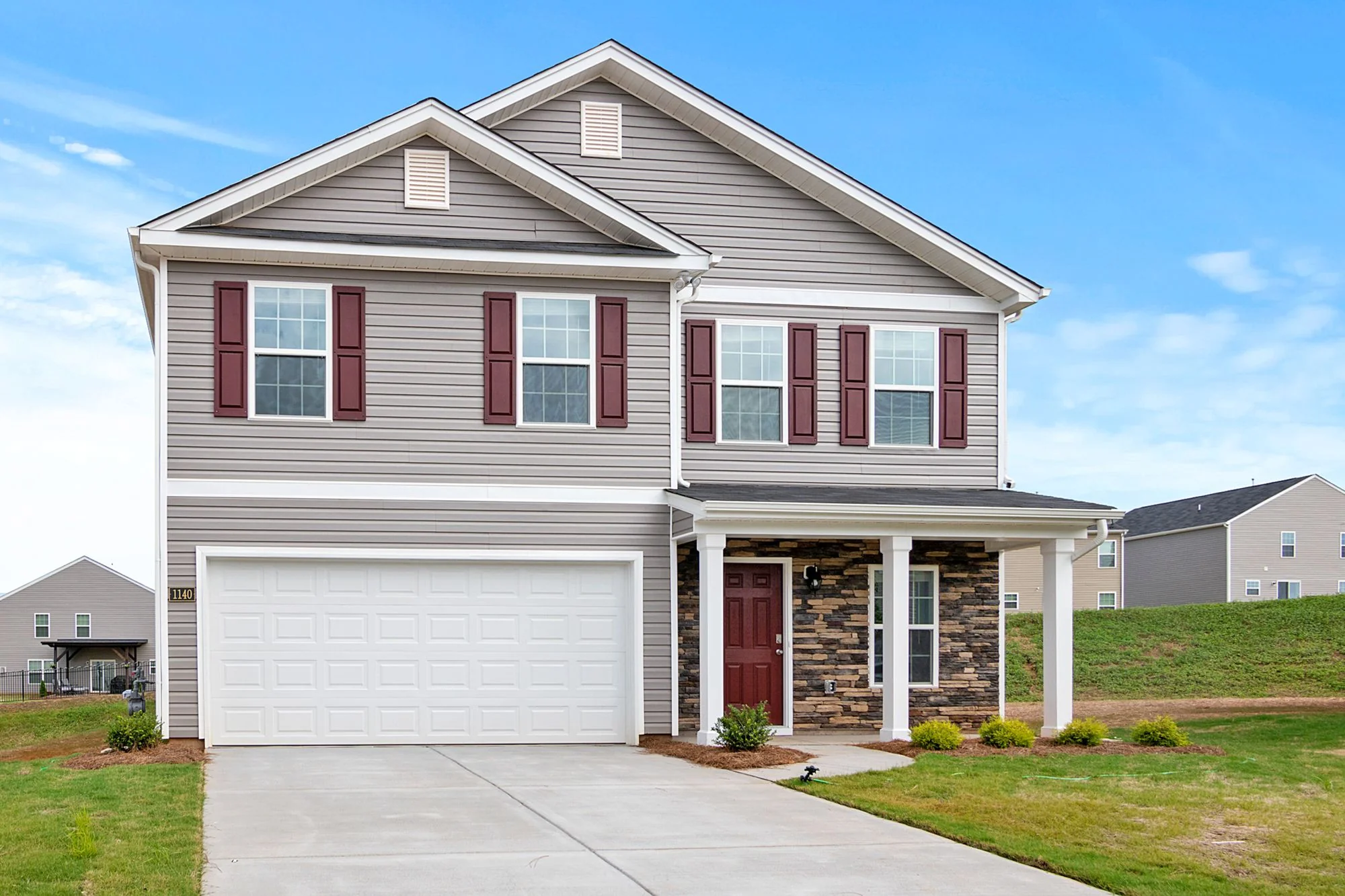
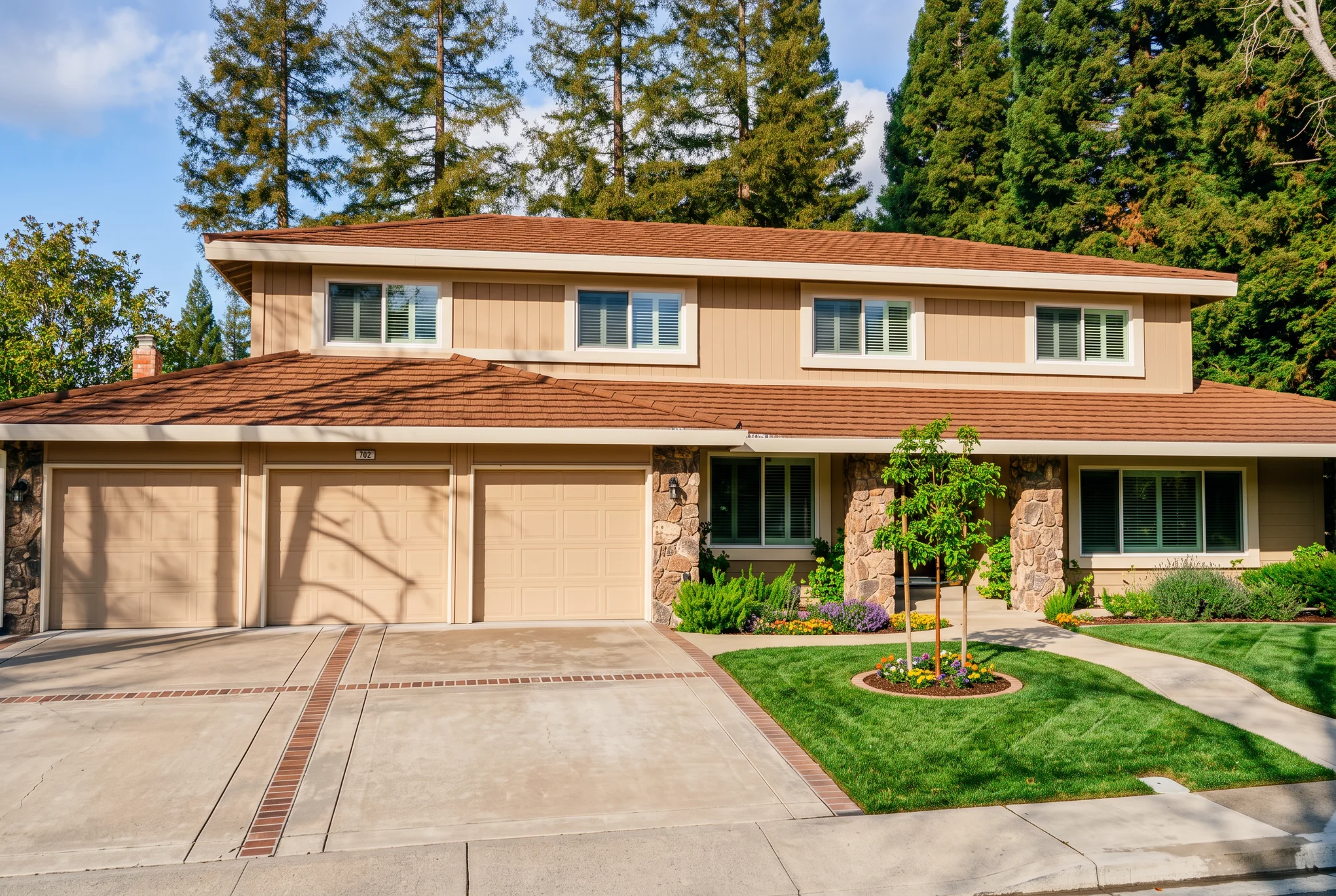
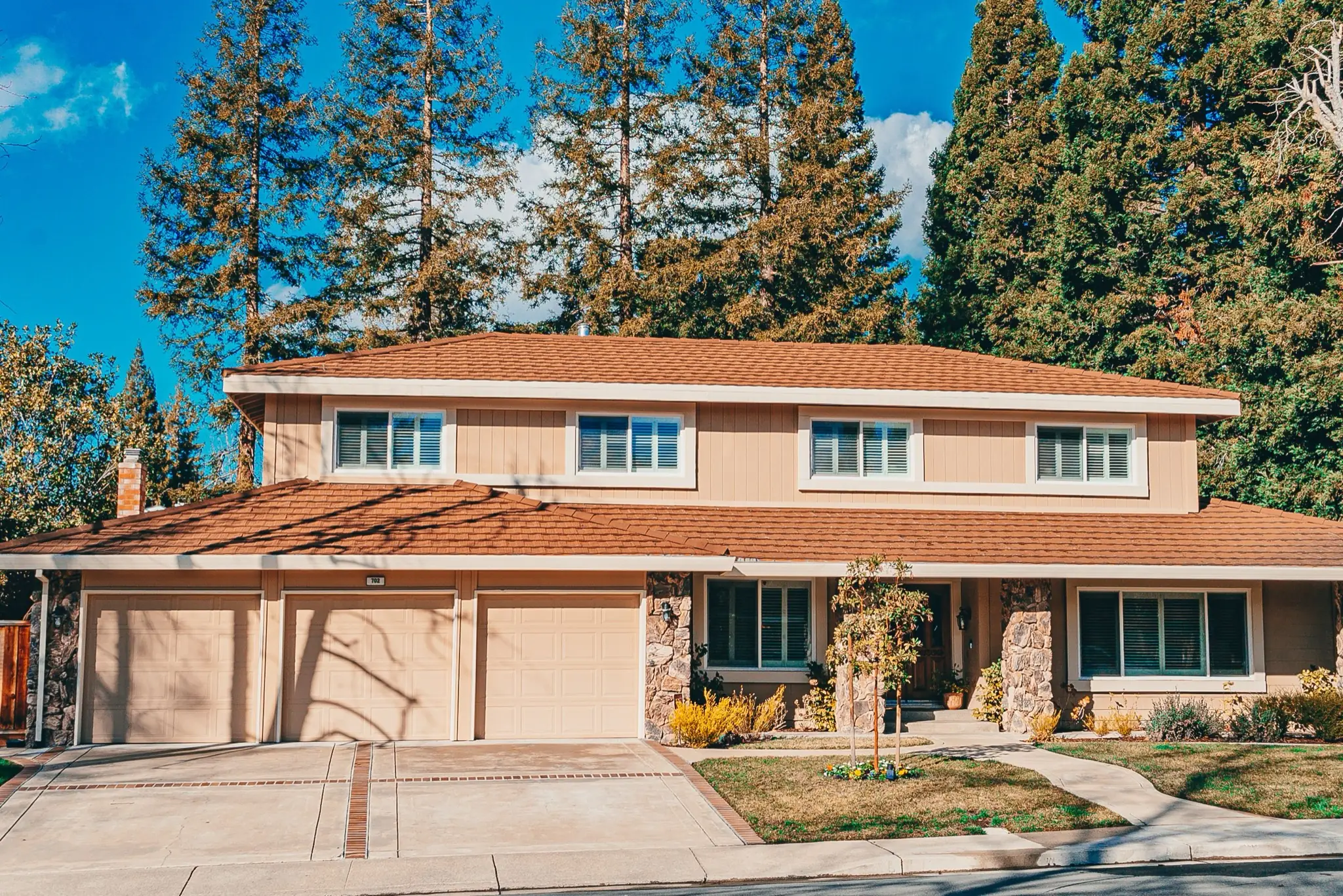
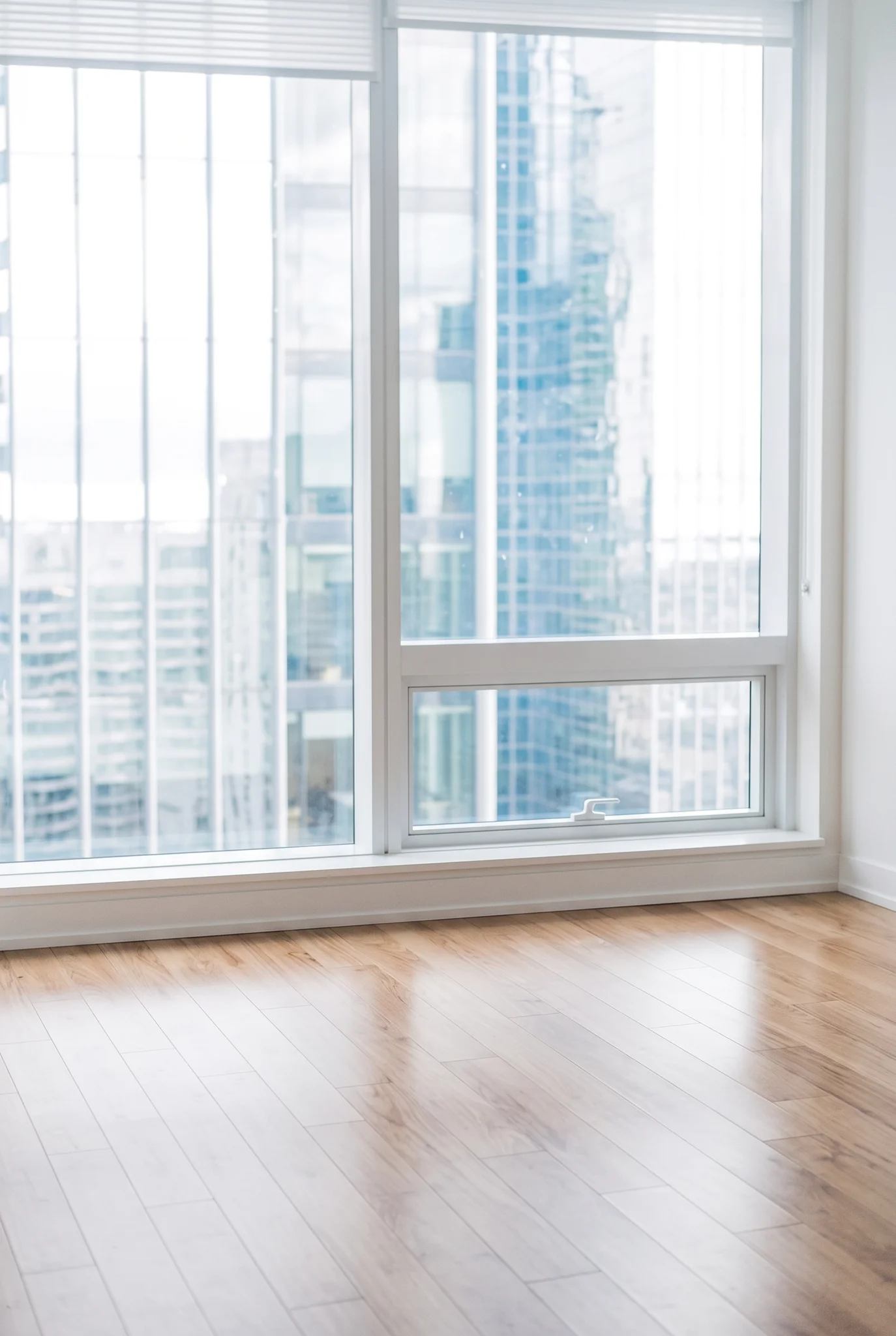
Drag the divider to compare real tool results across different scenes.
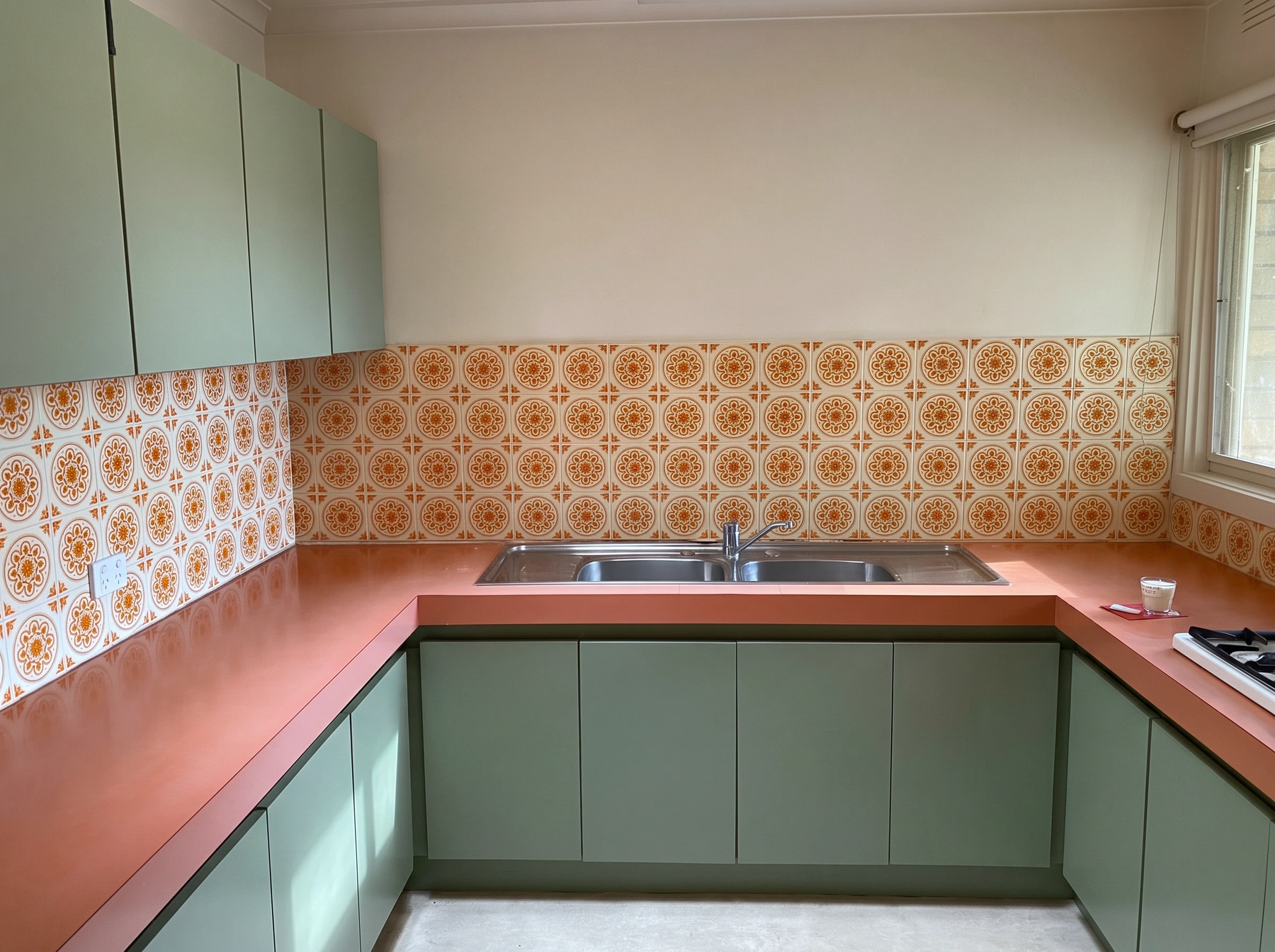
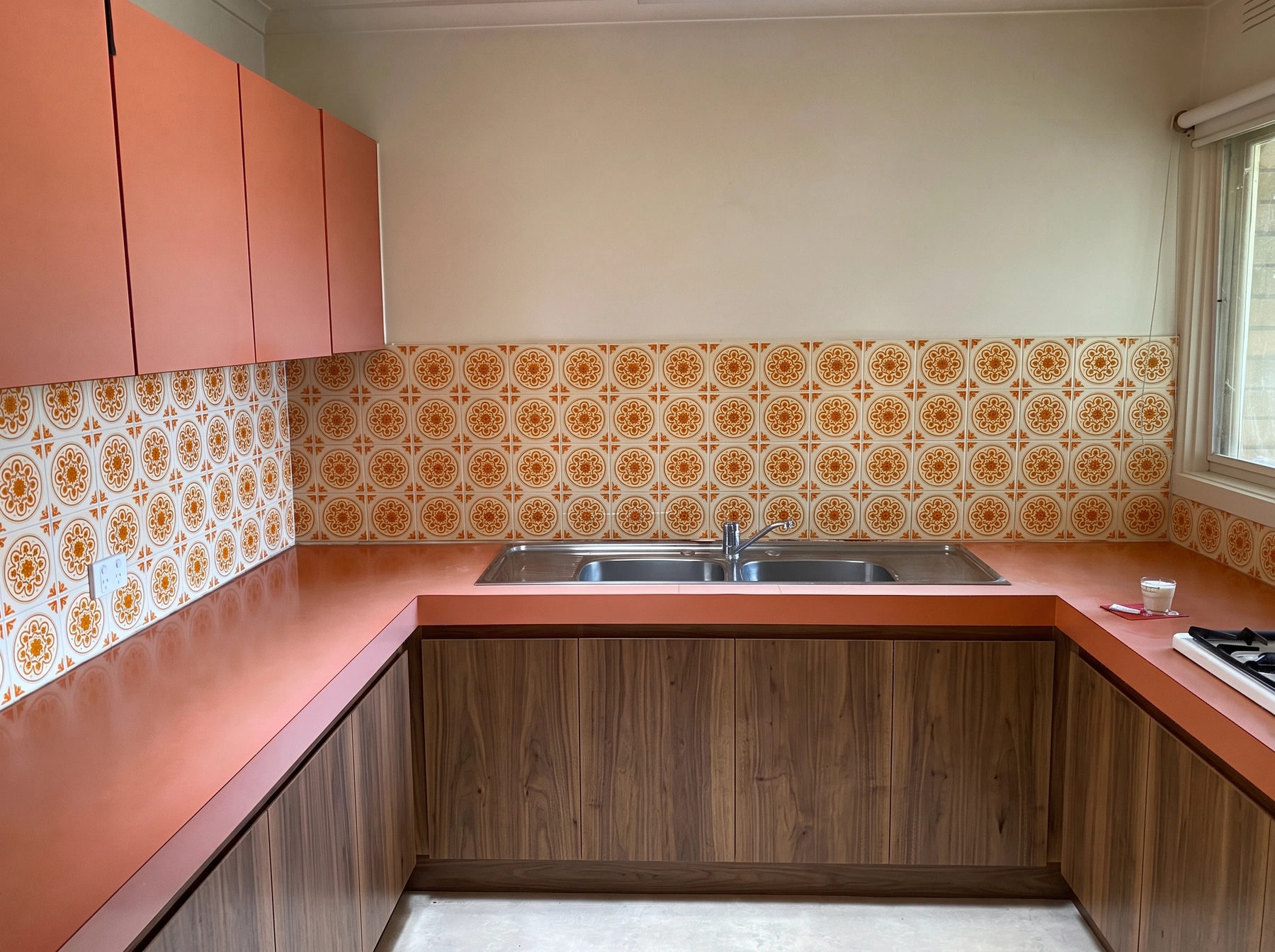
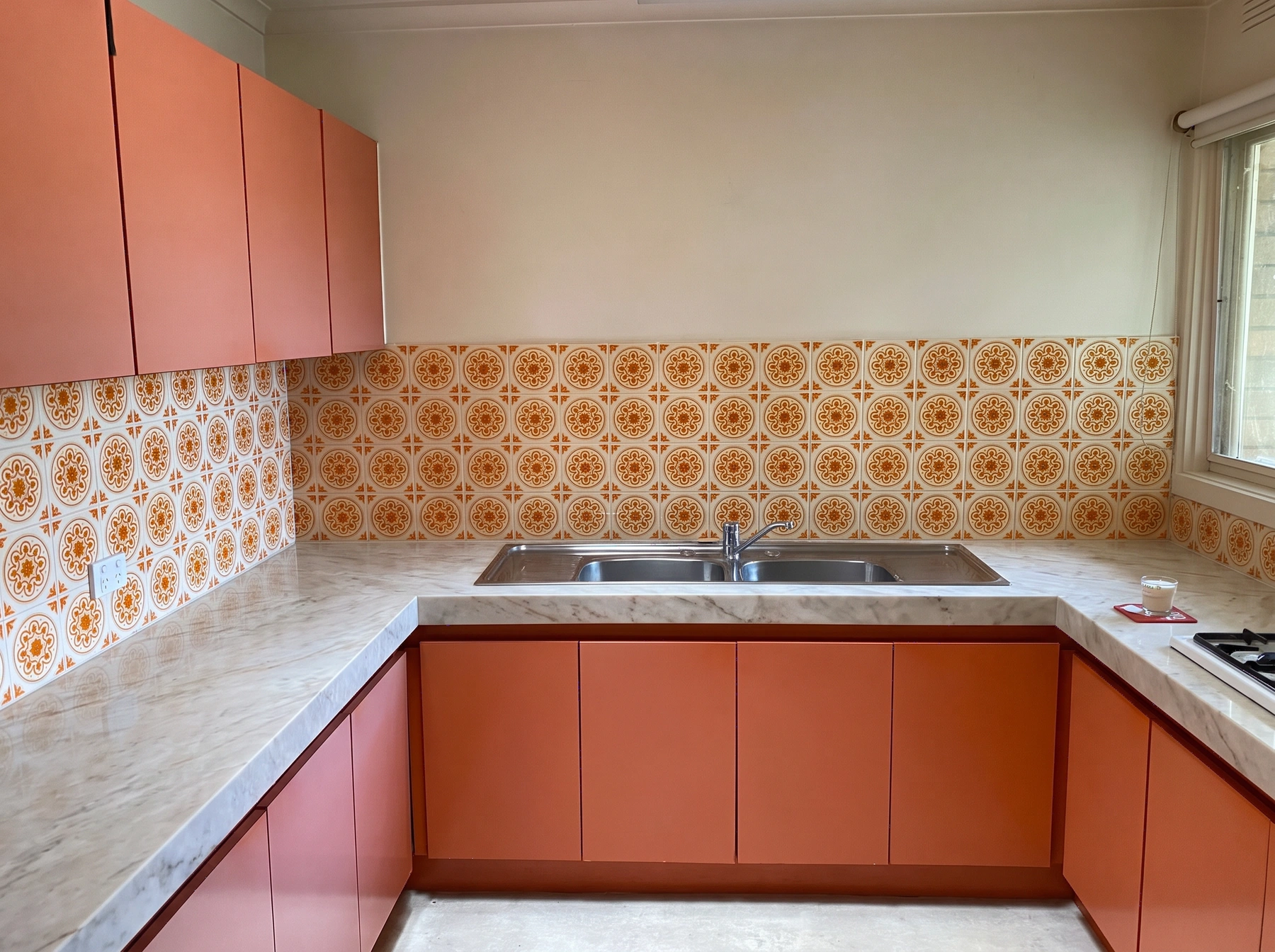
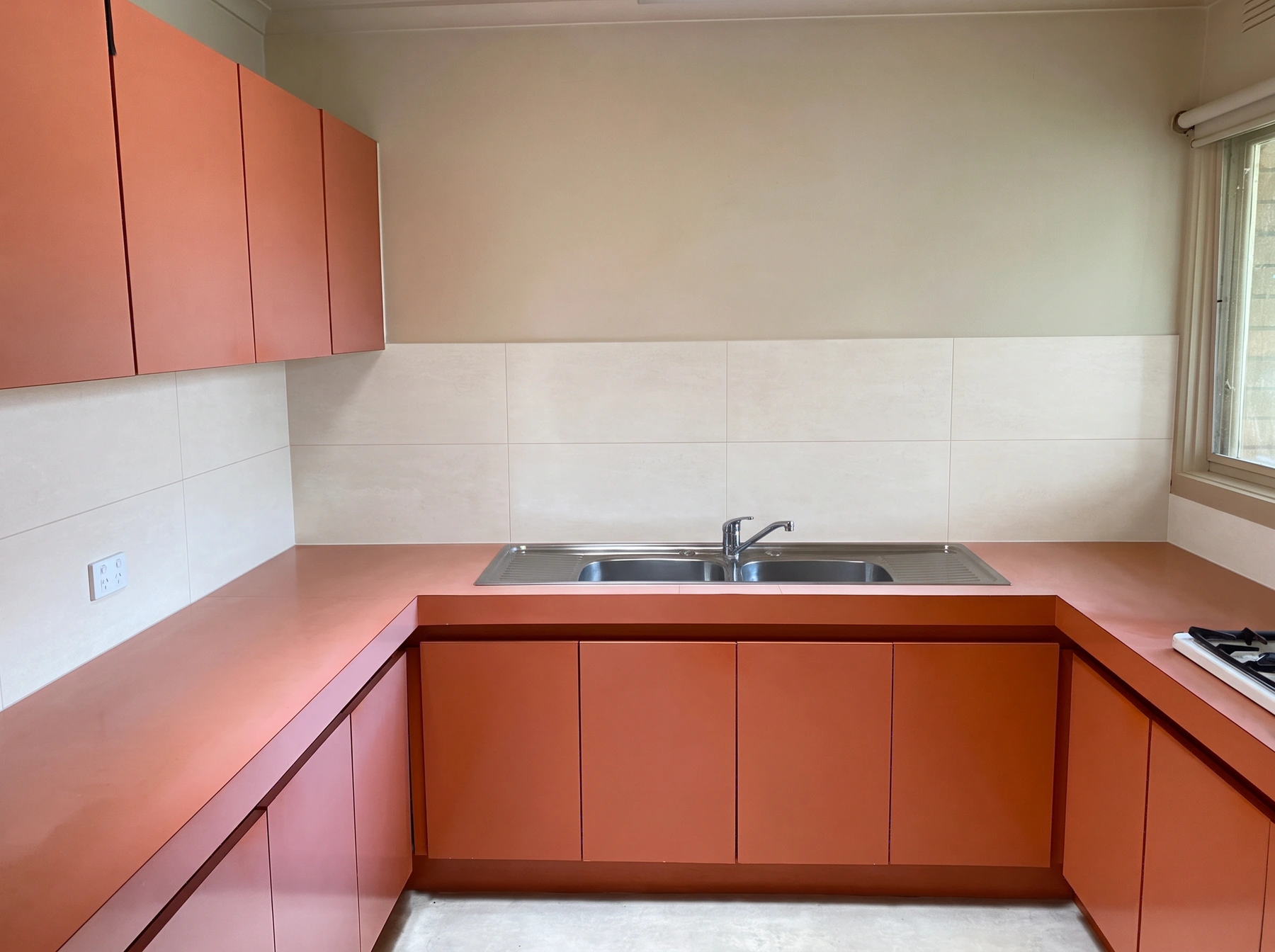
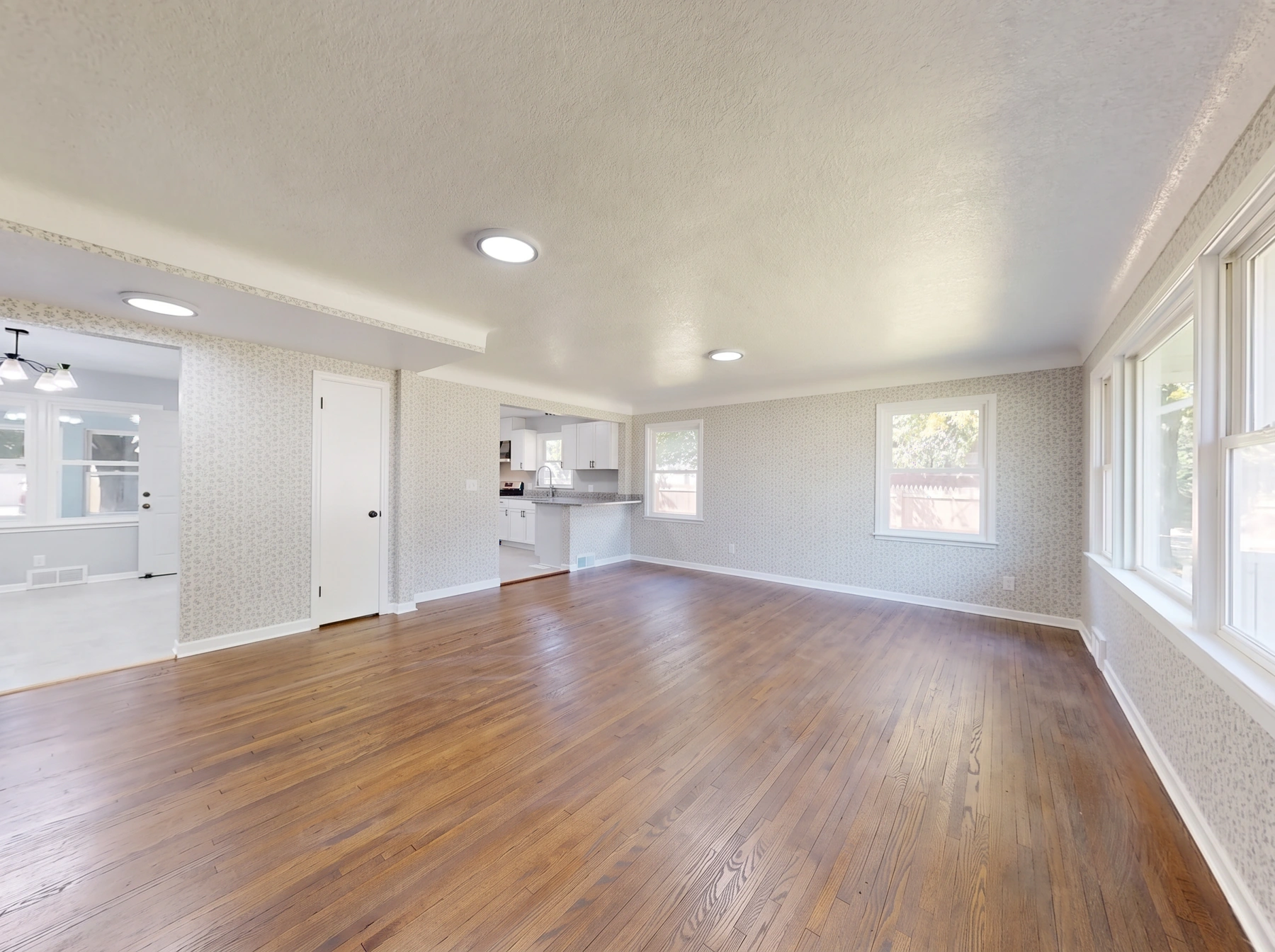
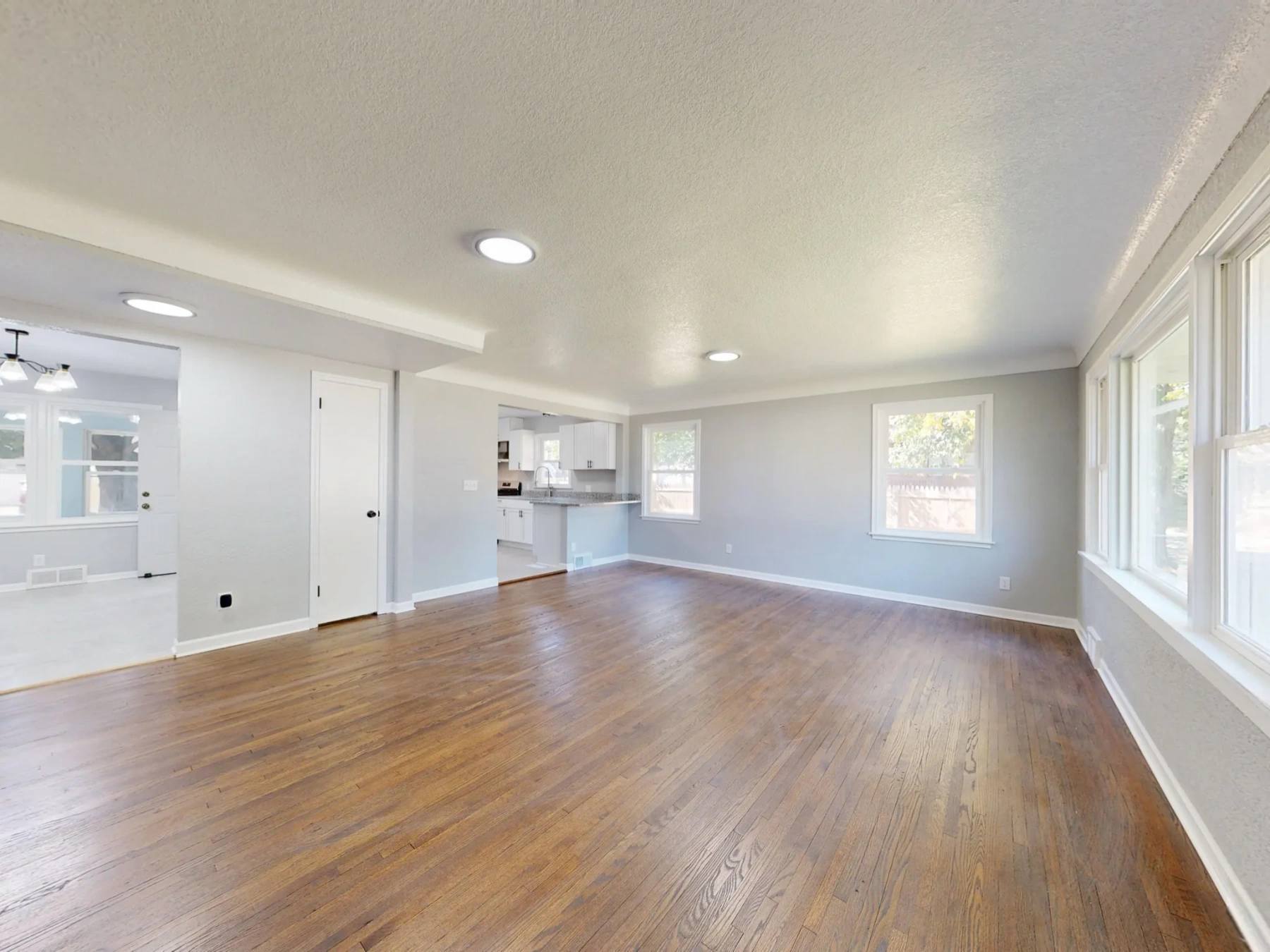
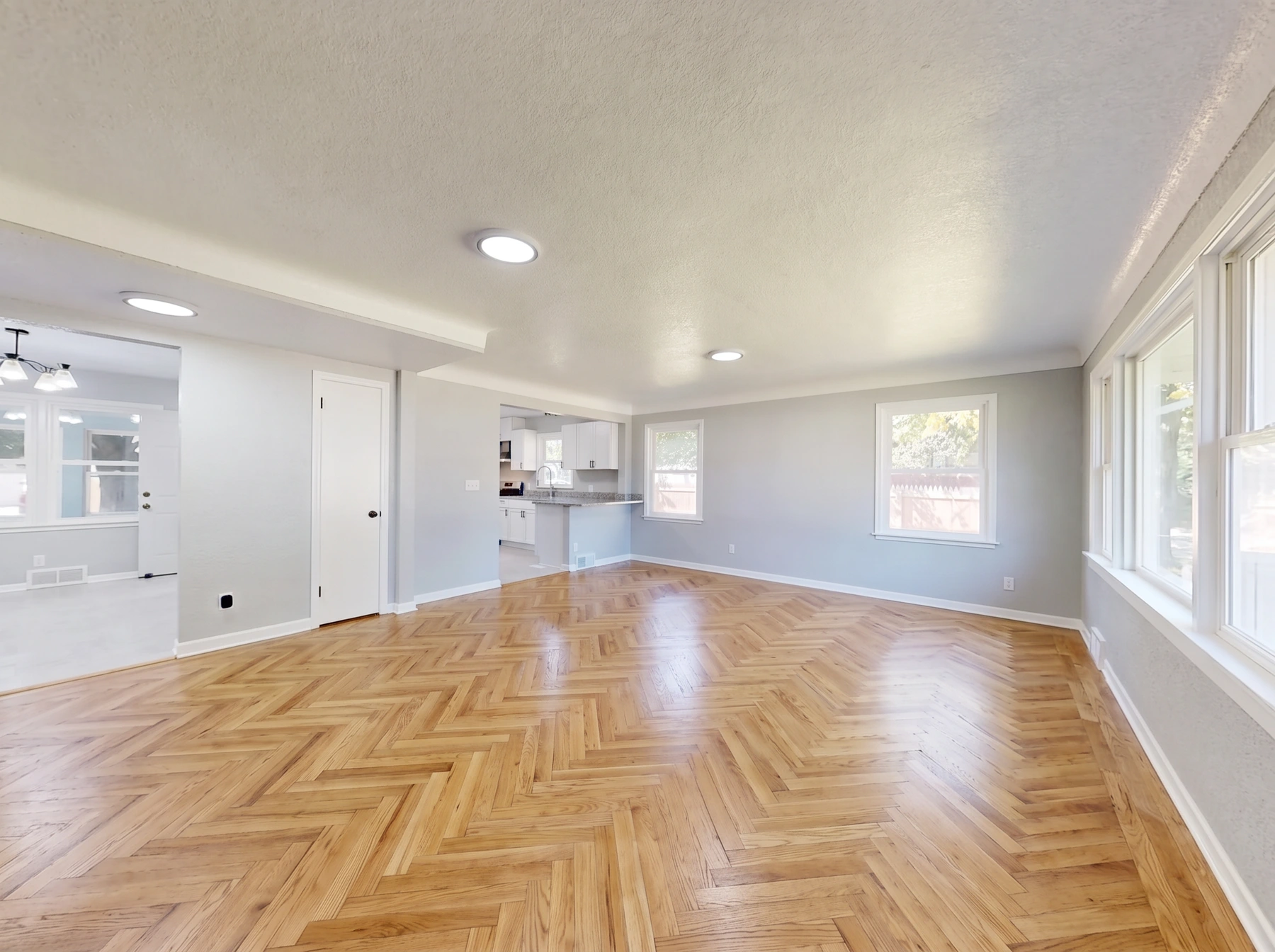
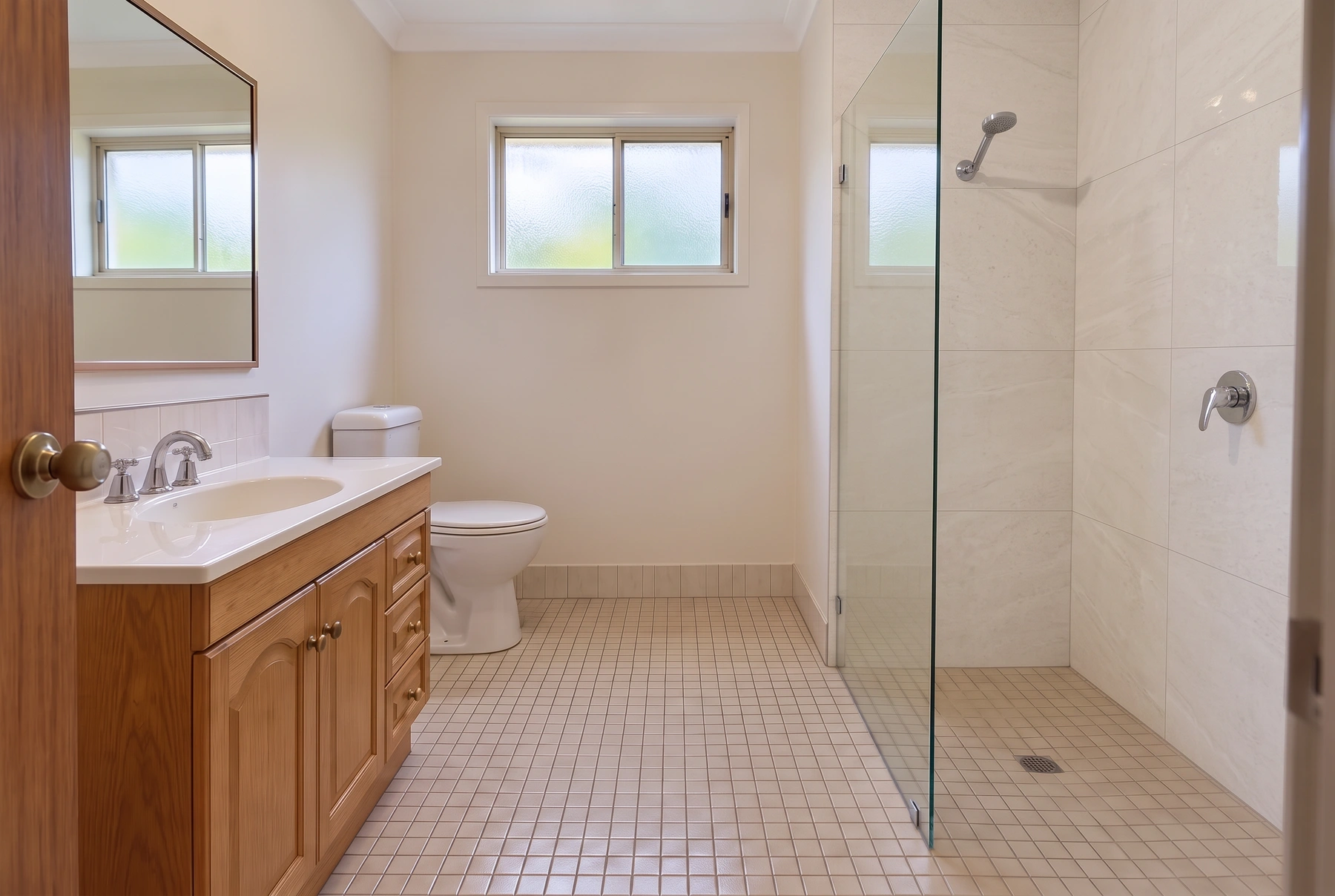
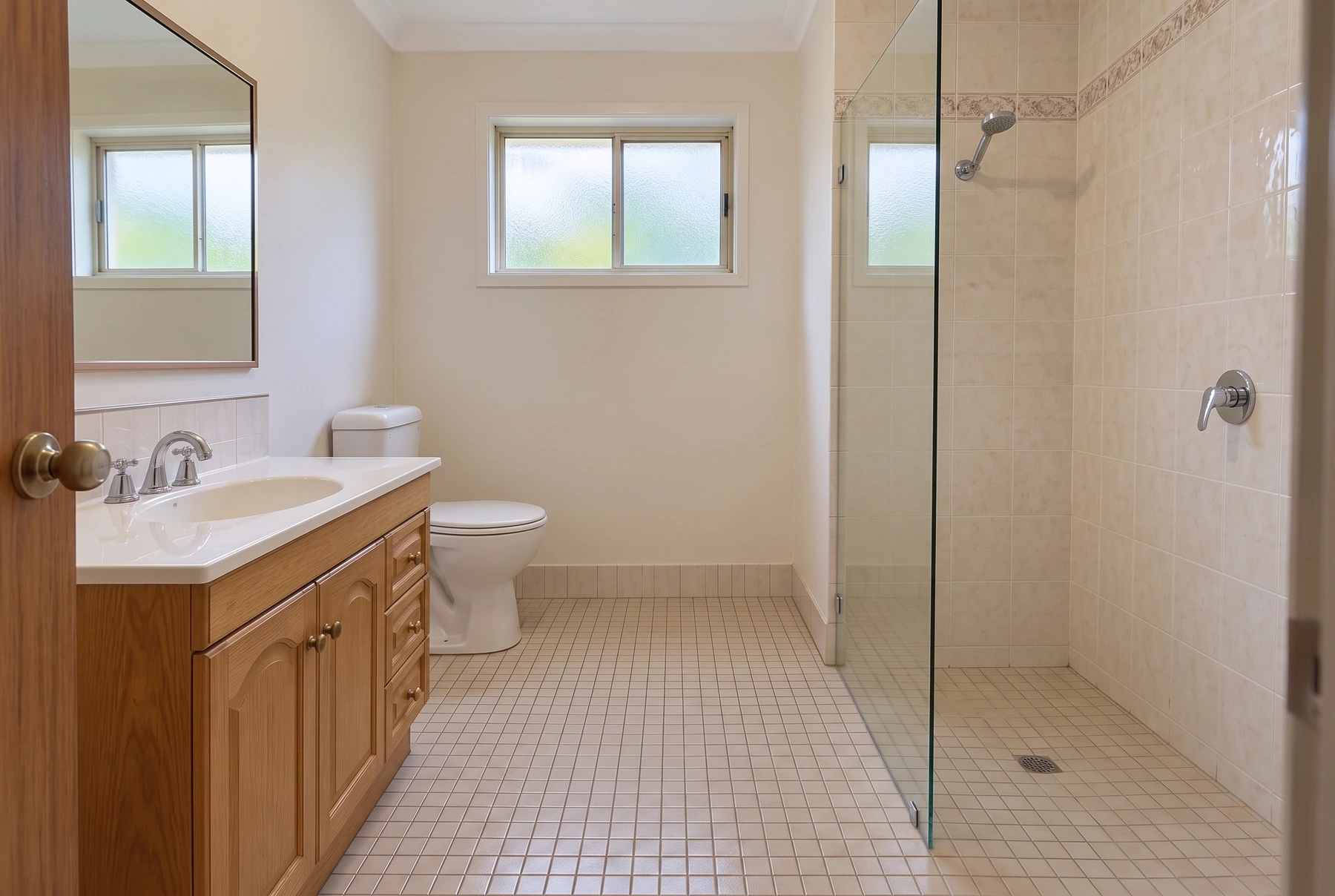
The model is instructed to keep the layout, camera and object shapes while changing the selected finish. Compare edges and nearby surfaces against your original.
Choose a preset finish or upload a sample of wallpaper, flooring, stone or tile. A sample overrides the preset; it does not act as a room-layout reference.
Compare wall colors or apply a wallpaper sample while retaining the room and furniture layout.
Preview wood flooring, porcelain tile or a sample finish. Select Shower wall tiles for a bathroom wall-tile concept.
Select all cabinets, upper cabinets or lower cabinets for a two-tone kitchen. Countertop and backsplash are separate targets.
Use a clear JPEG, PNG or WebP of an empty or furnished room. Keep walls and floor visible. People and pets should stay out of frame.
Select the surface, then a preset finish or an optional material sample. A sample overrides the preset. No written prompt is needed.
Check architecture, furniture outlines and lighting against the original. This is a marketing or remodel preview, not a construction plan.
Get answers about source files, settings, and results for AI Surface Restyle.
Clear a room, stage furniture, restyle finishes, preview a remodel, or refresh exteriors — for homes, offices, and exteriors.
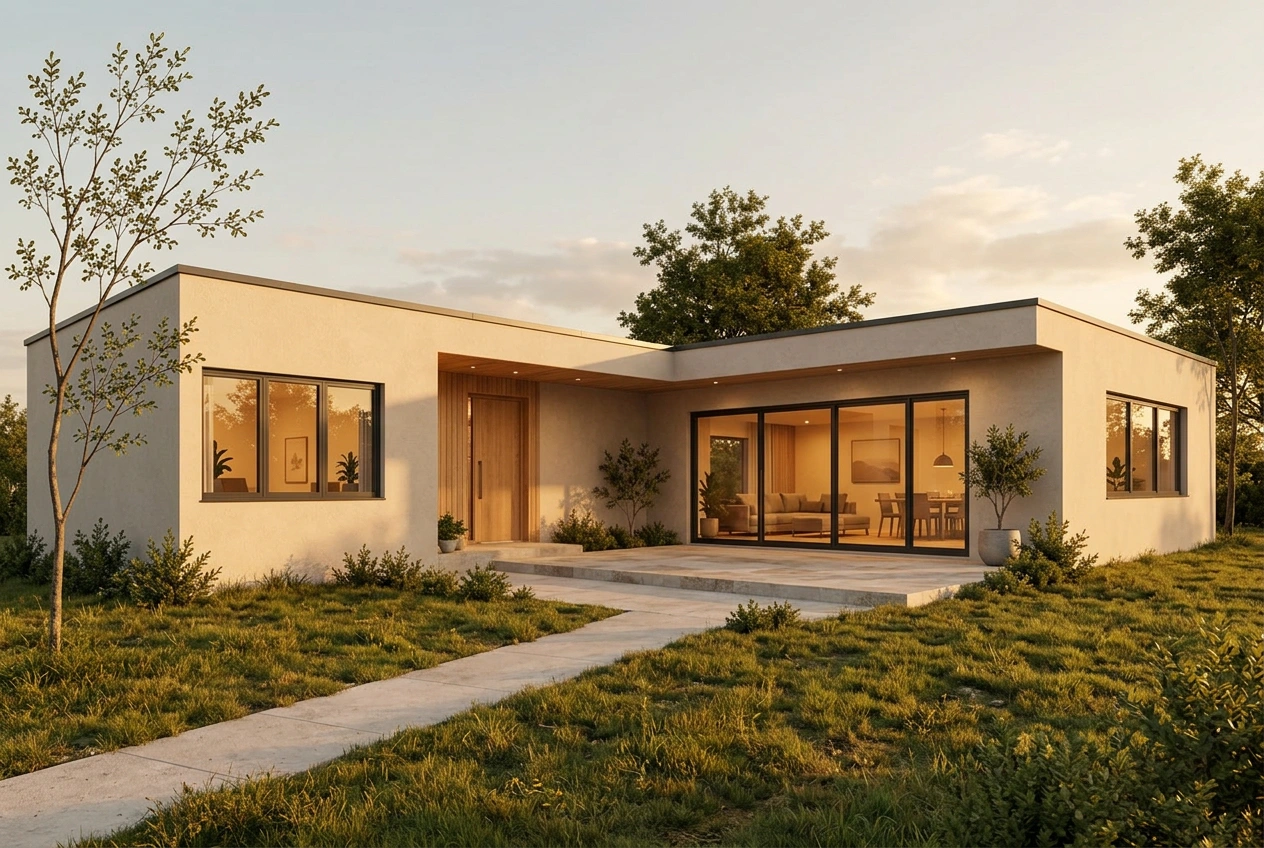
Preview wall paint, wallpaper, floors, kitchen cabinet colors, countertops, backsplashes and shower tiles on your photo. Choose a finish or upload a material sample.