
Narrative previews
Block complete scenes with picture and synchronized sound before production.
Black Forest Labs multimodal video
Black Forest Labs' multimodal video model for synchronized-audio generation from text.
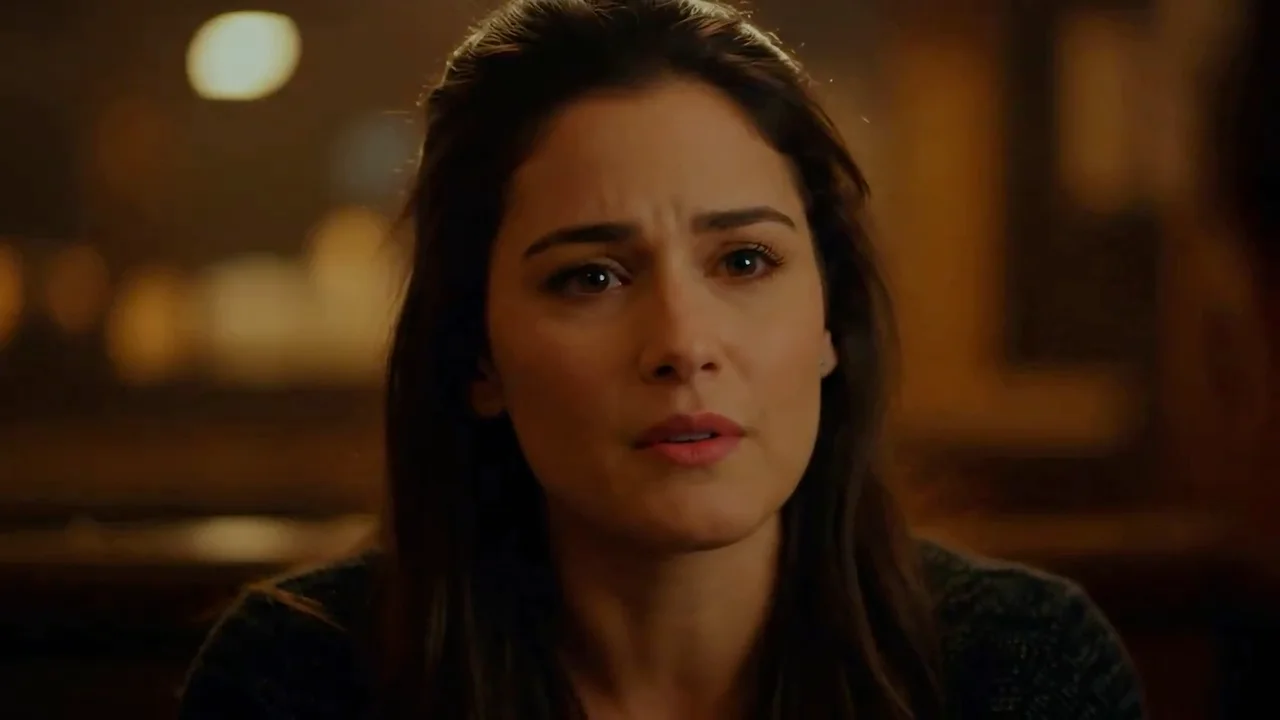
Move from text, sequential images, or an existing clip to coherent 720p or 1080p video with synchronized dialogue, ambience, and effects.
Create with FLUX 3Block complete scenes with picture and synchronized sound before production.
Turn approved frames into a connected visual sequence.
Continue a successful generation while preserving visual direction.
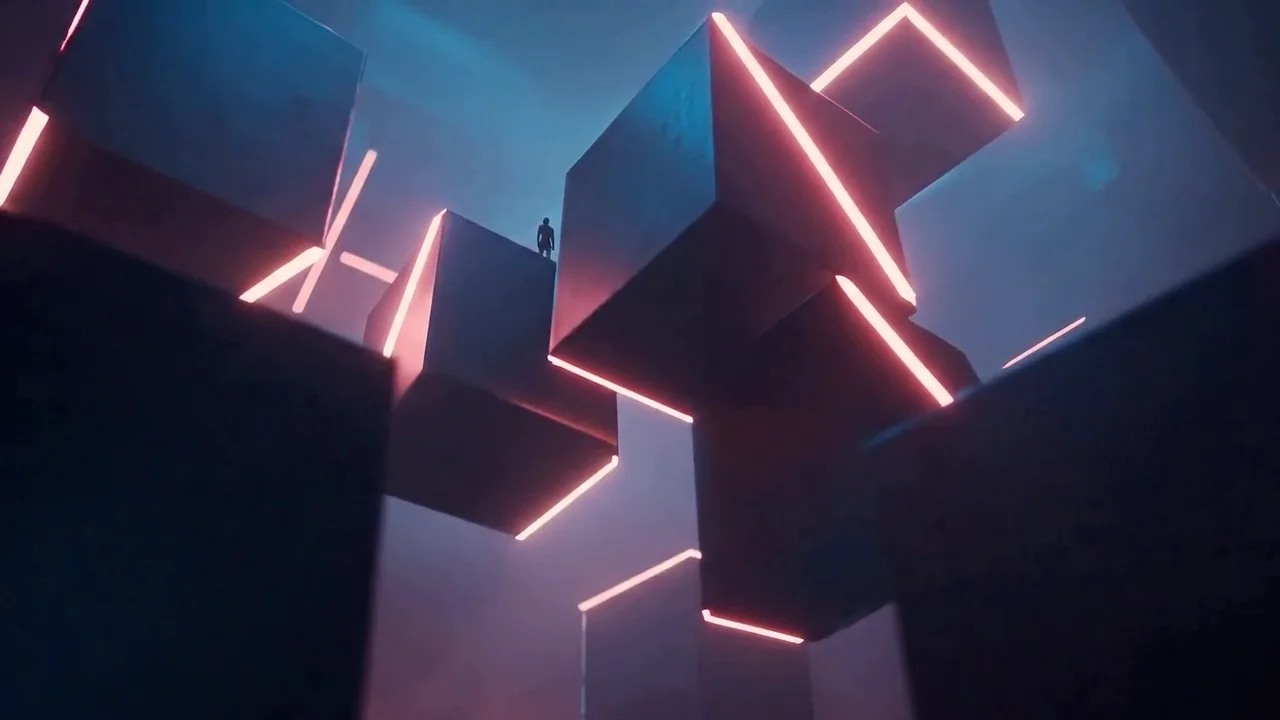
Describe the action, camera movement, dialogue, ambience, and effects in one prompt. FLUX 3 composes the moving image and synchronized soundtrack in the same generation.
“A home video of a futuristic San Francisco with people riding hoverboards.”
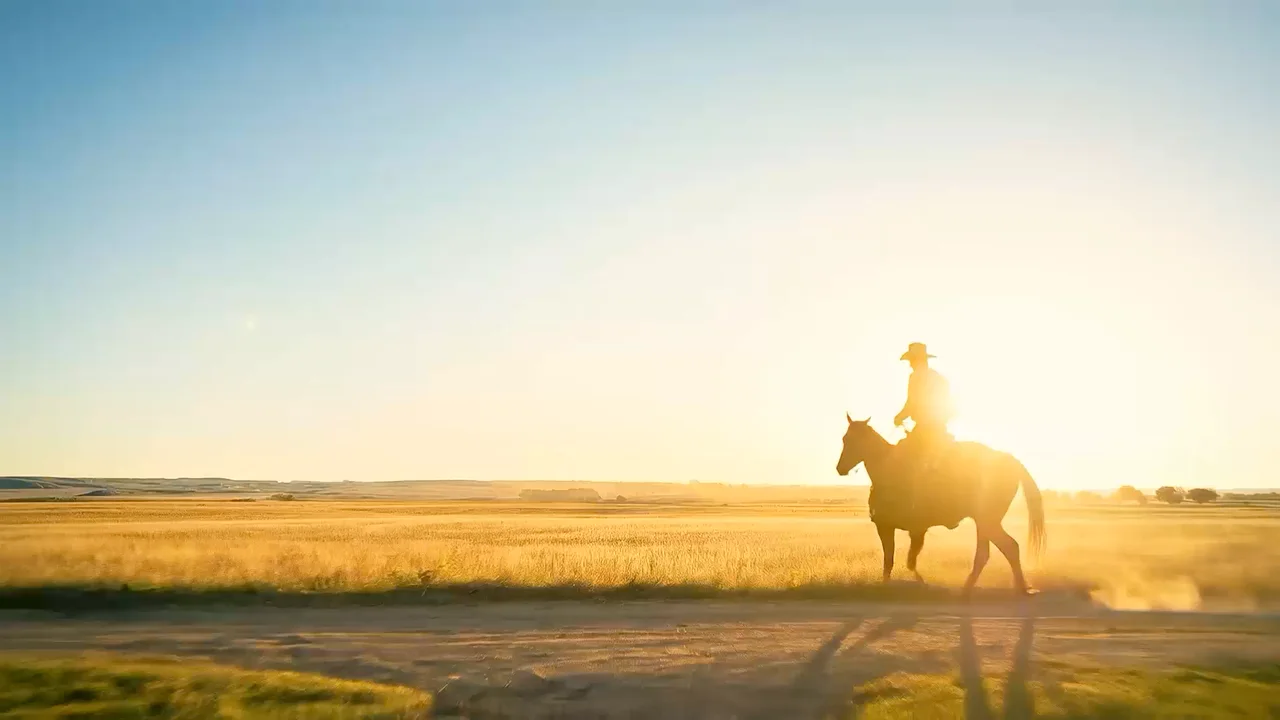
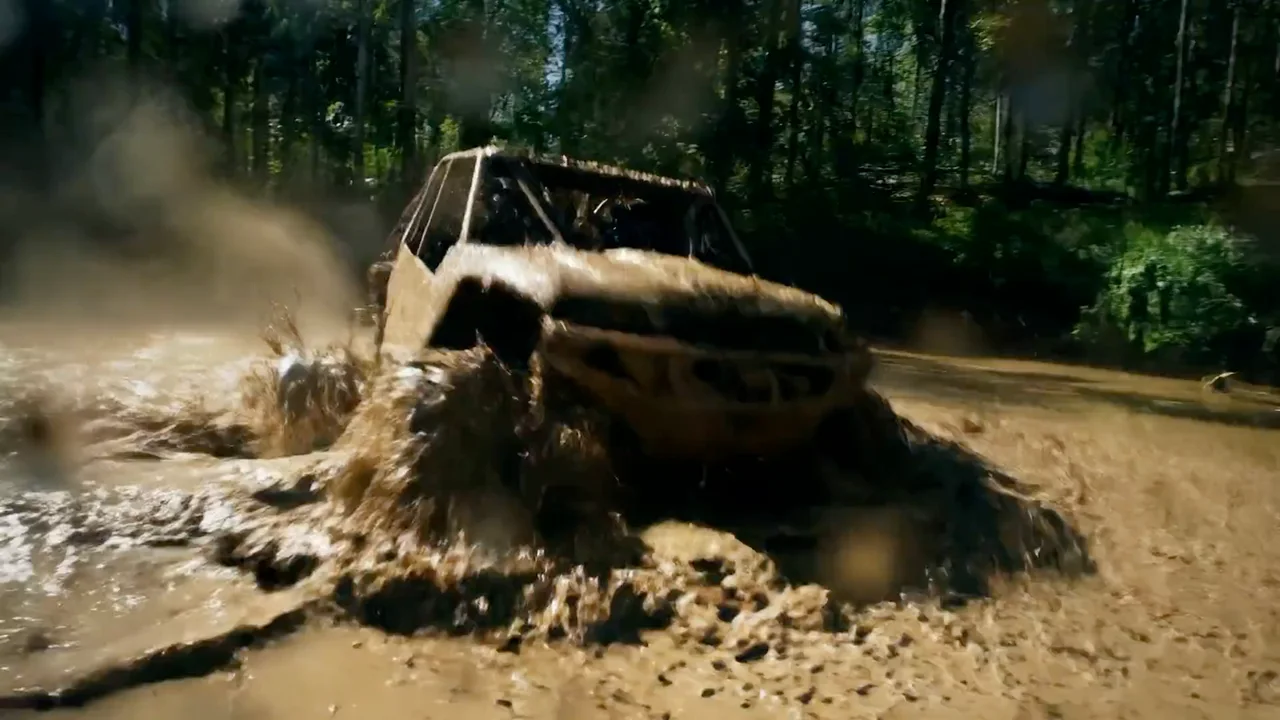
Build atmospheric scenes with grounded camera movement, subject motion, and environmental detail across clips from 5 to 20 seconds.
Use one image as the opening frame, two as start and end frames, up to ten as a timed storyboard, or an MP4 as the starting point for a continuation.
Start with the subject, then add lighting, style, and anything that must stay the same. Upload a reference whenever you want a more controlled edit.
Name dialogue, room tone, music, and effects explicitly when audio matters.
Storyboard inputs require an explicit duration so frames can be distributed predictably.
Validate timing and composition using Draft, then render the final clip at full quality.
Explore popular image models outside this series, or browse the full catalog.
Return to the workspace above, or compare the full catalog before you begin.