
Rapid concepts
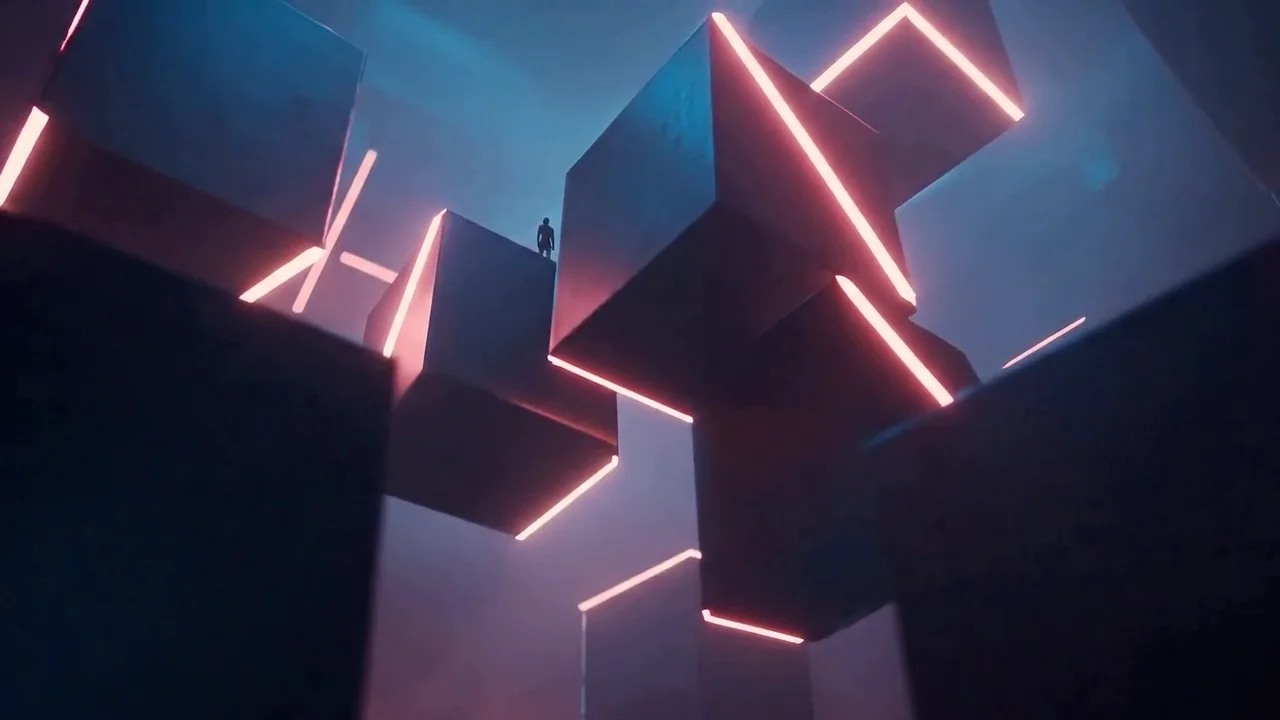
Explore more directions before committing to a final render.
PrunaAI video generation
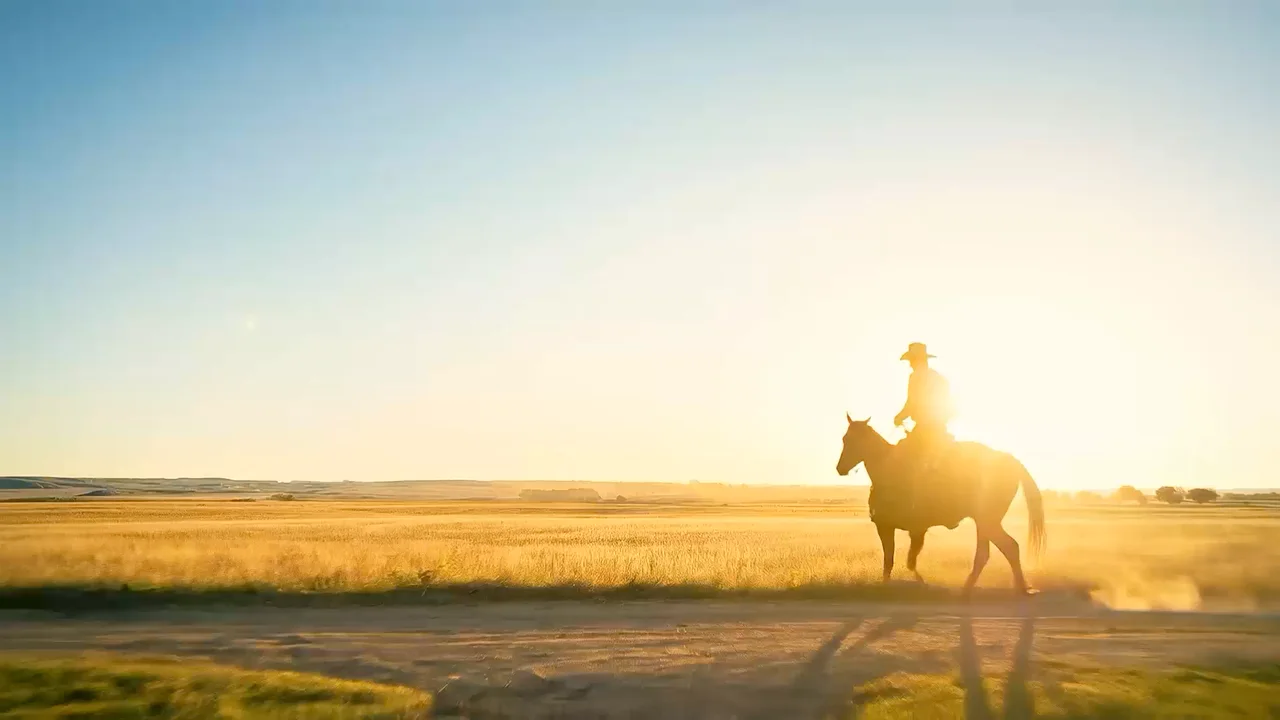
PrunaAI's fast video model for text, frame, and audio-conditioned generation up to 1080p and 48 fps.
Generate 1–20 second clips from text, first and last frames, or an audio track at 720p or 1080p with optional 48 fps output.
Create with P-VideoExplore more directions before committing to a final render.
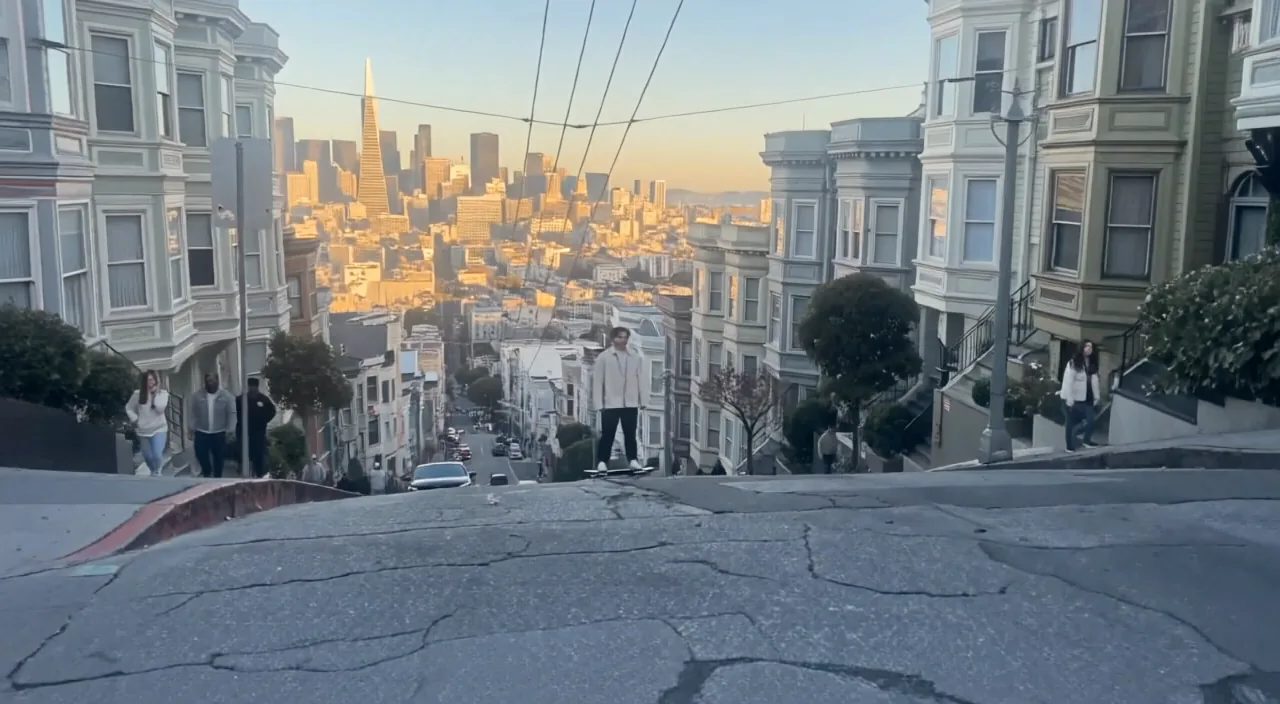
Create horizontal, square, and vertical clips at up to 48 fps.
Generate video shaped around an uploaded track.
Use Draft for inexpensive iteration, then switch to full-quality 720p or 1080p.
Anchor the opening composition and optionally define where the clip should finish.
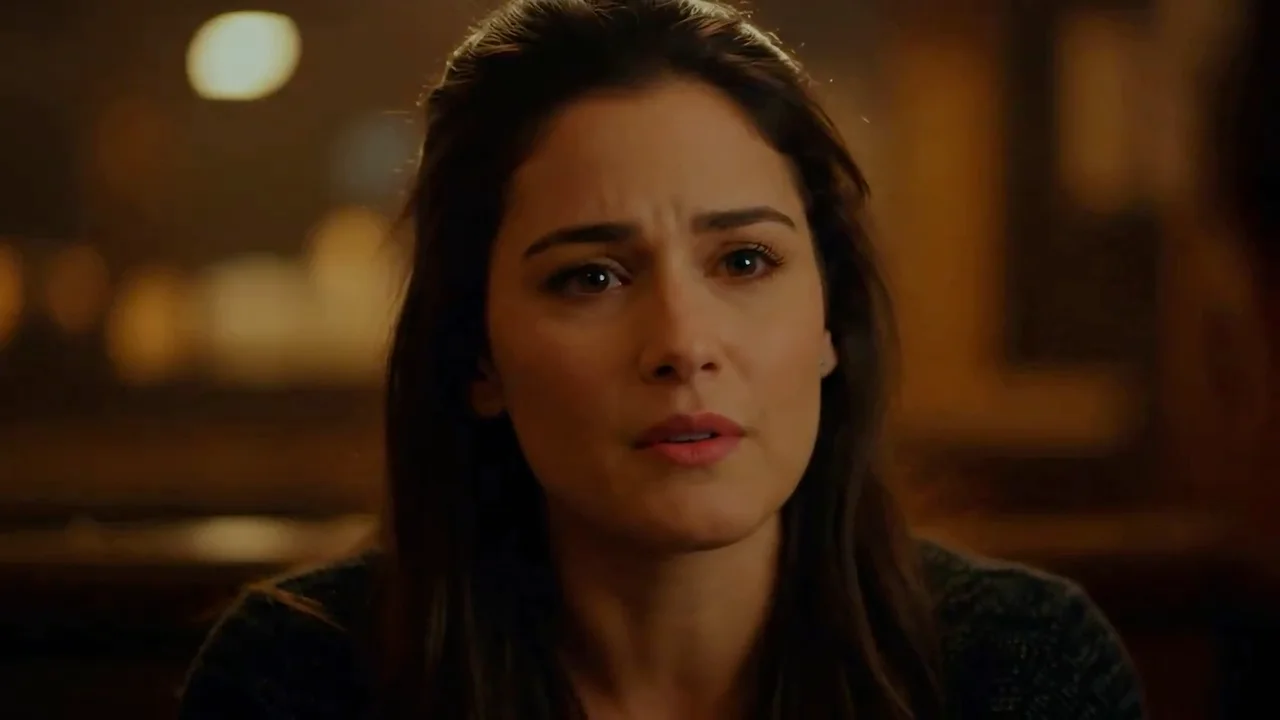
Use an audio track to control video length and shape motion around its timing.
Start with the subject, then add lighting, style, and anything that must stay the same. Upload a reference whenever you want a more controlled edit.
Draft costs one quarter of the corresponding full-quality render.
When animating an image, composition and aspect ratio follow the source.
Duration is ignored in the Audio workflow because the uploaded track controls length.
Explore popular image models outside this series, or browse the full catalog.
Return to the workspace above, or compare the full catalog before you begin.