
Object Remover
Brush over an unwanted object and reconstruct the background naturally.
Use Object RemoverHow to use Object Remover
Go from source media to a finished result in three clear steps.
Upload your Image
Upload a clear photo with the unwanted object and enough visible background around it.
Set the result
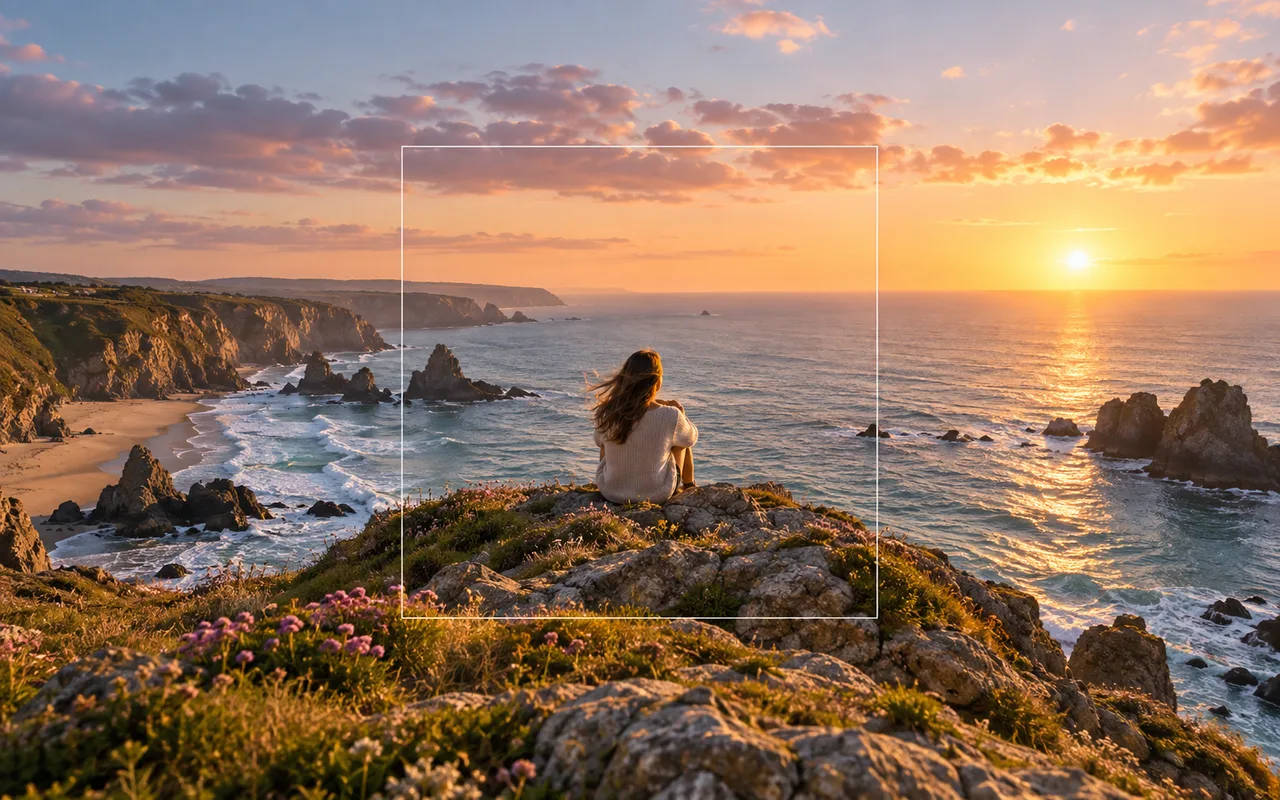
Brush over the complete object, including edge pixels and shadows, then adjust the brush size for tighter areas.
Process and download
Run the tool, review the finished media, and download it when it is ready.
Why use Object Remover?
Clean distractions from travel, product, property, and social photos with a precise brush-based workflow.
Precise brush selection
Paint over the object, its edges, and nearby shadows so the tool knows exactly what to replace.
Context-aware inpainting
AI rebuilds the selected area using the surrounding structure, texture, color, and lighting.
Focused photo cleanup
Compare the processed image, refine the mask when needed, and download the cleaned result.
Object Remover FAQ
Answers to common questions before you upload and process your media.
Related AI tools
Continue your workflow with other focused Image tools.

Keep creating
Move between tools and generation
Use a focused tool for a specific task, or keep generating when you need more models, modes, and templates.
Ready to use Object Remover?
Upload your Image, review the focused settings, and create the finished result now.