
AI Video Extender
Continue a short clip naturally from its final frame.
Use AI Video ExtenderHow to use AI Video Extender
Go from source media to a finished result in three clear steps.
Upload your Video
Upload an MP4 clip between 2 and 15 seconds with a clear ending frame and visible subject motion.
Set the result
Set how much new footage to add, describe the next action, then generate the extended clip.
Process and download
Run the tool, review the finished media, and download it when it is ready.
Why use AI Video Extender?
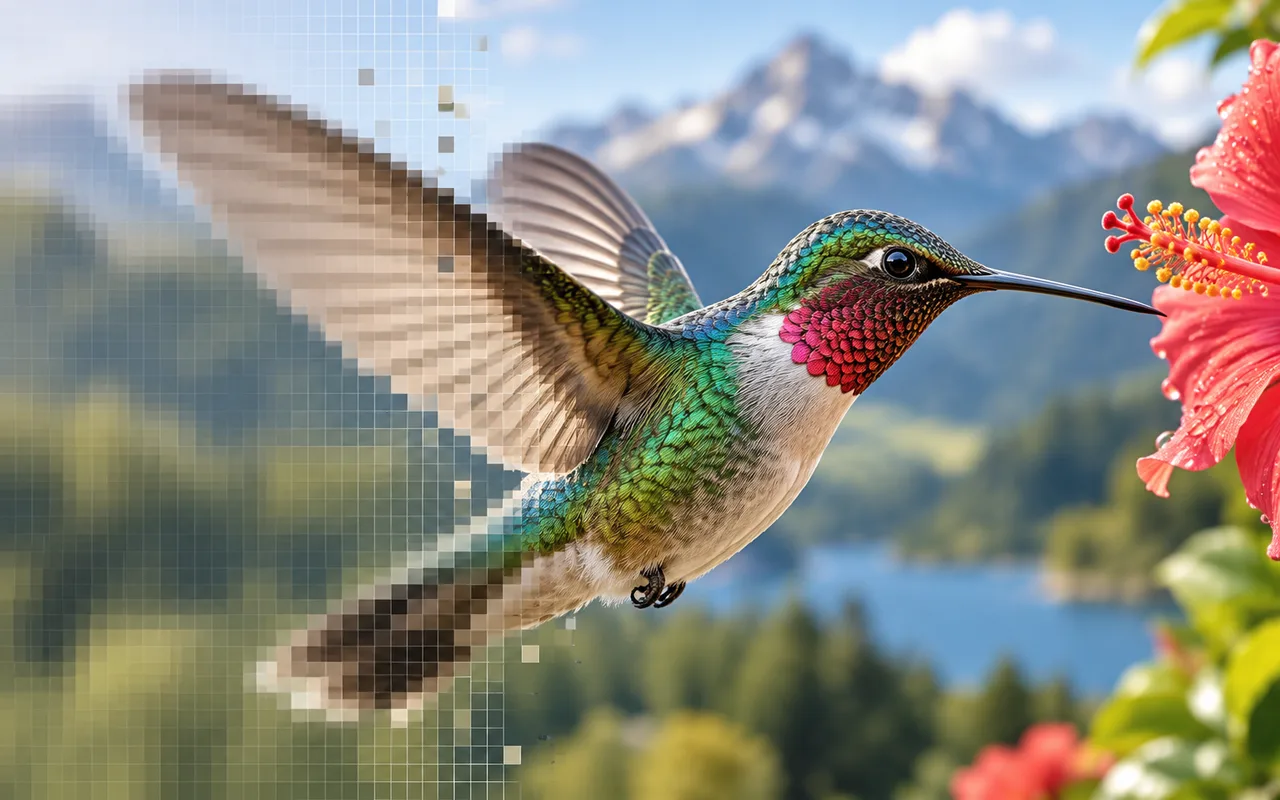
Add new footage to short clips for social posts, ads, and storyboards while keeping motion and scene continuity.
Natural continuation
Generate new footage that follows the source clip's subjects, camera movement, lighting, and scene flow.
Prompt the next action
Describe what happens next so the extension matches your intended motion and framing.
Appended result
Download a longer clip that keeps the original video followed by the generated continuation.
AI Video Extender FAQ
Answers to common questions before you upload and process your media.
Related AI tools
Continue your workflow with other focused Video tools.
Keep creating
Move between tools and generation
Use a focused tool for a specific task, or keep generating when you need more models, modes, and templates.
Ready to use AI Video Extender?
Upload your Video, review the focused settings, and create the finished result now.