On-model product display
Show fit, drape and silhouette on a generic catalog fashion model while keeping the garment's fabric, color and branding exact.
Turn a garment flat-lay or ghost-mannequin photo into a catalog-grade on-model ecommerce shot. This is product display wear — not portrait virtual try-on.
Show fit, drape and silhouette on a generic catalog fashion model while keeping the garment's fabric, color and branding exact.
Choose full-body, three-quarter or upper-body framing, a calm ecommerce pose, and a clean studio background.
Complement flat-lay and ghost-mannequin stills with an on-model product photo for store pages.
Prepare a wearable presentation for Amazon, Shopify or your own shop without a studio cast.
Present how a garment sits on the body for catalog and campaign stills.
Use a clear JPEG, PNG or WebP showing the complete product. Keep packaging and labels readable.
Choose framing, pose, studio background and aspect ratio. No written prompt is needed.
Compare with your original. Check the product shape, color and label text before using the result.
Get answers about source files, settings, and results for AI Fashion Model.
Explore other product photography tasks, remove an existing background or enlarge an image for your next design.
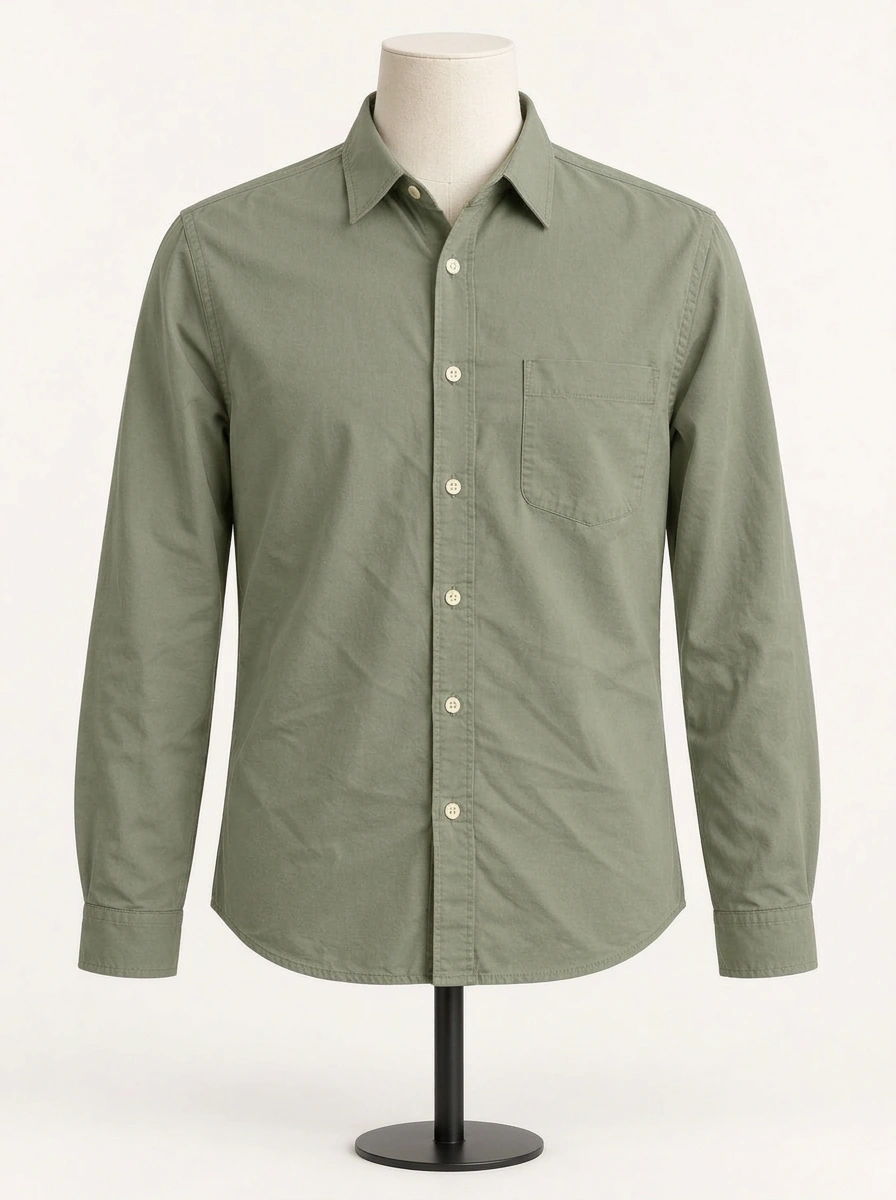
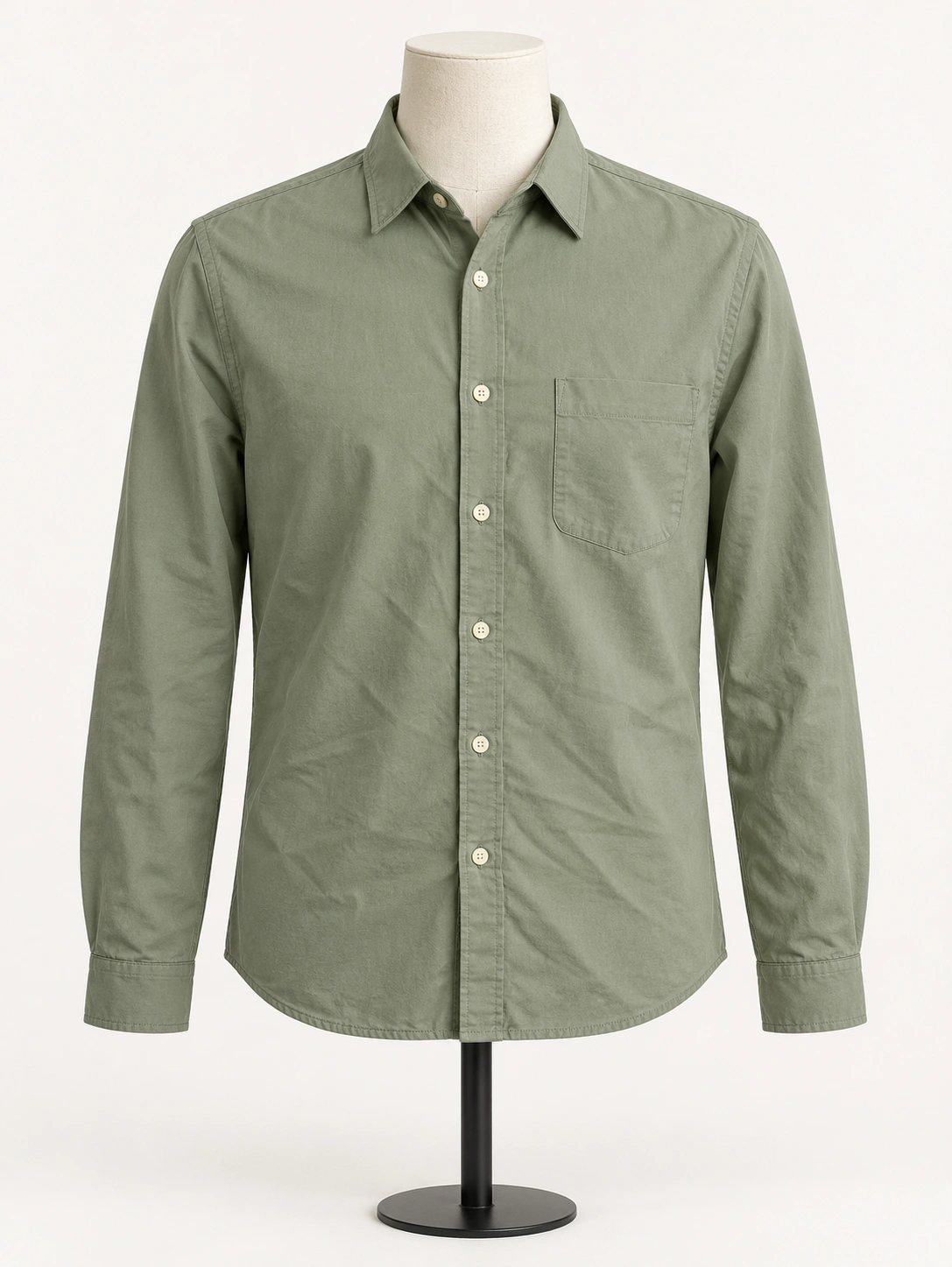 Before
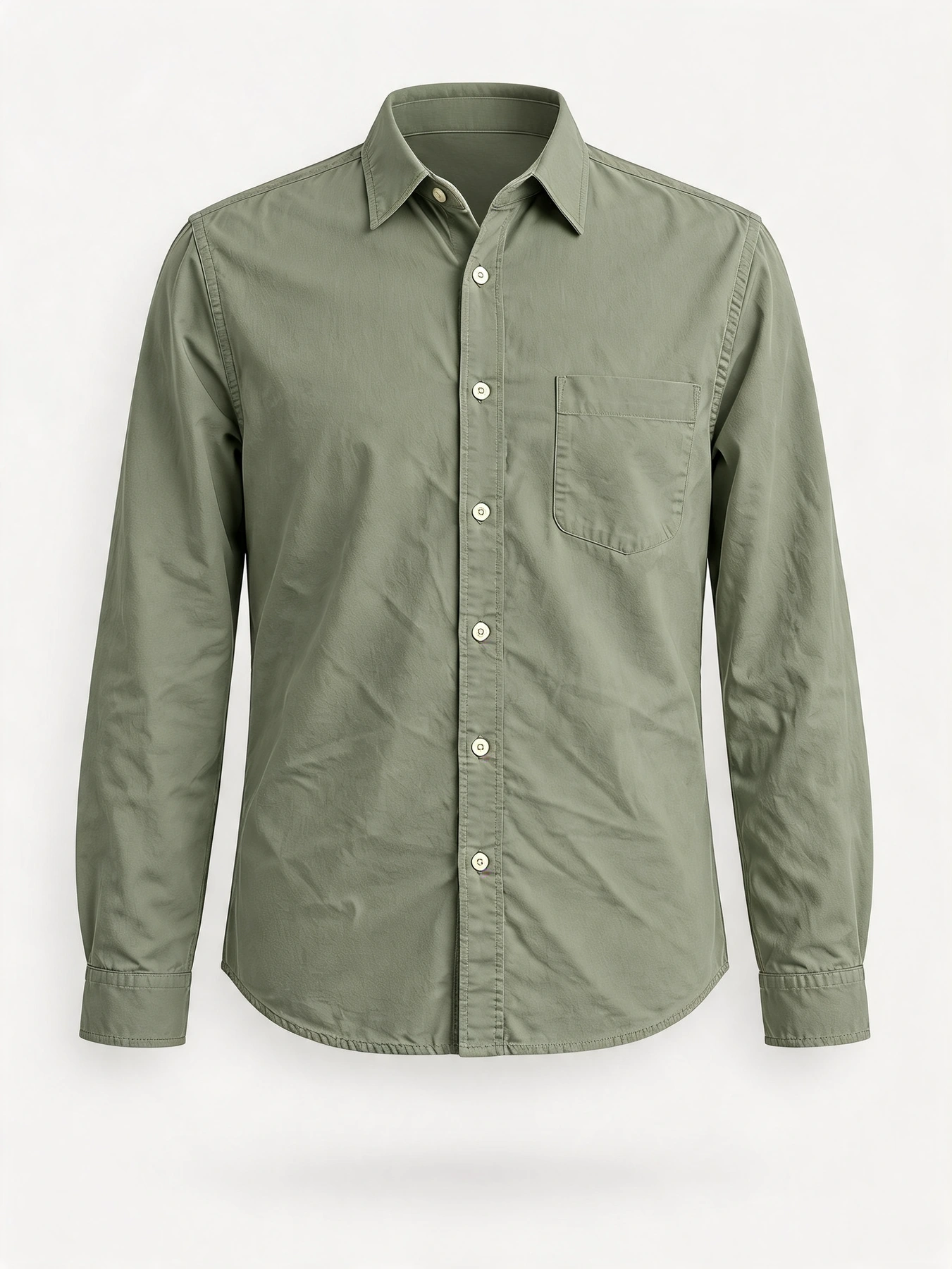
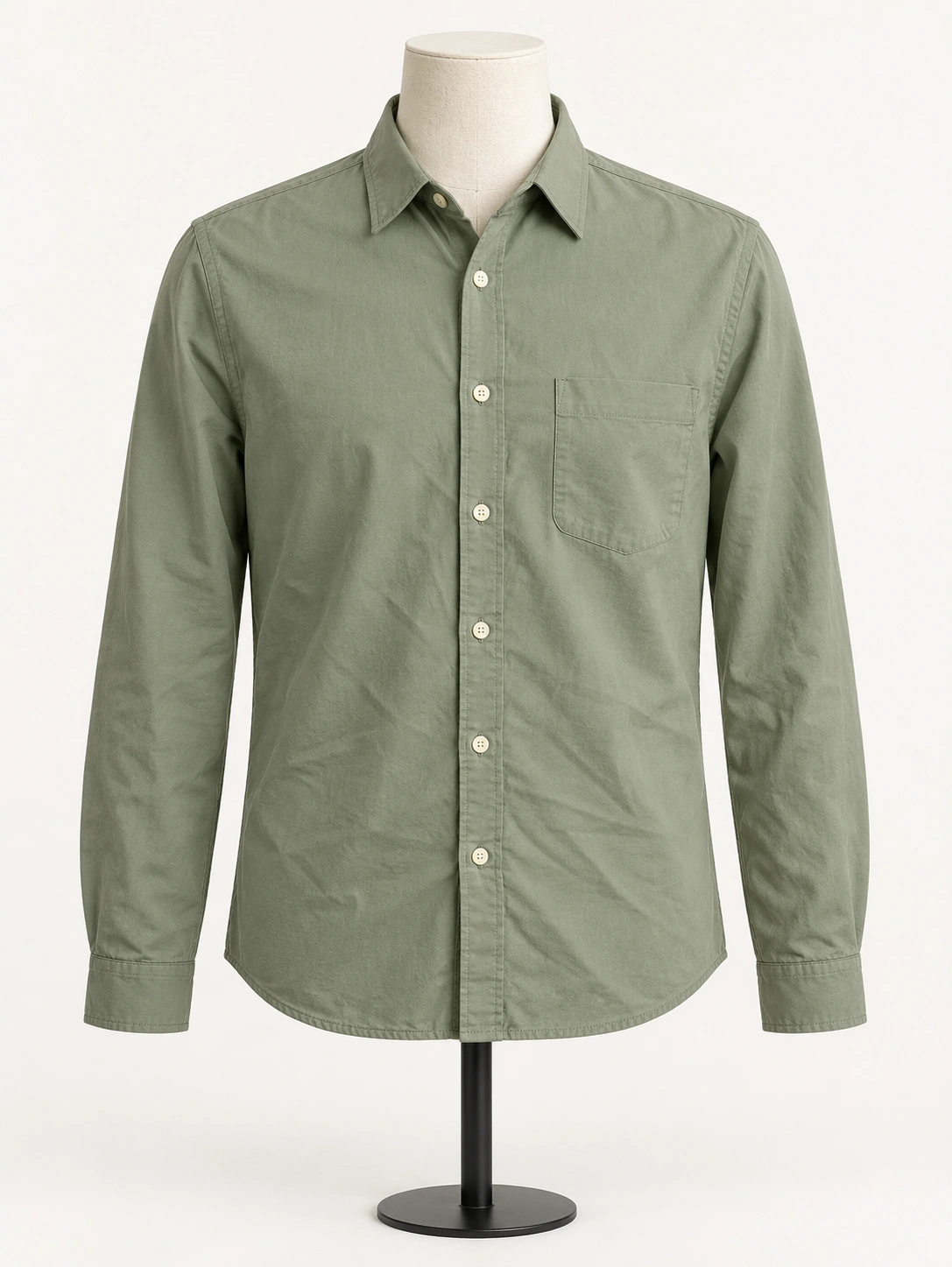 Before
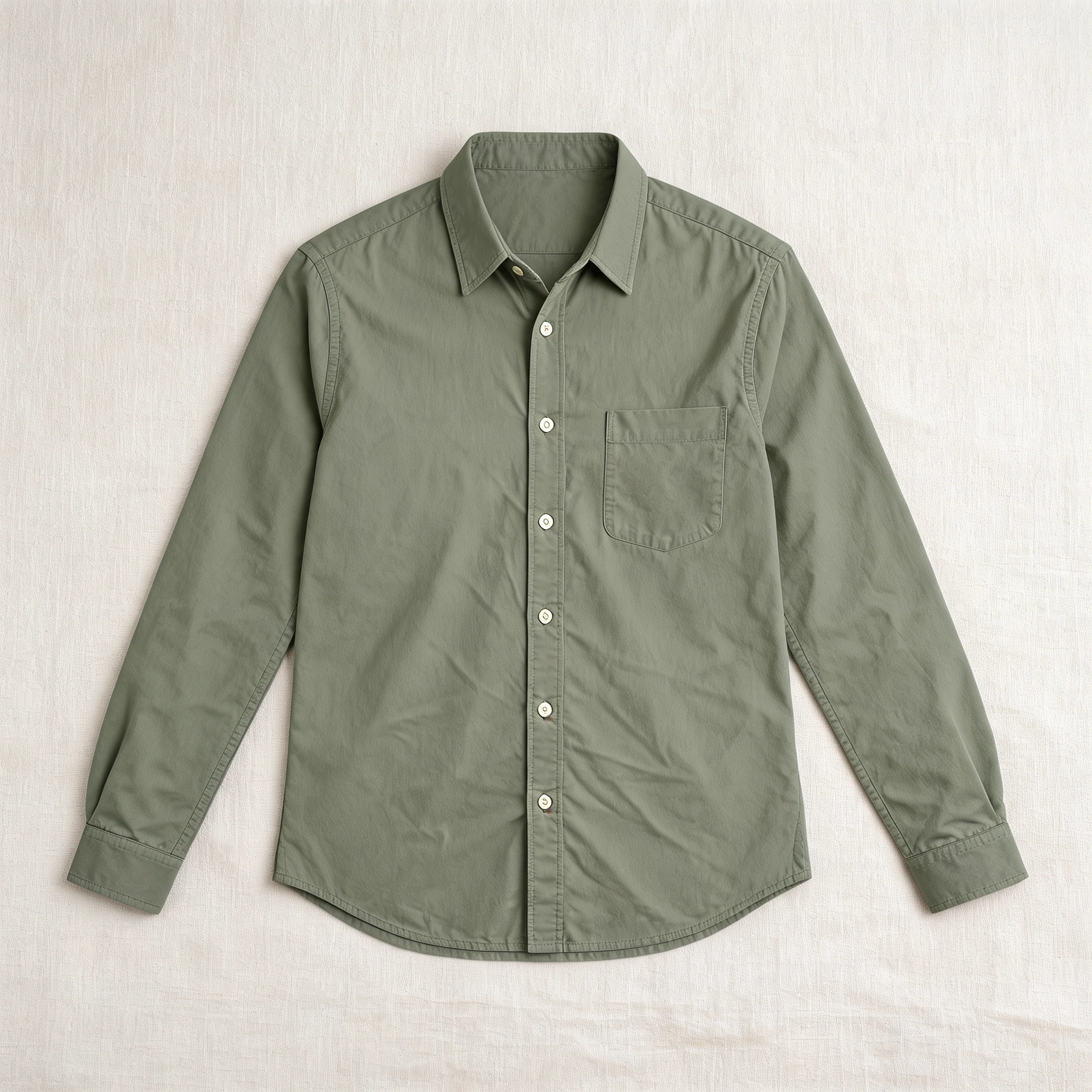
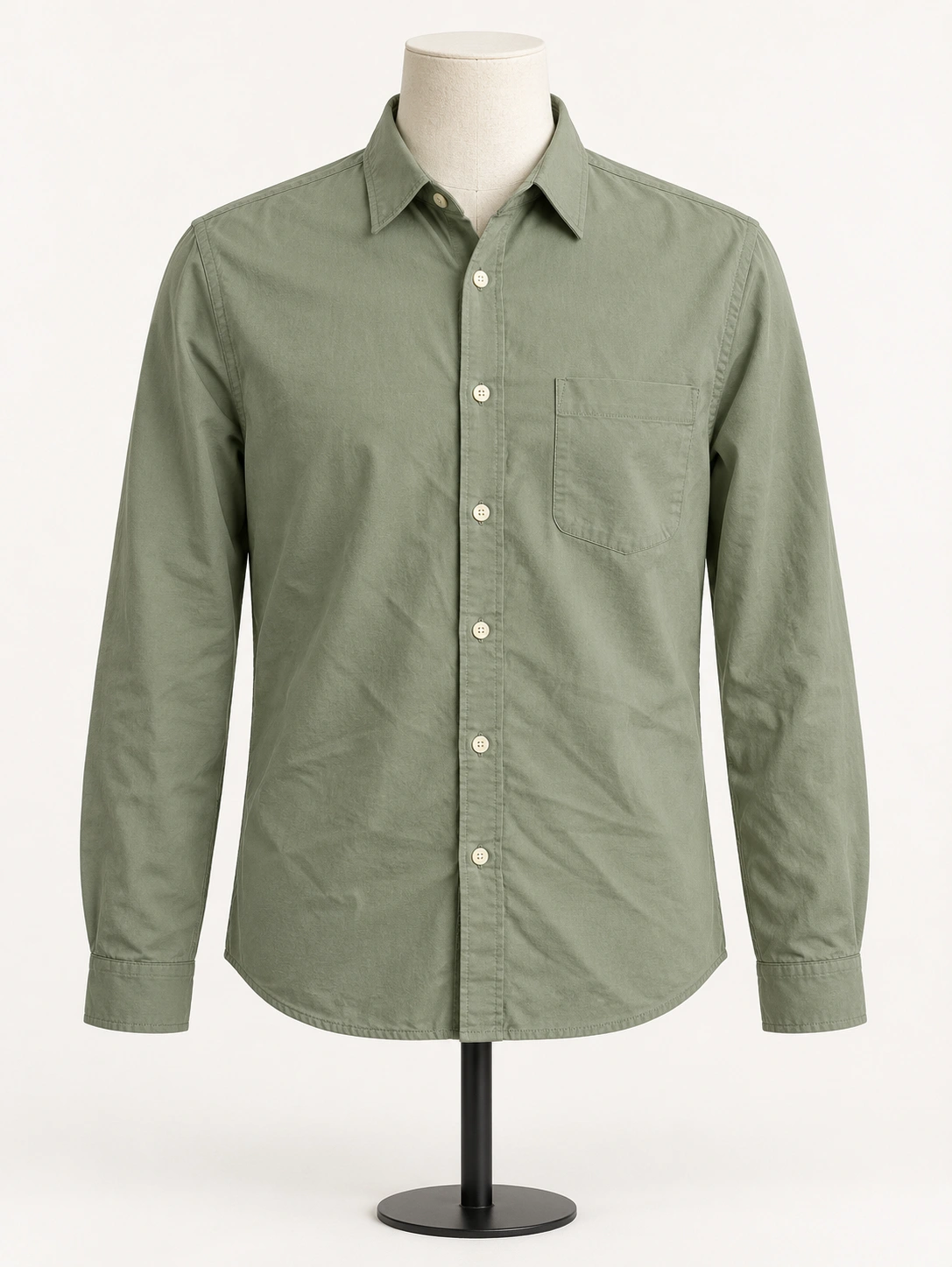 Before
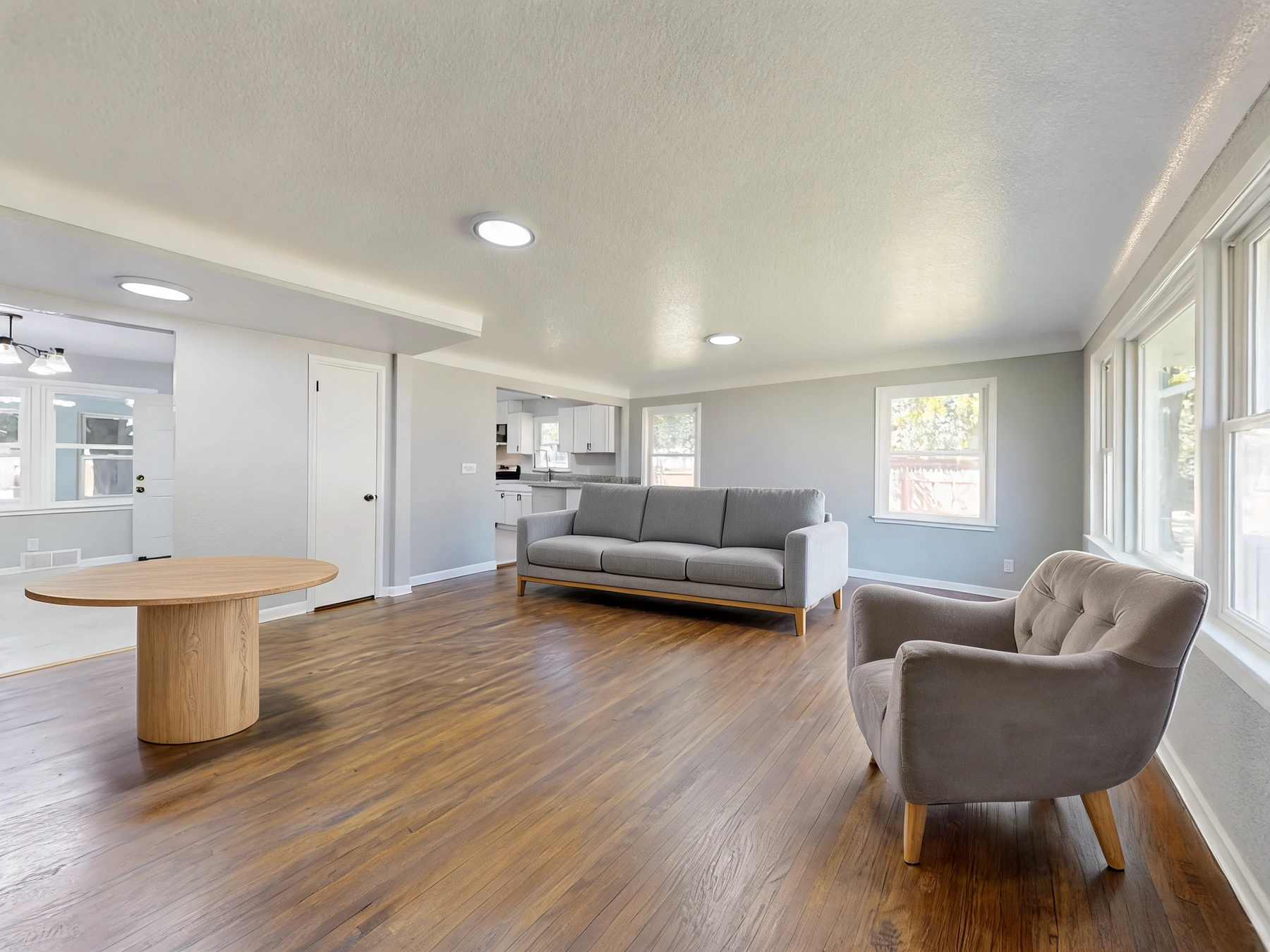
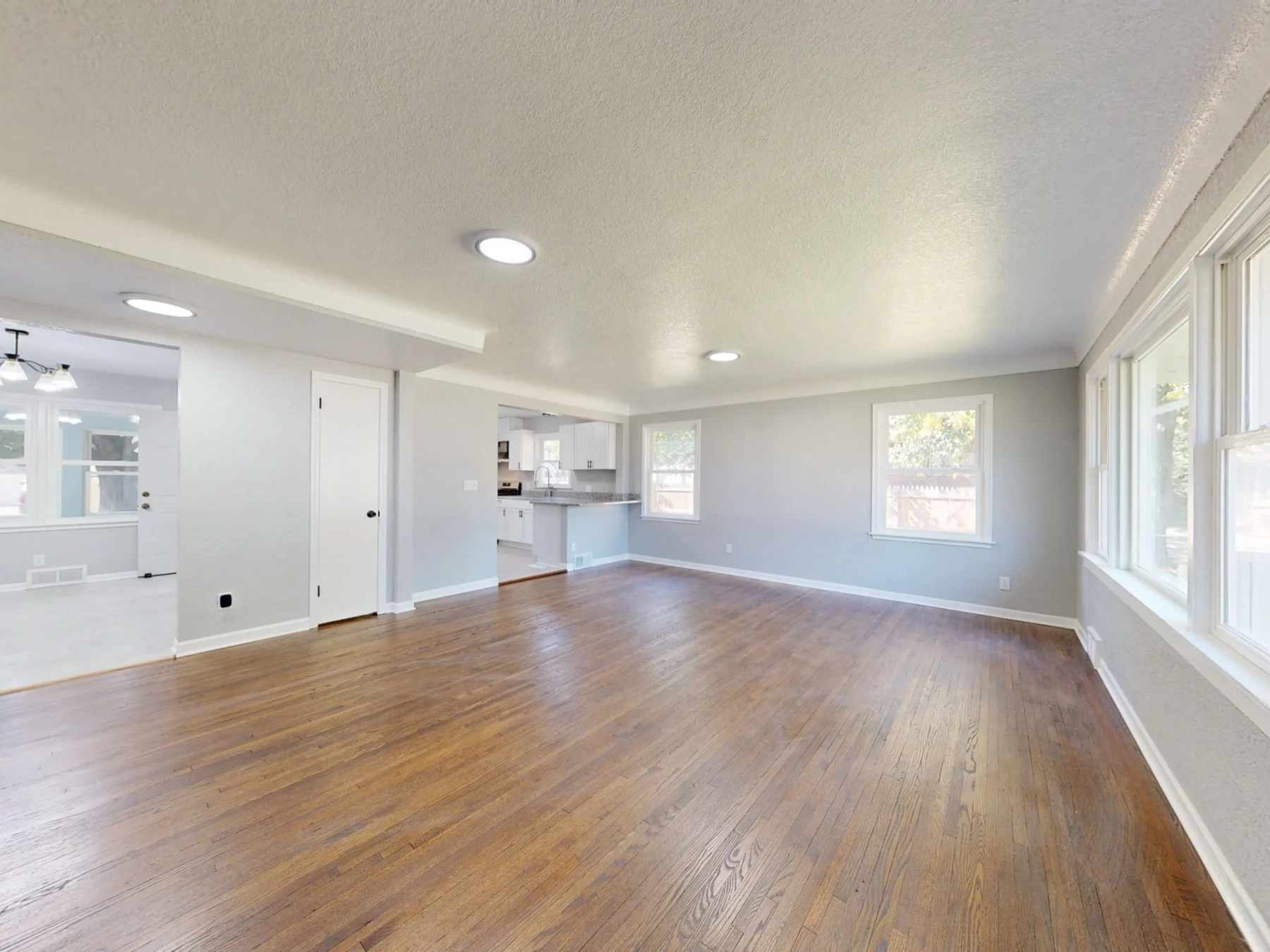
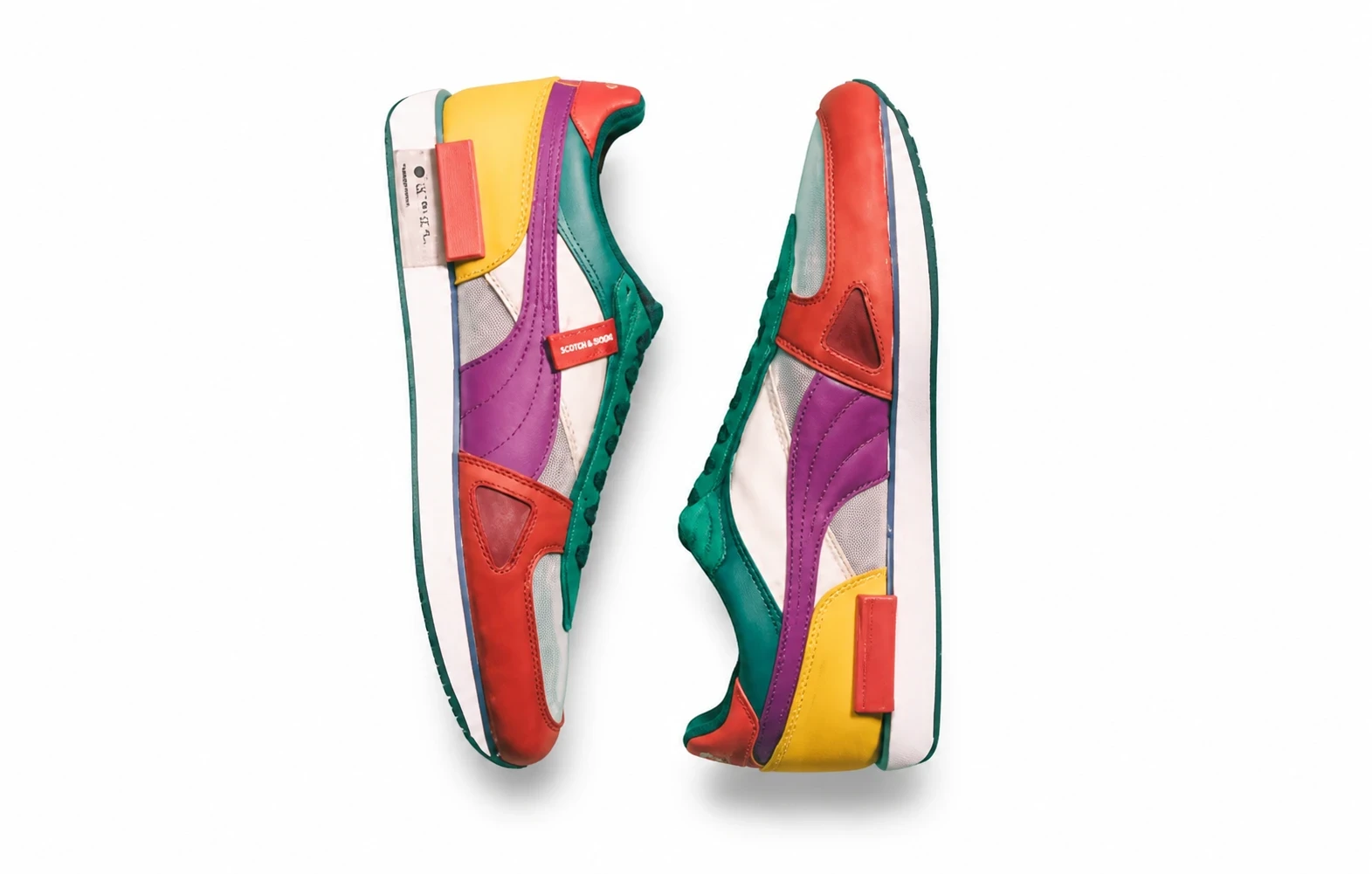

Turn a garment flat-lay or ghost-mannequin photo into a catalog-grade on-model ecommerce shot. This is product display wear — not portrait virtual try-on.