
Create from a prompt
Turn a written brief into product shots, key visuals, concept art, or campaign imagery.
Highest-fidelity Flux 2 image model for generation and multi-reference editing.
Black Forest Labs' highest-fidelity Flux 2 model. Generate polished visuals or edit from up to eight reference images when every detail, texture, and finish needs to hold up at full size.
Create with Flux 2 MaxTurn a written brief into product shots, key visuals, concept art, or campaign imagery.
Swap backgrounds, merge looks, or reshape a scene while keeping the parts that already work.
Use Max when the image must survive close inspection, large crops, or print-adjacent output.
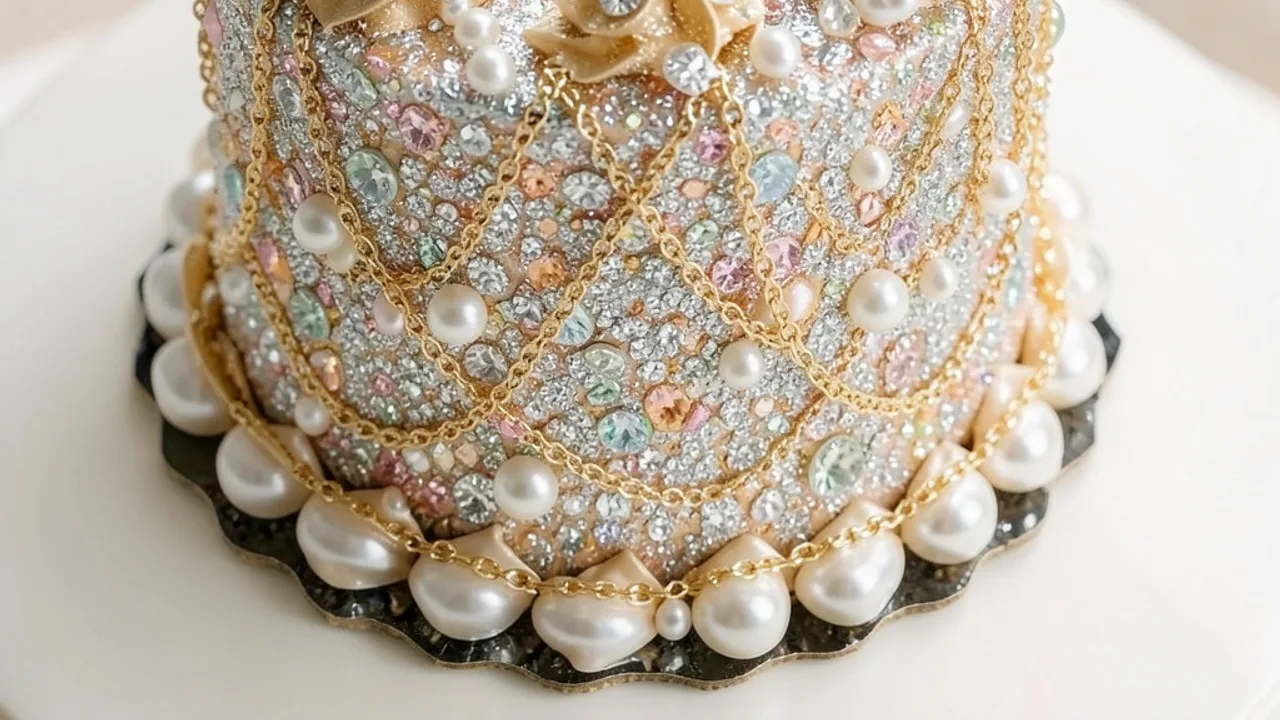
Rich detail, clean edges, and believable materials for hero shots, campaigns, and final deliverables.
Upload up to eight images to restyle, combine subjects, or guide a more complex composition.
Standard aspect ratios with resolution up to 4 MP when the layout needs more room.
Describe the scene, lighting, and mood in plain language — the model keeps the result coherent.
Export as WebP, JPG, or PNG depending on your downstream workflow.
Start with the subject, then add lighting, style, and anything that must stay the same. Upload a reference whenever you want a more controlled edit.
Mention lighting, lens feel, and surface detail when quality matters most.
When editing, call out the face, pose, product, or layout that must not change.
With several uploads, say which image supplies style, subject, or background.
Draft at 1 MP, then move to 2 MP or 4 MP once the direction feels right.
Compare Flux 2 tiers at a glance, then open the model that fits your quality, speed, and control needs.
Explore popular image models outside this series, or browse the full catalog.
Return to the workspace above, or compare the full catalog before you begin.