
Crop, size, and plain background first
Passport 35×45 mm, US 2×2 in, square, or 3:4 — with white, light blue, or light gray only. No office bokeh.
Crop a plain-background ID-style photo from a portrait. Guides and even light first — no beauty by default.
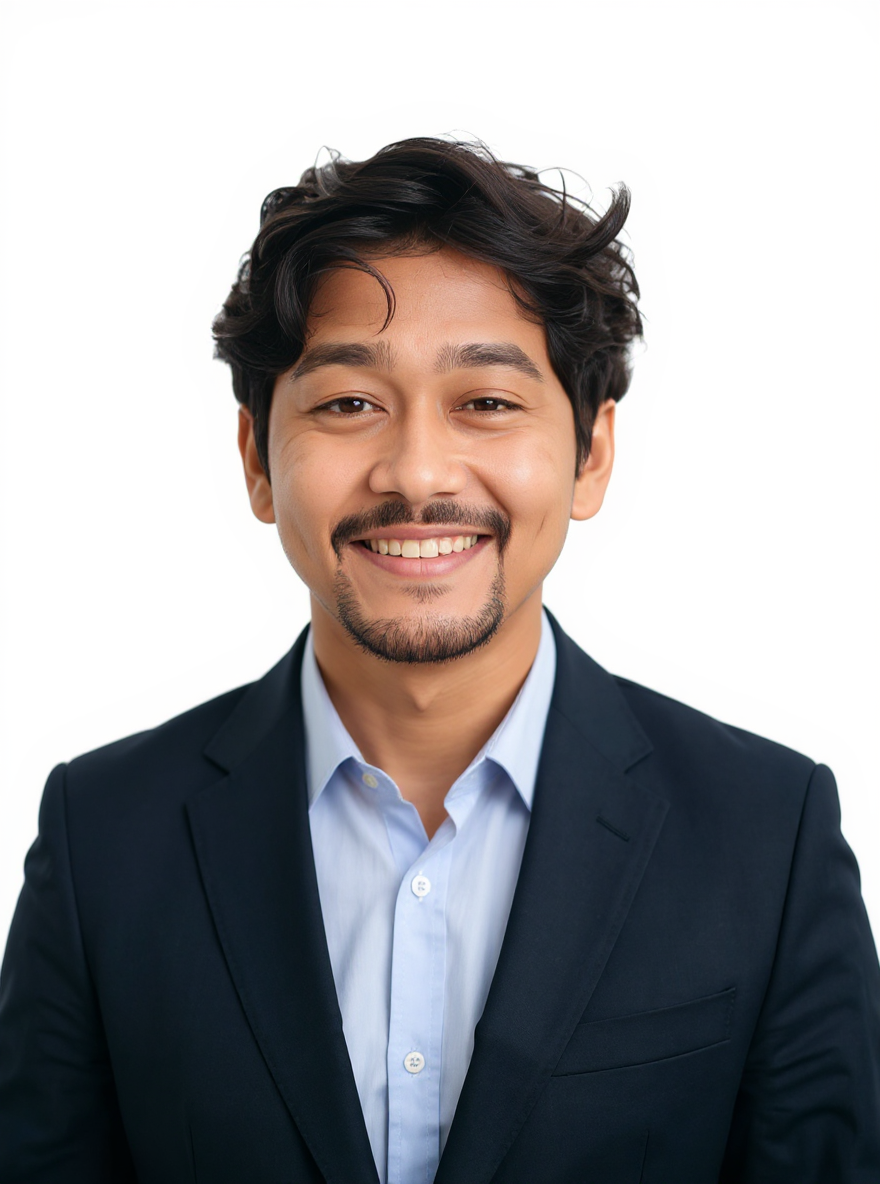
Before and after turning a casual portrait into a white-background ID-style headshot. Same face; background is cleaned and framing tightened.
ID-style headshot example. Confirm crop, expression and dress rules for your issuing authority.
Everyday personal portrait workflows — restore a print, set background and light, retouch makeup and hair, then finish a career headshot.
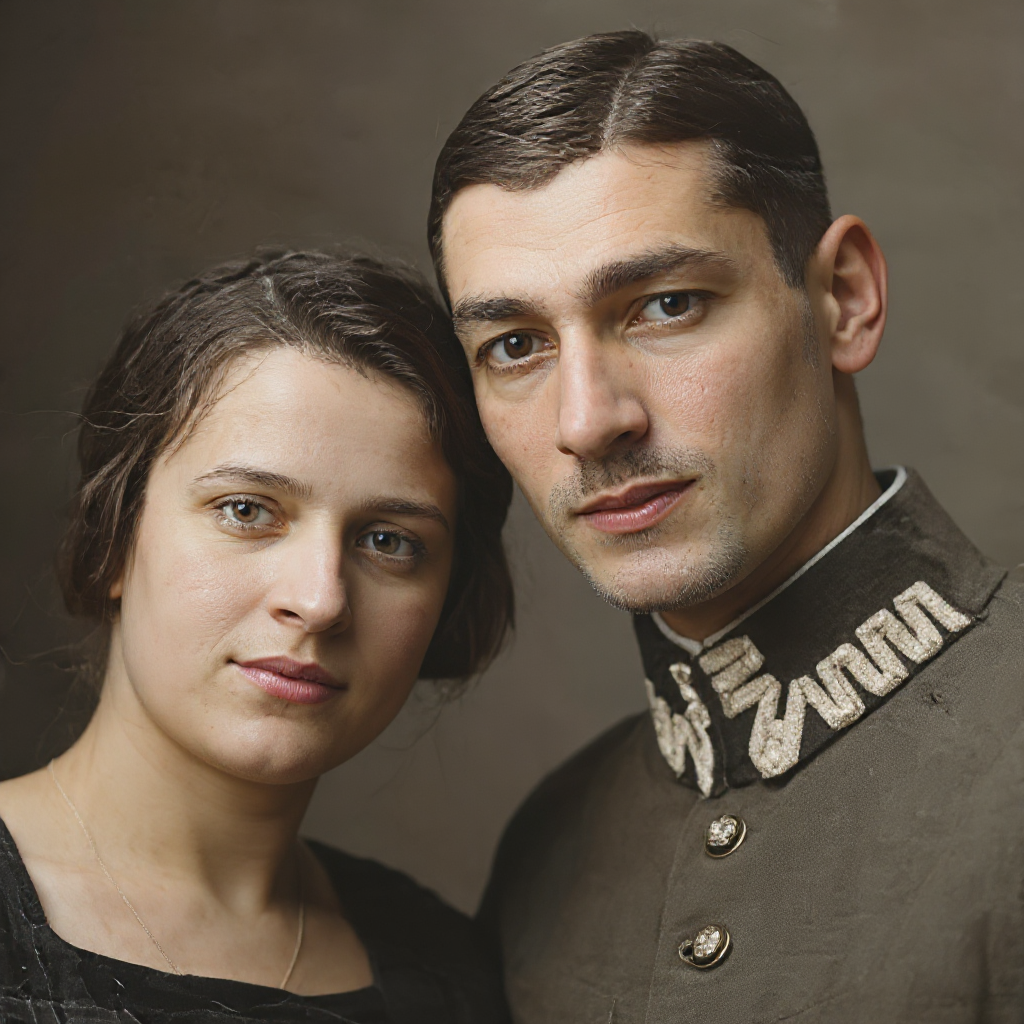
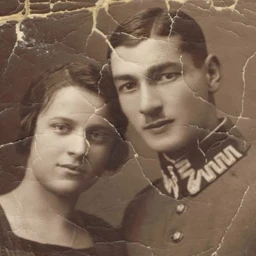 Before
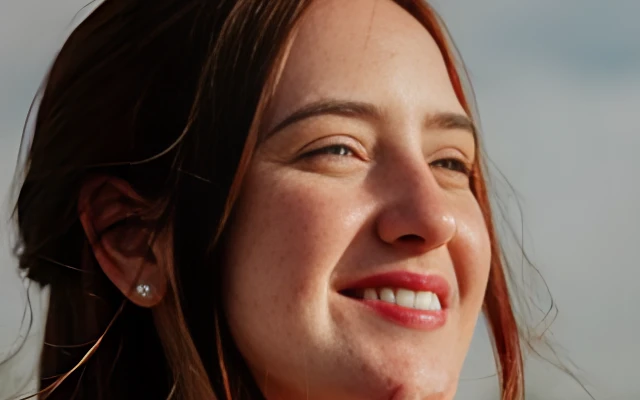
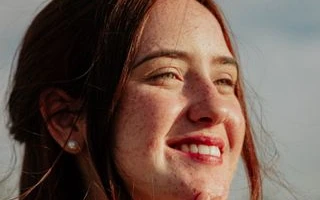 Before


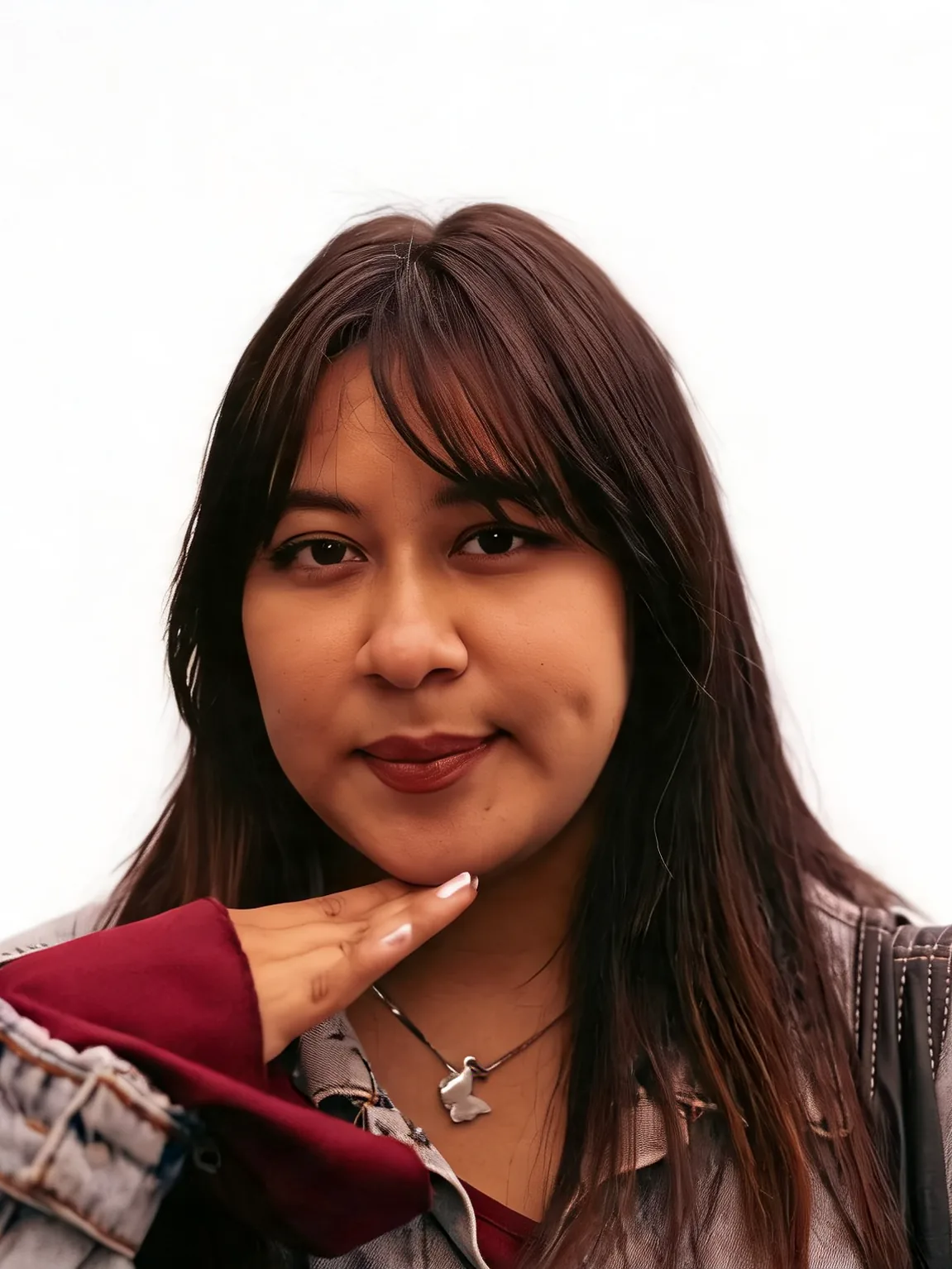
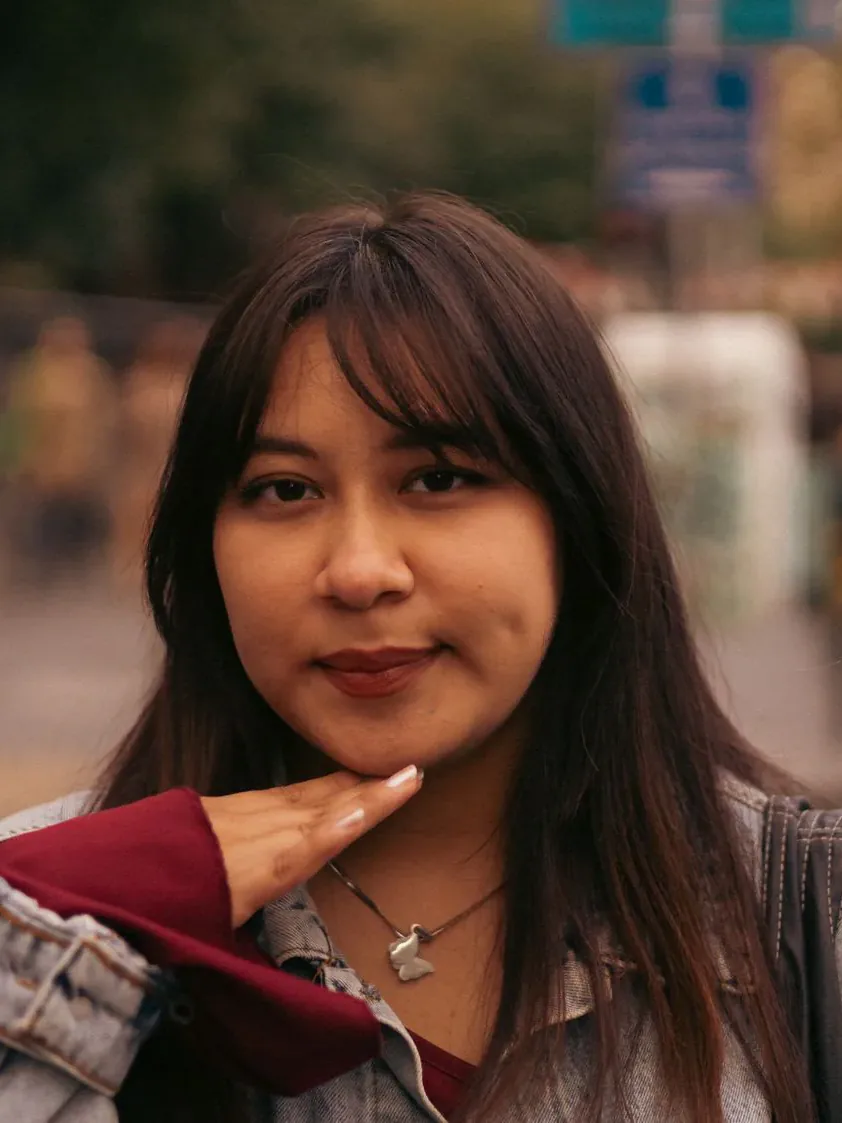 Before
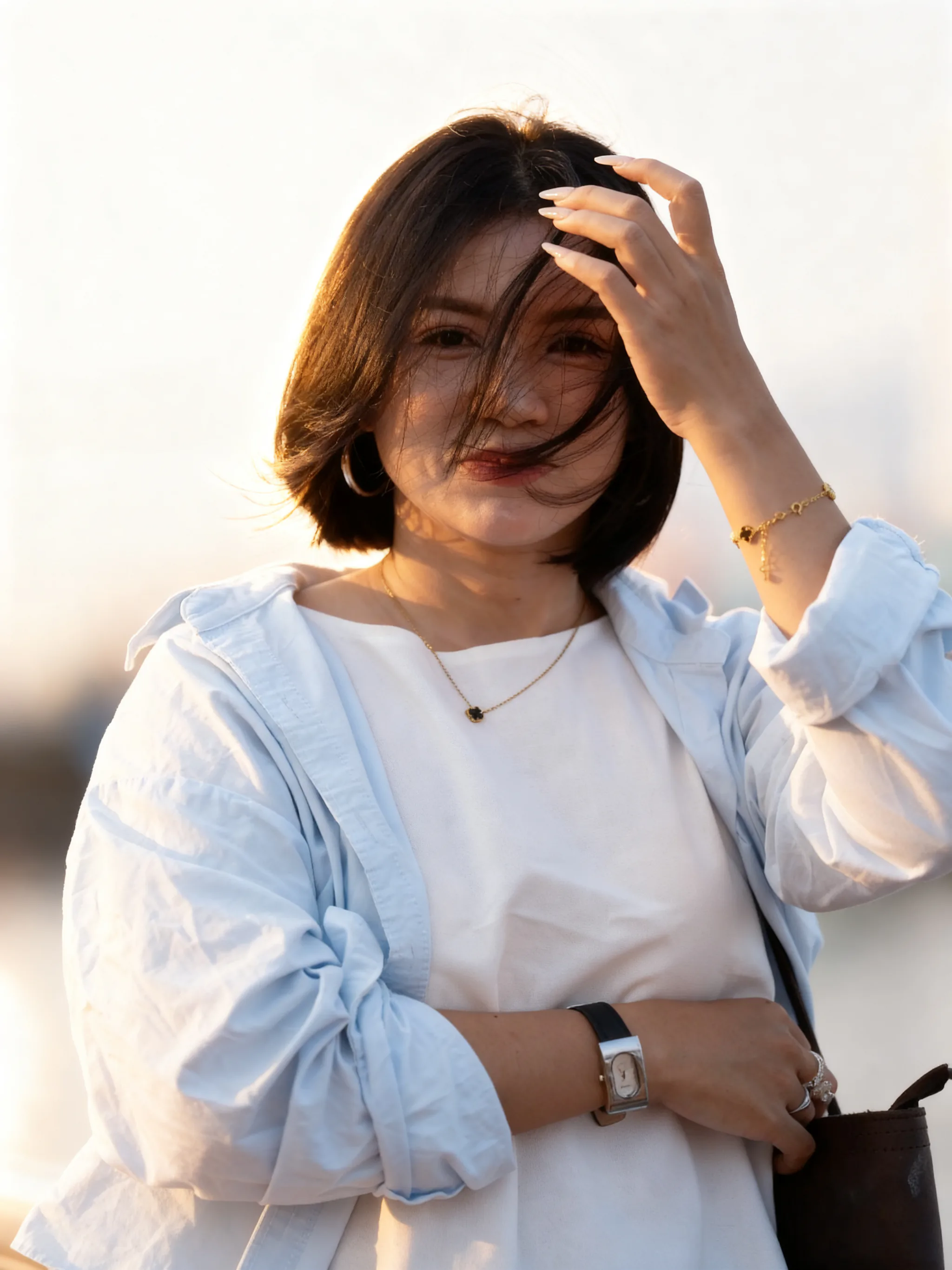
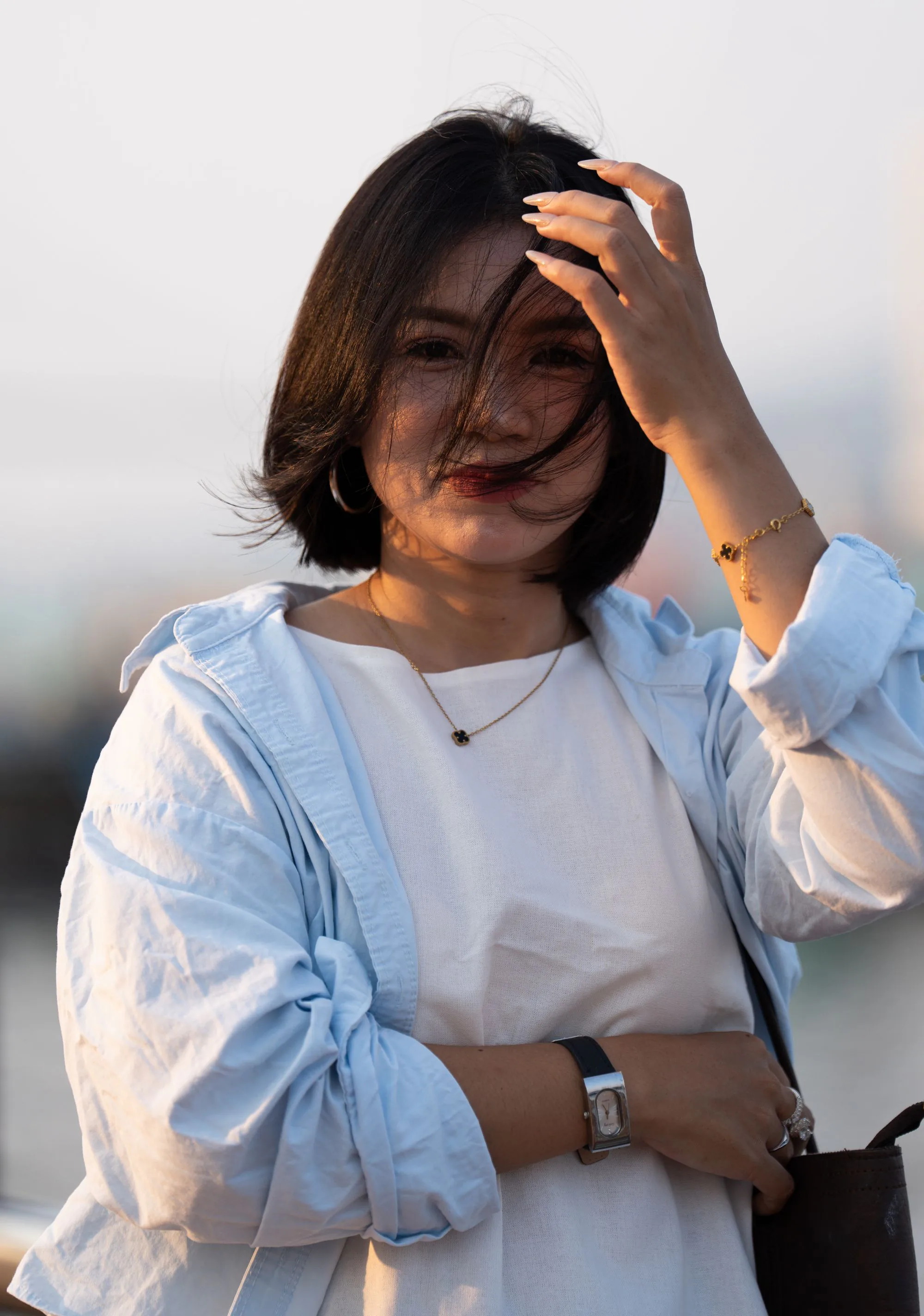 Before
Upload a front-facing portrait, pick a size guide and plain background, download.
Eyes toward camera, face unobstructed. JPG, PNG and WebP are supported.
Pick a passport, US 2×2, square, or 3:4 guide and a plain white, light-blue, or light-gray backdrop. Keep clothing unless you need a simple jacket or shirt.
After generation, Download exports fixed pixel dimensions from that result’s size setting. Open Crop and export ID photo to adjust framing or download a 4 × 6 inch print sheet. Check the issuing authority’s rules before submission.
Identity photos need even light, a plain backdrop, and honest faces — not studio glam.
Passport 35×45 mm, US 2×2 in, square, or 3:4 — with white, light blue, or light gray only. No office bokeh.
The prompt does not slim, smooth, add makeup, or change age. If you want a career look, use Headshot Generator instead.
Rules differ by country and document. Review the output against official specs; many agencies reject AI-altered ID photos.
Headshot vs ID photo, size guides, credits, and why many authorities reject AI-beautified IDs.
Upload a front-facing portrait and apply a size guide — without a beauty pass.