
Cinematic concepts
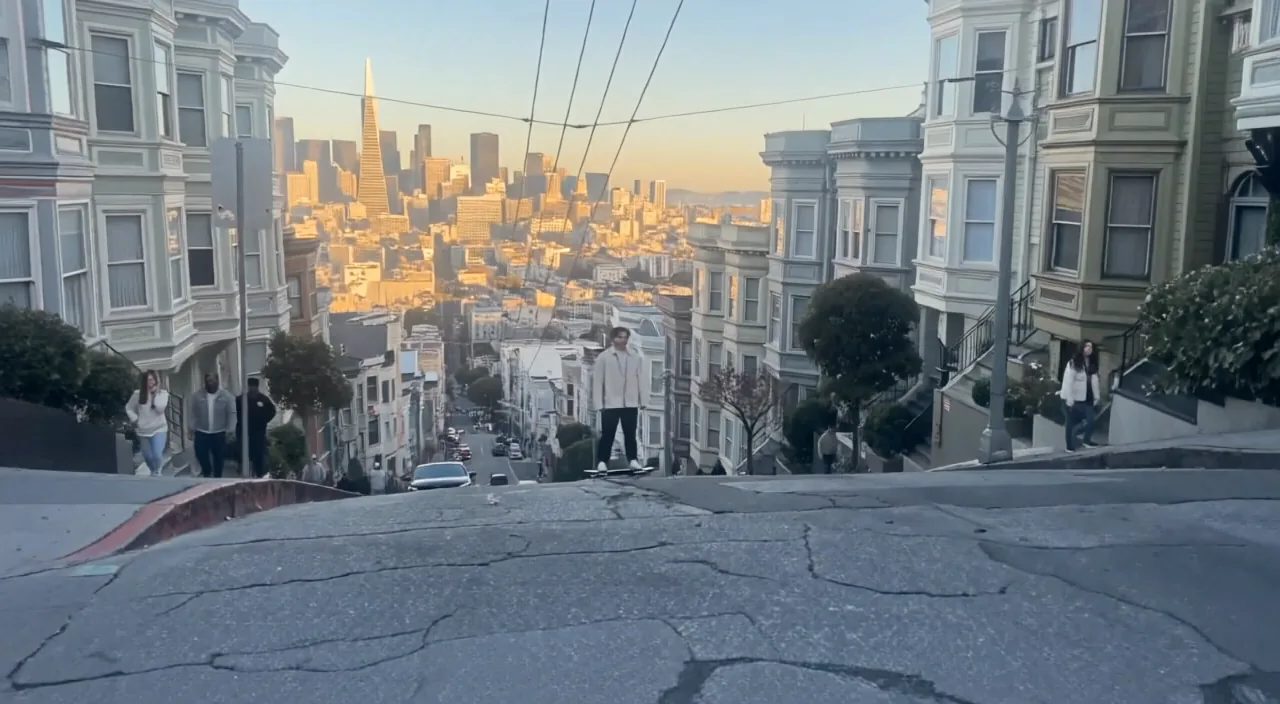
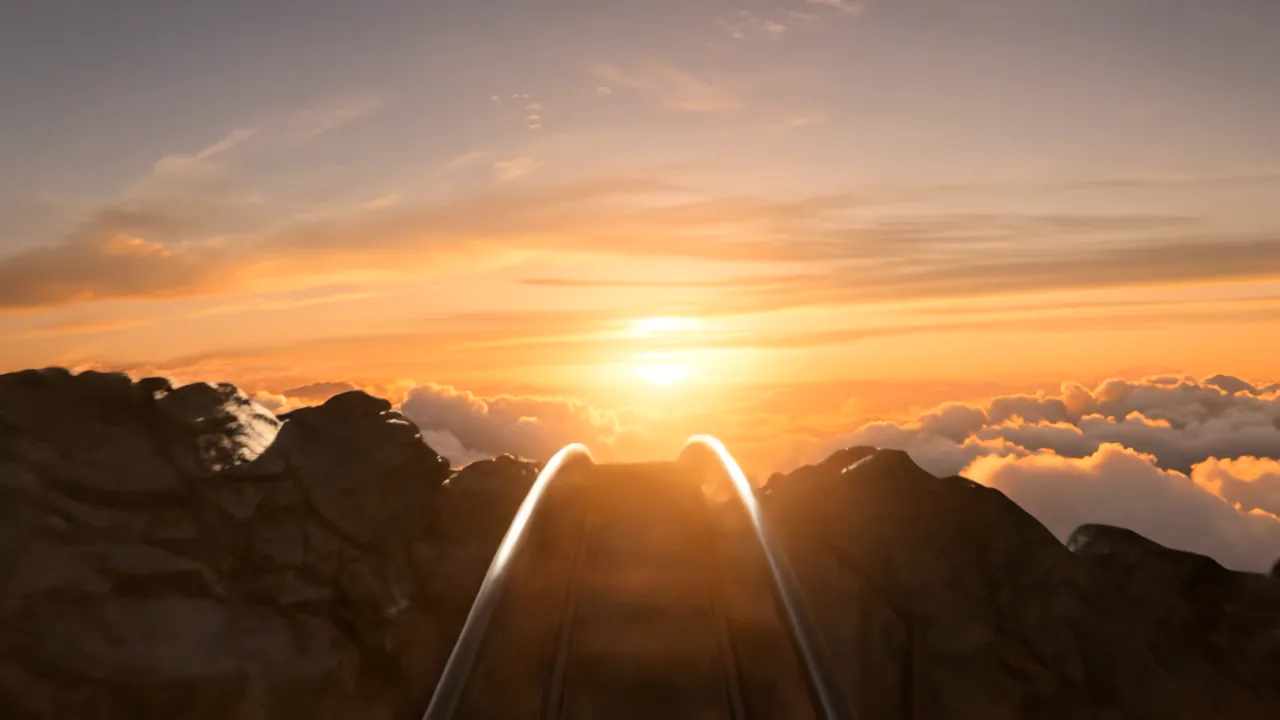
Explore camera language, atmosphere, pacing, and sound before production.
Google video generation
Google's flagship video model with native audio, first/last-frame control, and subject reference images.
Generate 720p or 1080p video with synchronized audio, controlled first and last frames, or up to three subject reference images.
Create with Veo 3.1Explore camera language, atmosphere, pacing, and sound before production.
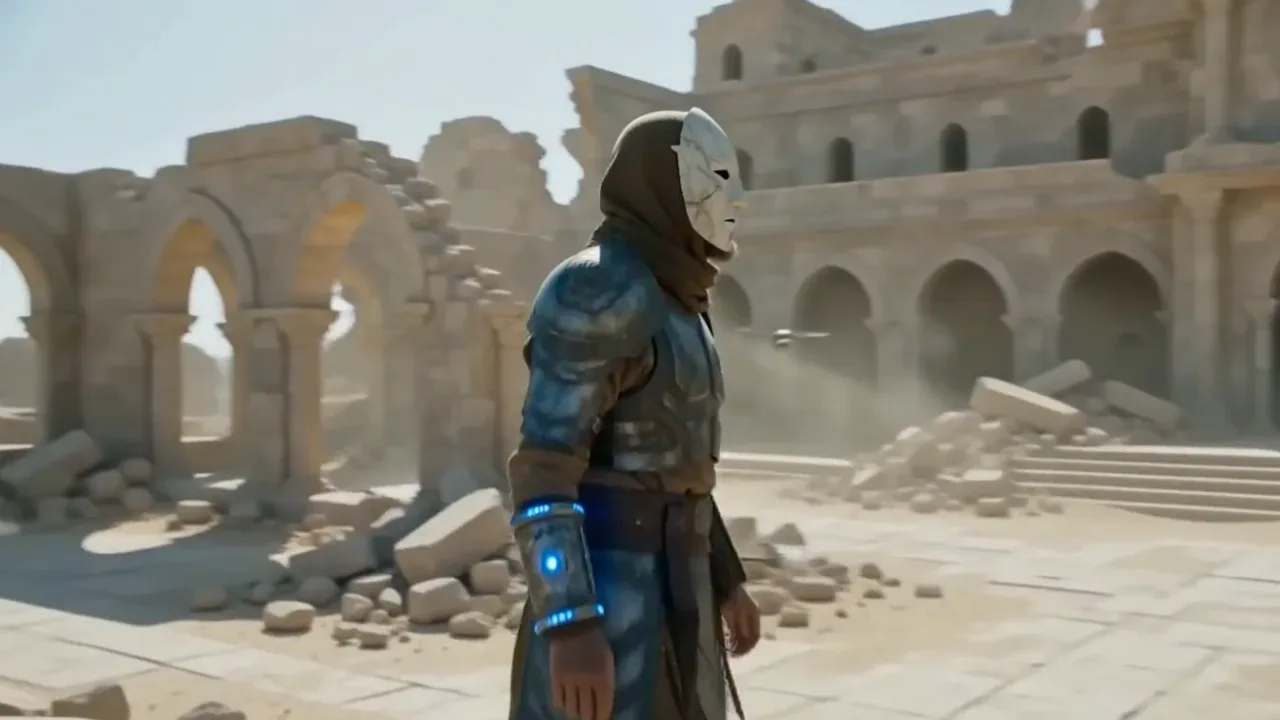
Keep a key subject recognizable with reference-guided generation.
Create a planned movement between two supplied compositions.
Create dialogue, ambience, and effects together with the visuals for a more coherent result.
Guide a shot from a chosen opening composition to a specific ending frame.
Use up to three references to preserve a subject across an eight-second landscape clip.
Start with the subject, then add lighting, style, and anything that must stay the same. Upload a reference whenever you want a more controlled edit.
Describe dialogue, ambience, and effects alongside the visual action.
State what moves in the scene, then specify the camera move and lens behavior.
Reference images automatically use 16:9 and eight seconds; the last-frame input is ignored.
Choose flagship control, faster iteration, or cost-efficient volume.
Explore popular image models outside this series, or browse the full catalog.
Return to the workspace above, or compare the full catalog before you begin.