AI Video Creation Workspace
Create videos from text or images with leading AI models, then refine them with powerful video tools and effects.
Explore AI generators
Generate images, create videos, or animate a still—with examples and tips to get started.
Featured Models
Choose a model directly when you need deeper control over generation settings.
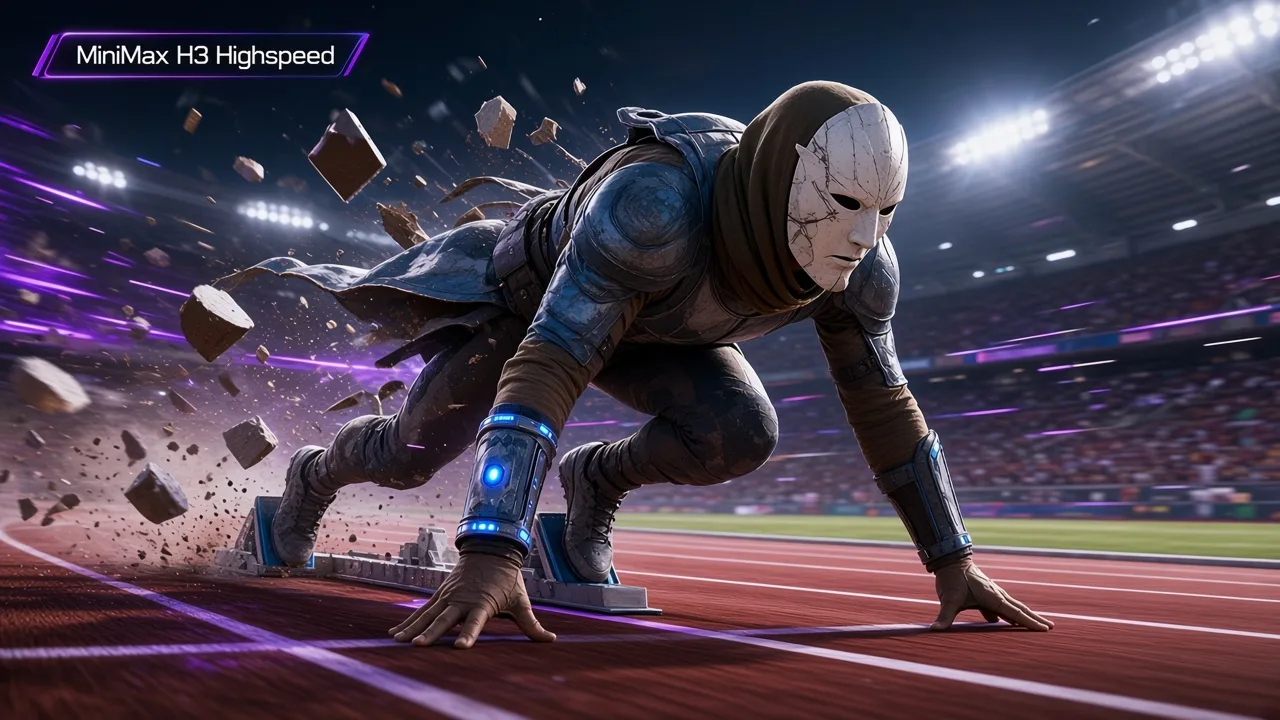
MiniMax H3 Highspeed
New−50%Generate 4–15 second video at 768P from text, first and last frames, or image, video, and audio references.
Video
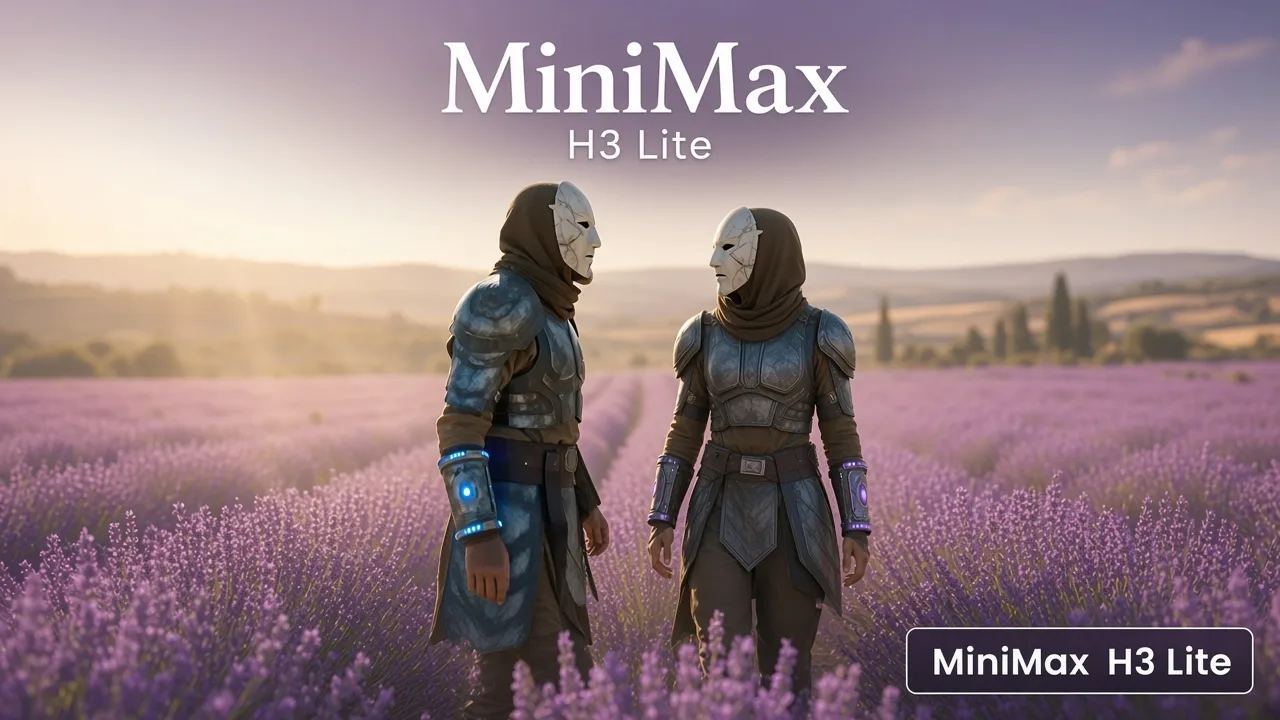
MiniMax H3 Lite
New−50%Generate 4–15 second video at 768P or 480P from text, first and last frames, or image, video, and audio references.
Video

Seedance 2.5 Flash
NewFaster Seedance 2.5 video from a prompt, at 480p or 720p. Choose Auto or 4–30 seconds, with optional synchronized audio.
Video
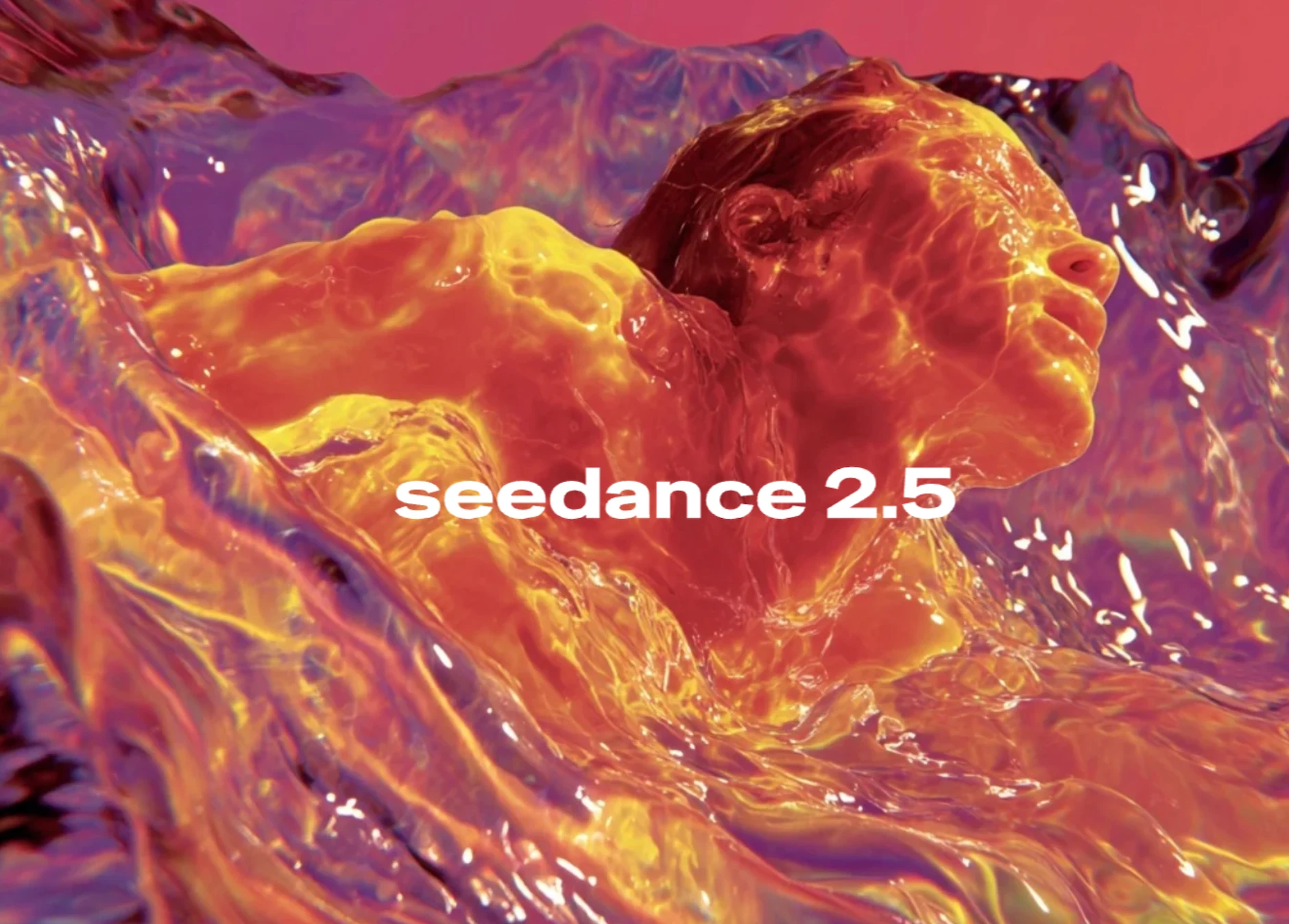
Seedance 2.5
ByteDance’s flagship multimodal video model with synchronized audio, rich reference control, and clips up to 30 seconds.
Video
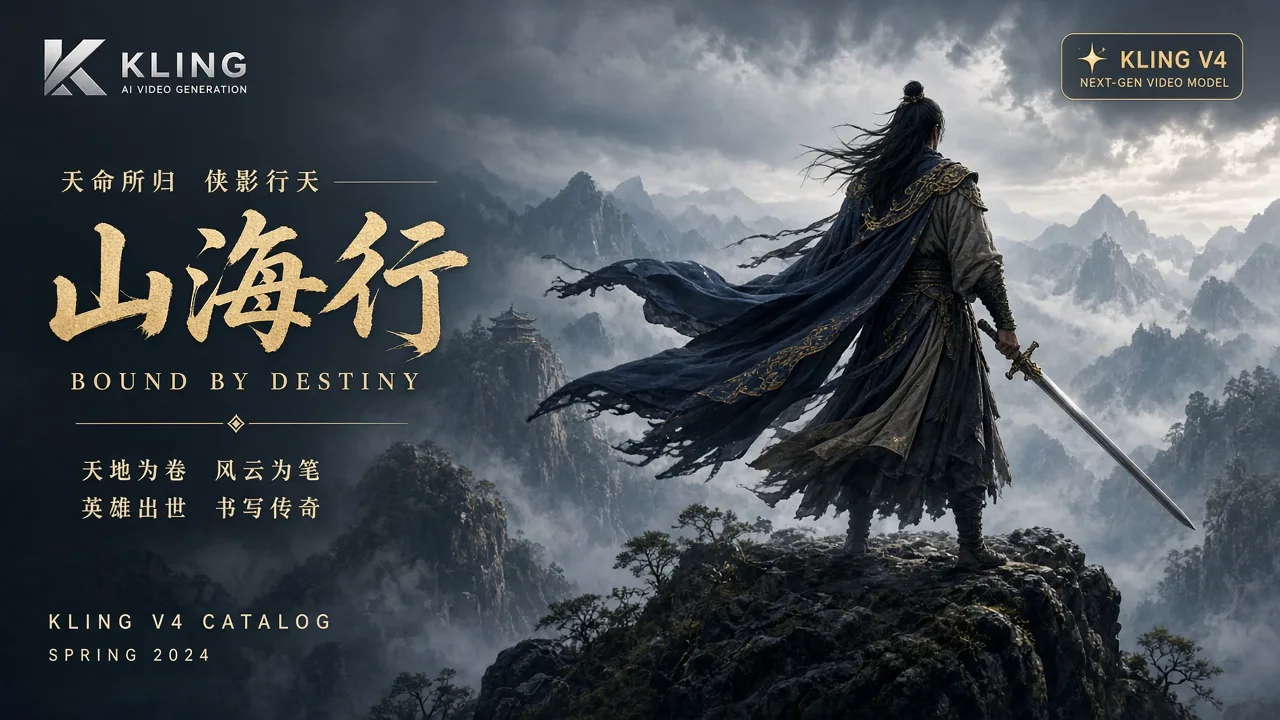
Kling 4.0
NewCreate a 3–30 second video from text or animate a first frame with an optional last frame. Choose 720p or 1080p and direct the subject, camera and action in your prompt.
Video
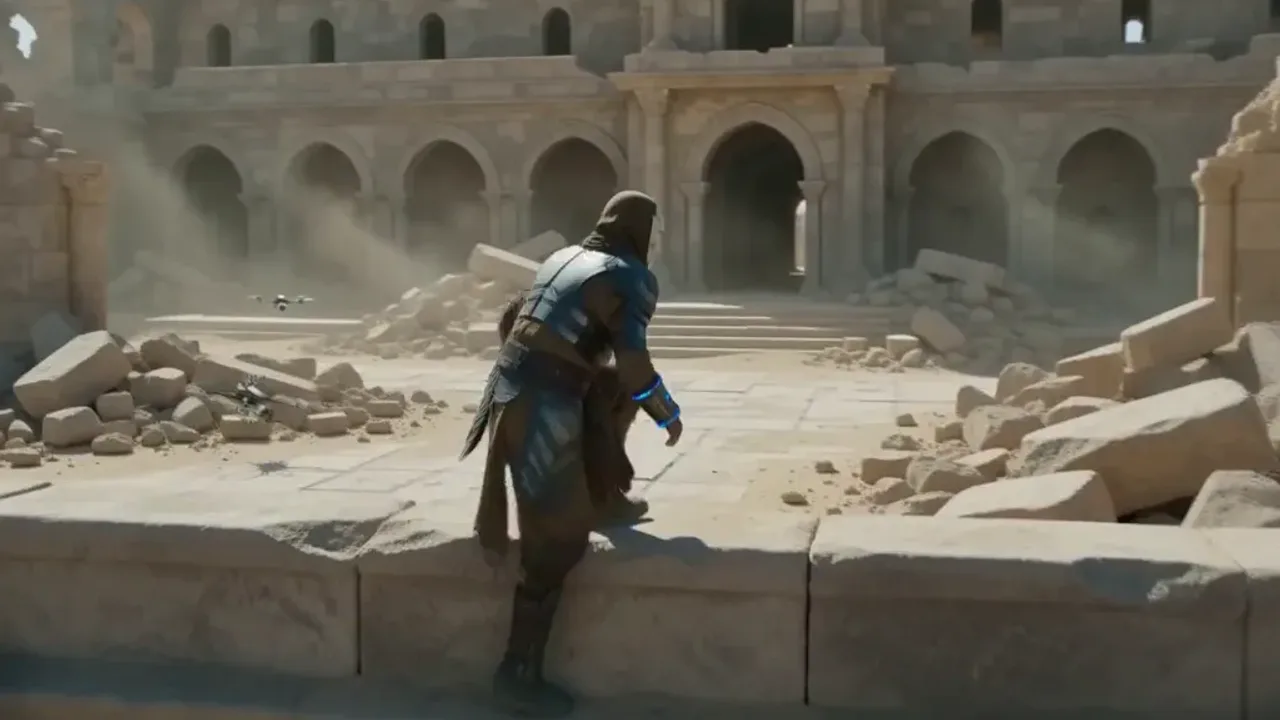
MiniMax H3 Max
MiniMax H3 Max for audiovisual generation with text, frames, and multimodal references.
Video
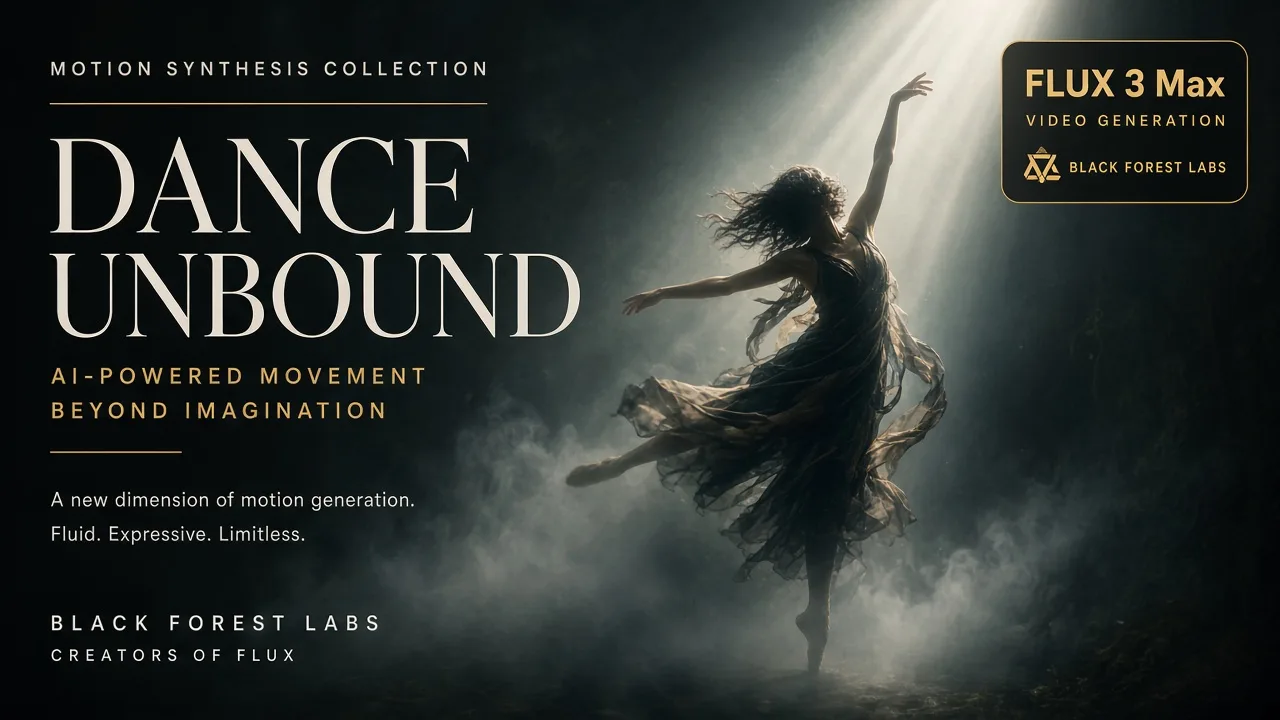
Flux 3 Max
NewBlack Forest Labs video model for text, image, and keyframe-driven clips with optional audio.
Video
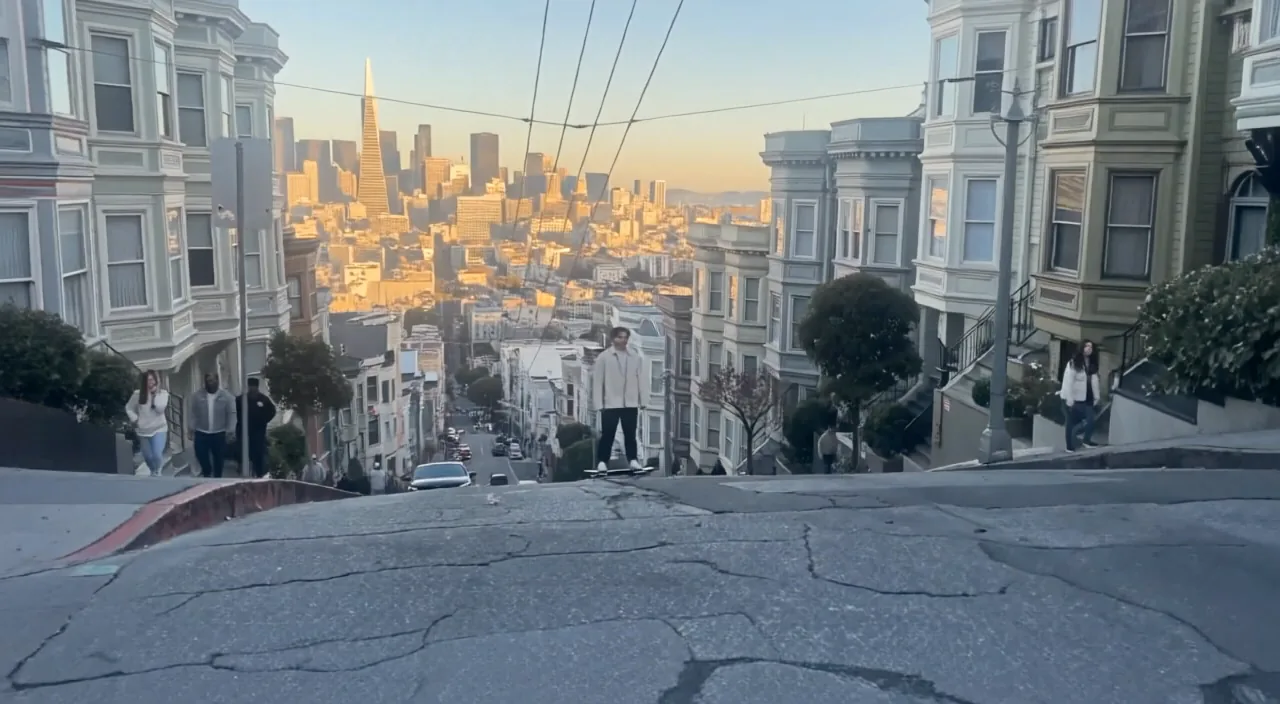
Flux 3 Video
Black Forest Labs' multimodal video model for synchronized-audio generation from text.
Video
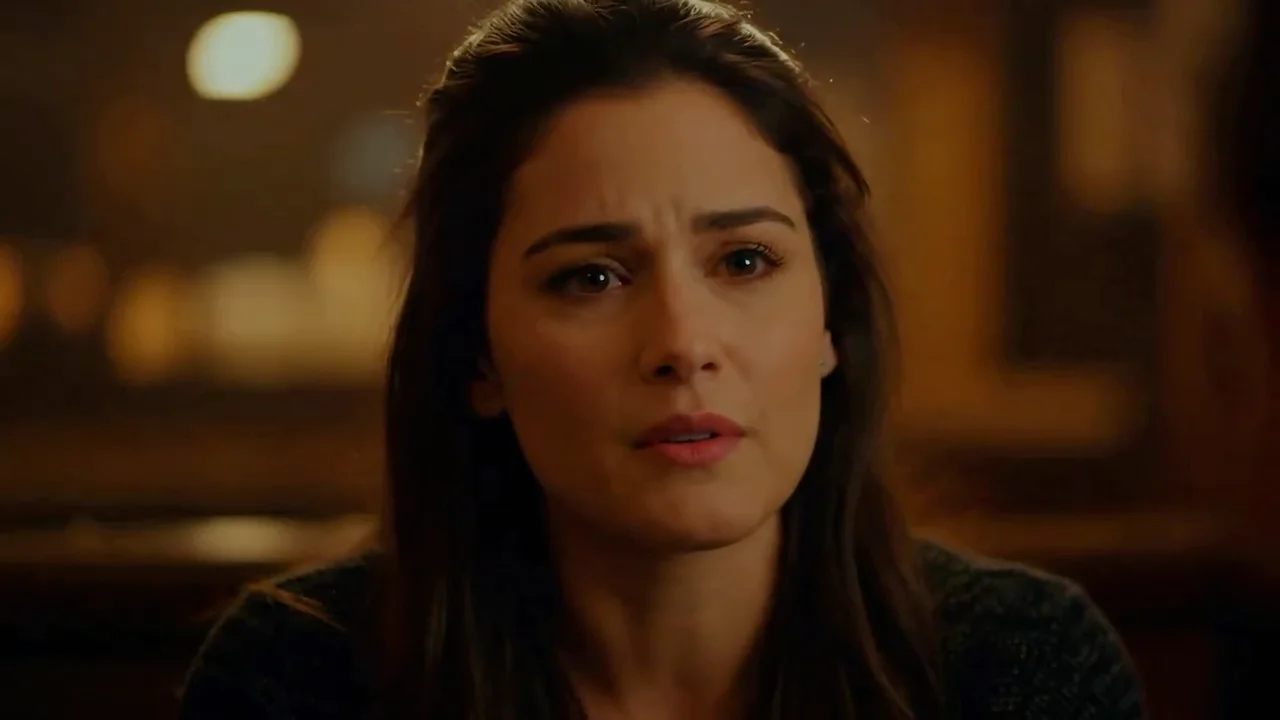
Veo 3.1
Google's flagship video model with native audio, first/last-frame control, and subject reference images.
Video
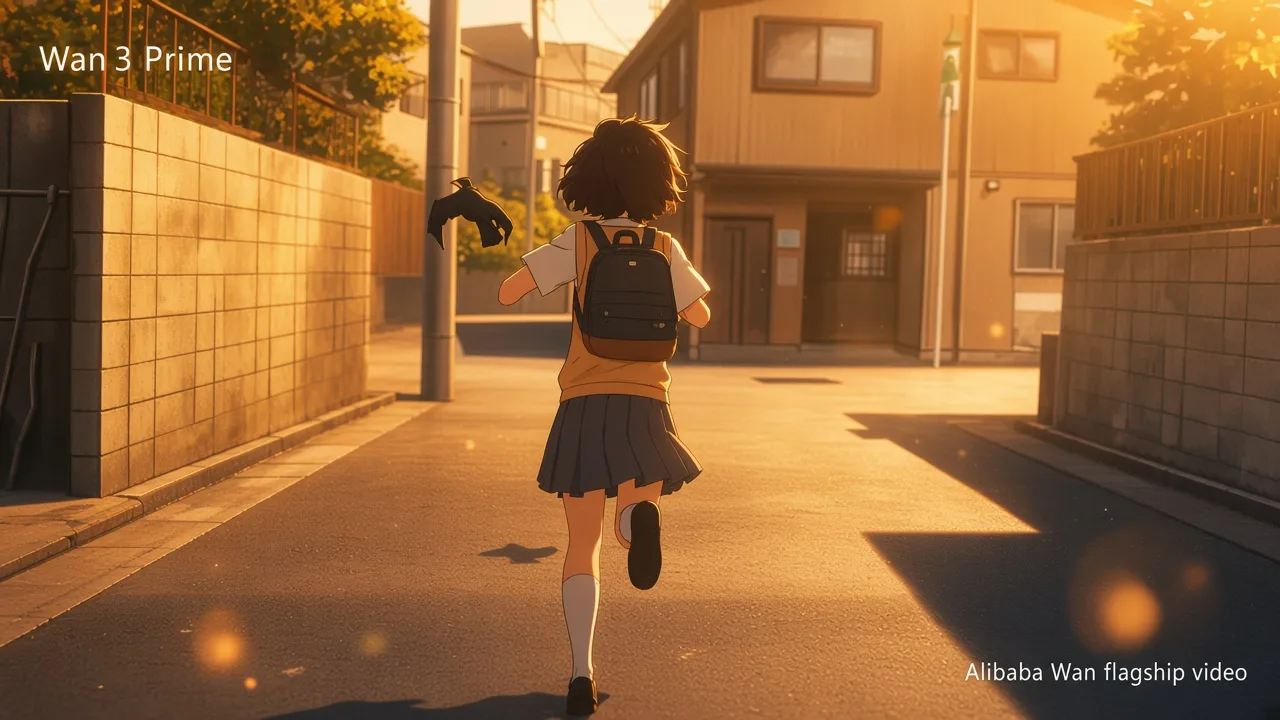
Wan 3 Prime
NewGenerate 2–30 second videos from text, first/last frames, or image, video and audio references. Prime offers faster generation than standard Wan 3.
Video
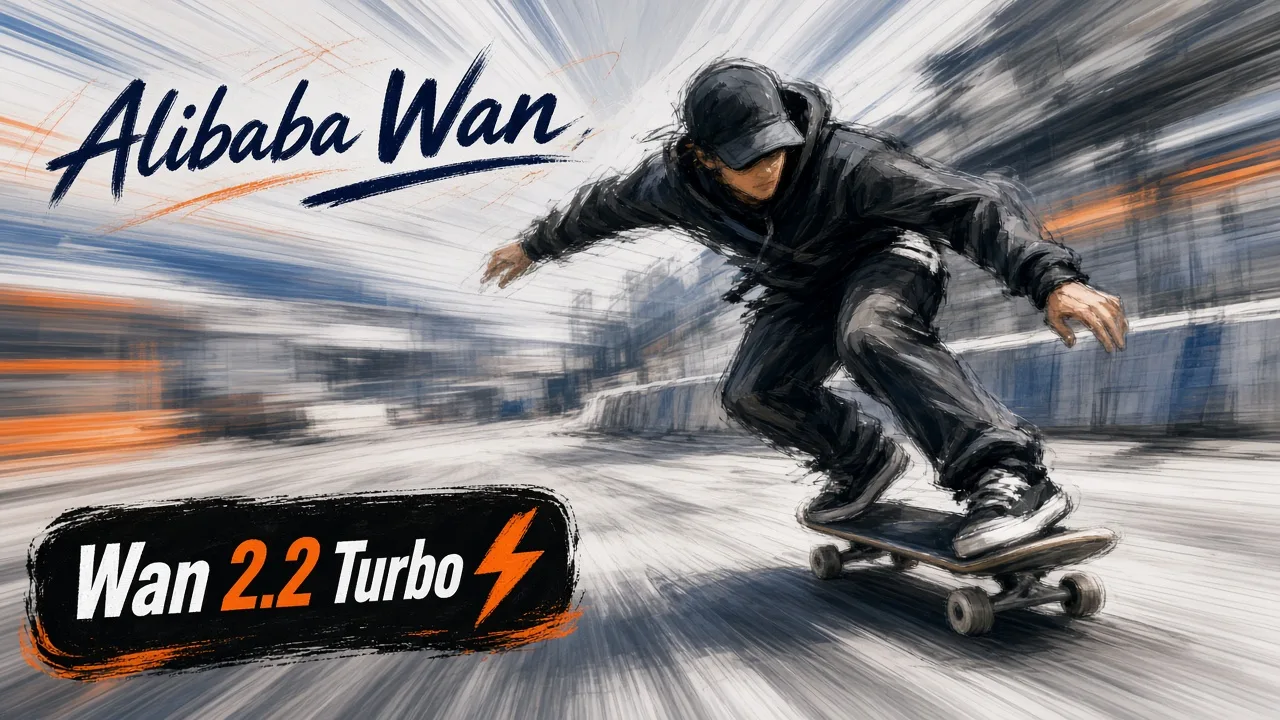
Wan 2.2 Turbo
NewText to Video / First / Last Frames · 480p / 720p
Video
Tools
Start with a task-oriented workflow and the right model is selected for you.
Effects
Use a guided creative recipe with an editable starting prompt.
Ready to create your next video?
Describe motion and camera direction, animate a still image, or edit an existing clip.