Campaign concepts
Prototype cinematic product and brand motion before production.
Alibaba video generation
Generate videos from a prompt or a starting image, or guide a new scene with image, video and audio references. Choose 480p, 720p or 1080p and 2–30 seconds.
Prototype cinematic product and brand motion before production.
Create landscape, portrait, square, and adaptive clips for social formats.
Bring an existing still, illustration, or product frame to life.
Turn a detailed scene and motion brief into a cinematic video clip.
Use an uploaded image as the first frame and animate it with your prompt.
Choose 480p, 720p, or 1080p output and a duration from 2 to 30 seconds.
Guide a new scene with up to 10 reference images, one video and one audio clip. Video and audio references can each be up to 15 seconds.
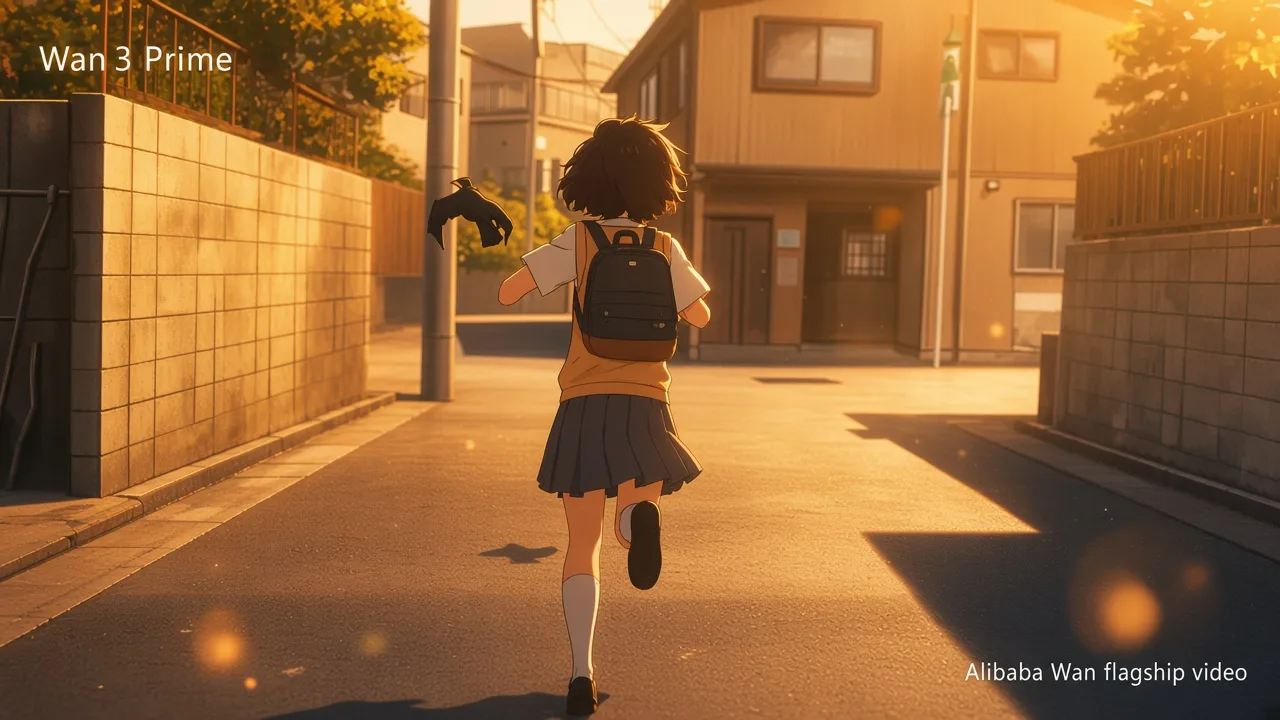
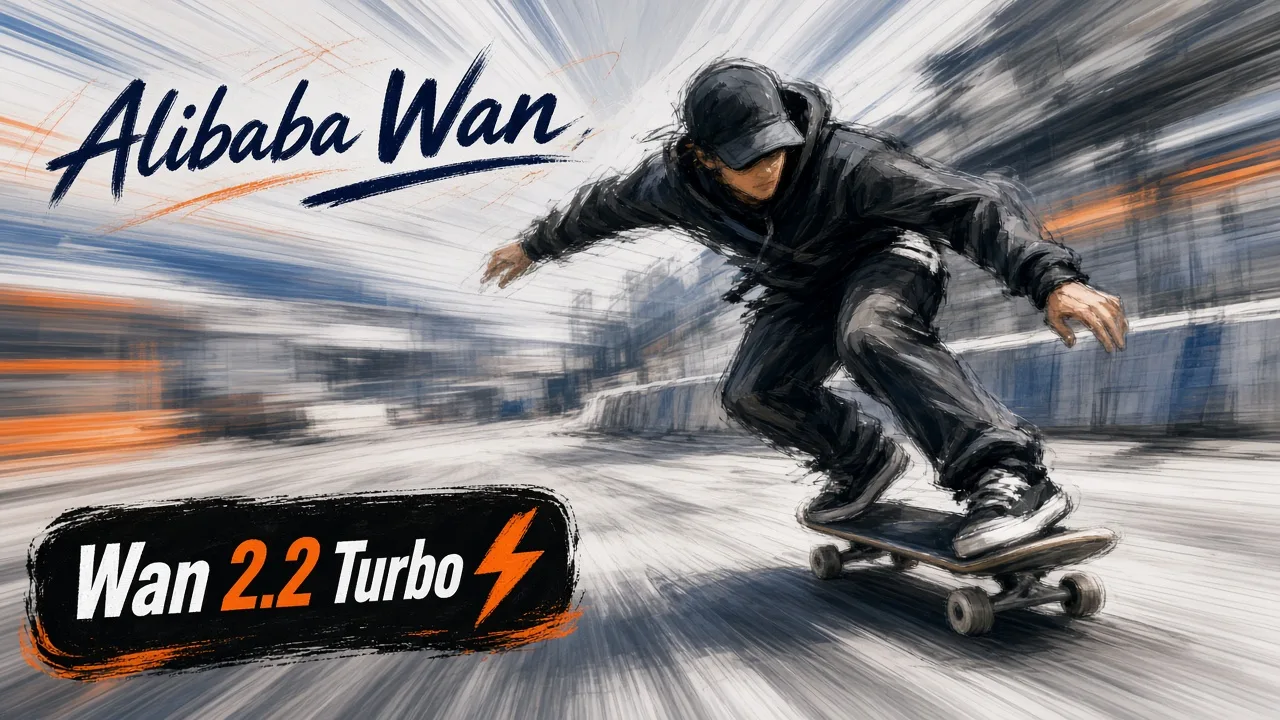
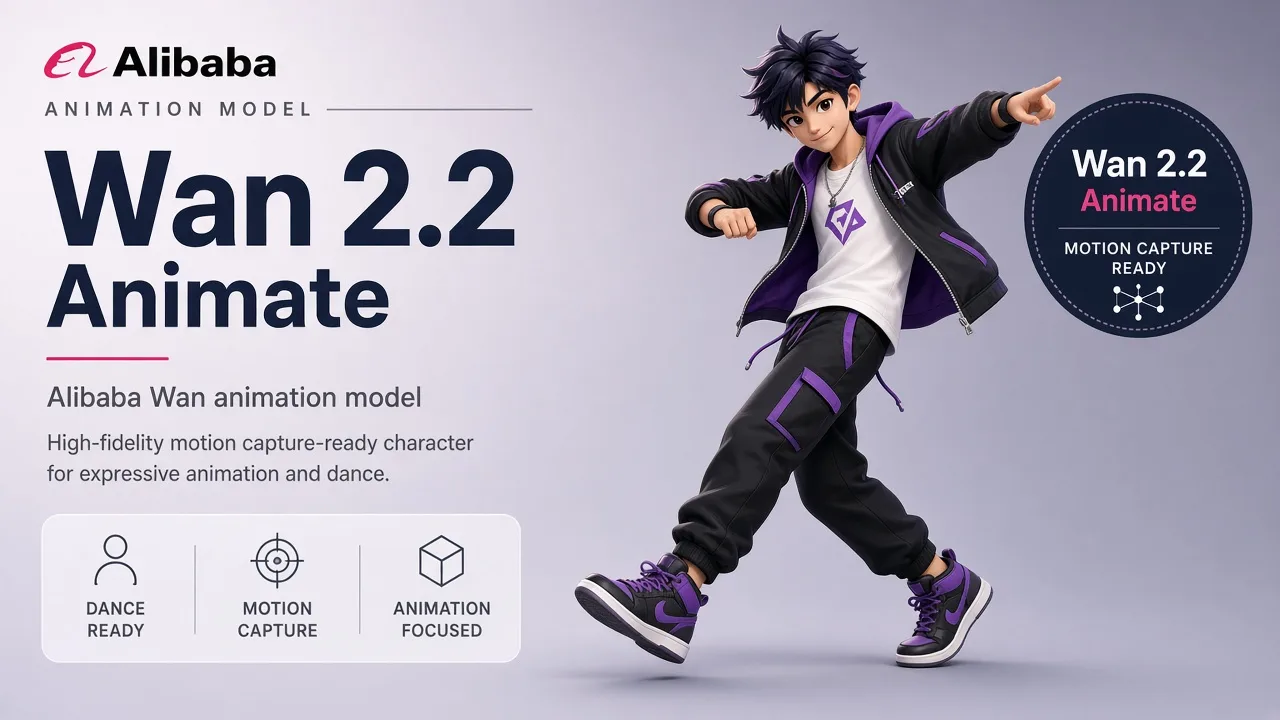
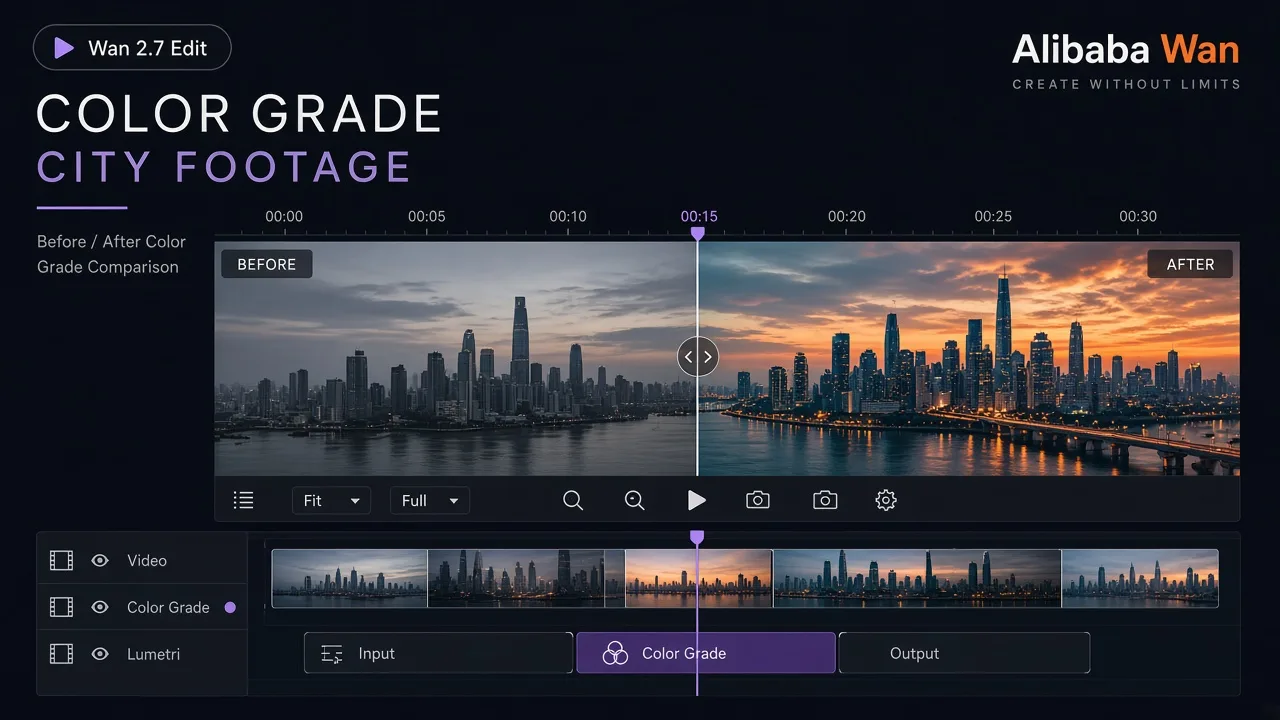
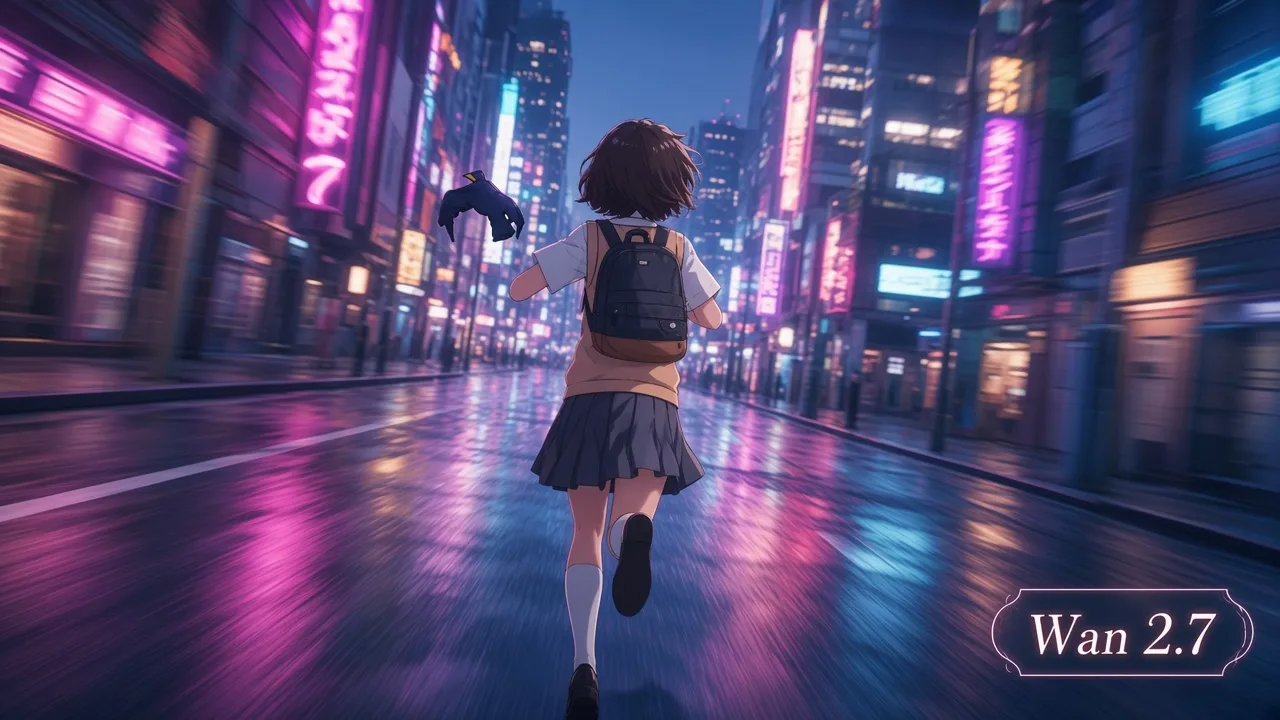
Specify subject movement and camera movement separately.
Include lighting, lens, pace, and atmosphere in the prompt.
Attach an image when composition and subject identity matter.
Understand the inputs, generation settings, and outputs supported by Wan 3.




Explore other models, or browse the full catalog.