Ideas to try
Compare product backgrounds, explore poster compositions or develop an illustration from your own references.
Create images from a description, or revise a composition using up to four reference images. Generate 1–4 outputs at up to 2K with per-image credits shown before you start.
Compare product backgrounds, explore poster compositions or develop an illustration from your own references.
Write a prompt for a new image, or upload one to four JPEG, PNG or WebP references, up to 20 MB each, and describe the edits.
Generate 1–4 images per request at up to 2K. Thinking mode is available for text-to-image only.
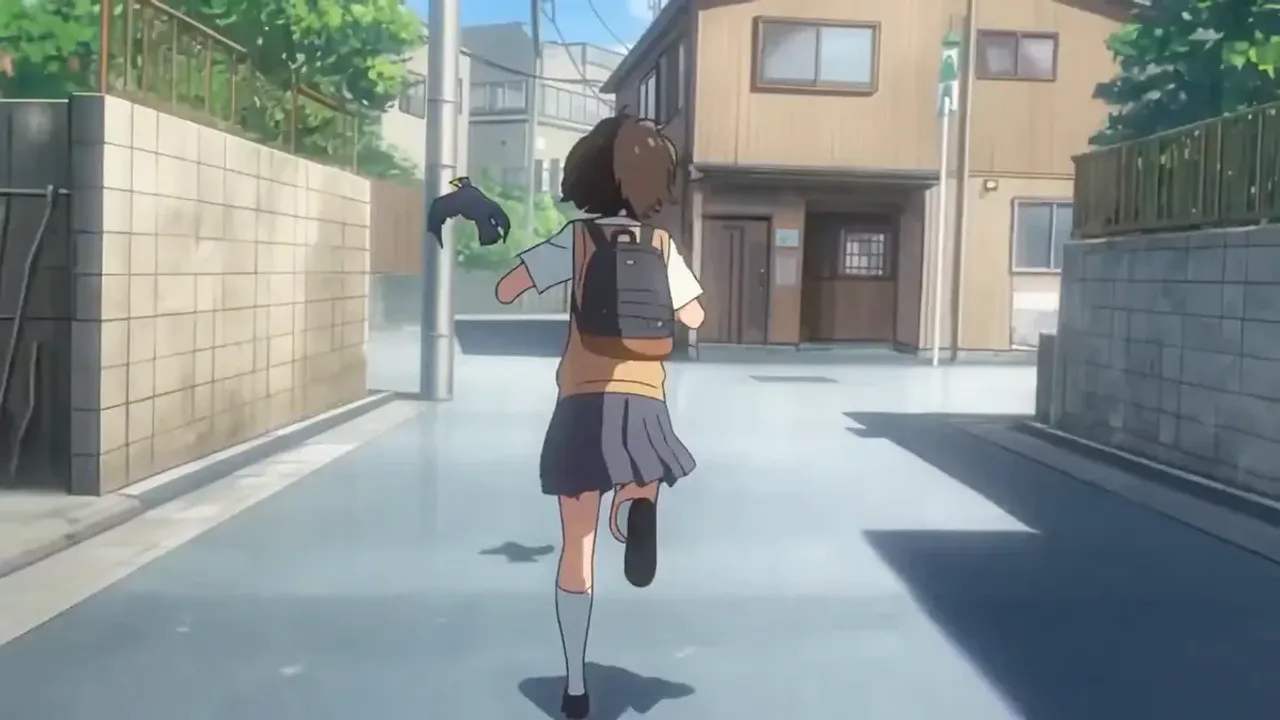
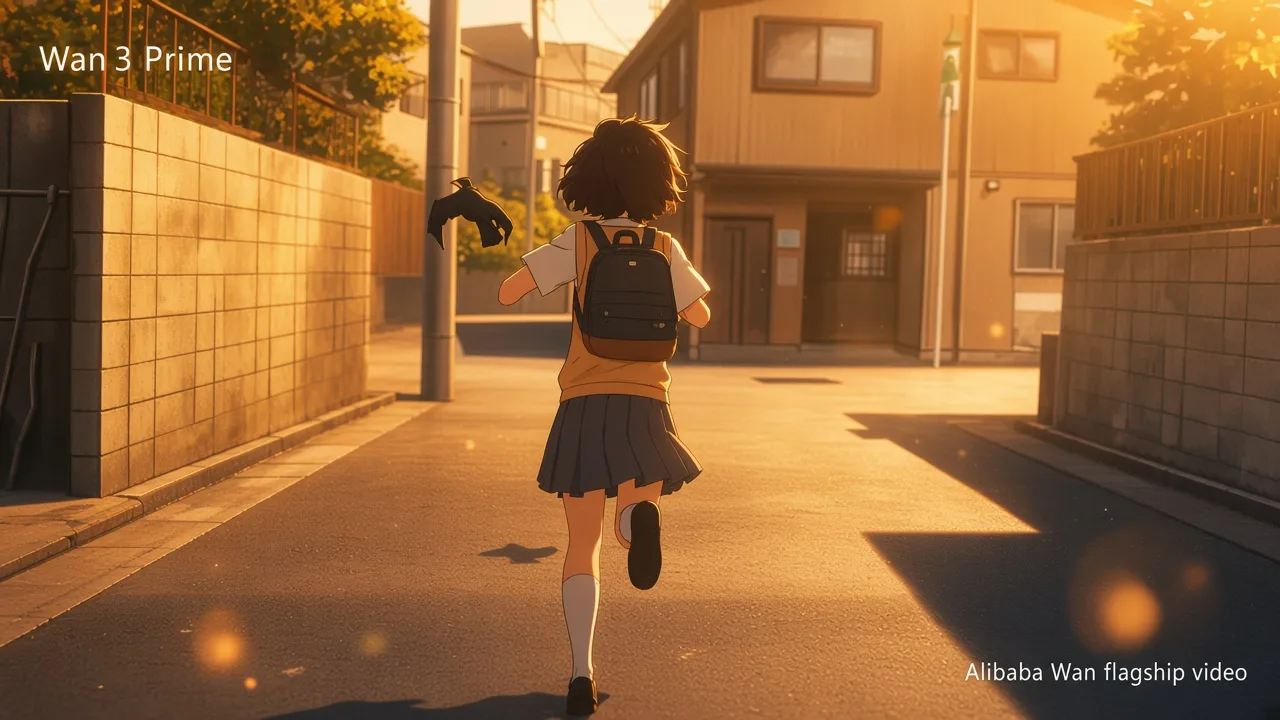
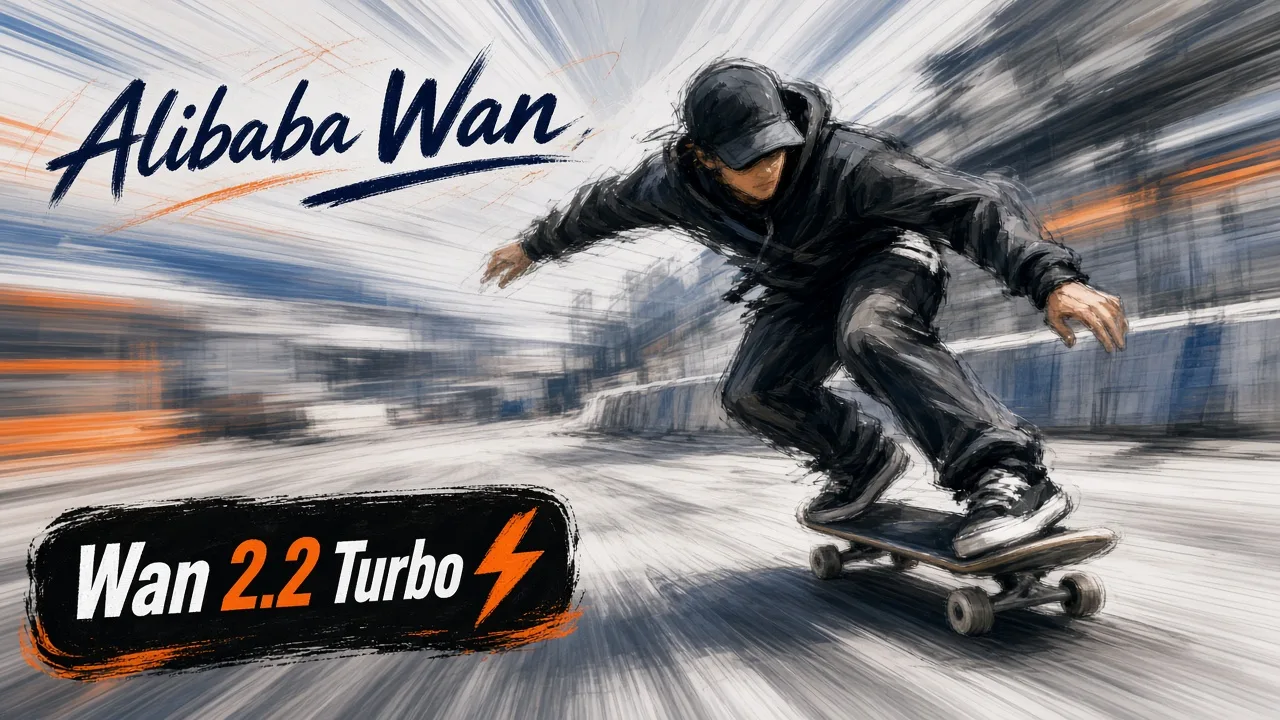
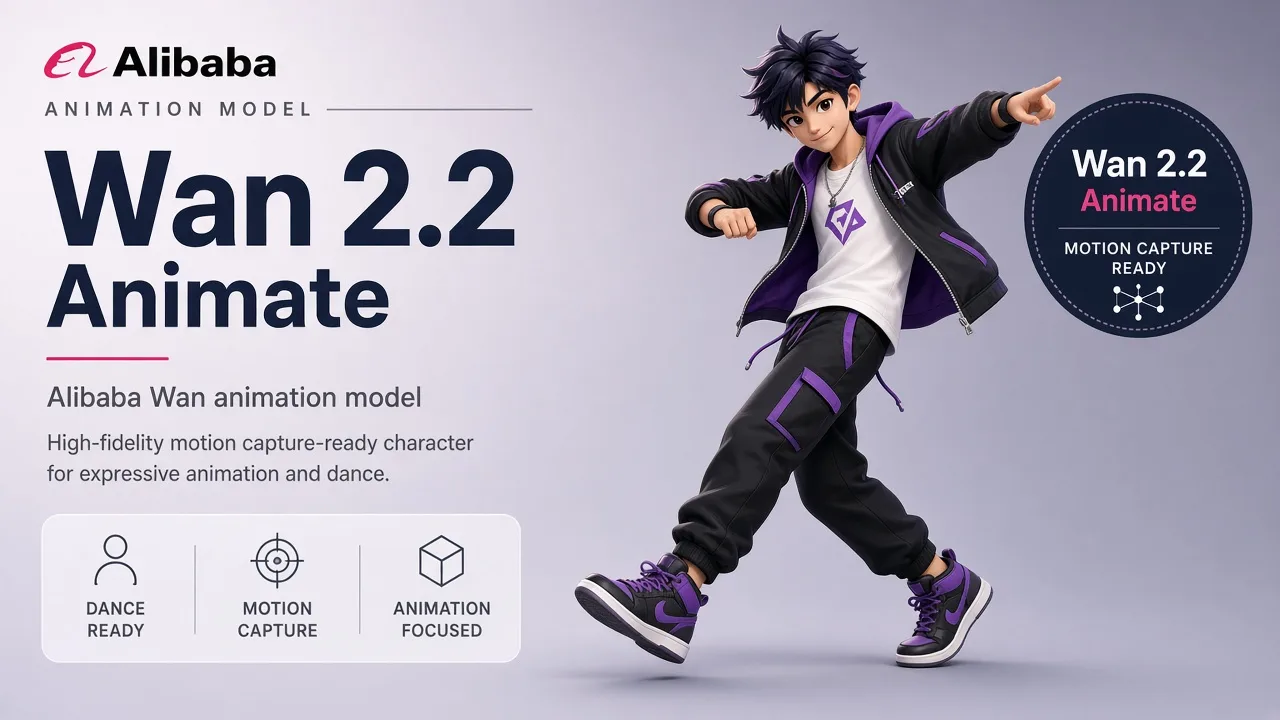
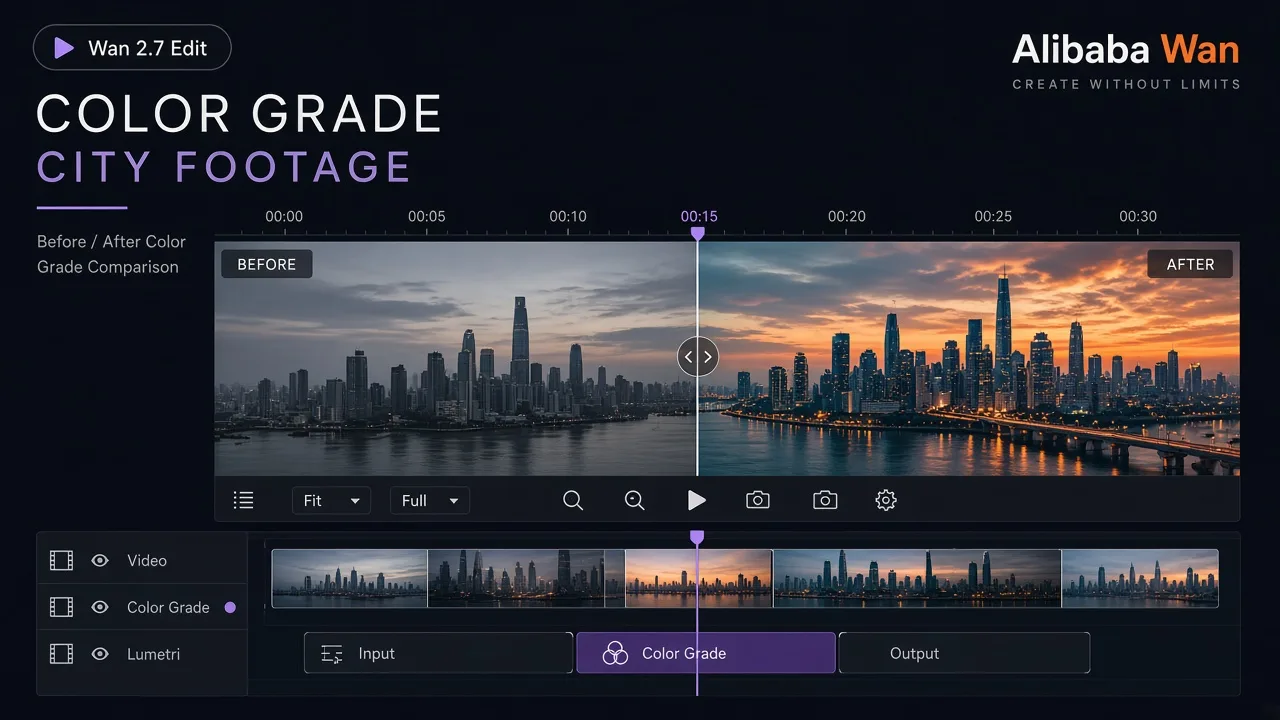
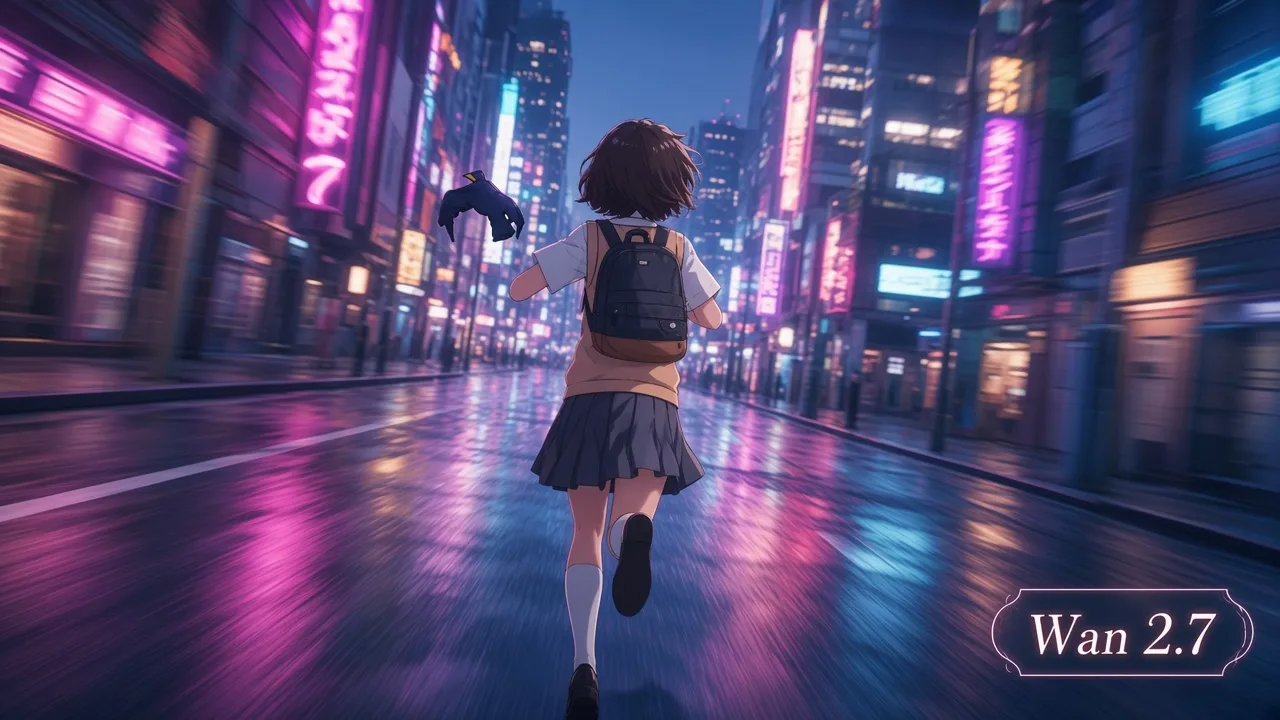
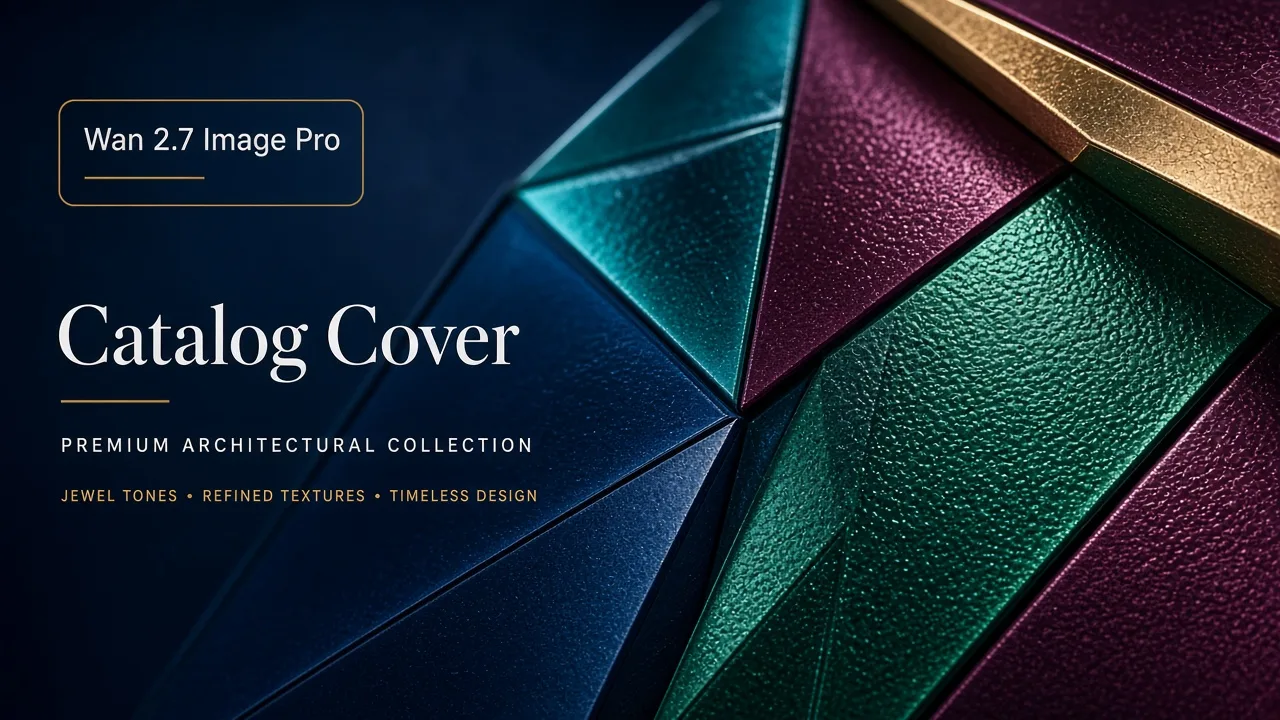
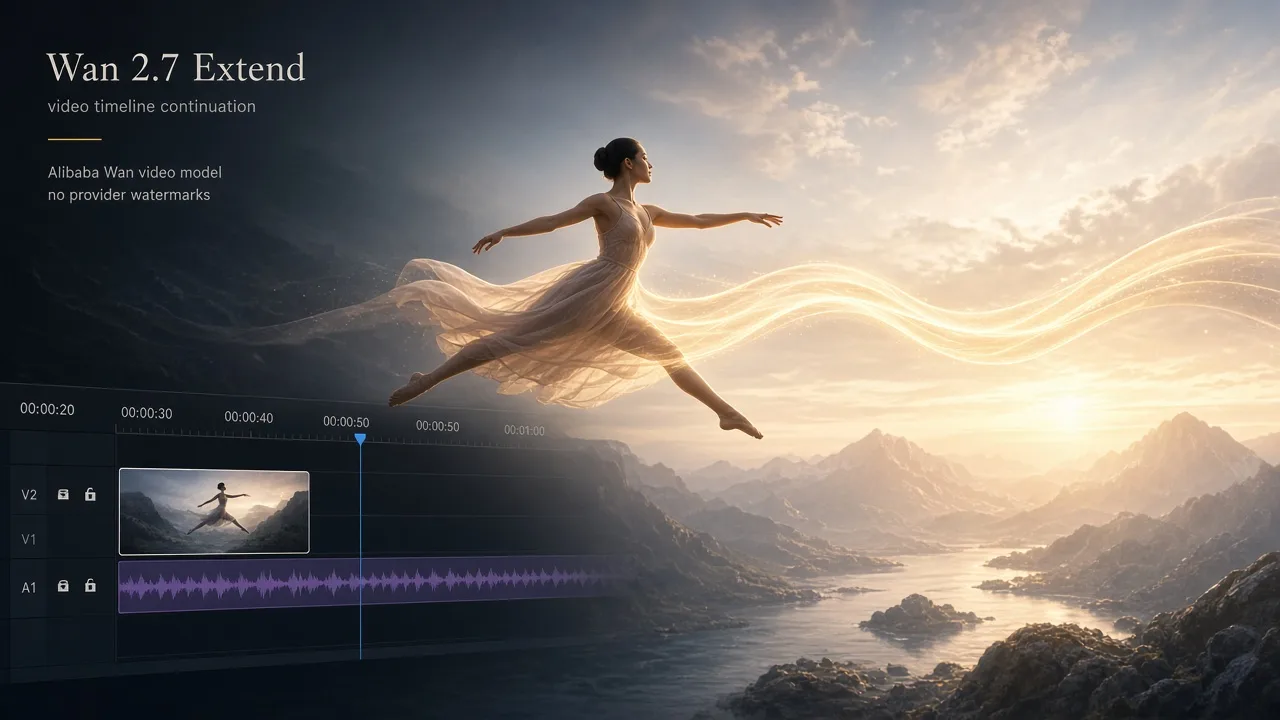
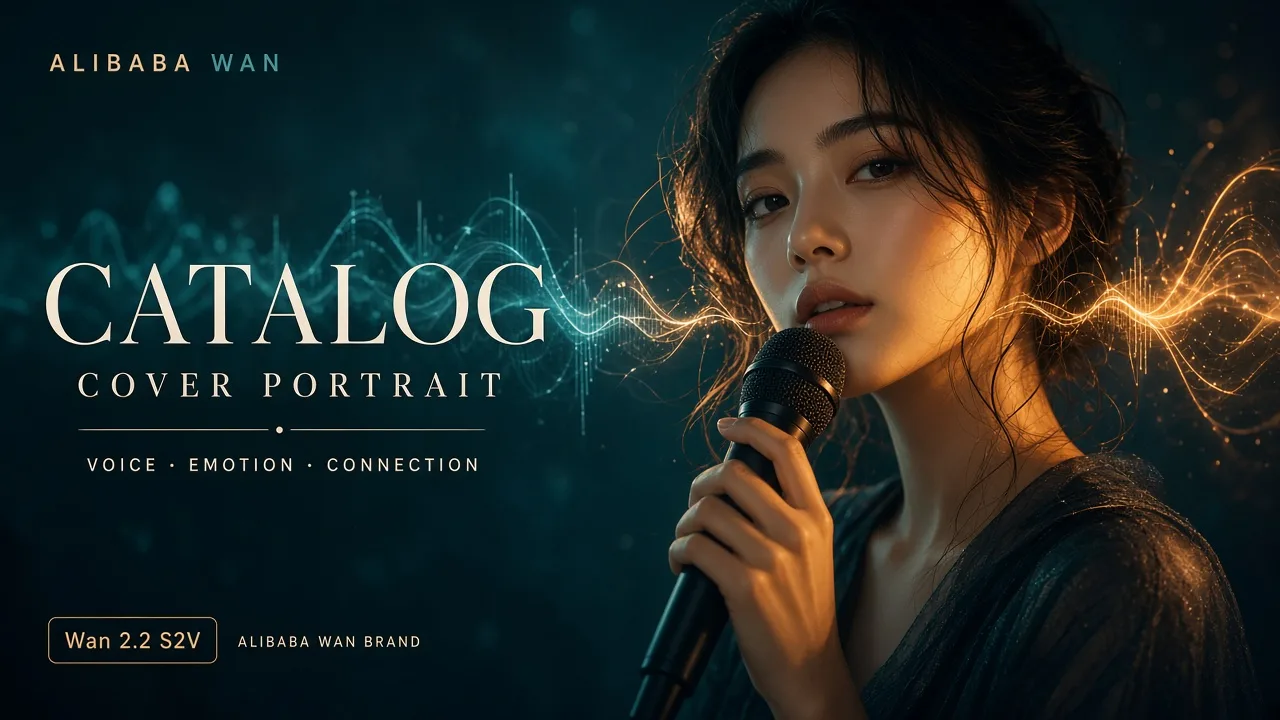
Say which reference supplies the subject, composition or style, then specify the details that should change.
Check subject details, edges and any lettering before sharing.
Understand the inputs, generation settings, and outputs supported by Wan 2.7 Image.






Explore other models, or browse the full catalog.