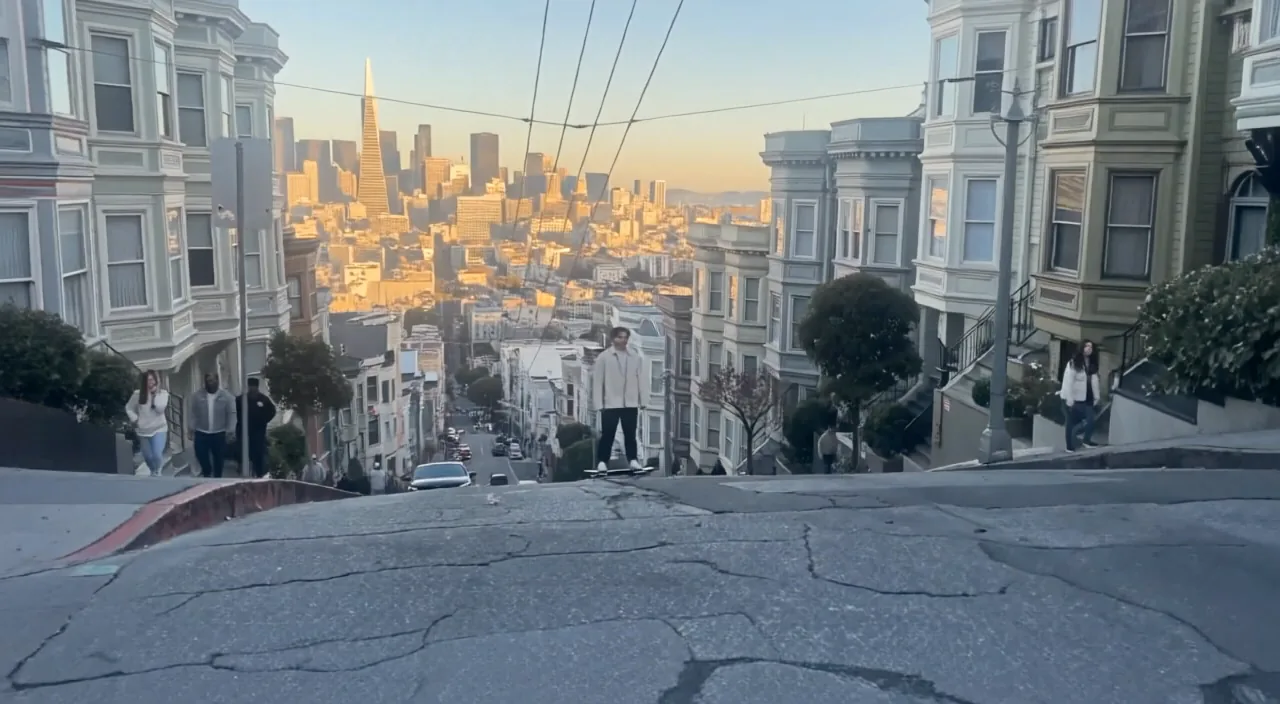
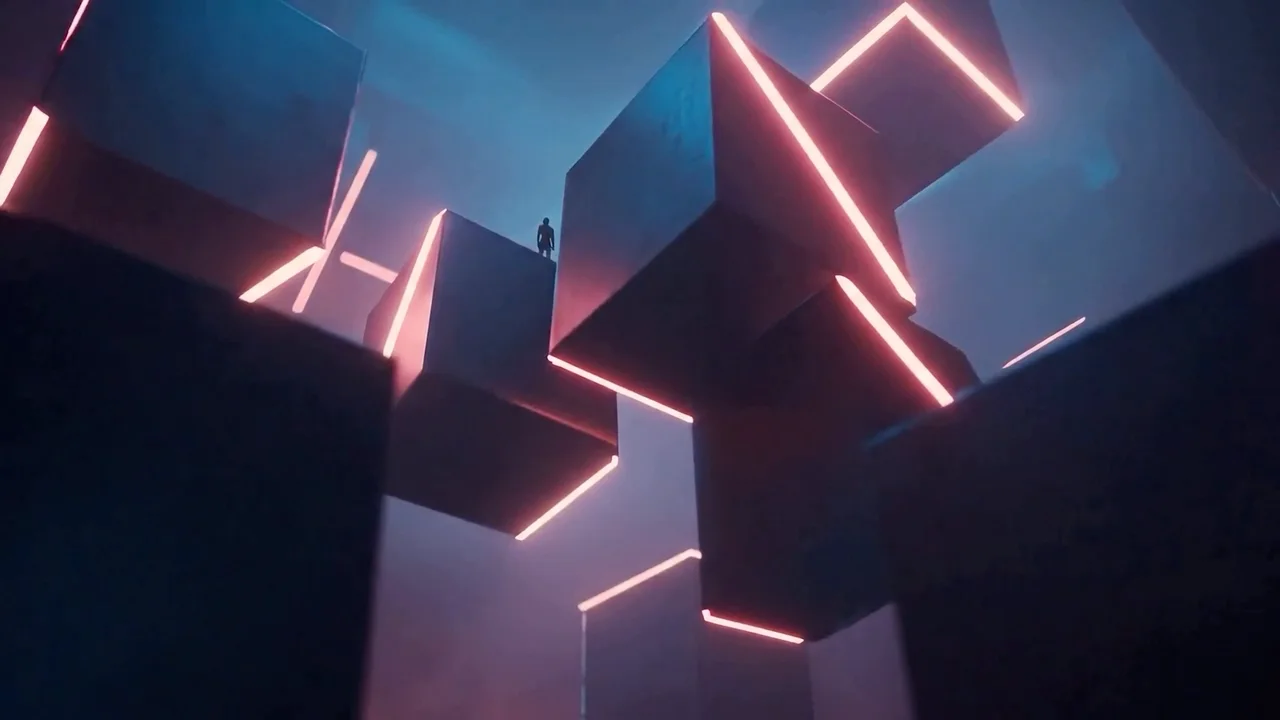
Fast cinematic iteration
Compare shot directions without waiting for the original H3 inference path.
MiniMax video generation
Create videos with MiniMax H3 Max using text, start and end frames, or multimodal references, or edit footage with Recast, Relight, Lip Sync, and Extend.
Compare shot directions without waiting for the original H3 inference path.
Carry approved subjects, style, motion, and sound into new audiovisual clips.
Animate a first frame and optionally guide the final composition.
Replace on-camera talent in an approved take while preserving blocking, camera moves, and the original soundtrack.
Builds on MiniMax H3 with additional tuning for prompt adherence, visual aesthetics, and high-throughput inference.
Choose text to video, first-and-last-frame animation, reference-led generation, Recast, Relight, Lip Sync, or Extend before adding media.
Guide identity, style, movement, camera behavior, or sound with up to 12 combined image, video, and audio inputs.
Video-to-video character replacement that keeps motion, camera, cuts, and original audio. Source video 5–30s (each shot ≤15s) plus up to four reference images, replaced left to right. 768P or 1080P; 60/90 credits per second billed on source duration rounded up.
Re-light a source clip to match a lighting-sphere image while keeping subjects, motion, camera, and audio. Source up to 15s (at least ~2.3s). 480P–2K; 10/16/32/64 credits per second billed on source duration rounded up.
Animate a portrait so mouth movements follow an audio track. Audio 5s–15min; output matches audio length. 480P–2K; 10/16/32/64 credits per second, with 1.2× billing beyond 15 seconds.
Continue an existing video with prompt-guided new footage. Source 1.6–60s; add 1–15s of continuation. Optional reference audio. 480P–2K; billed on generated seconds plus reference-token overages.
Choose frontier multimodal control, high-fidelity generation with Recast/Relight/Lip Sync/Extend, or a faster production variant.
| Feature | MiniMax H3 MaxCurrent | ||||||||
|---|---|---|---|---|---|---|---|---|---|
| Best for | Fast, reference-led production | Multimodal cinematic direction | Budget drafts and high-volume generation | Everyday video creation | Maximum-speed iteration | MiniMax's video model for realistic human motion and expressive character performance. | A faster Hailuo 2.3 variant for image animation and production iterations. | Generate from text or animate an image with optional first and last frame control. | A 512p Hailuo 02 variant for quick concepts and optional first and last frame guidance. |
| Input | Text, frames, multimodal references, or Recast source video | Text, image, video, or audio references | Text, image, video, or audio references | Text, image, video, or audio references | Text or first and last frames | Text to video · Image to video | Image to video | Text to video · Image to video | Text to video · Image to video |
| Resolution | 480P, 768P, or 1080P | 768P or 2K | 768P or 480P | 768P | 480P, 768P, or 1080P | 768p / 1080p | 768p / 1080p | 512p / 768p / 1080p | 512p |
| Frame control | First and last frames | First and last frames | First and last frames | First and last frames | First and last frames | First frame | First frame | First and last frames | First and last frames |
| Speed | Faster than real time | Flagship | Budget drafts and high-volume generation | Faster generation | Fastest | Standard | Fast | Standard | Fast |
Use Frames for boundary control and References when media should guide rather than define frame one.
Validate direction at the balanced resolution before moving to 1080P.
State which input controls identity, motion, camera, style, or audio.
Open /create?mode=video-edit&tool=minimax-h3-max-recast, then upload a source clip and left-to-right reference photos.
Understand the inputs, generation settings, and outputs supported by MiniMax H3 Max.




Explore other models, or browse the full catalog.