
Brand and typography
Logos, posters, packaging, and campaigns where lettering has to look intentional.
Google DeepMind's flagship Gemini image model — studio-grade control, sharp text, and multi-image blending up to 4K.
Google DeepMind’s flagship Gemini image model for professional creatives. Accurate text, rich reasoning, multi-image blends, and fine control over lighting, camera feel, and composition — up to 4K.
Create with Nano Banana ProLogos, posters, packaging, and campaigns where lettering has to look intentional.
Turn sketches into mockups, or place products in polished lifestyle scenes.
Step-by-step infographics, diagrams, and teaching visuals from a clear brief.
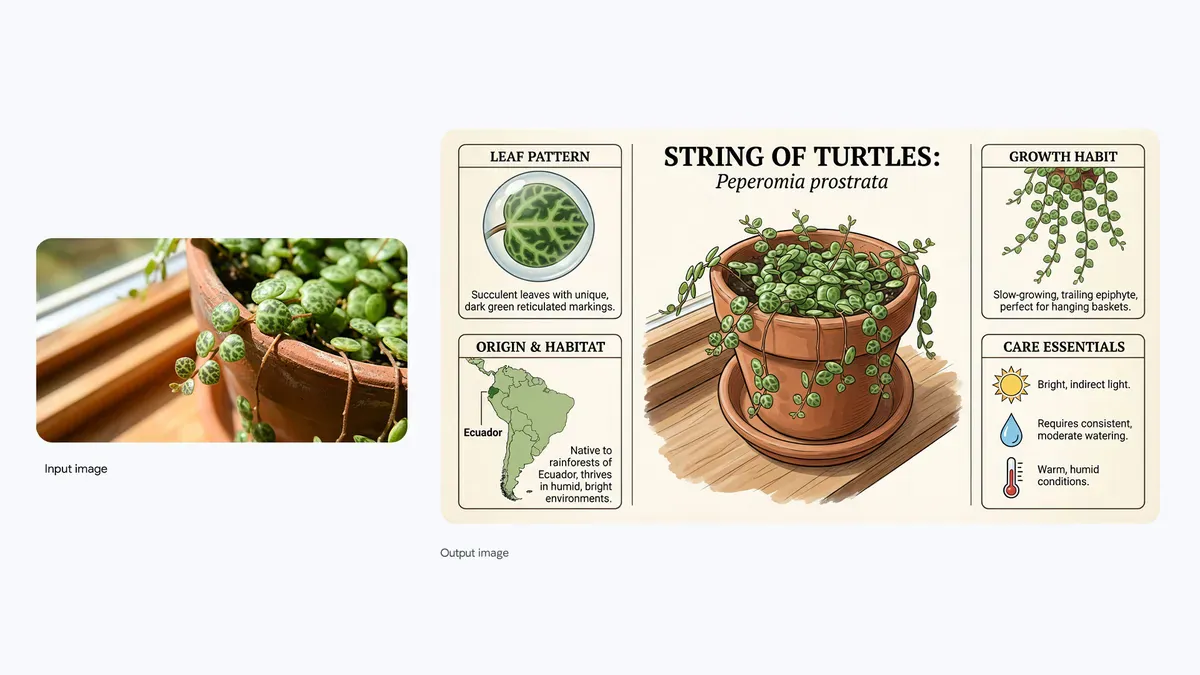
Posters, branding, infographics, and mockups with legible text across many languages and styles.
“A premium coffee package with the exact title ‘FIELD NOTES’ and the subtitle ‘ETHIOPIA · NATURAL PROCESS’. No other text.”
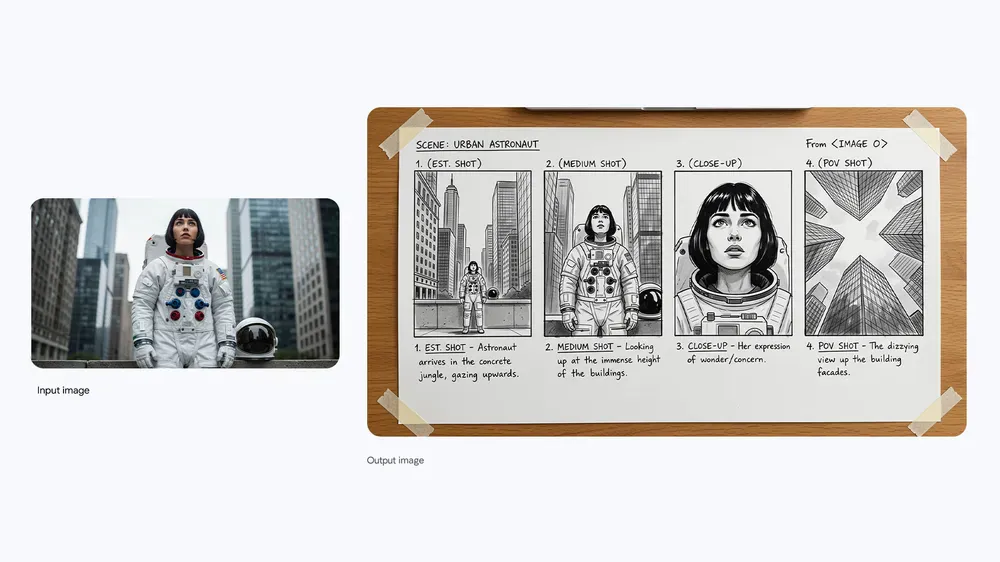
Ask for educational diagrams, data-driven scenes, or grounded real-world details when accuracy matters.
“A clear editorial diagram of a passive cooling system with four short English labels; verify every technical statement before publishing.”
Combine sketches, products, and lifestyle references while keeping people and branding recognizable.
Adjust camera angle, lighting, color grade, and focus — or change only the part you name.
Work at 1K, 2K, or 4K when the final asset needs extra detail.
Start with the subject, then add lighting, style, and anything that must stay the same. Upload a reference whenever you want a more controlled edit.
Mention lighting, camera feel, materials, and typography when you need a finished look.
When editing, say what should not change — face, logo, product angle, or layout.
For multilingual text, put the exact words in “quotes” and keep the rest of the scene unchanged.
For charts and explainers, double-check names, numbers, and labels before publishing.
See how the versions differ at a glance, then jump into the one that matches your project.
Explore popular image models outside this series, or browse the full catalog.

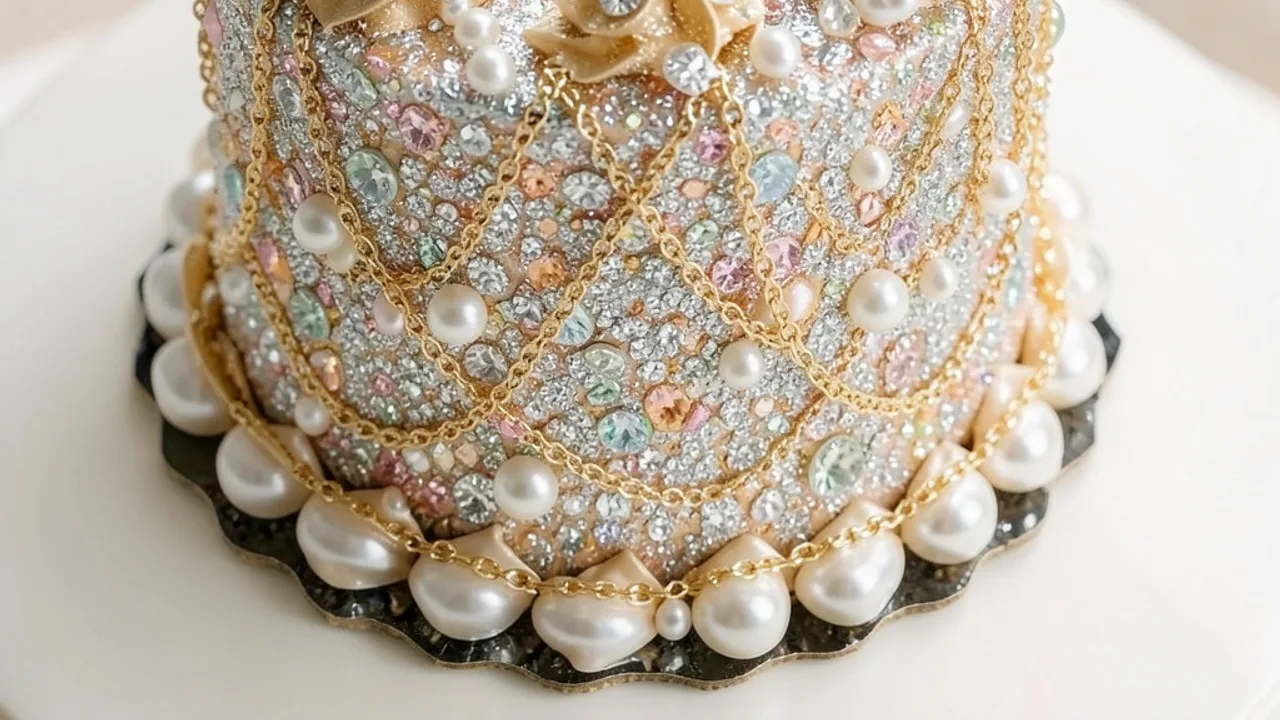
Use Nano Banana Pro when typography, reference fidelity, structured information, and high-resolution presentation all need to work together.