
Create from a prompt
Produce product shots, social creatives, illustrations, and concept boards in minutes.
Google's fast Gemini image model for high-volume generation, multi-image editing, and sharp on-image text.
Google’s high-efficiency Gemini image model — Pro-level look with Flash-level speed. Great for volume work, readable on-image text, multi-image edits, and resolutions up to 4K.
Create with Nano Banana 2Produce product shots, social creatives, illustrations, and concept boards in minutes.
Change backgrounds, swap styles, or merge several images into one coherent scene.
Run more variations at 1K–4K when you need options without slowing the whole team down.
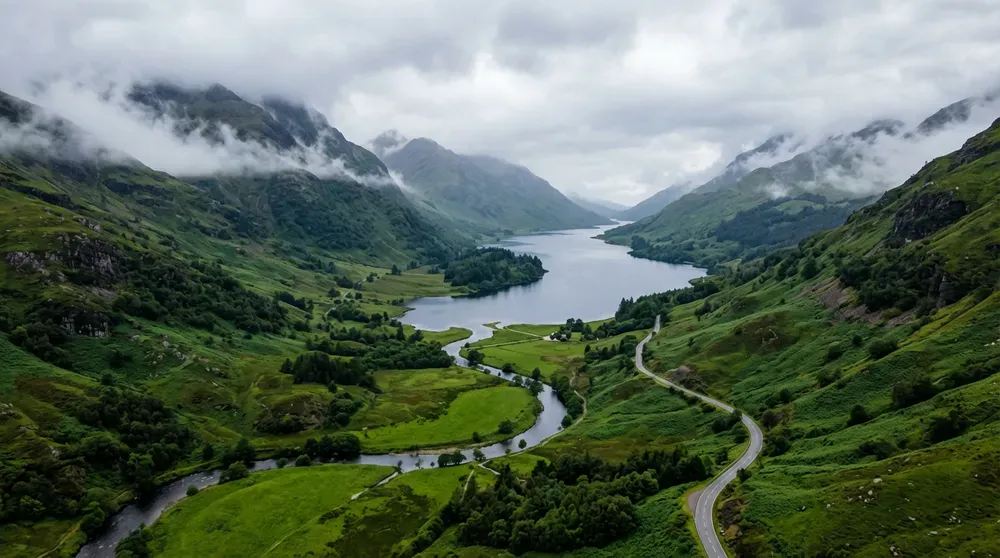
Generate and iterate quickly when you need many options, drafts, or campaign variants.
“Create four campaign directions for the same citrus drink: studio minimal, summer lifestyle, graphic poster, and playful surrealism.”
Posters, mockups, and labels with clearer lettering — including multilingual layouts.
“A bold bookstore poster with the exact headline ‘READ WIDER’ and the small line ‘INDEPENDENT STORIES’. No other text.”
Upload up to 14 images to restyle, combine, or guide a more complex composition.
Standard ratios plus ultra-tall and ultra-wide formats when the layout needs more stretch.
Turn on web or image search when the result should reflect current info or visual context.
Start with the subject, then add lighting, style, and anything that must stay the same. Upload a reference whenever you want a more controlled edit.
Name the subject, setting, and any text that must appear in the image.
Exact copy in “quotes” helps keep titles and labels readable.
With several uploads, say how they relate — style from one, subject from another.
Draft fast at 1K, then switch to 2K or 4K once the direction feels right.
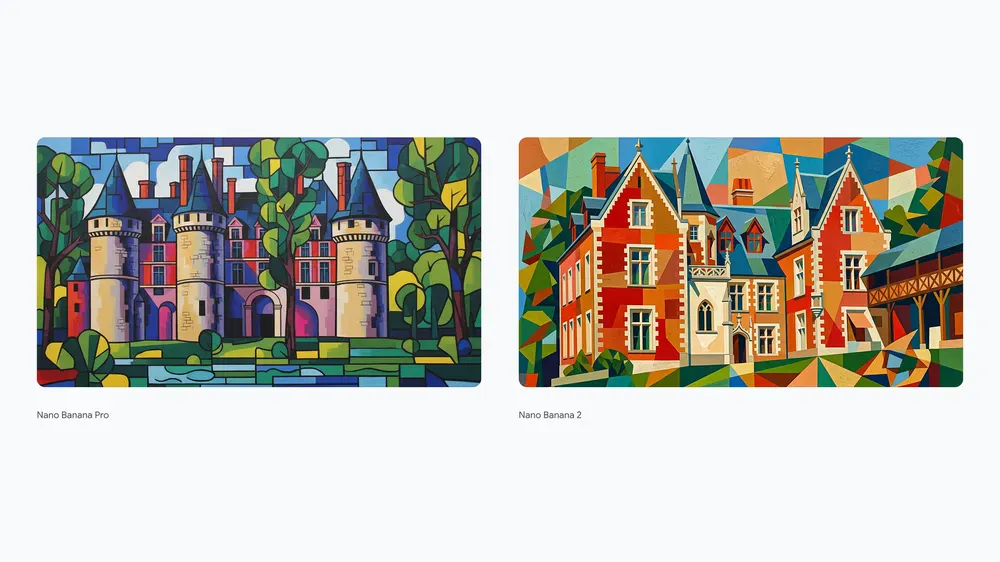
See how the versions differ at a glance, then jump into the one that matches your project.
Explore popular image models outside this series, or browse the full catalog.
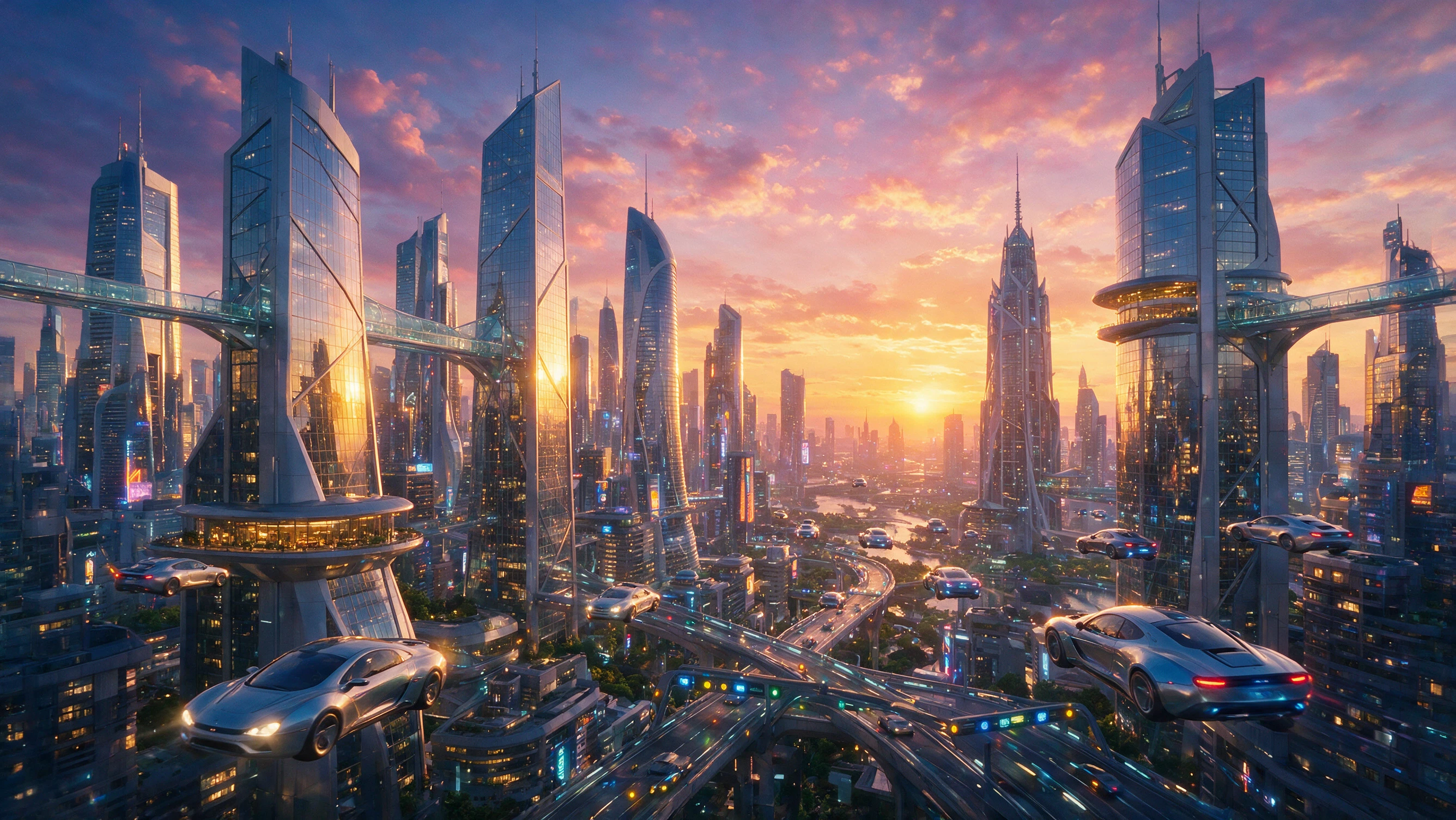

Generate, combine, and restyle ideas quickly with a workflow designed for rapid visual exploration and useful production outputs.