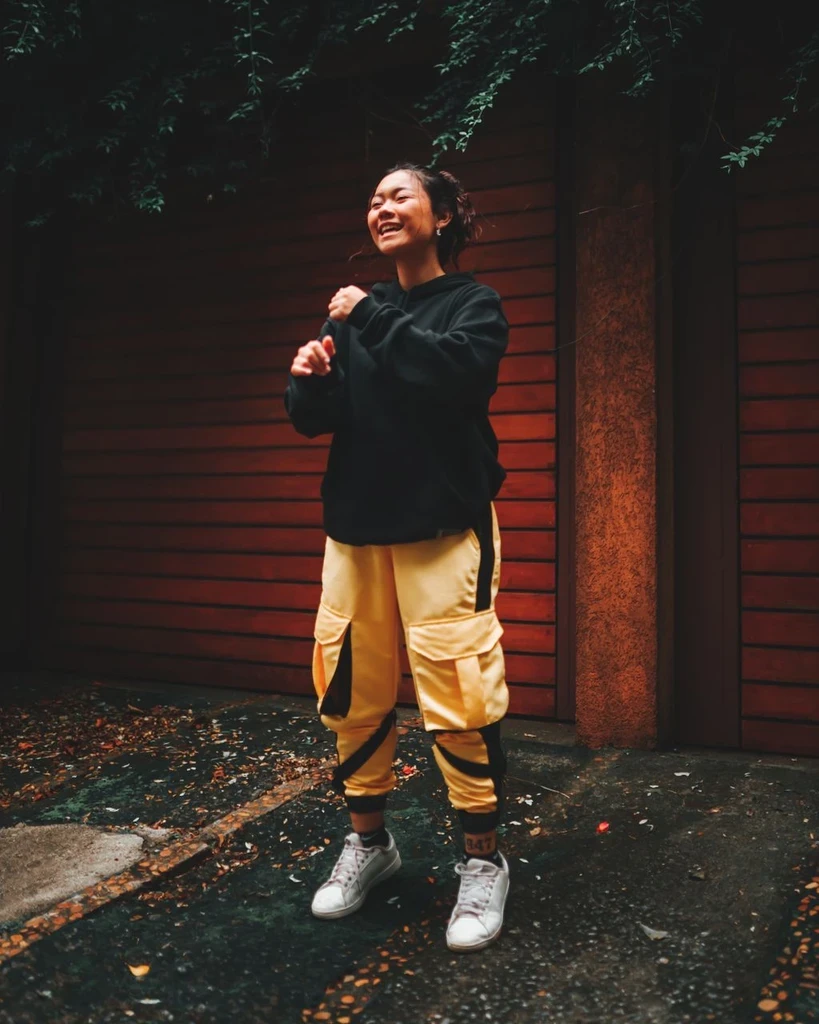
Person plus garments
Upload who wears the clothes, then one to six garment photos. Extra pieces cost extra credits.
Dress a person photo with one or more garment references. Flat product shots work best; add extra garments for a full outfit.
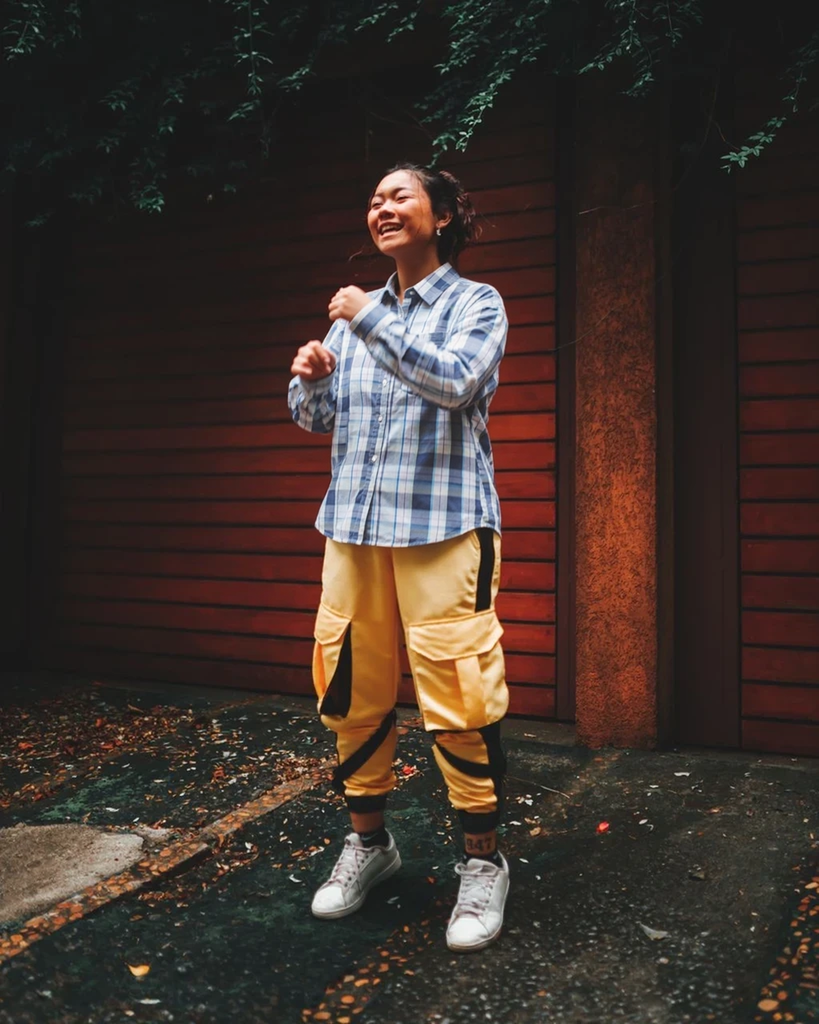
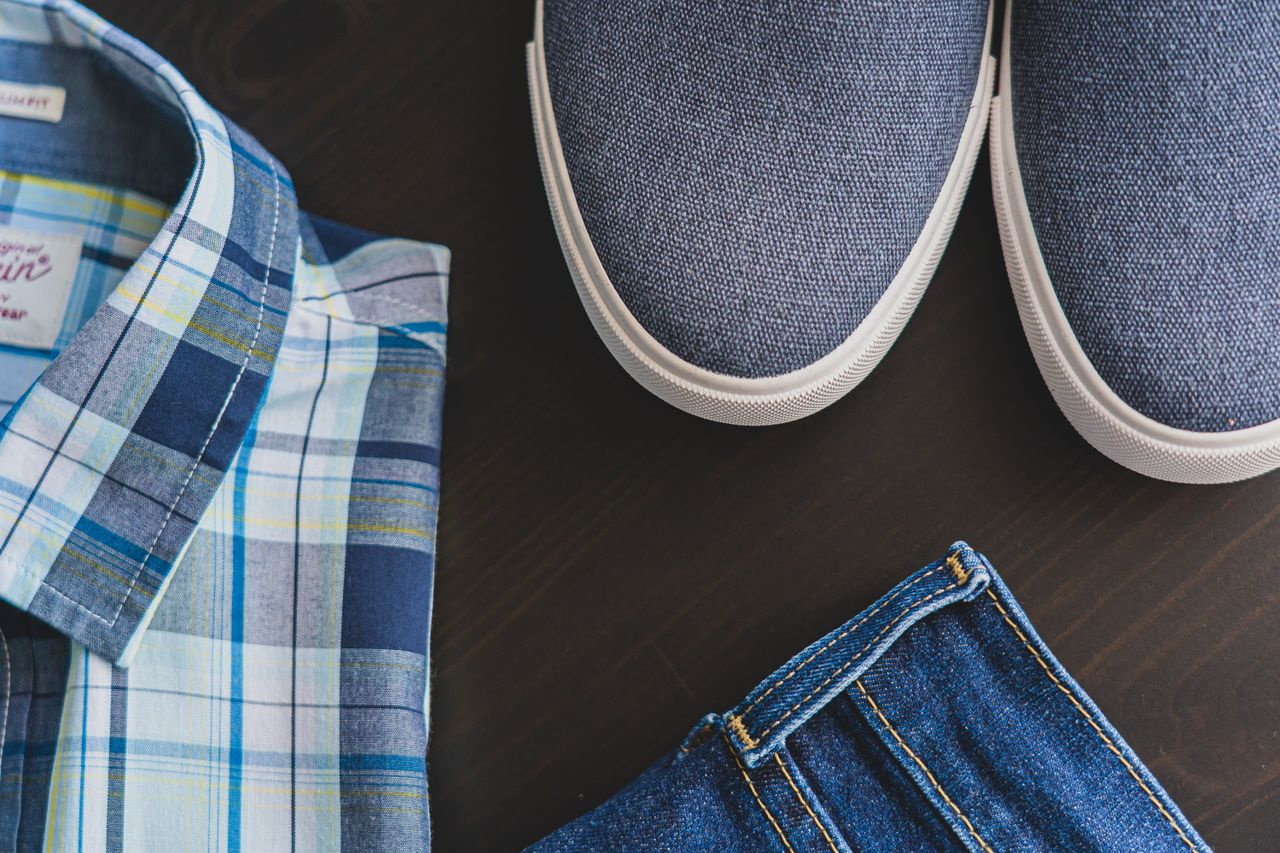
This run used the person photo and the clothing reference shown here, selecting only the checked shirt while keeping the yellow trousers.
Only one top was tested in this example. The reference shoes and jeans were excluded. Check the pattern, collar, hands and occluded areas.
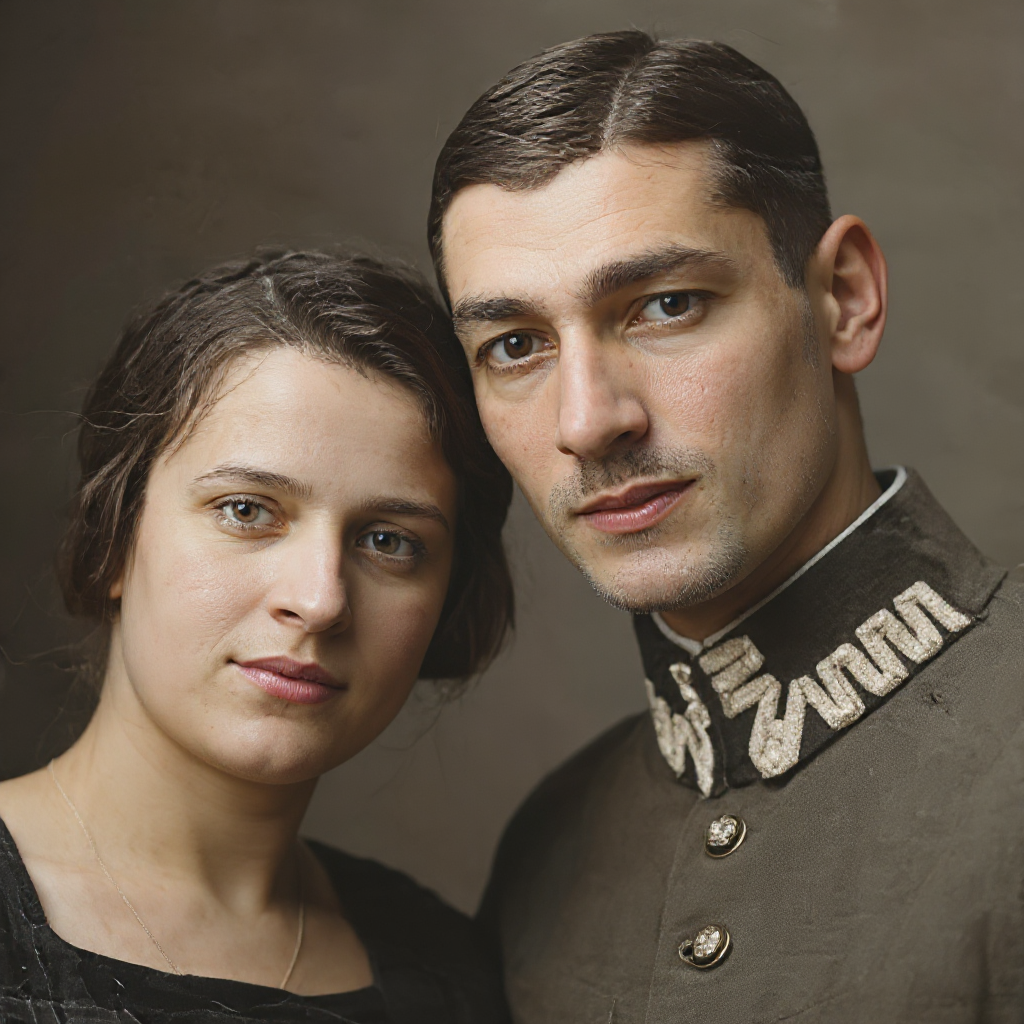
Everyday personal portrait workflows — restore a print, set background and light, retouch makeup and hair, then finish a career headshot.
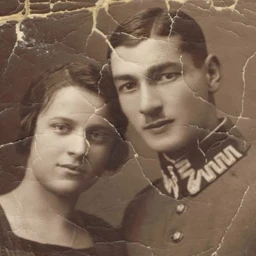 Before
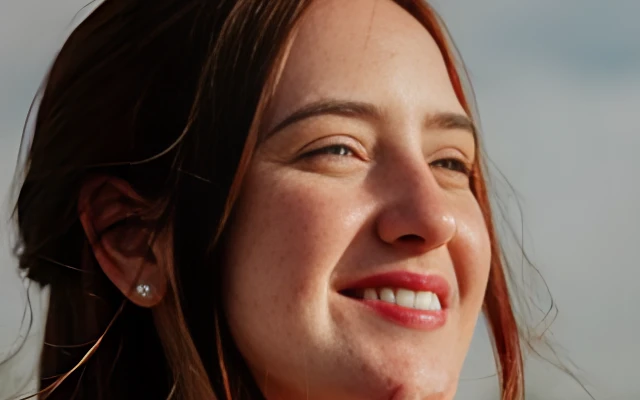
 Before


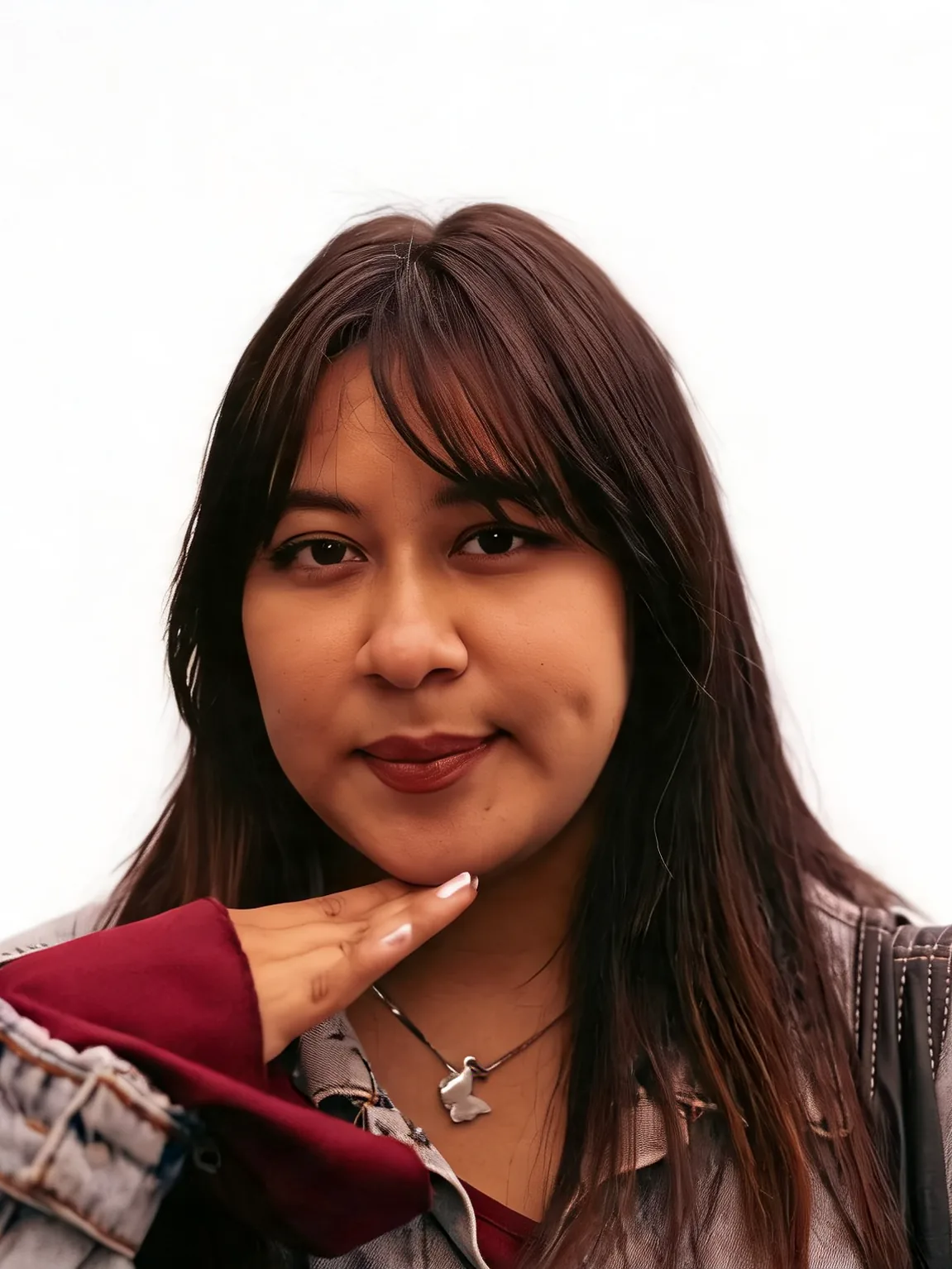
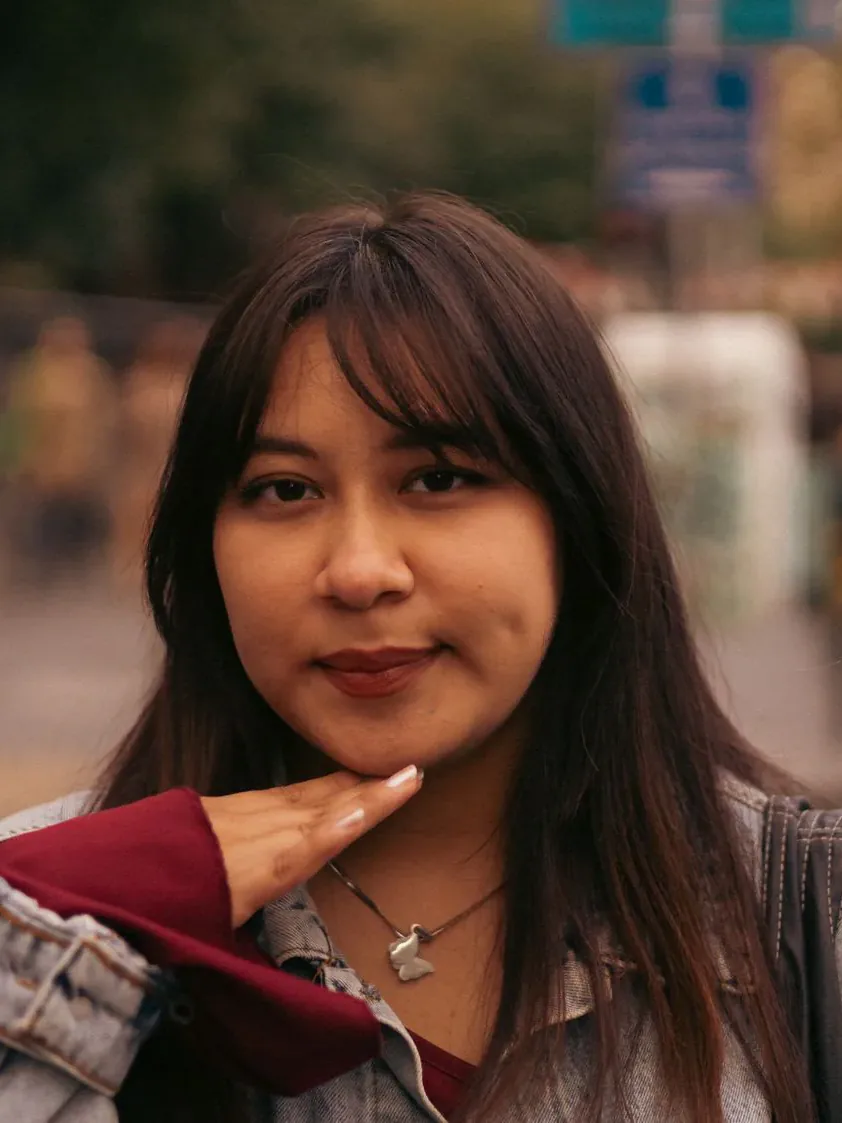 Before
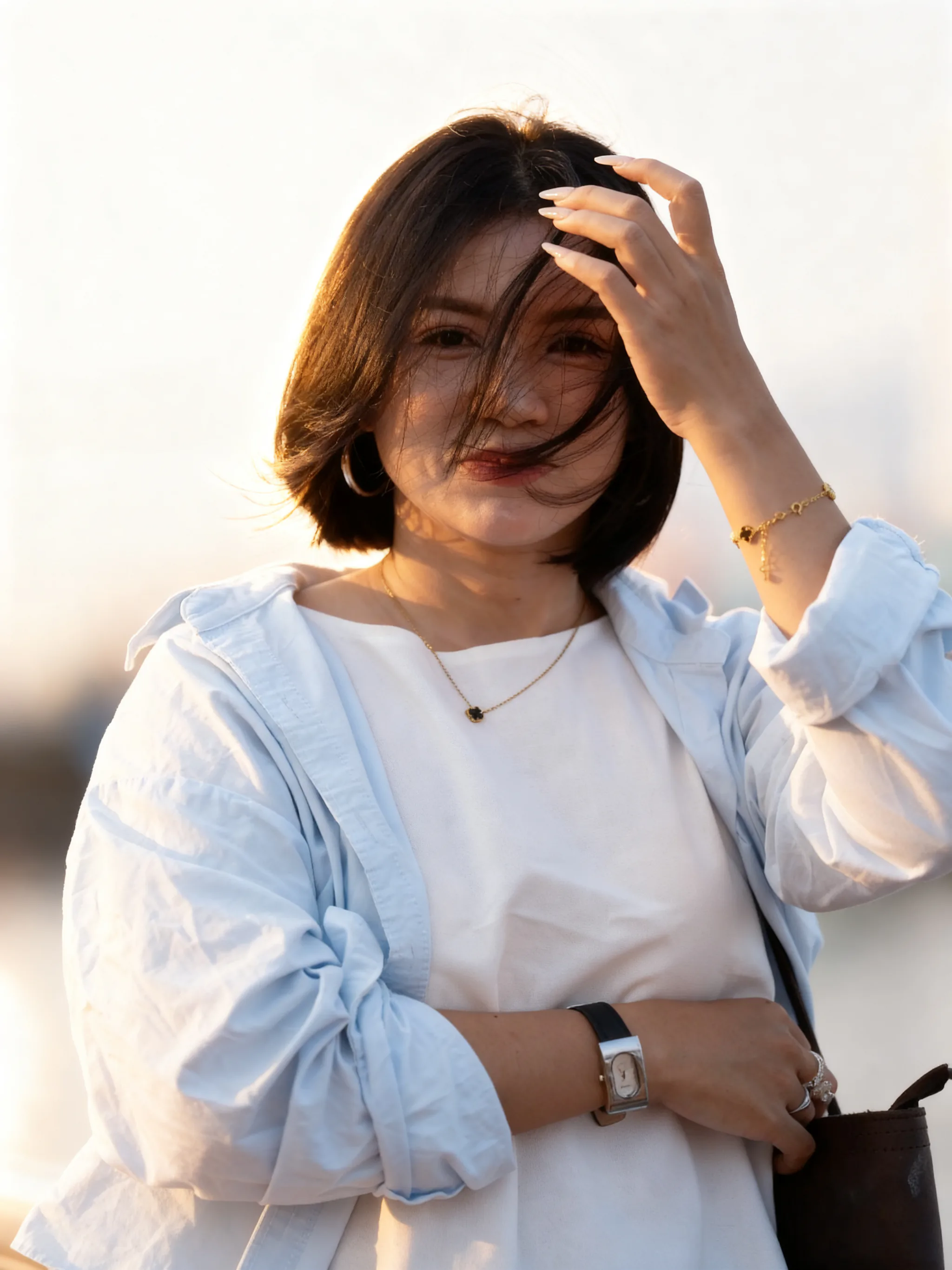
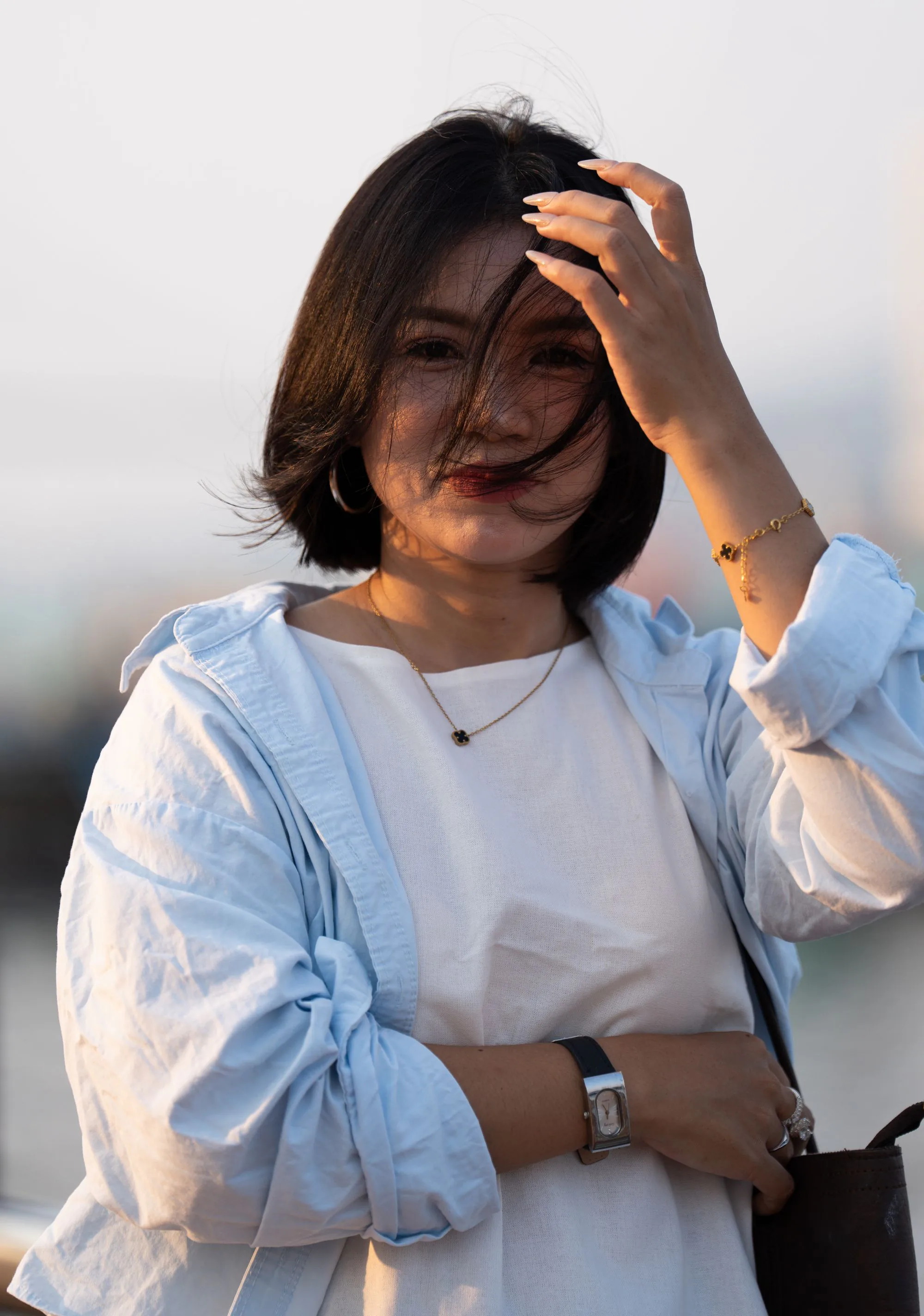 Before
Upload a person photo and garments, run try-on, download the dressed portrait.
Use a clear, well-lit shot of a person you may edit. Full-body or torso views usually drape better than tight crops.
Upload flat product shots of shirts, jackets, or dresses. Up to six garments; the first is 3 credits, each extra is 2.
Run try-on, check fit and fabric against the references, then download.
A person photo plus garment references — no dressing room required.
Upload who wears the clothes, then one to six garment photos. Extra pieces cost extra credits.
Add a jacket over a shirt, or mix items from different product shots in one try-on.
Leave a short hint such as which garment to prefer when several pieces are uploaded.
Garments, credits, quality, and privacy for AI clothes try-on.
Upload a person and garments to generate an AI try-on.