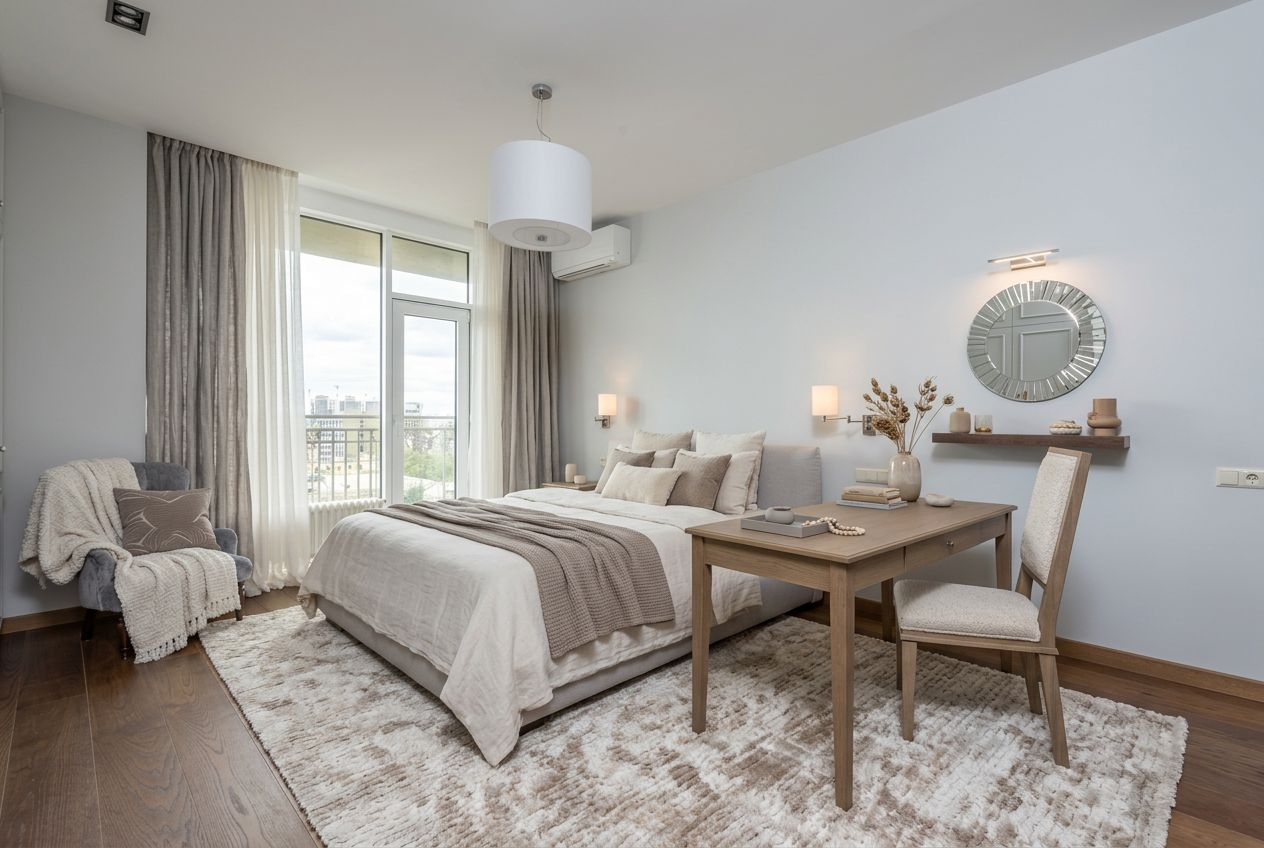
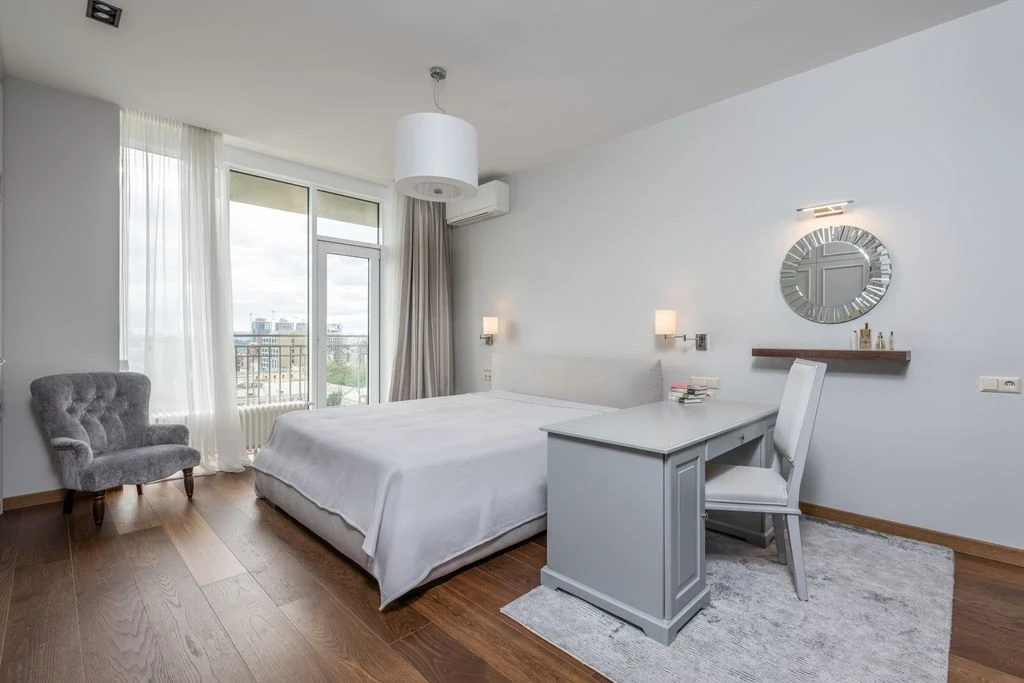
- Preview · 1K
- Cozy modern
- Yes
- Warm neutral
- Balanced
Try a new bedroom style on your own photo with coordinated bedding, furniture, colors and soft lighting.
Visual concepts only. Check dimensions, circulation and building requirements independently. AI results are not construction drawings; disclose virtual edits when required for property listings.
See before & after examplesDrag the divider to compare real tool results across different scenes.
Explore a bedroom that feels more restful, organized or luxurious. Upload your bedroom photo and visualize coordinated bedding, bedside tables, wall tones, curtains and lighting details without changing the visible room structure.
Create a coherent palette for bedding, storage and bedside furniture.
Compare cozy, modern, hotel-inspired and minimalist design directions.
Use a visual direction to discuss decor and furniture options.
Upload a photo showing your bed and room boundaries.
Pick a bedroom mood, style and level of change.
Generate a concept and check circulation and furniture scale.
Get answers about source files, settings, and results for AI Bedroom Designer: Refresh Your Bedroom.
Choose a focused workflow for your next edit. Use staging for an empty room, furniture visualization for specific pieces, or surface restyling for finishes.
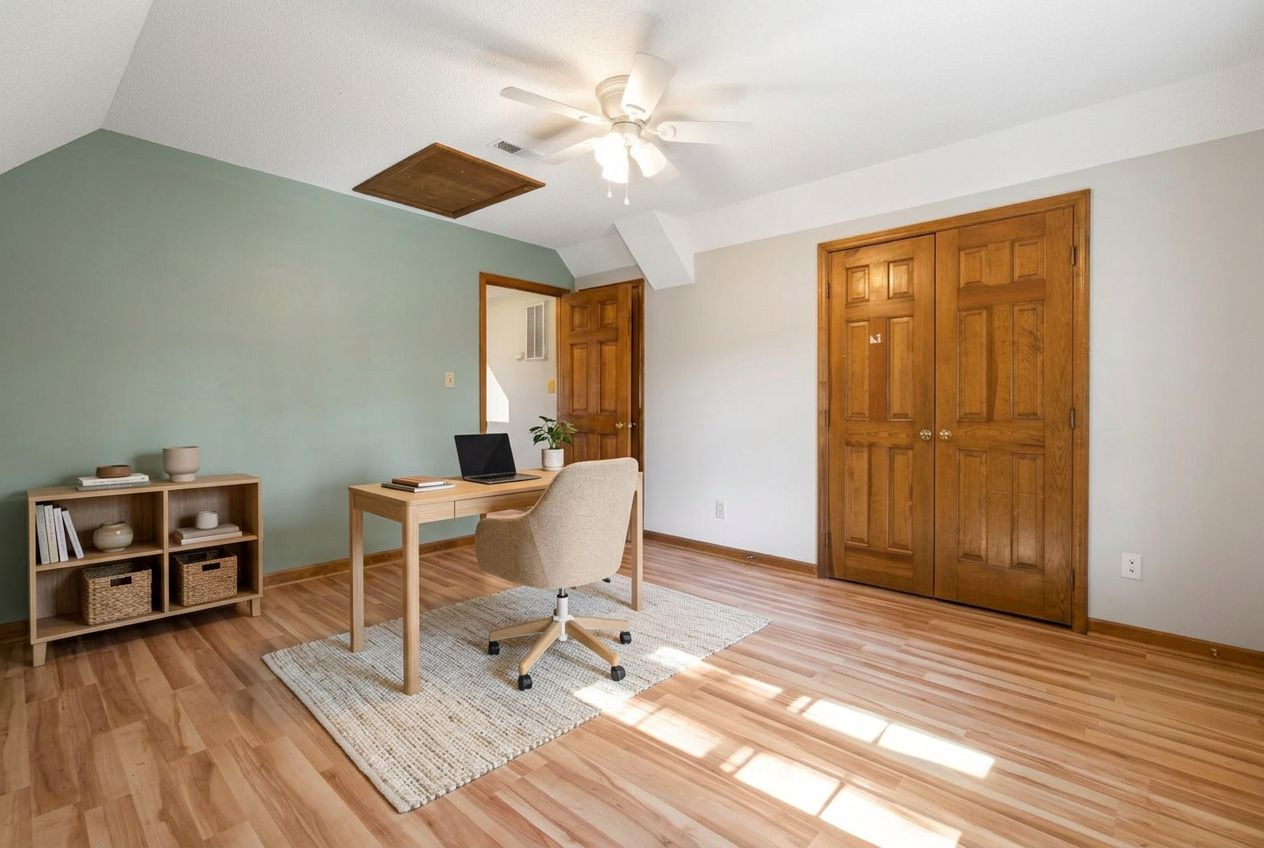
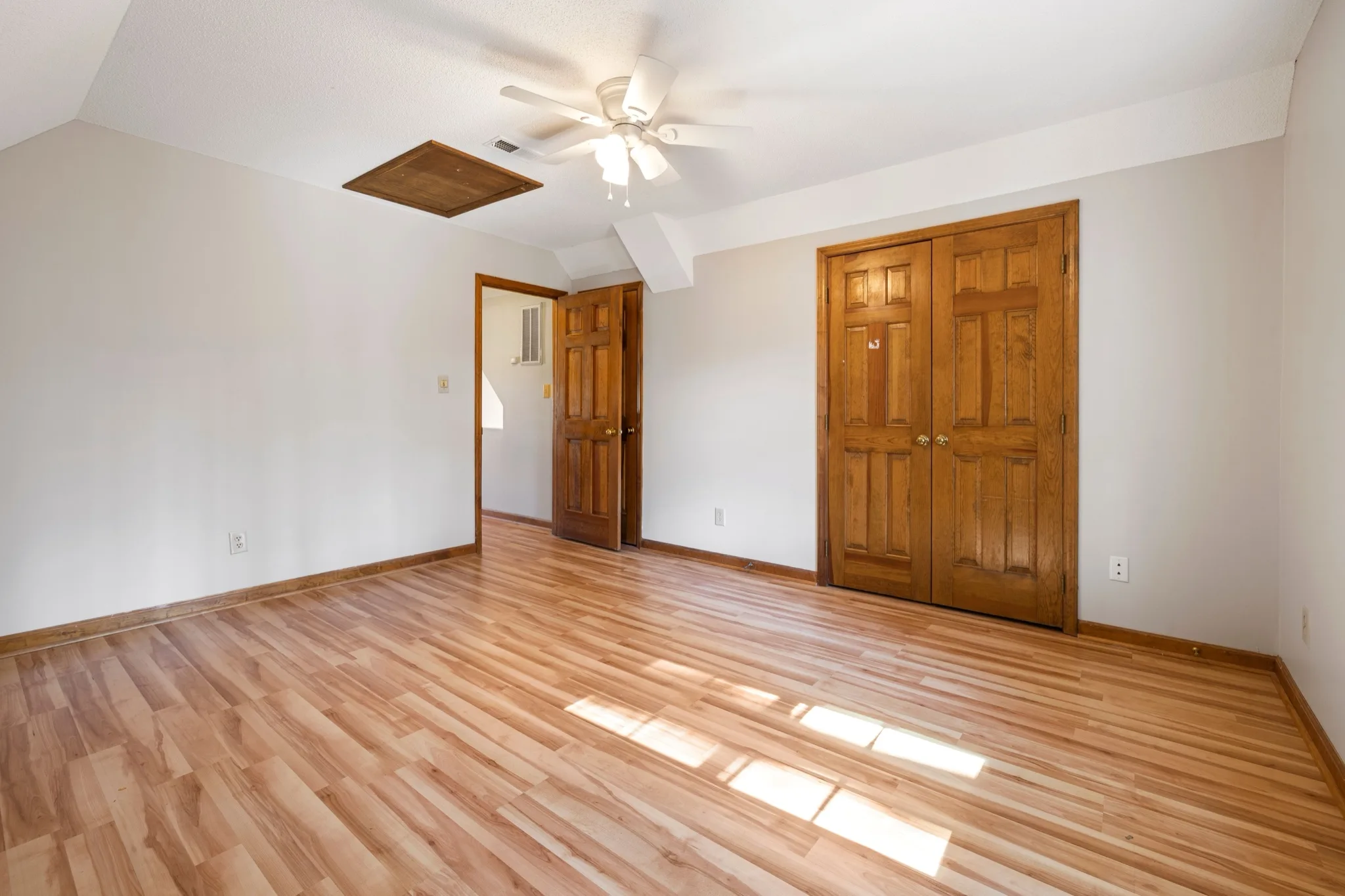
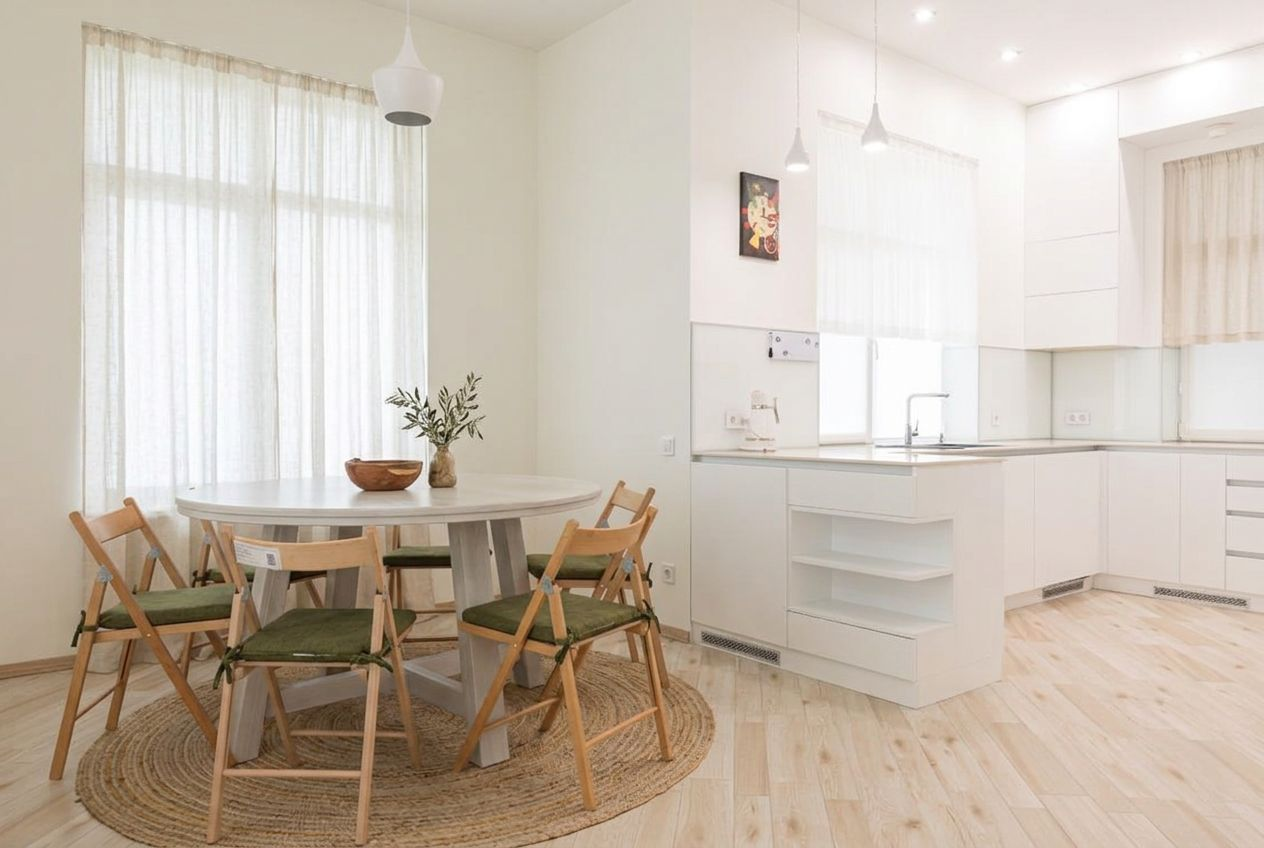
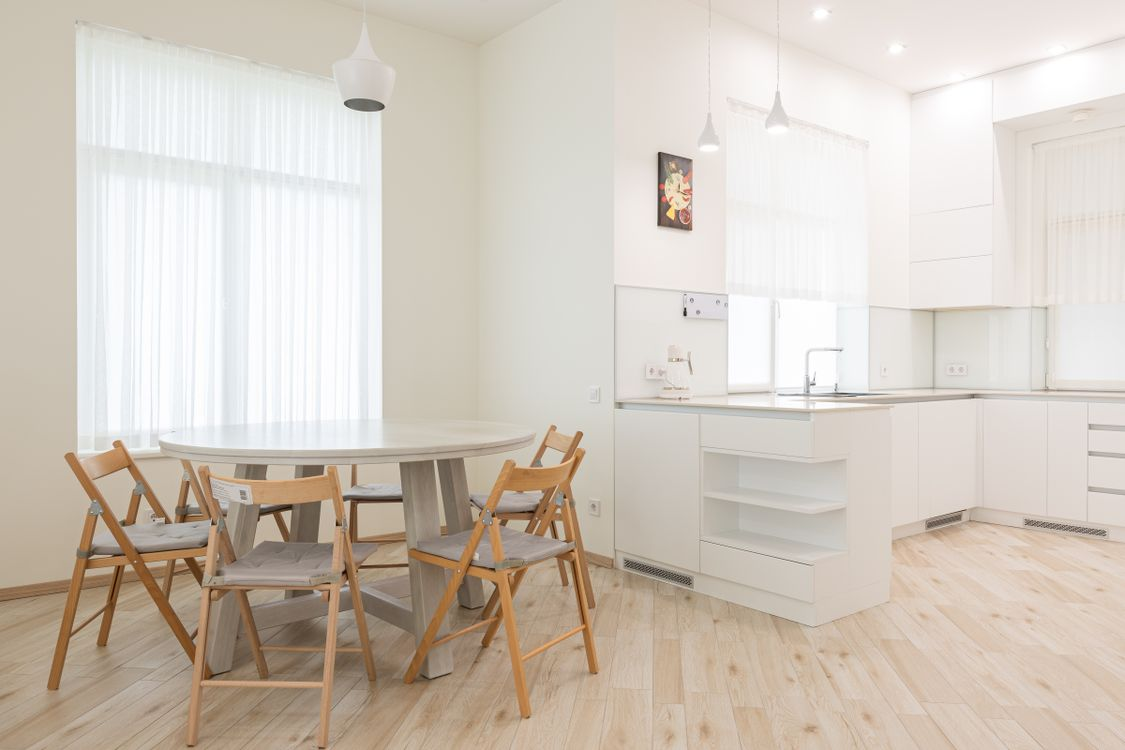
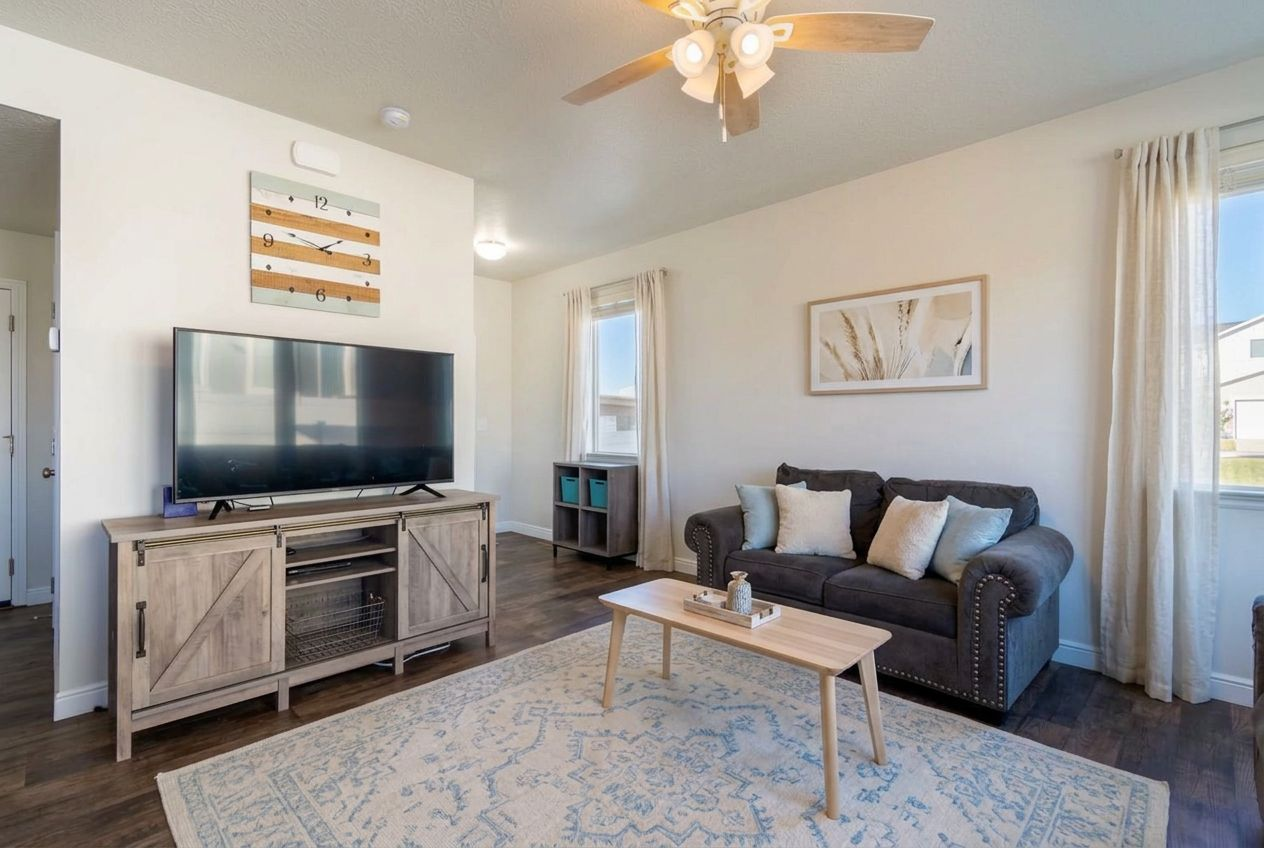
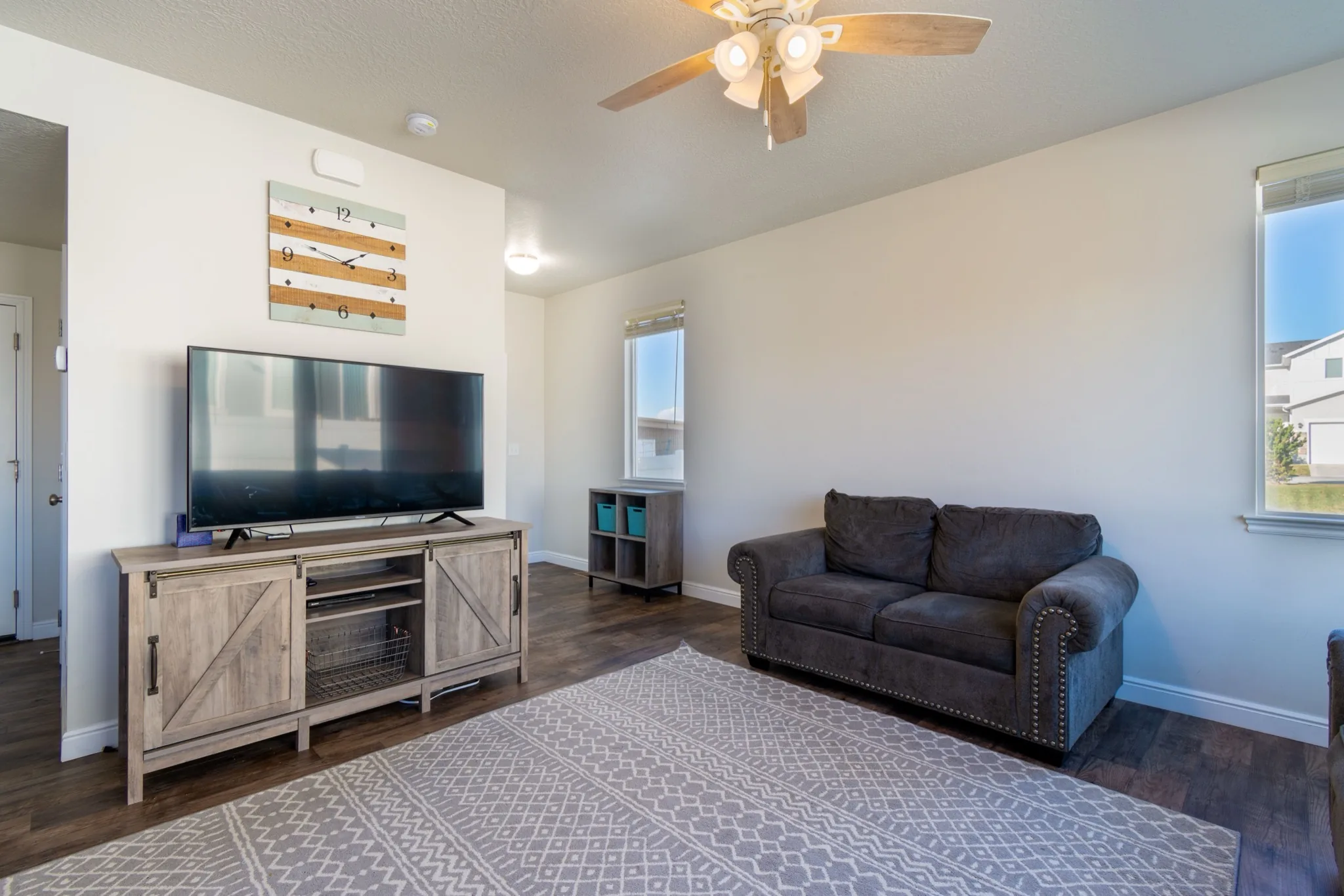
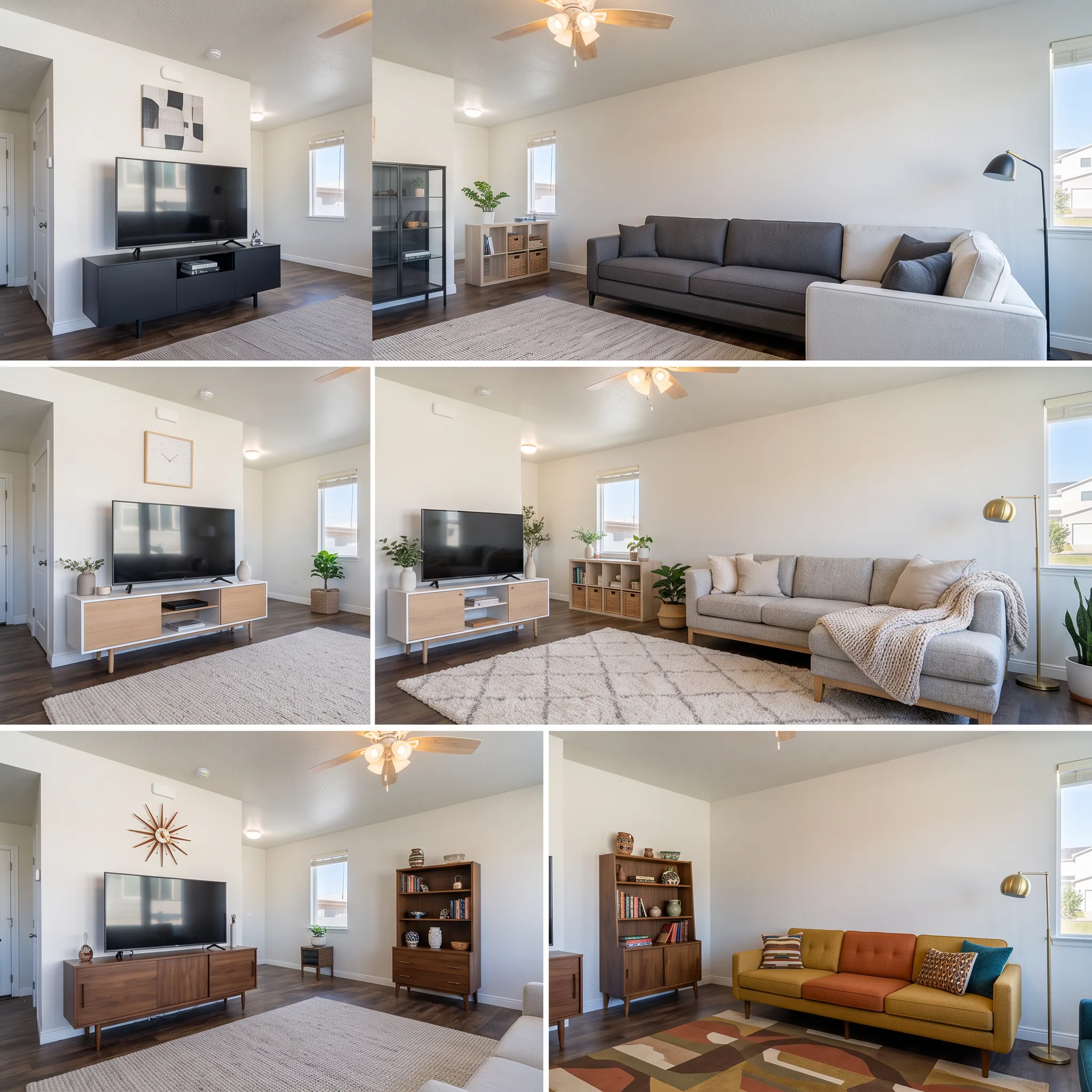
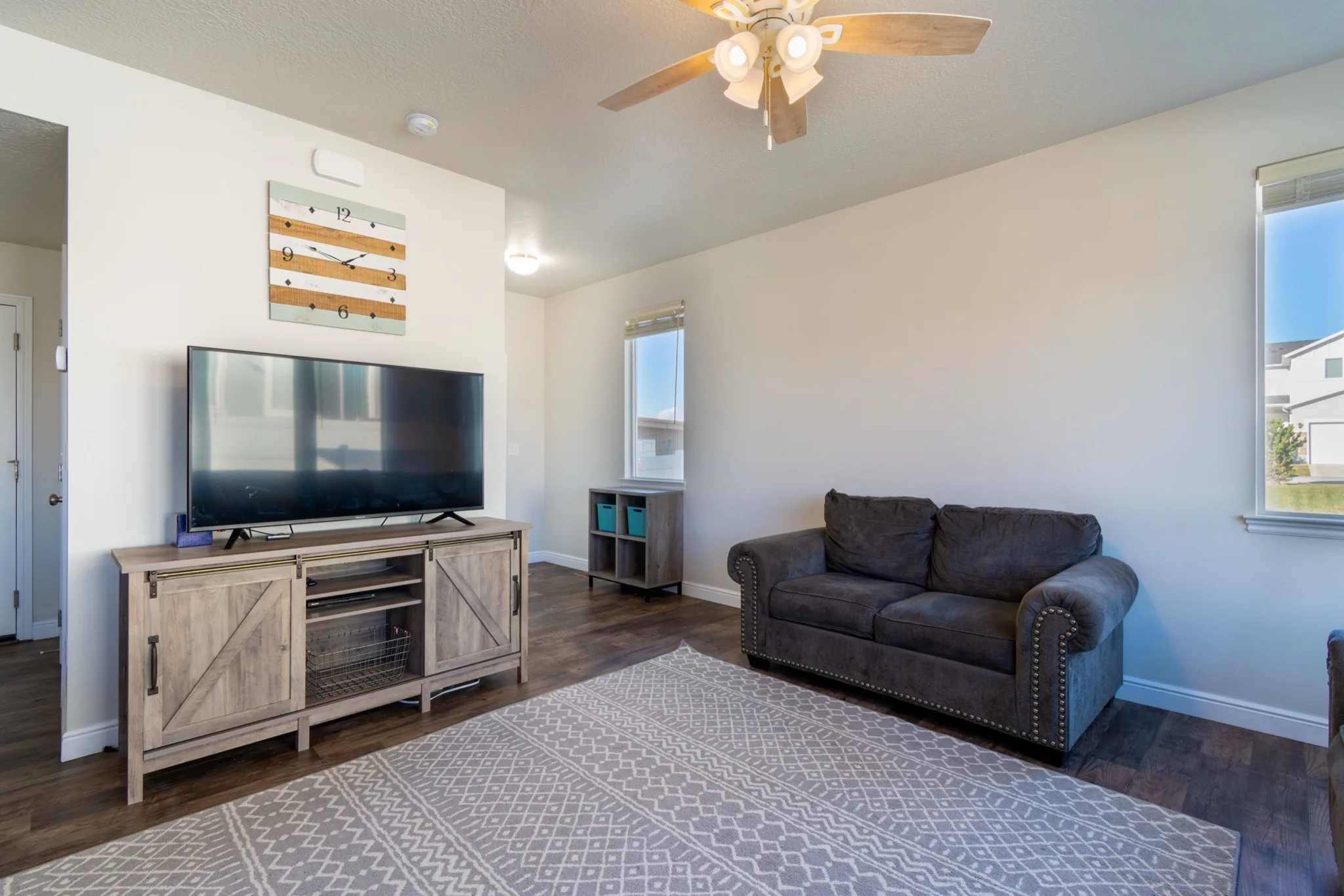
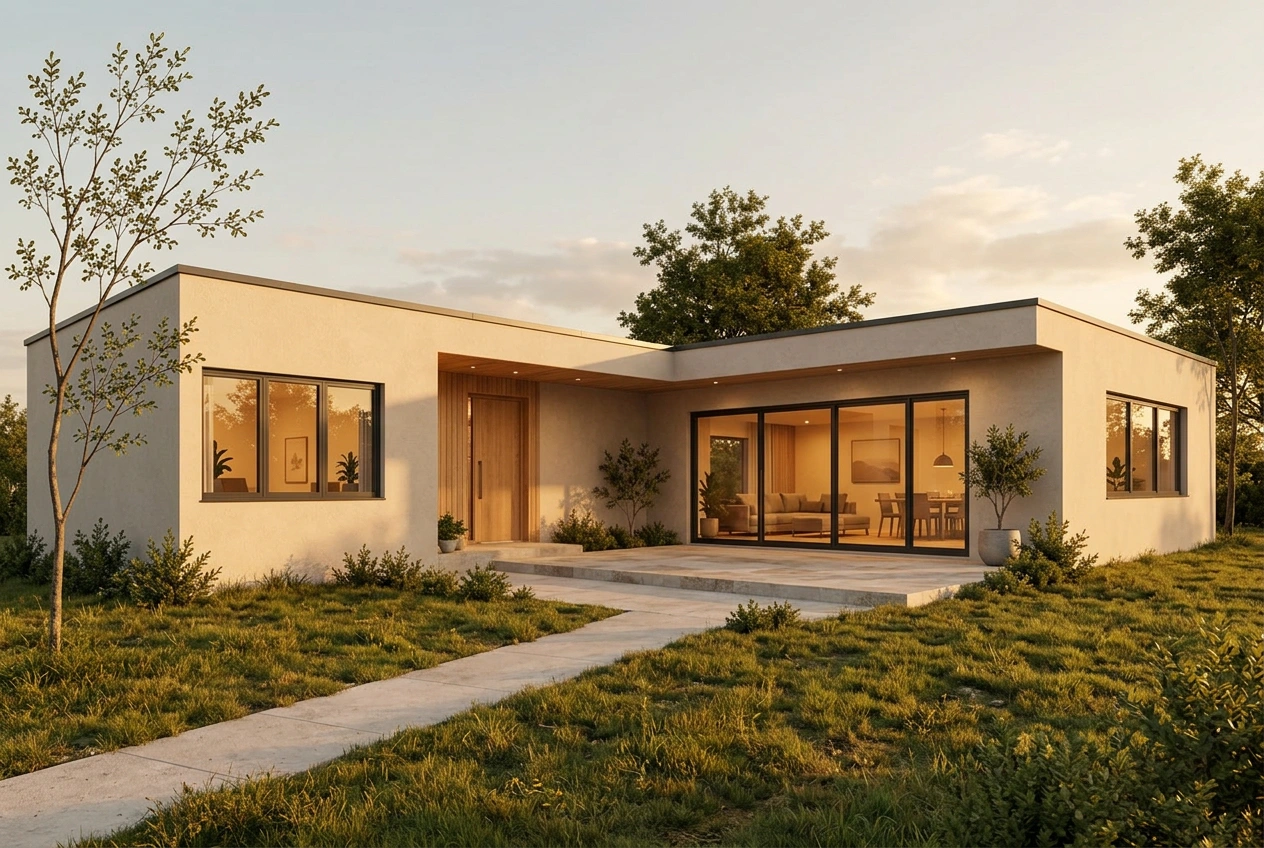
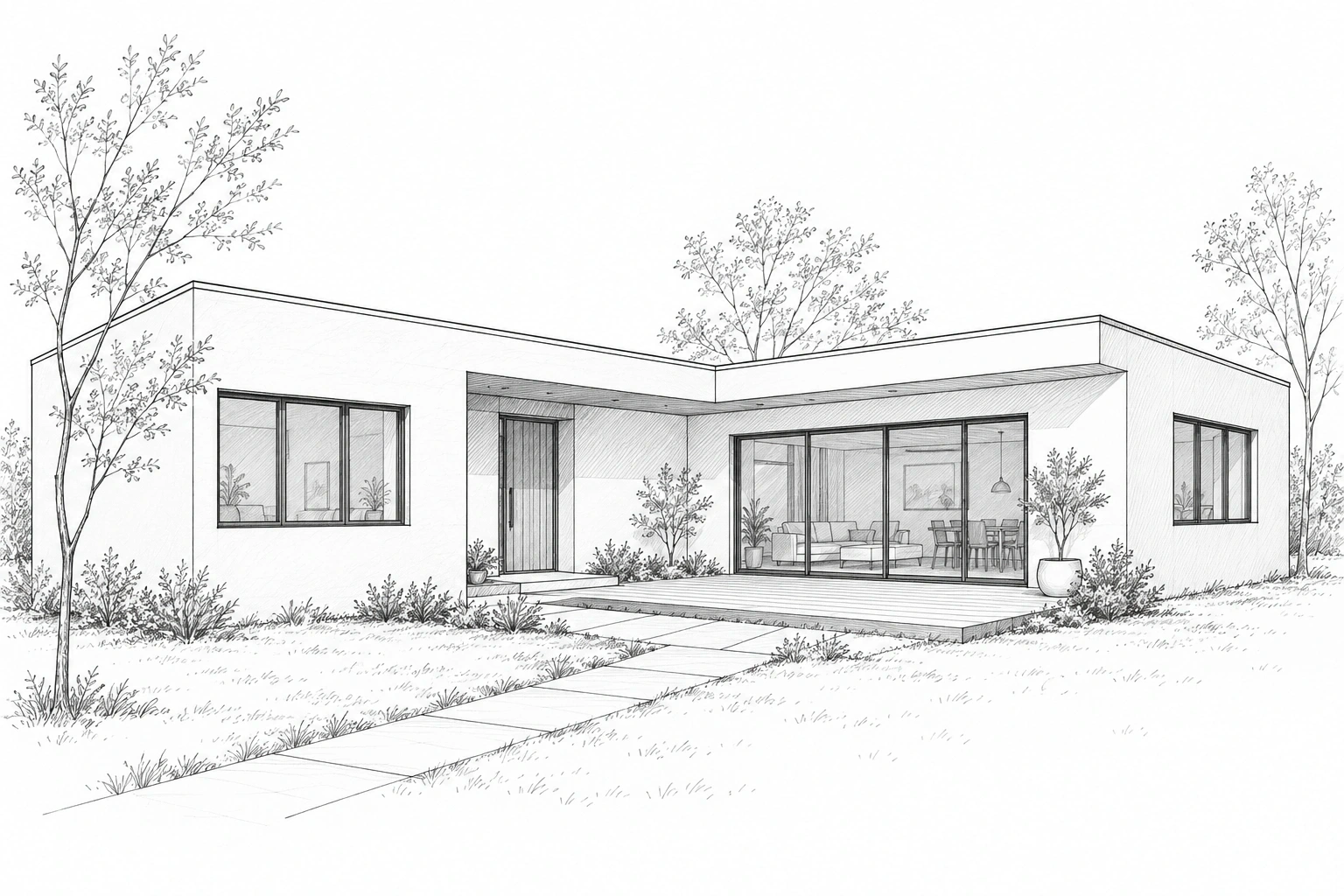
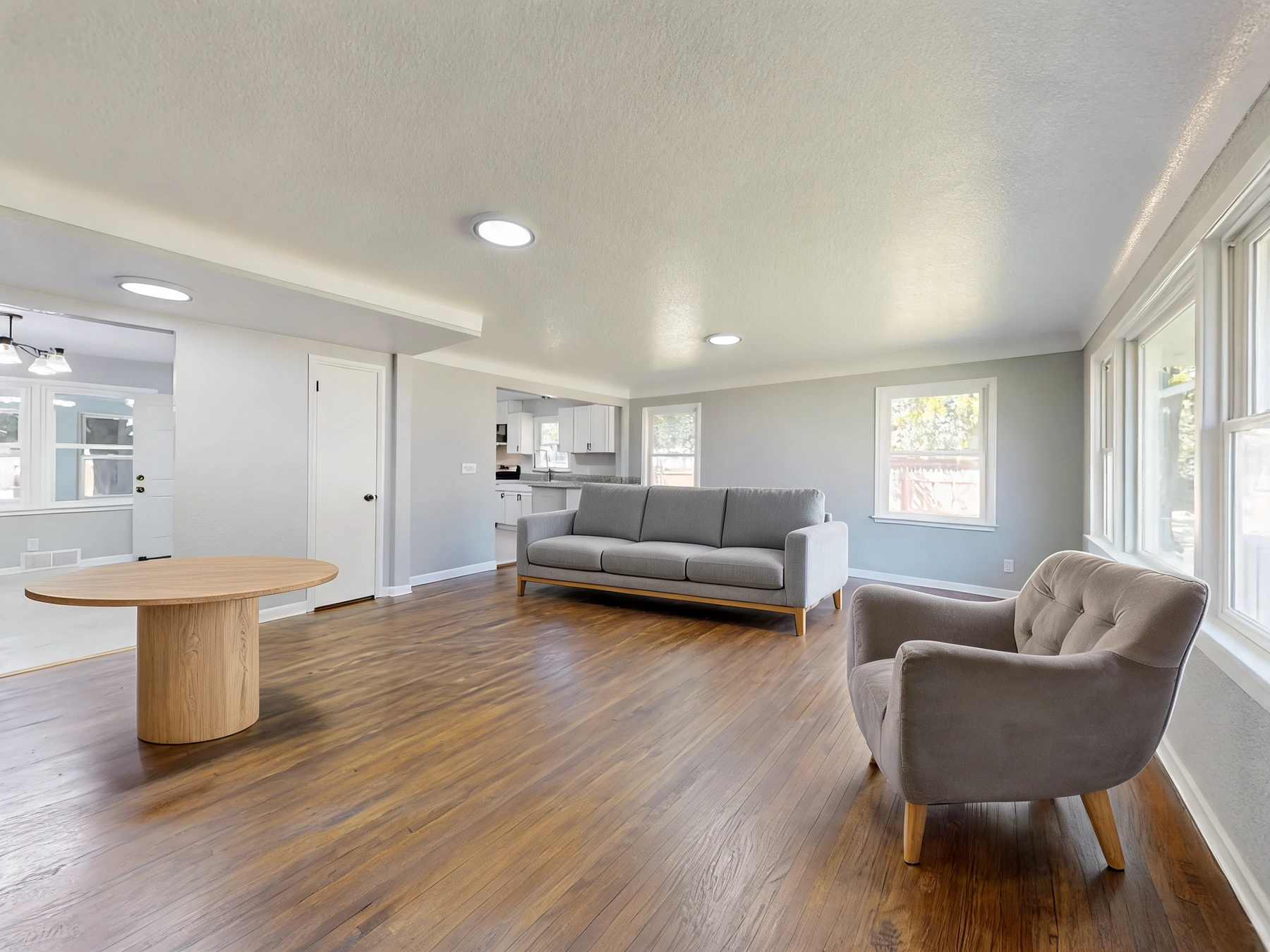
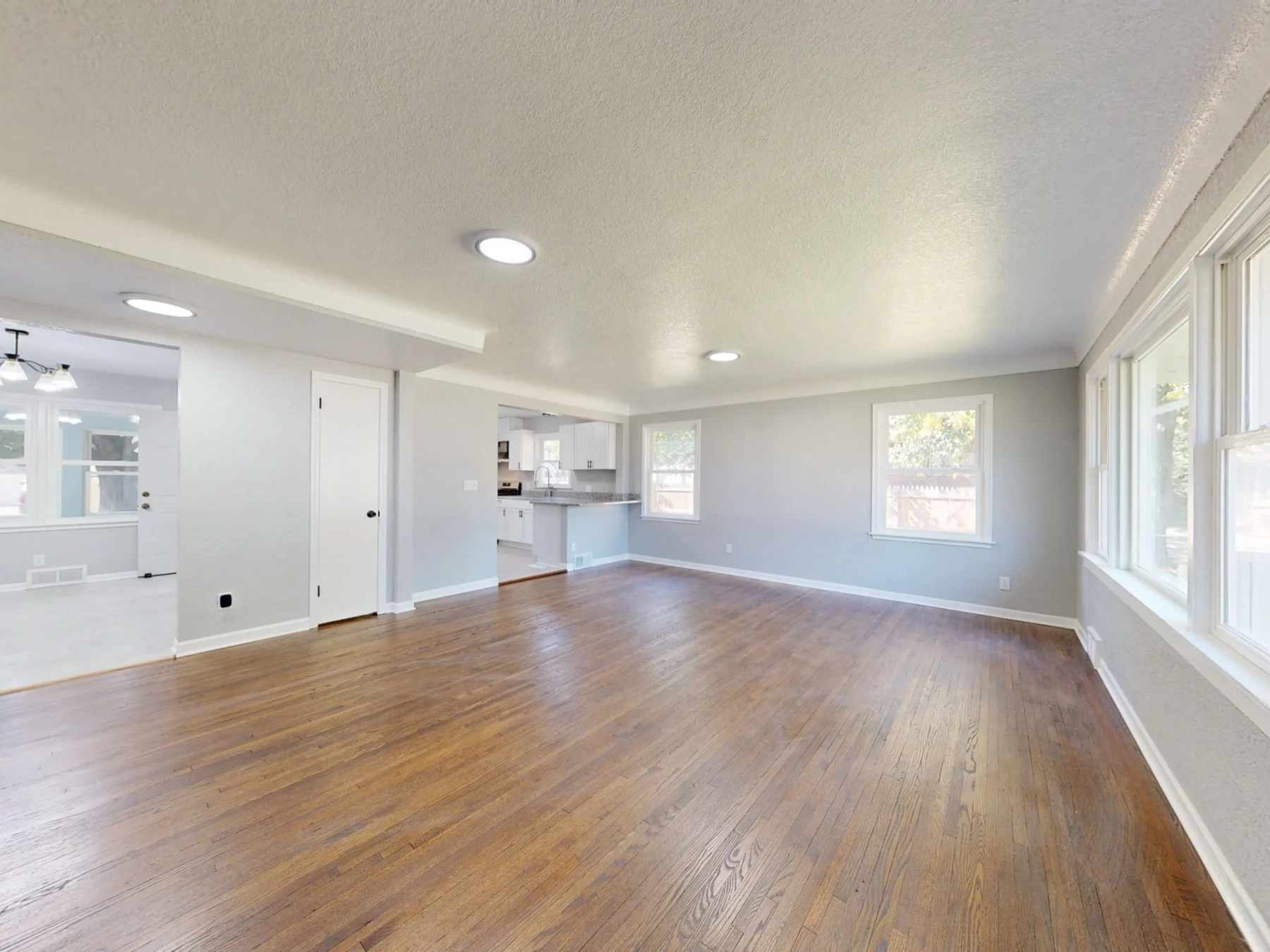
Upload your photo, choose a direction, and preview your own result. Review the visualization before making real-world changes.