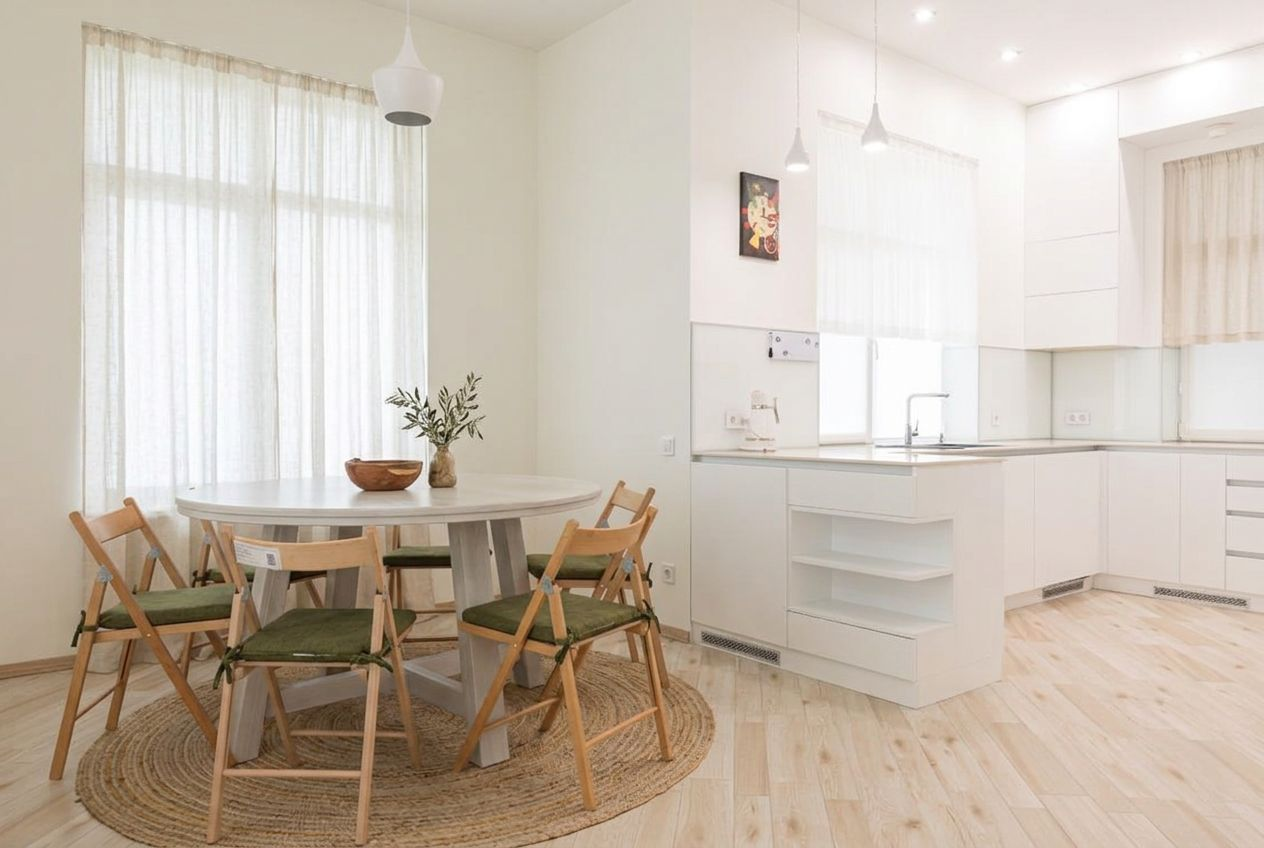
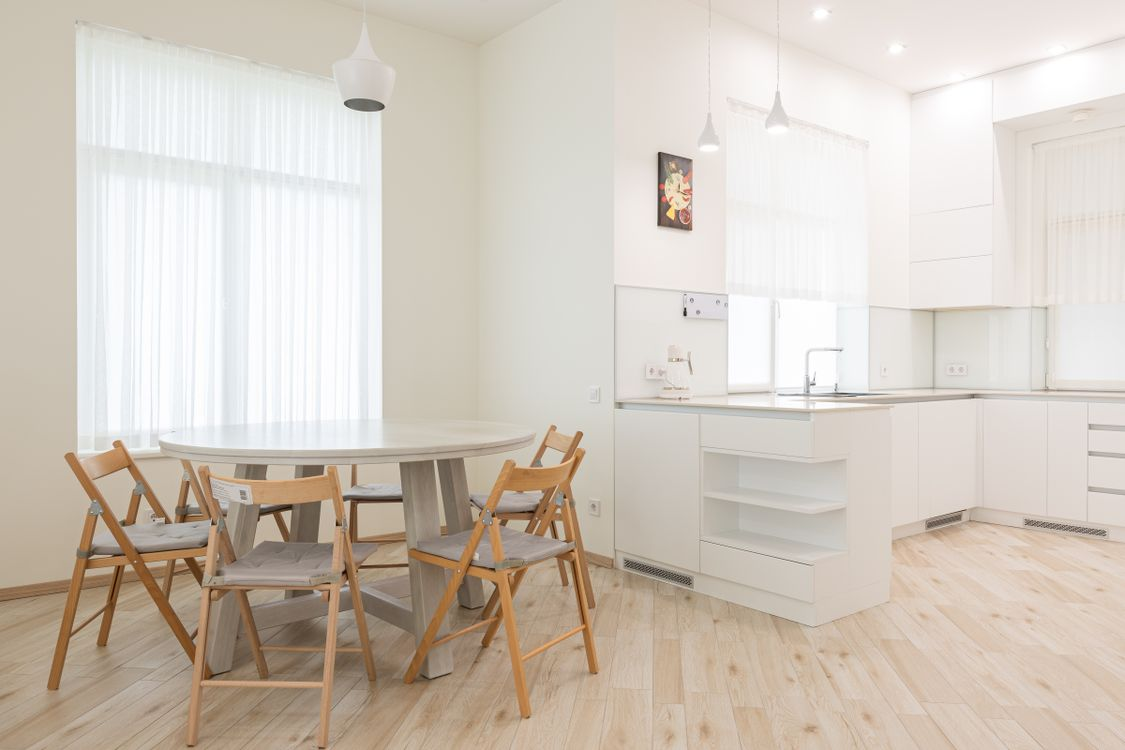
- Preview · 1K
- Dining room
- Explore style
- Mid-century
- Balanced
Upload your space, choose a design direction, and preview how your room could look before making changes.
Visual concepts only. Check dimensions, circulation and building requirements independently. AI results are not construction drawings; disclose virtual edits when required for property listings.
See before & after examplesDrag the divider to compare real tool results across different scenes.
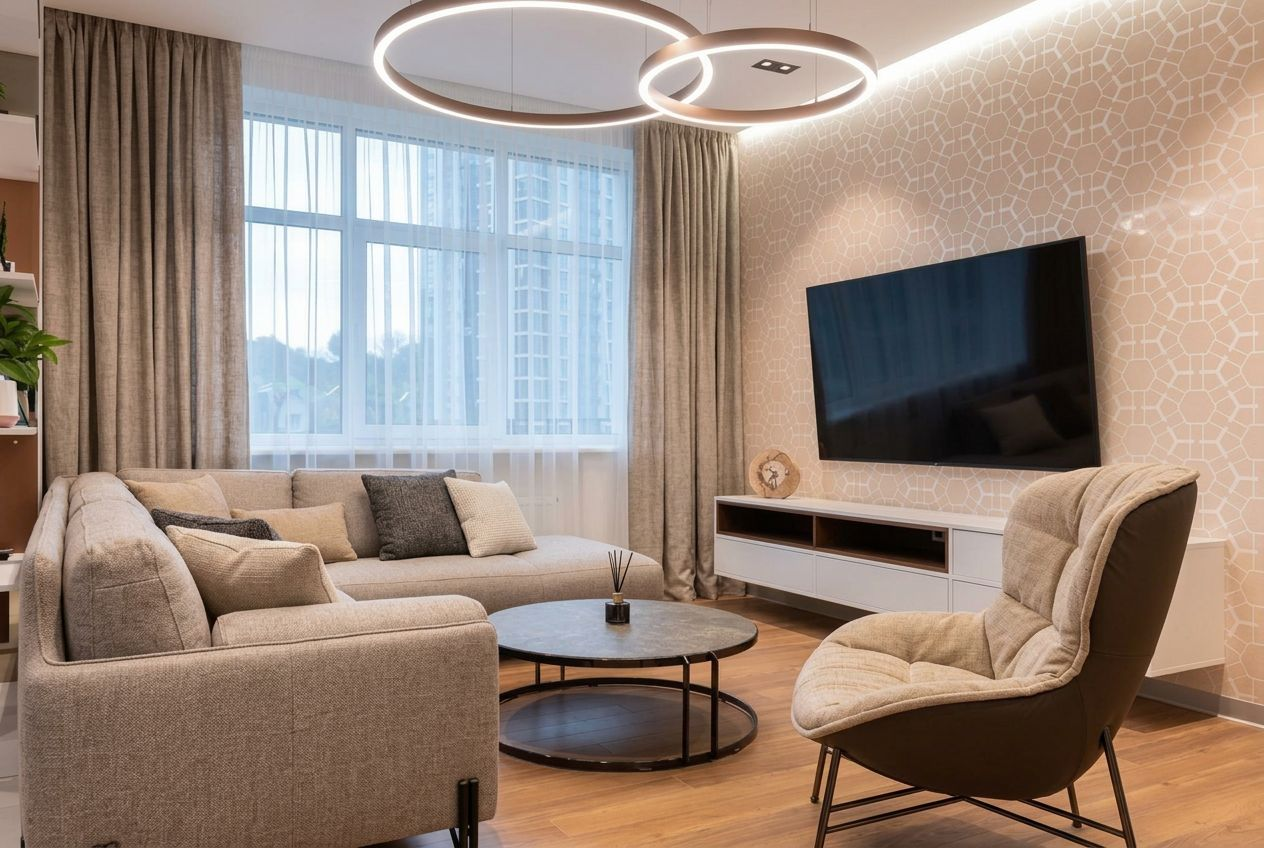
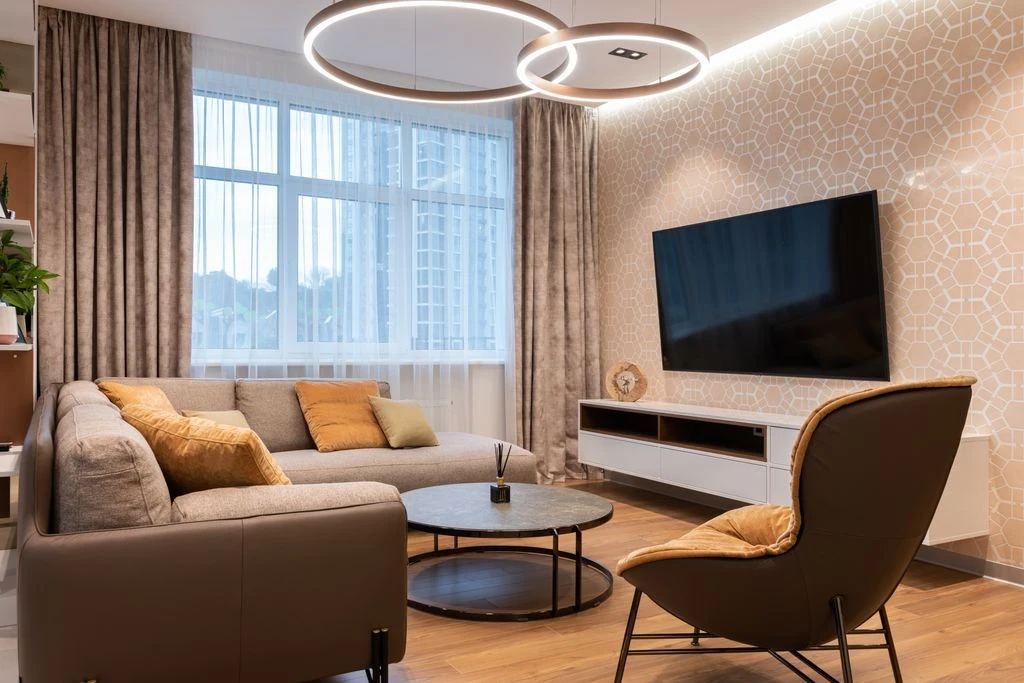
Bring a room photo and a design idea together in one place. Explore cohesive interior concepts, compare popular styles and take the next step with room makeover, furniture visualization or targeted remodel tools. Favore helps you visualize possibilities using your real space rather than a generic sample room.
Upload your space so the result reflects its actual visible architecture.
Compare styles and palettes before committing to a look.
Move to room-specific tools, virtual staging or finish previews for more focused changes.
Upload a room photo and select the room type.
Choose an interior style and tell us what you want to keep.
Generate an initial concept, then choose a focused tool for revisions.
Get answers about source files, settings, and results for AI Interior Design From Your Own Photo.
Choose a focused workflow for your next edit. Use staging for an empty room, furniture visualization for specific pieces, or surface restyling for finishes.
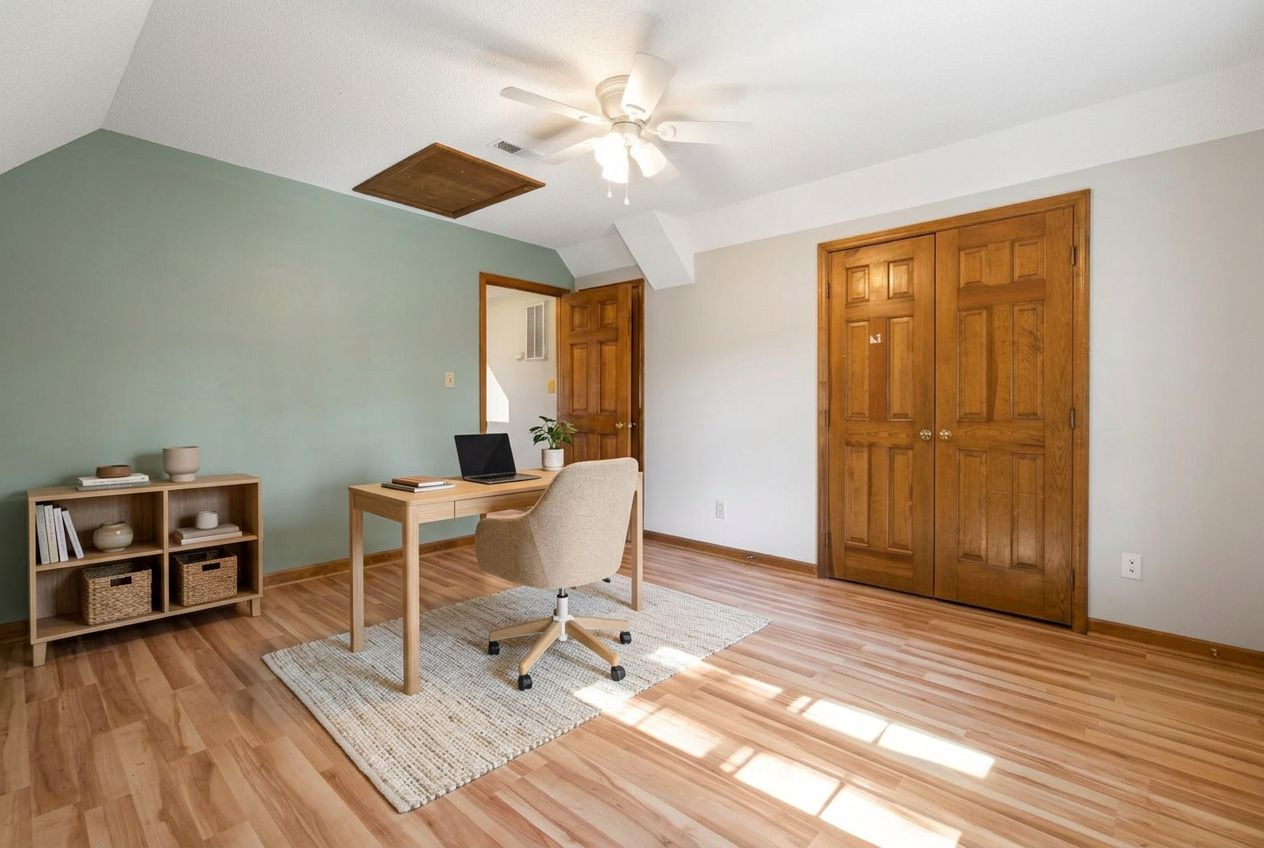
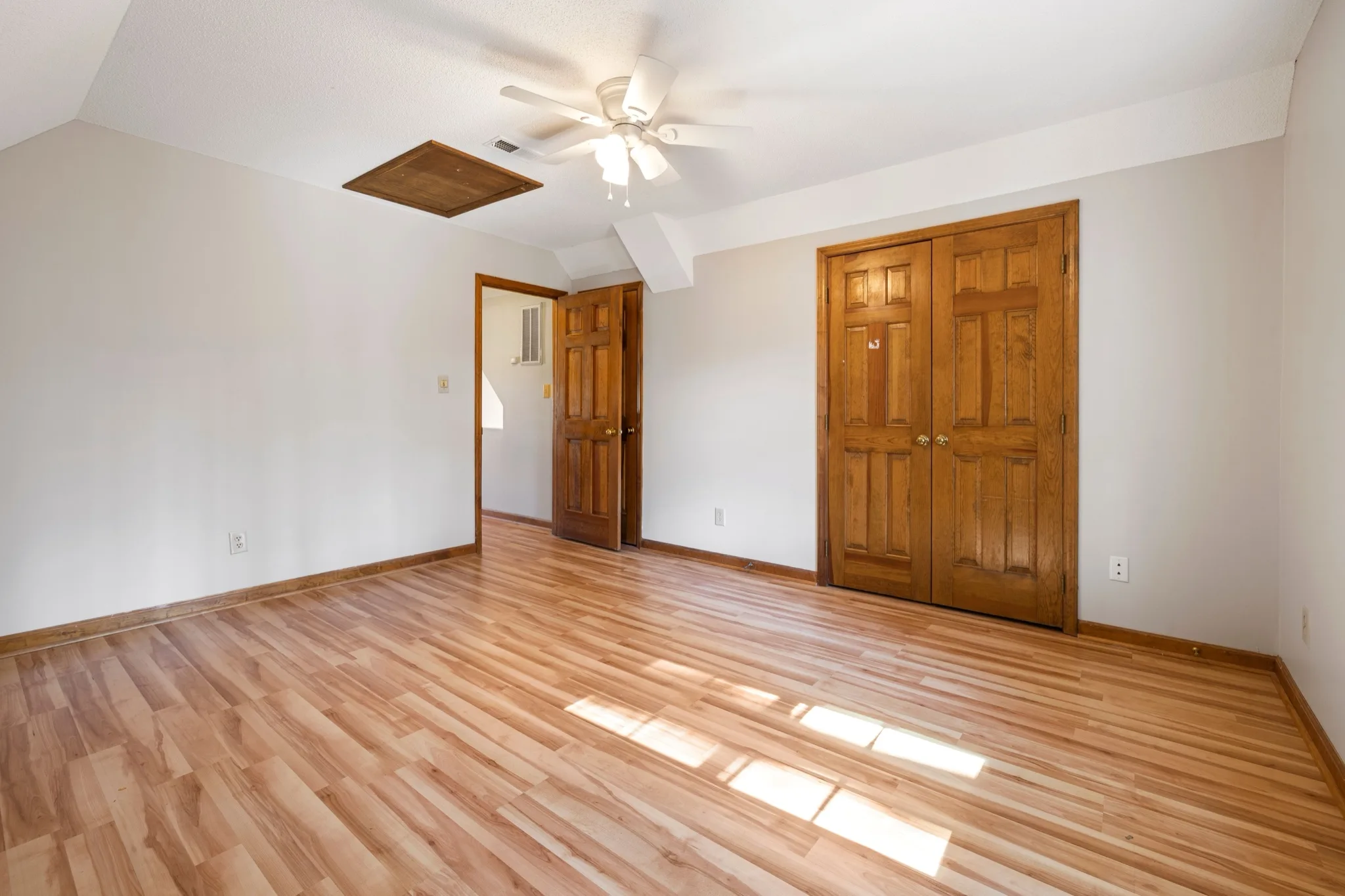
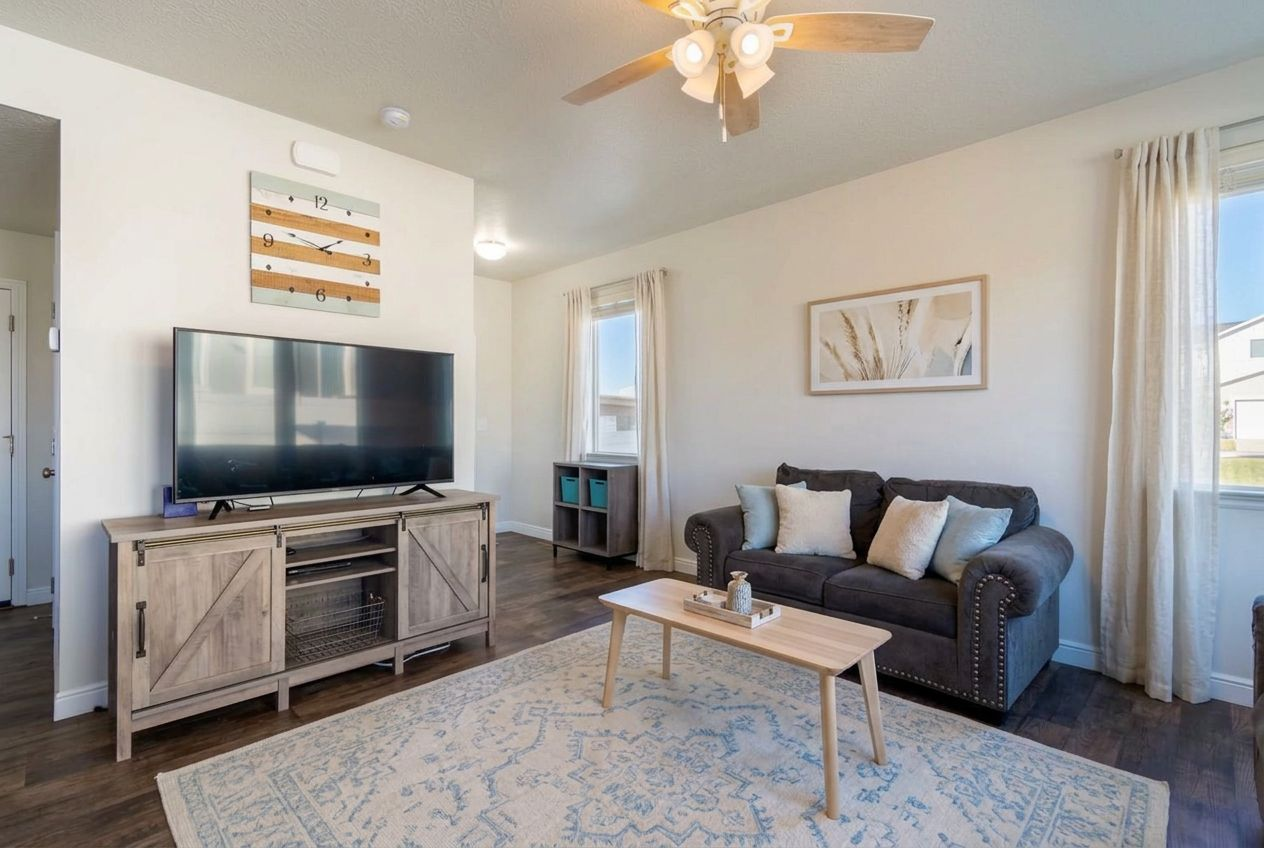
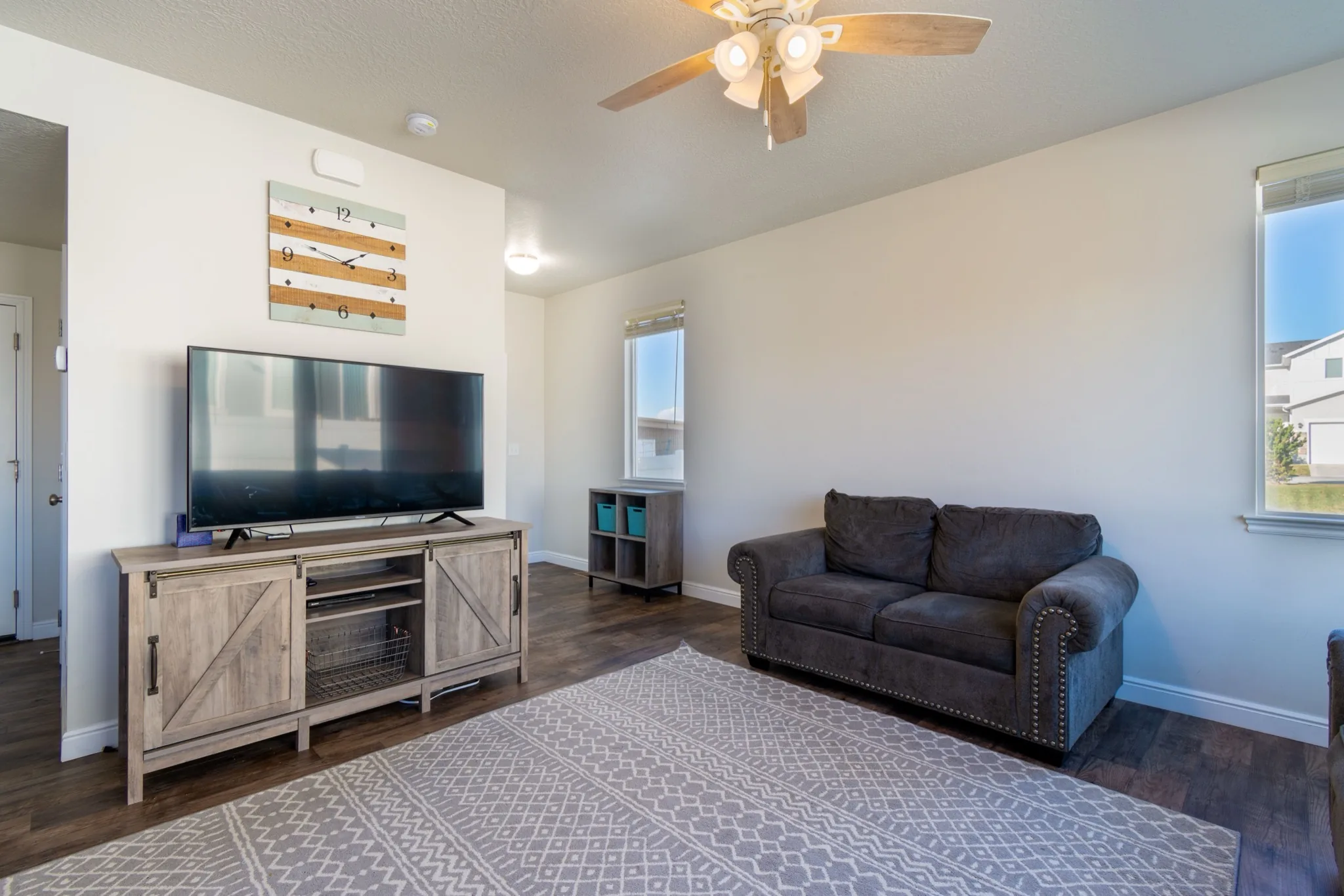
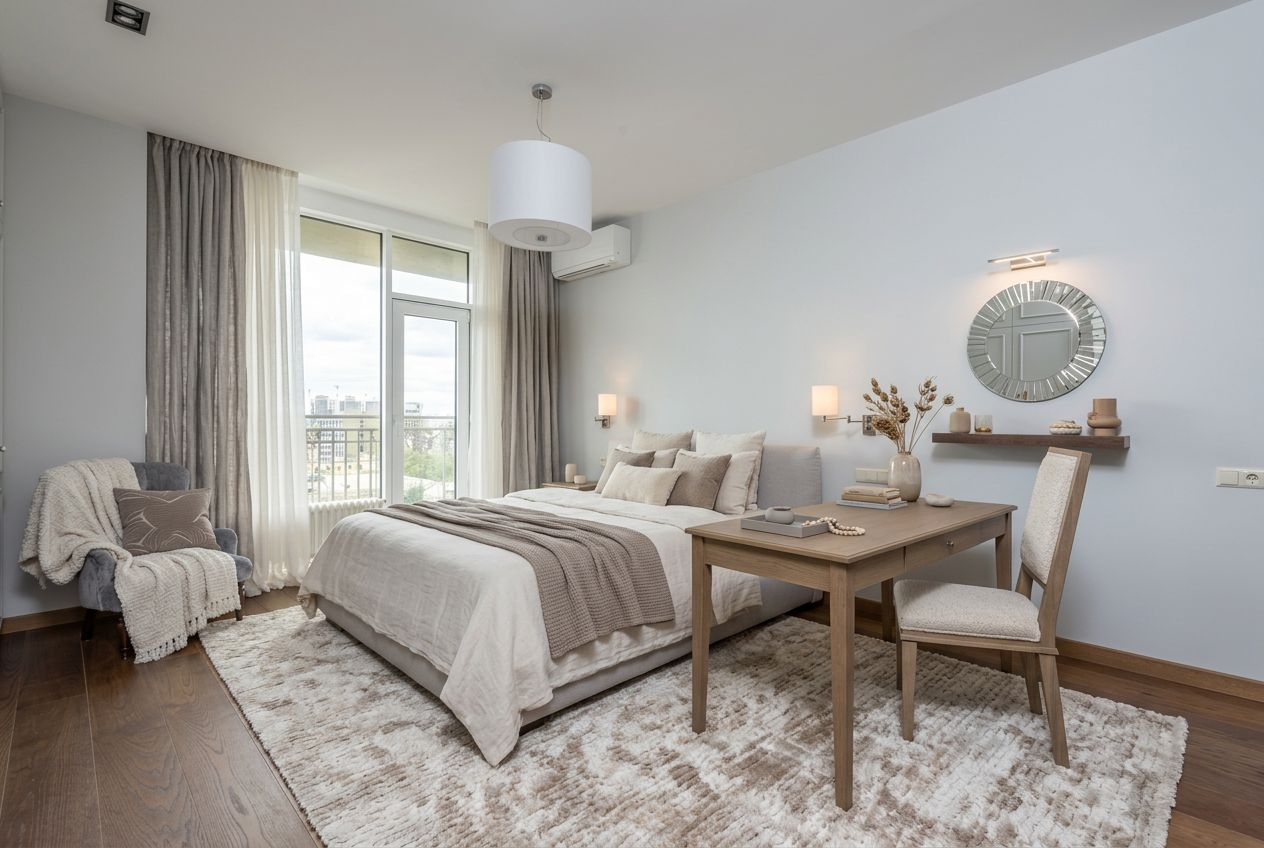
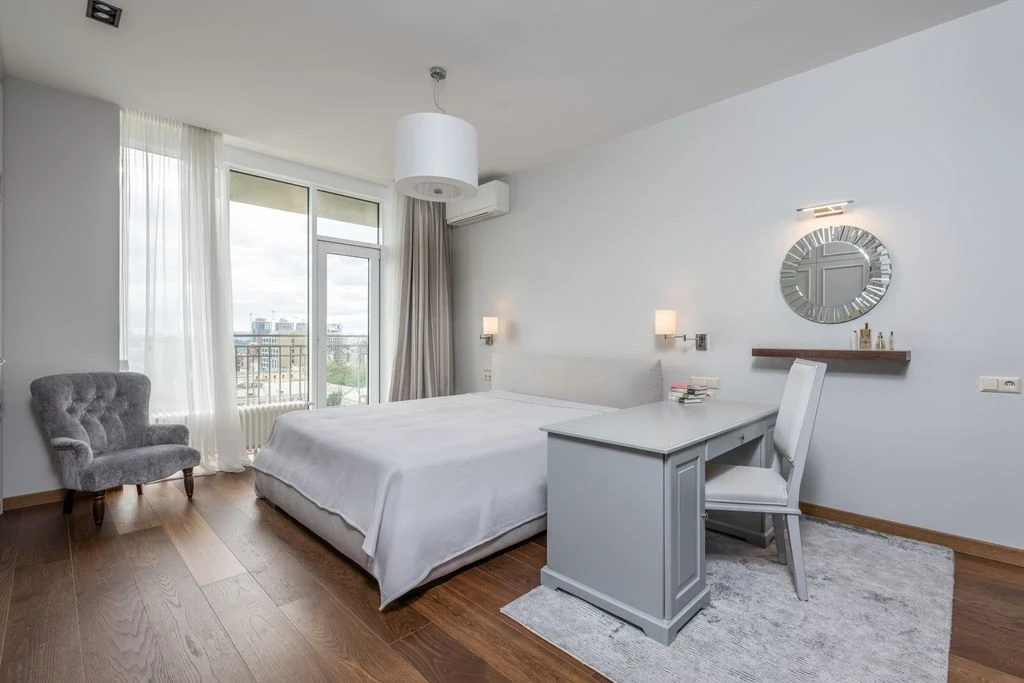
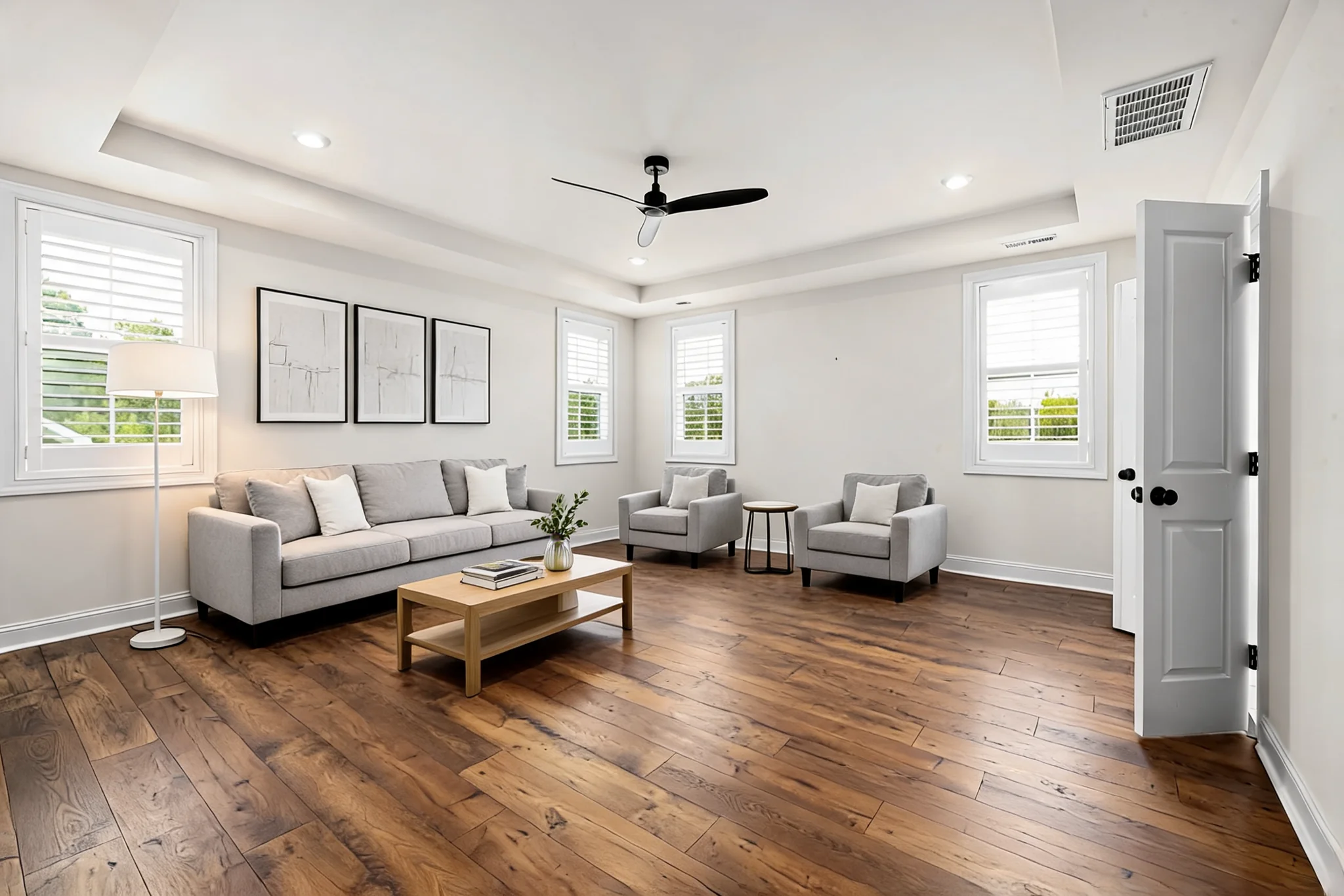
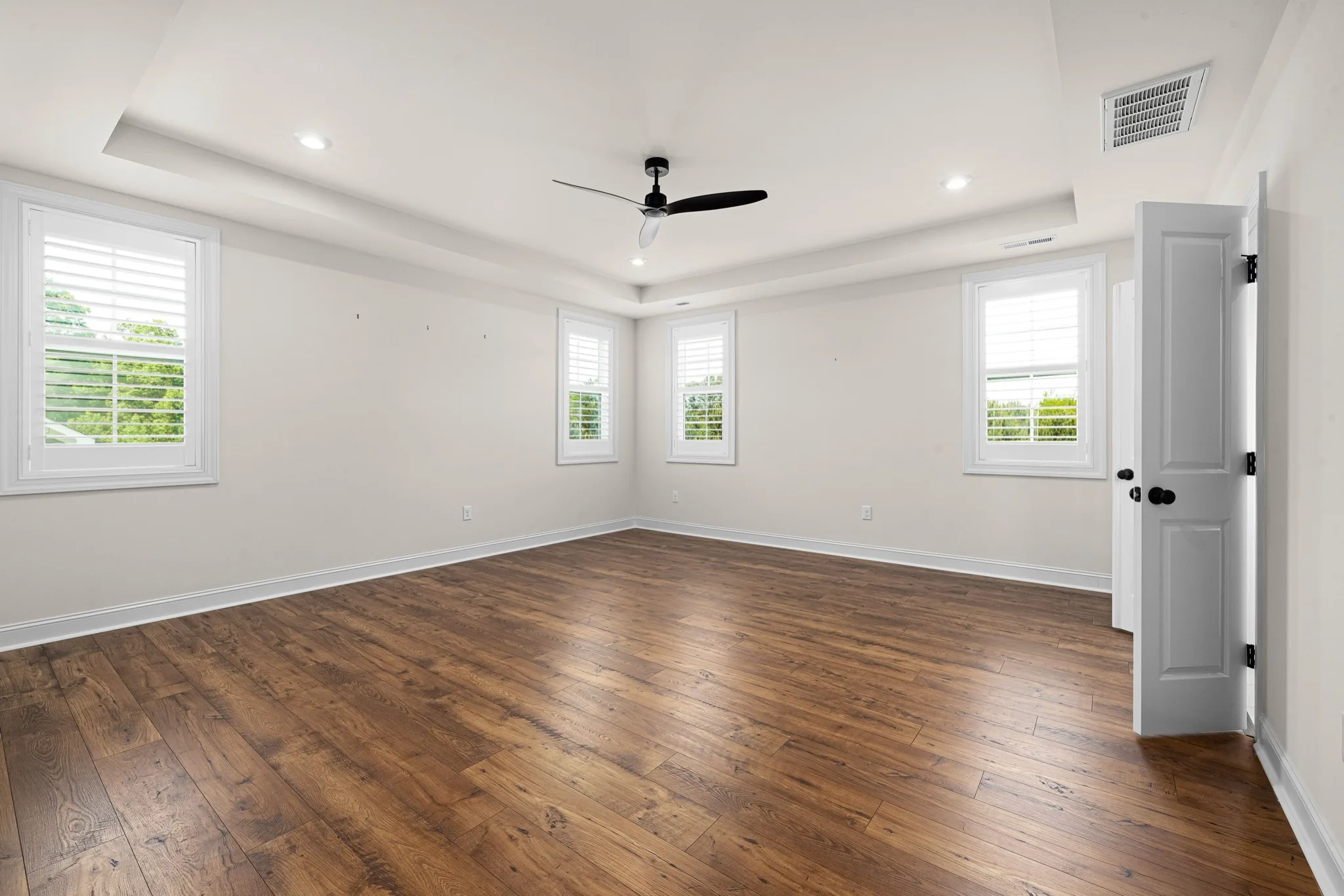
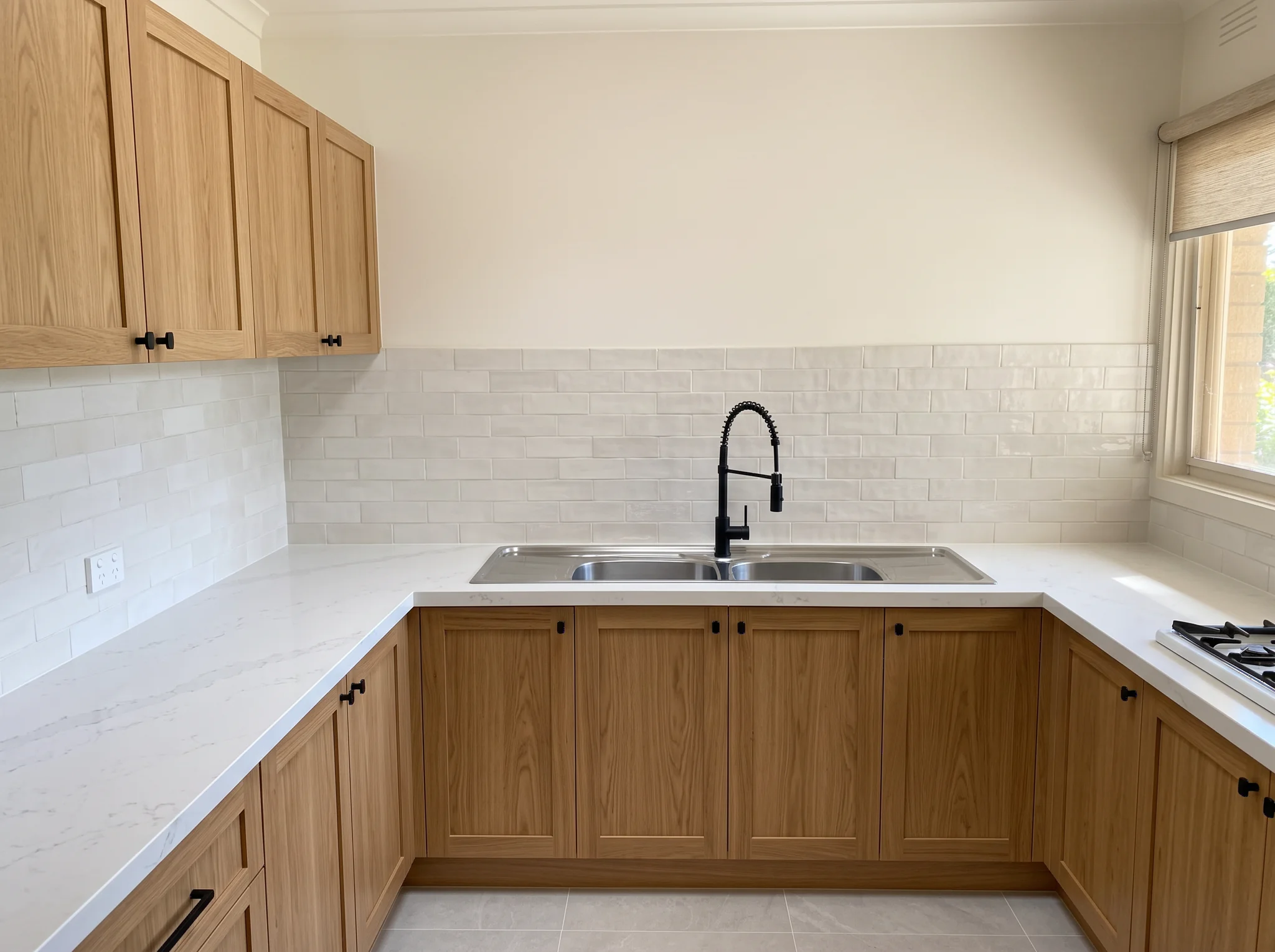
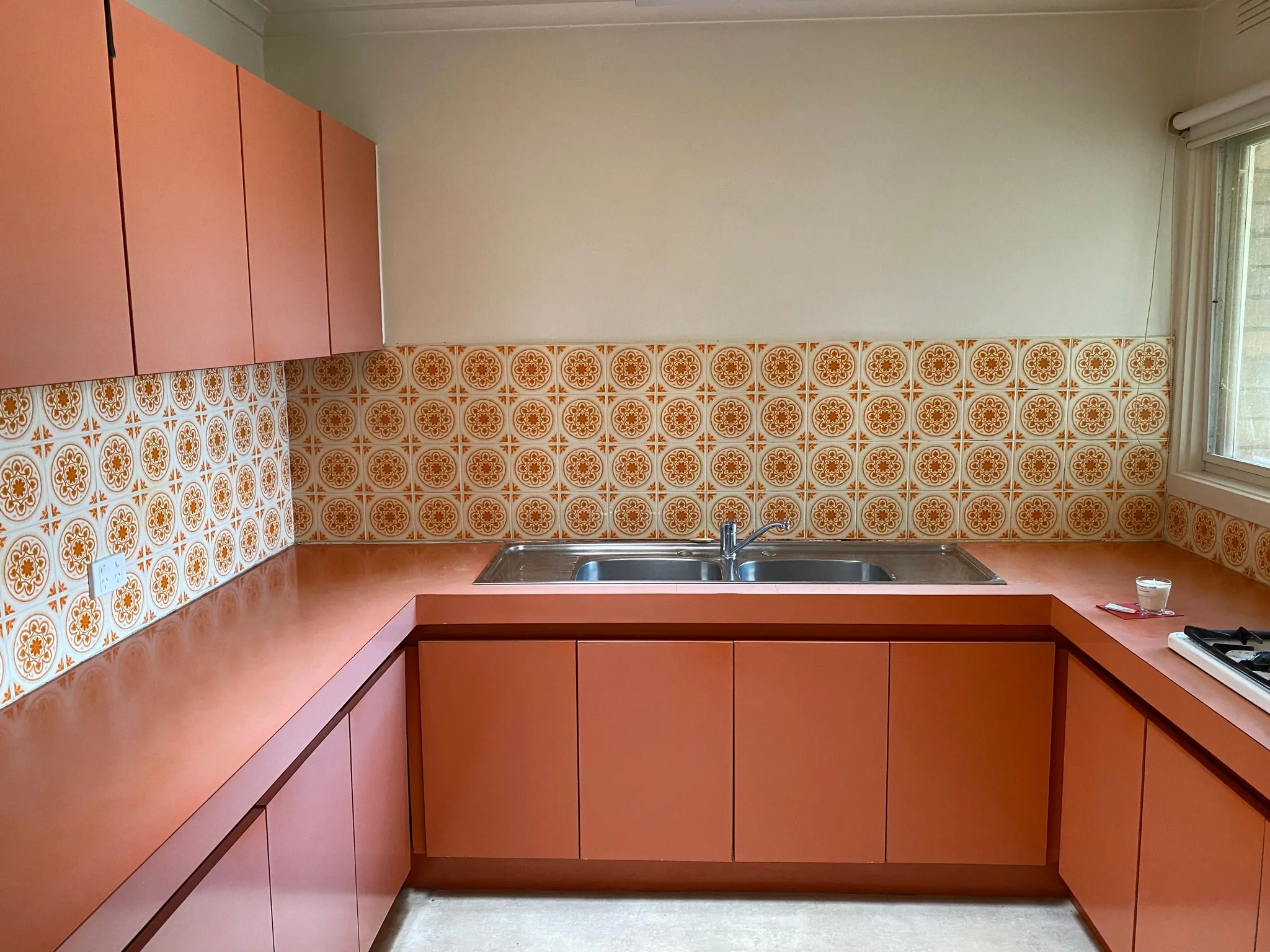
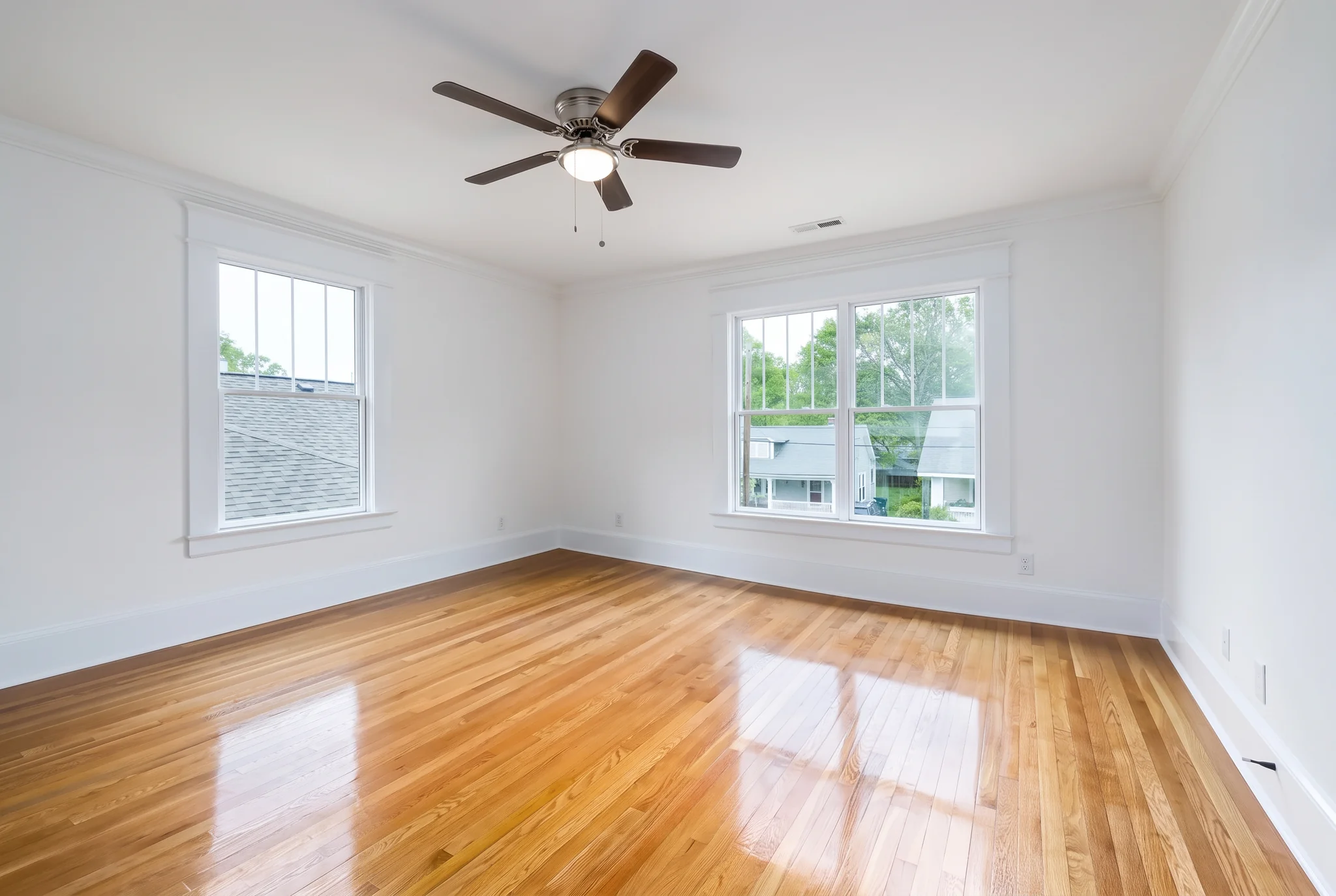
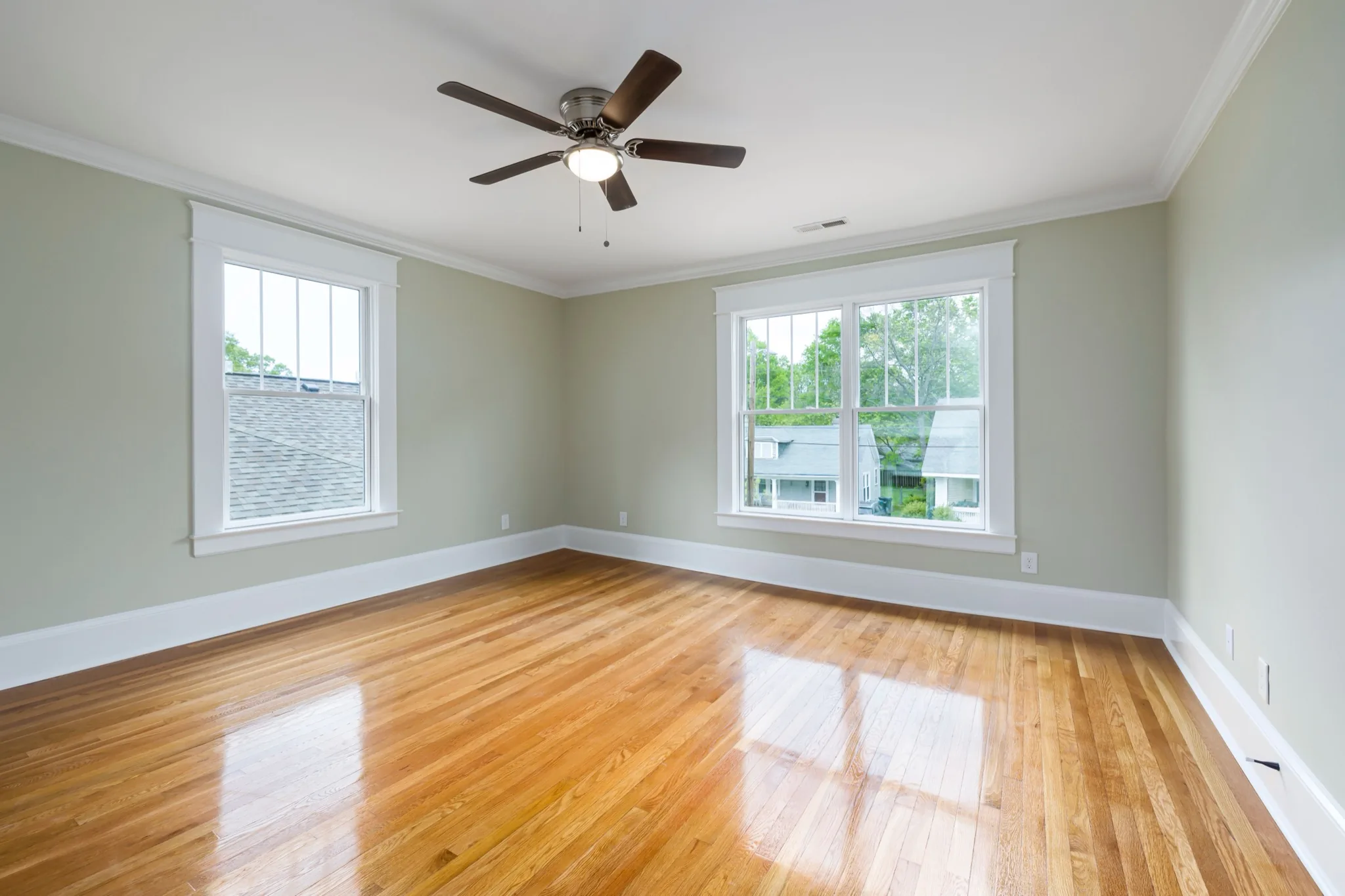
Upload your photo, choose a direction, and preview your own result. Review the visualization before making real-world changes.