Final campaign assets
Create high-quality hero images, ads, thumbnails, and client-ready visuals.
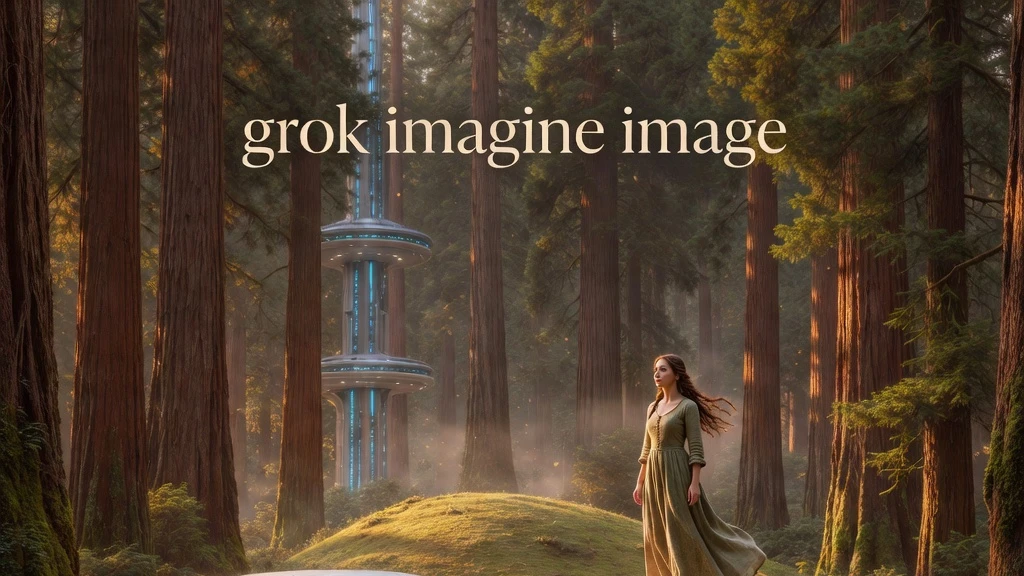
xAI’s Grok Imagine Image Quality produces sharper detail, stronger text rendering, realistic lighting, and coherent compositions for text-to-image generation and editing.
Create high-quality hero images, ads, thumbnails, and client-ready visuals.
Generate posters and social designs where readable on-image text matters.
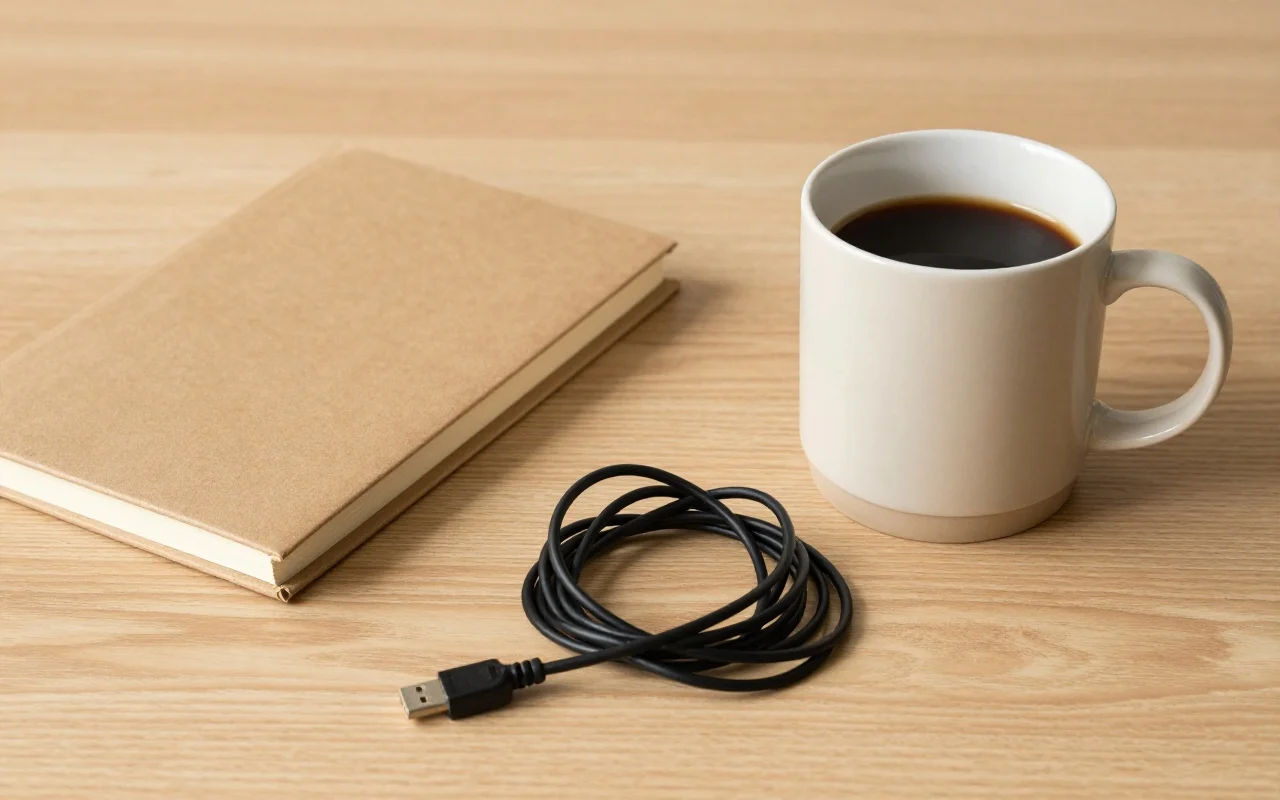
Build product, lifestyle, and editorial scenes with realistic material and lighting detail.
Create polished images with rich texture, natural lighting, and believable physical detail.
Upload an image and make targeted changes while preserving its overall structure.
Produce cleaner typography for posters, ads, thumbnails, and social graphics.
Choose 1K for faster work or 2K for detailed final assets.
Keep object relationships, scale, and occlusion coherent in multi-element scenes.
Describe subject, setting, lighting, mood, composition, and intended style.
Use precise names for recognizable products, places, and visual references.
When editing, state the desired change instead of repeating the entire scene.
Choose 2K when fine detail and final output resolution justify the added credit cost.
Understand the inputs, generation settings, and outputs supported by Grok Imagine Image Quality.






Explore other models, or browse the full catalog.