

- Soft
- Shadow intensity · 30
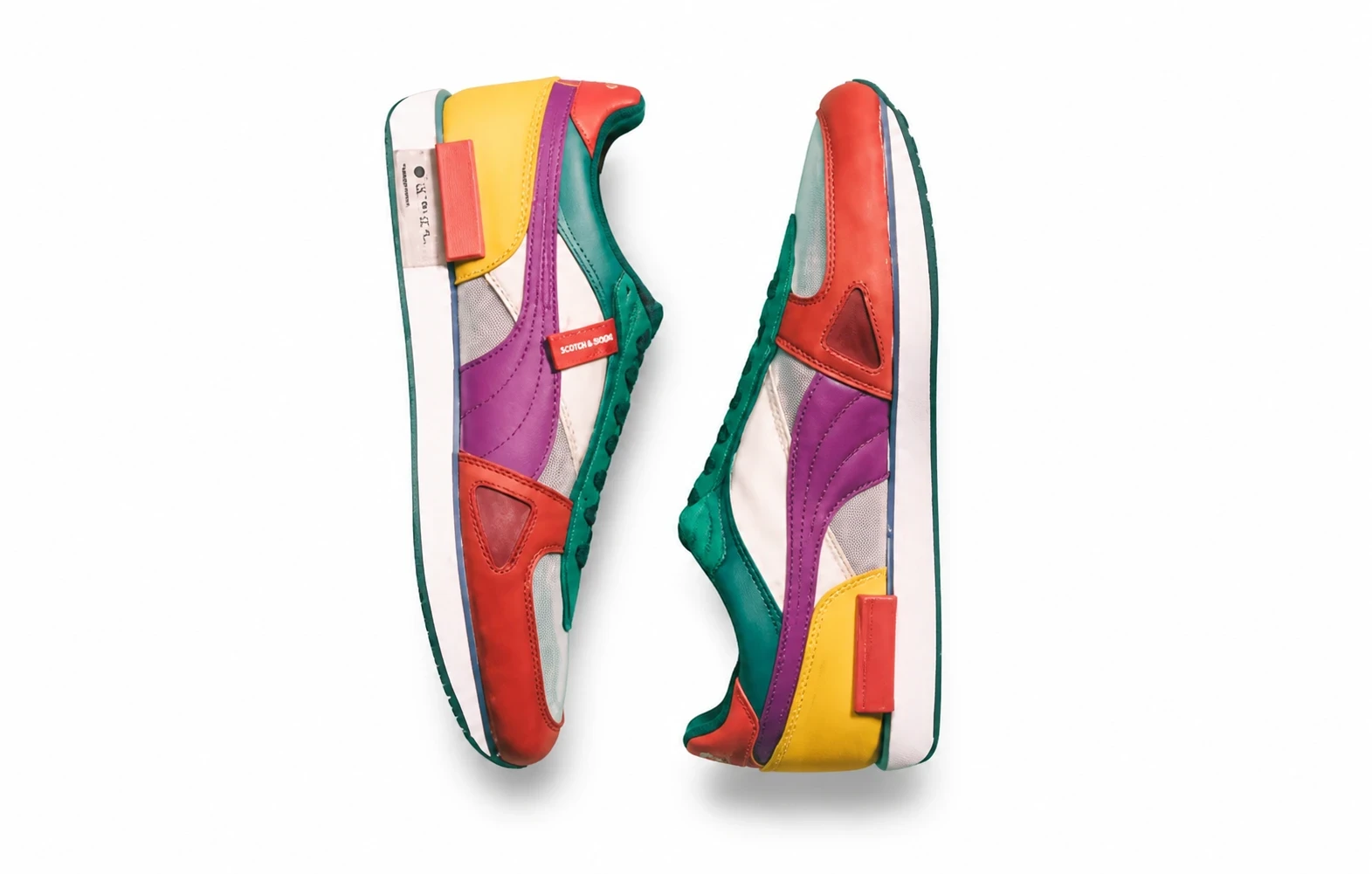
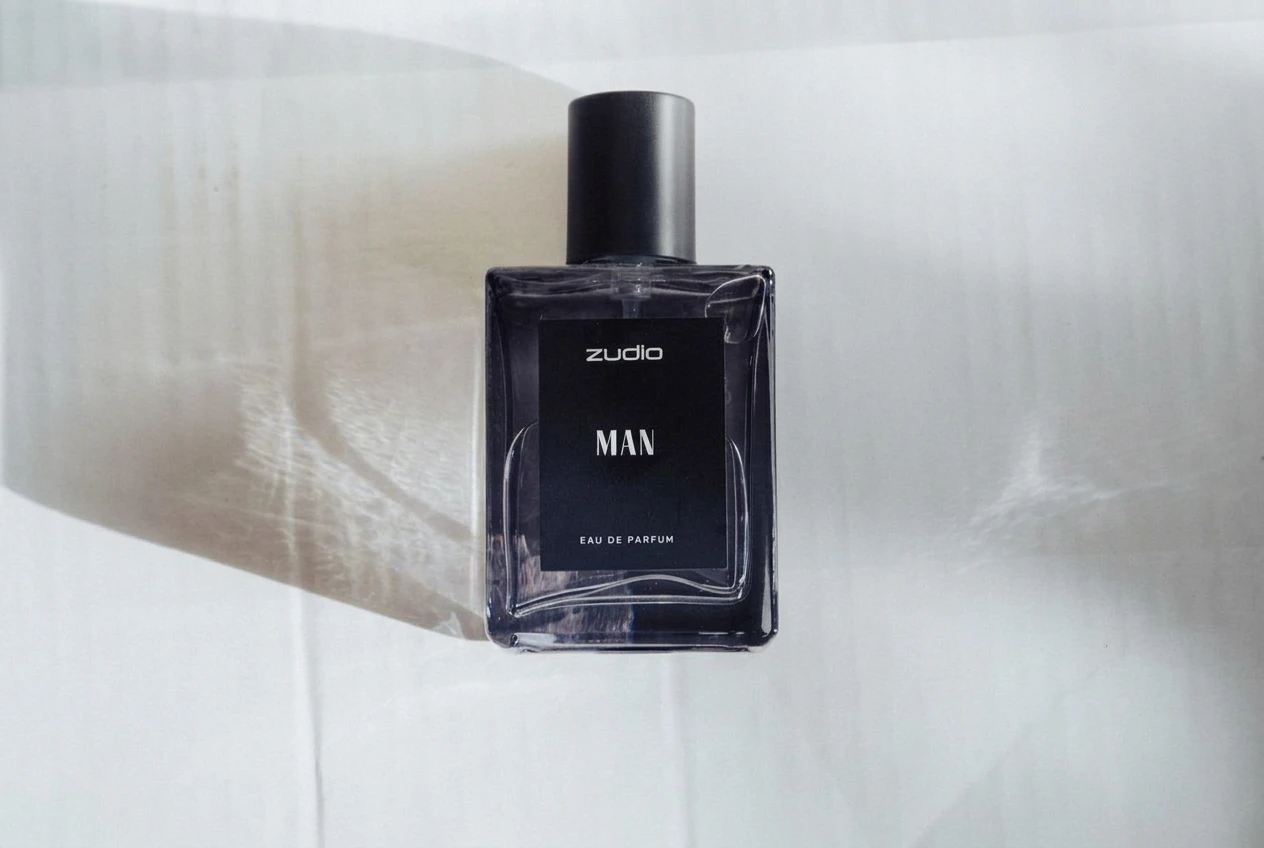
Add realistic AI product shadows — Soft, Hard or Floating drop shadows — to shadow-free cutouts for catalog and marketplace listings.
Before: a cutout with no shadow. After: Soft, Hard or Floating AI product shadow. Drag the divider to compare.
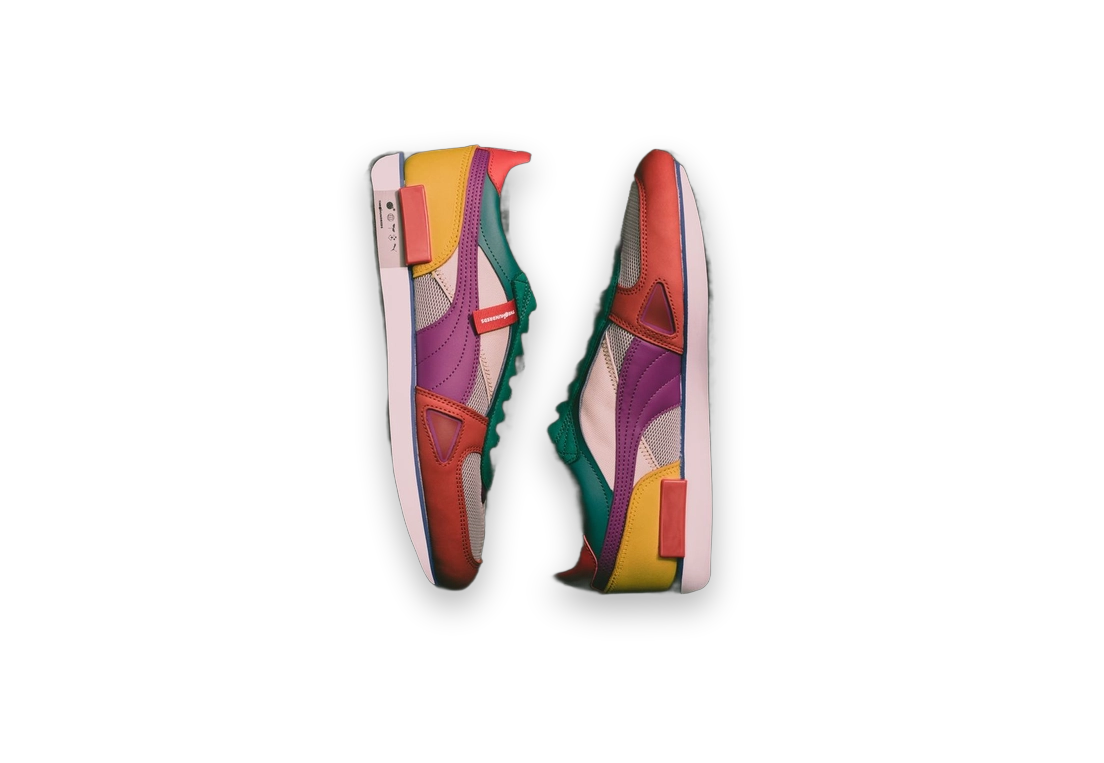
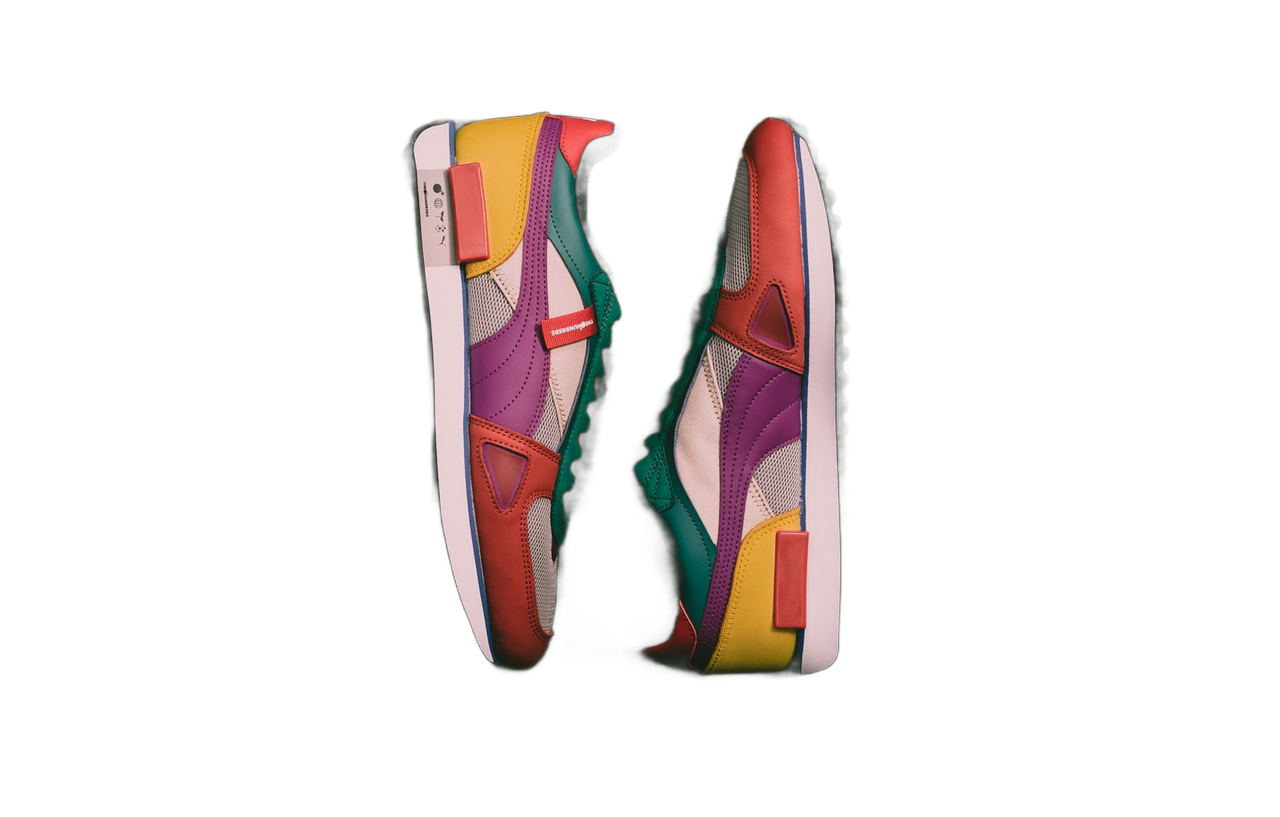
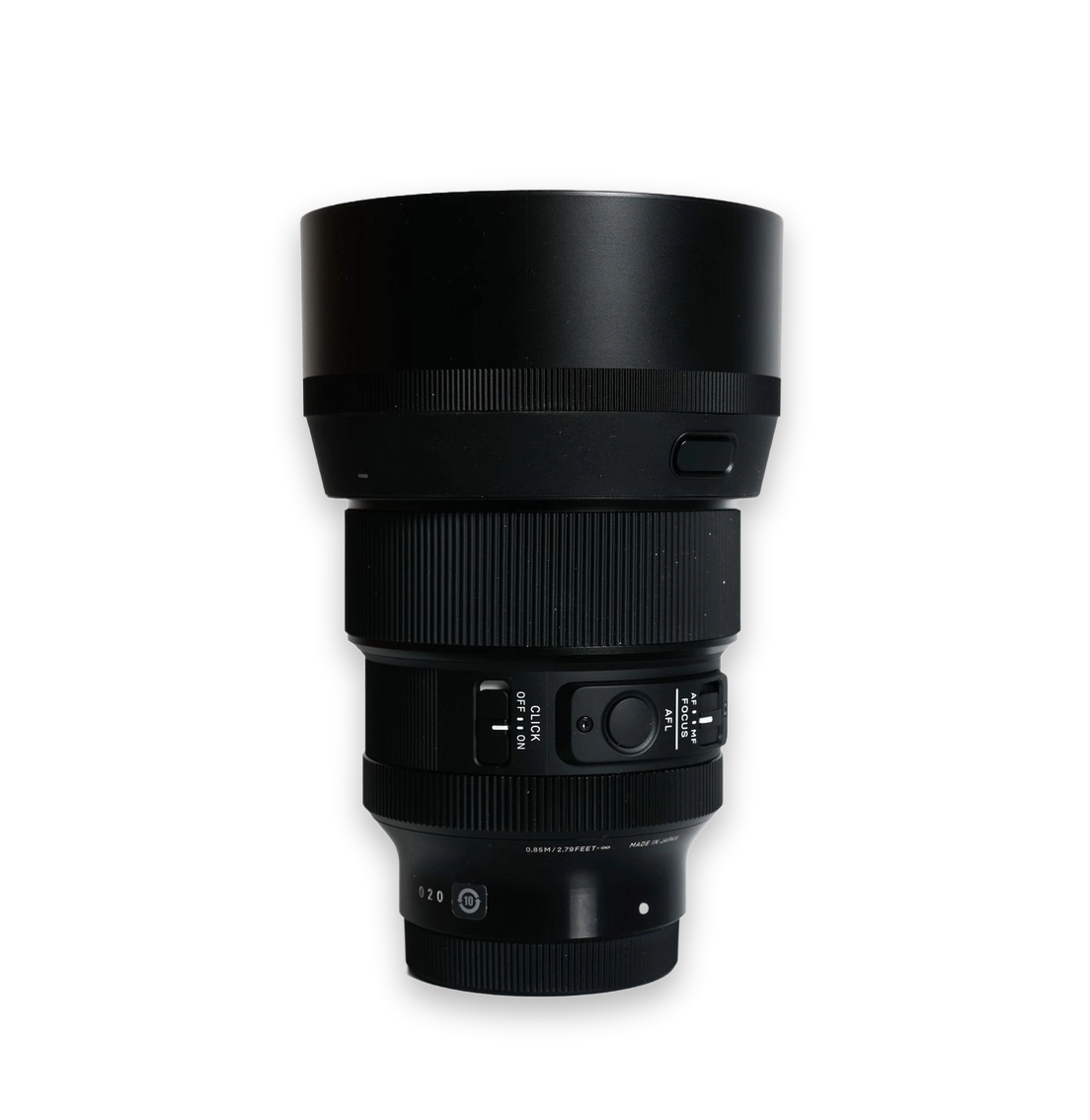
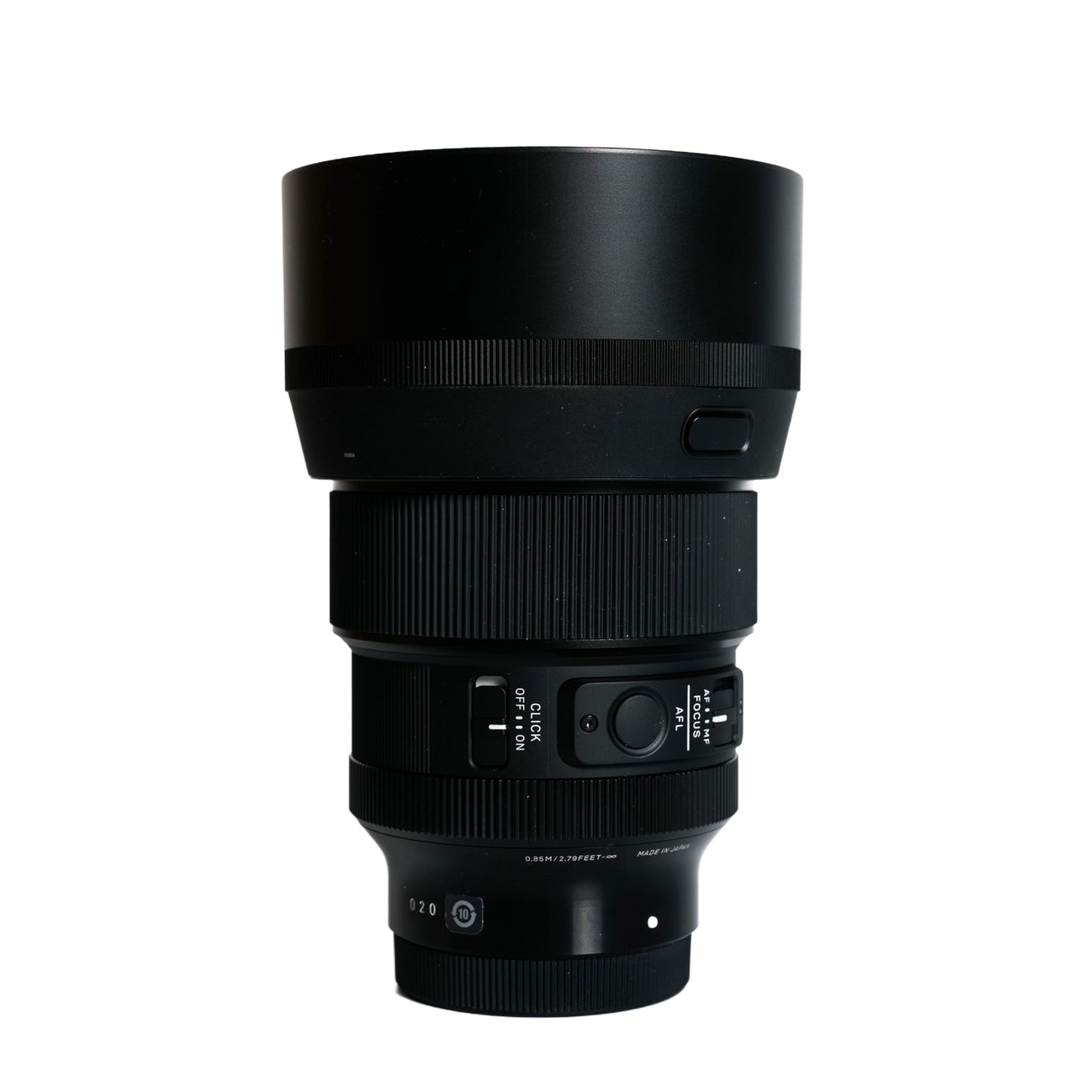
Choose Soft or Hard contact shadows, or a Floating lift shadow. Tune intensity, direction and spread. This adds a consistent drop shadow — it does not rebuild full scene lighting.
Set shadow strength from 0–100, pick where it falls, and adjust edge softness for a storefront-ready projection.
Ground flat packshots with a realistic drop shadow so catalog products look dimensional on Amazon, Shopify and your own shop.
Export a PNG with Soft, Hard or Floating shadows and place it into your own ecommerce layouts.
Keep projection style aligned across SKUs by reusing Soft, Hard or Floating settings with the same intensity and direction.
Start with a transparent cutout that has no shadow, leaving room around the product. Remove the background first if needed. Keep finished photos with natural shadows as they are.
Pick Soft, Hard or Floating, then set intensity, direction and spread. No written prompt is needed.
Compare with your original. Check the product shape, color and label text before using the result.
Get answers about source files, settings, and results for AI Product Shadow Generator.
Explore other product photography tasks, remove an existing background or enlarge an image for your next design.




Add realistic AI product shadows — Soft, Hard or Floating drop shadows — to shadow-free cutouts for catalog and marketplace listings.