
Create from a prompt
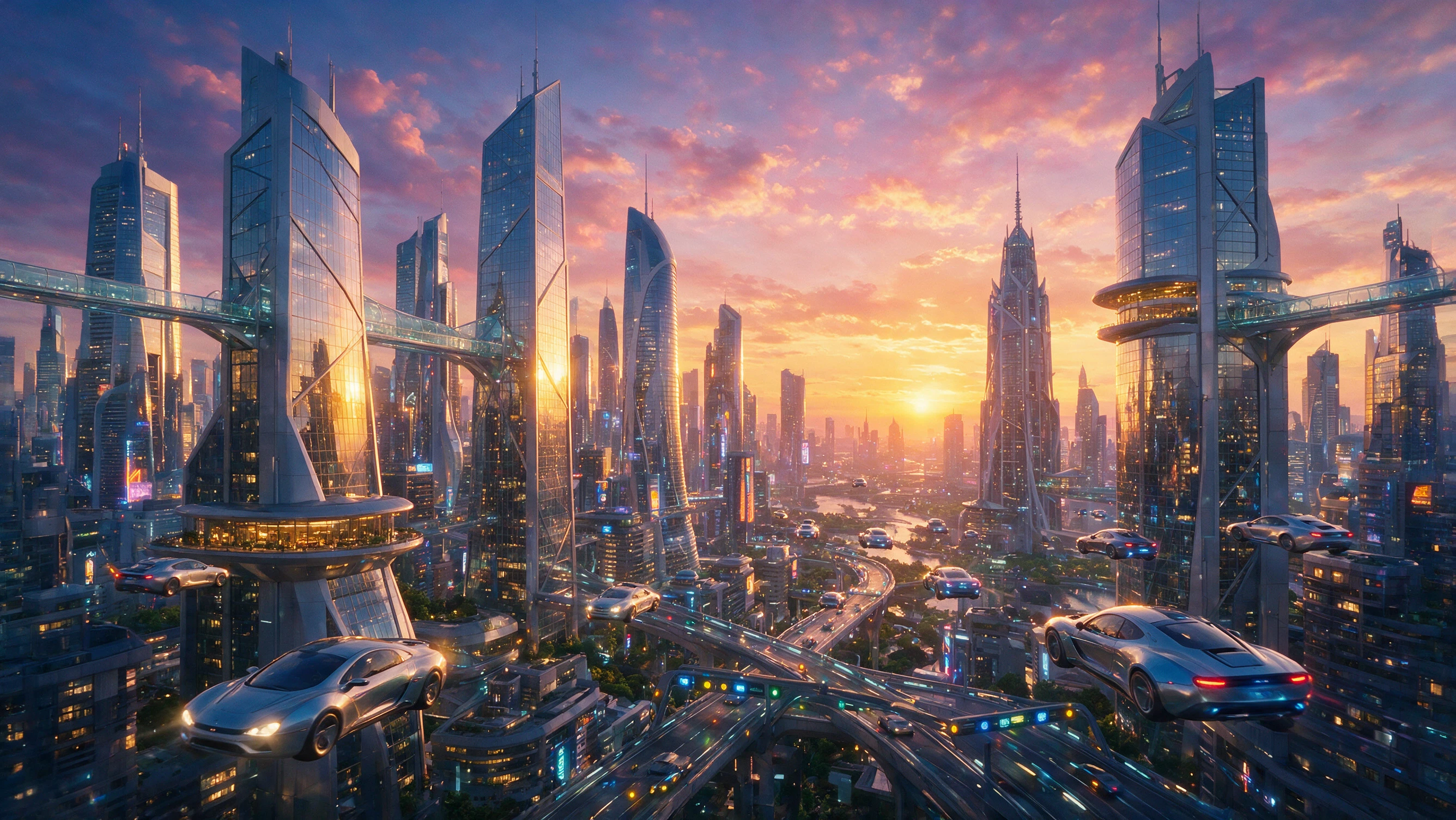
Generate logos, product shots, social creatives, UI mockups, and concept art from a written idea.
OpenAI image generation and editing with strong prompt following, readable text, and transparent background support.
A fast OpenAI image model for production-ready visuals. Describe what you want, or upload a photo and change only the parts that matter — including cutouts with transparent backgrounds.
Create with GPT Image 1.5Generate logos, product shots, social creatives, UI mockups, and concept art from a written idea.
Try new clothing, restyle a room, translate on-image text, remove objects, or place a product in a new setting.
Reuse the same look across scenes for stories, campaigns, and multi-frame boards.
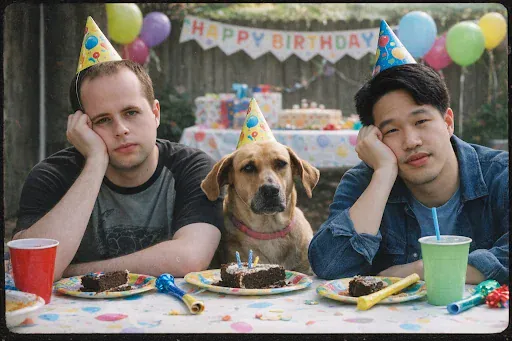
Ideal for drafts, iterations, and campaign batches where speed and cost matter as much as quality.
“Create three coordinated product campaign variations using the same bottle, lighting direction, and color palette.”
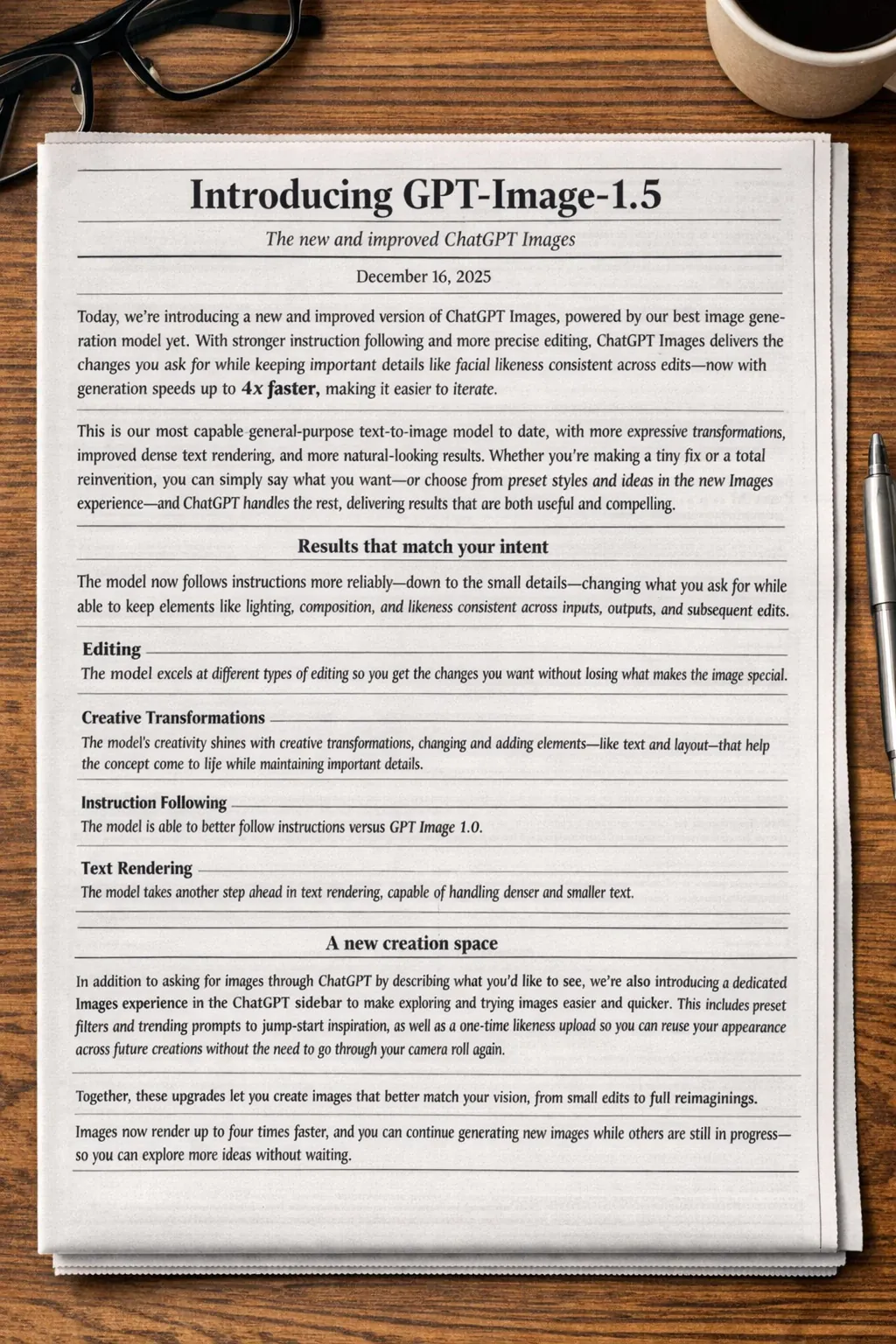
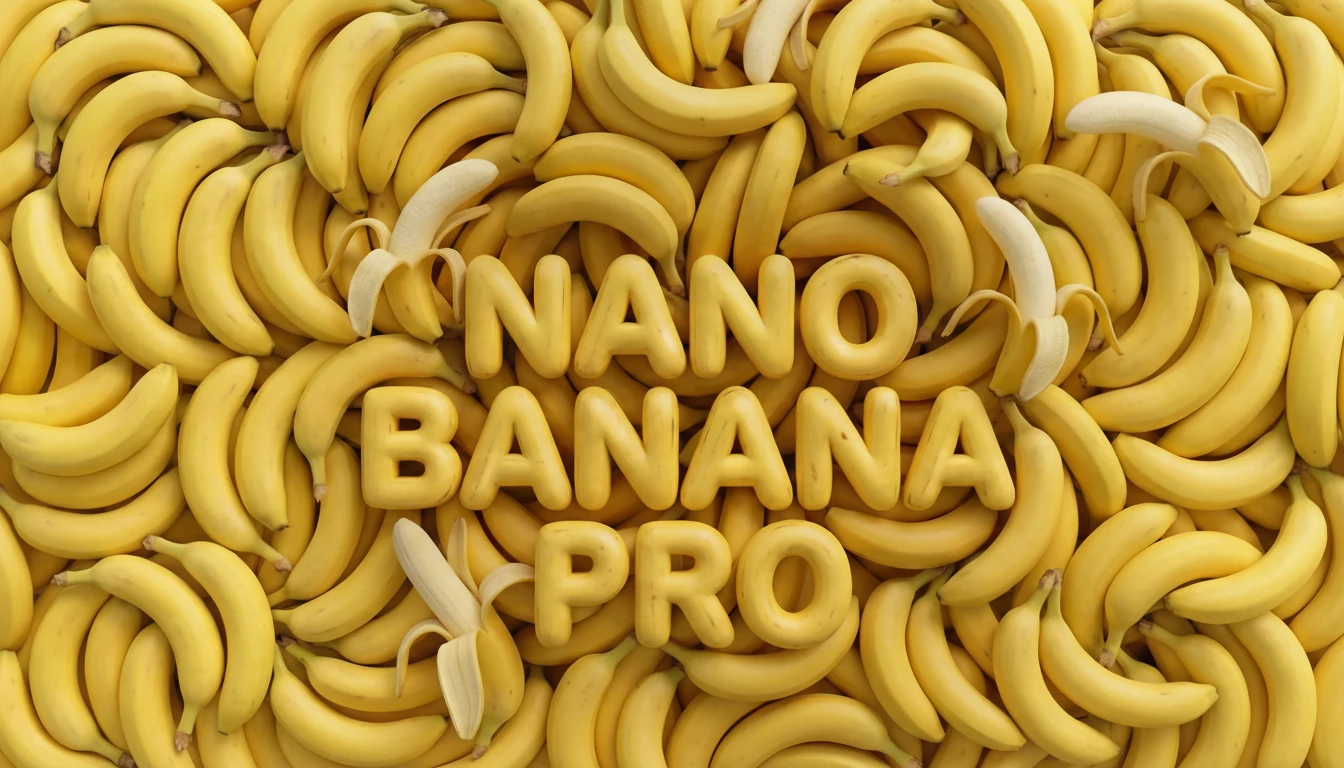
Posters, mockups, labels, and marketing layouts with lettering that stays clear enough to use.
“A refined café poster with the exact headline ‘SLOW MORNINGS’, bold condensed sans serif, centered above a ceramic cup.”
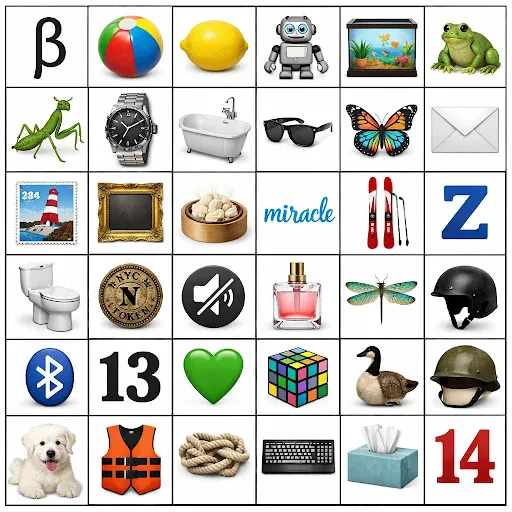
Change an outfit, lighting, or prop without rewriting the whole photo. Faces and composition stay put when you ask.
“Change only the jacket to deep navy wool. Keep the face, pose, framing, background, and lighting unchanged.”
Create cutouts and overlays when you need a clean subject on a transparent background.
Upload one image to edit it, or several to blend style and subject into a single result.
Start with the subject, then add lighting, style, and anything that must stay the same. Upload a reference whenever you want a more controlled edit.
Be concrete. “Add soft coastal daylight” works better than “make it better.”
For photos, mention lighting and framing — soft daylight, close-up, wide shot — so the result feels intentional.
When editing, spell out what must not change: the face, pose, outfit, or camera angle.
For text inside the image, write the exact line in “quotes” and say how it should look.
Start with a strong base image, then refine with small, clear adjustments.
With several uploads, say how they relate — “use the style from the first image on the person in the second.”
Pick the version that fits your workflow — then open its page to create with that model locked in.
Explore popular image models outside this series, or browse the full catalog.
Use GPT Image 1.5 for controlled edits, consistent variations, and polished visual assets without rebuilding the composition from scratch.