
EffettiImmagine
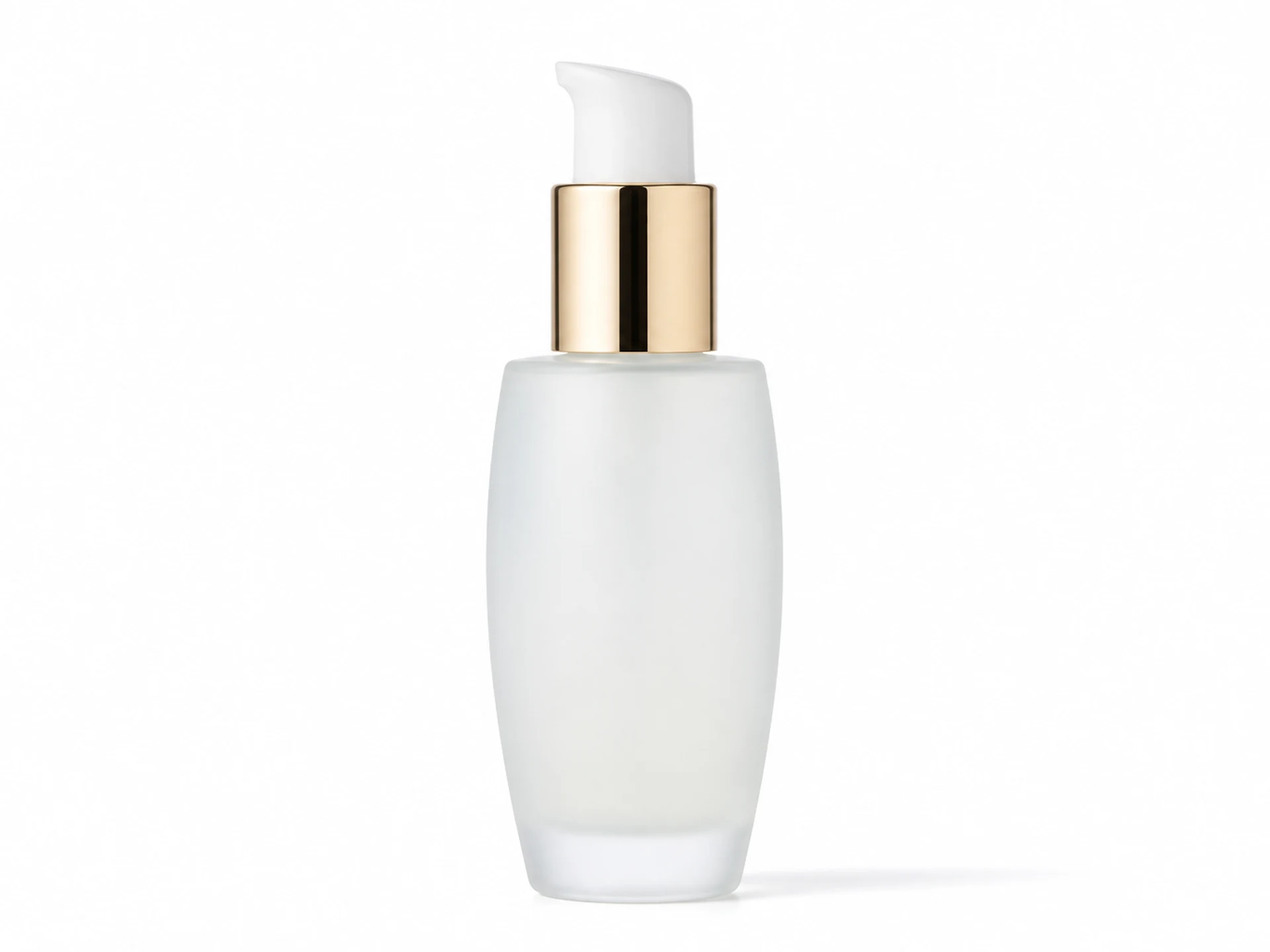
Product Packshot
Turn a casual product image into a clean commercial packshot.
26
Product Packshot example
Preview the visual direction this effect is designed to create. Upload your own reference to make it yours.
Effetti correlati
Continua con un altro effetto creativo pronto all’uso.

Plush Toy
Reimagine a subject as a soft, tactile plush character.
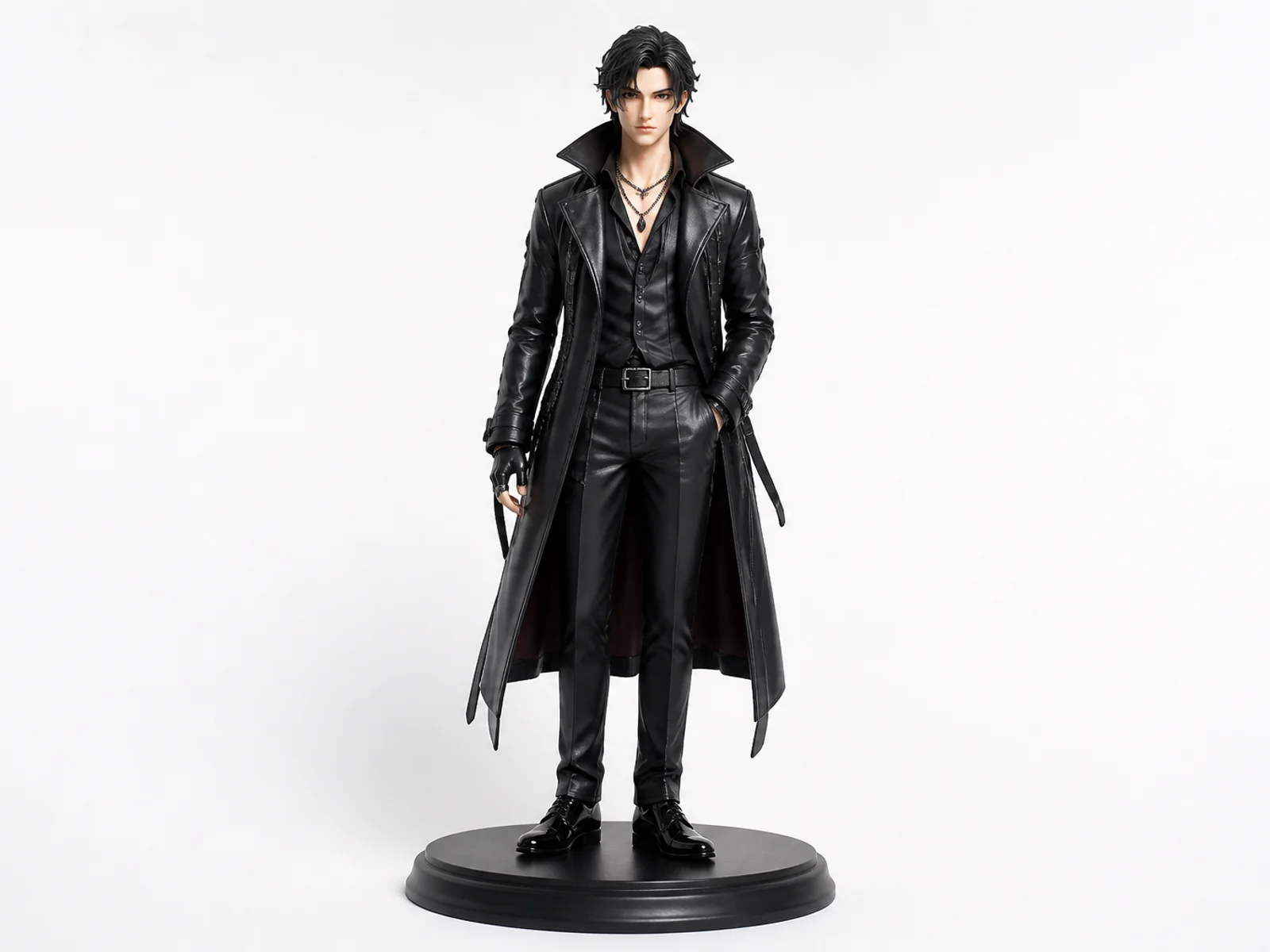
Collectible Figure
Turn a character or portrait into a polished collectible figure concept.

Professional Headshot
Create a clean studio headshot while preserving identity.
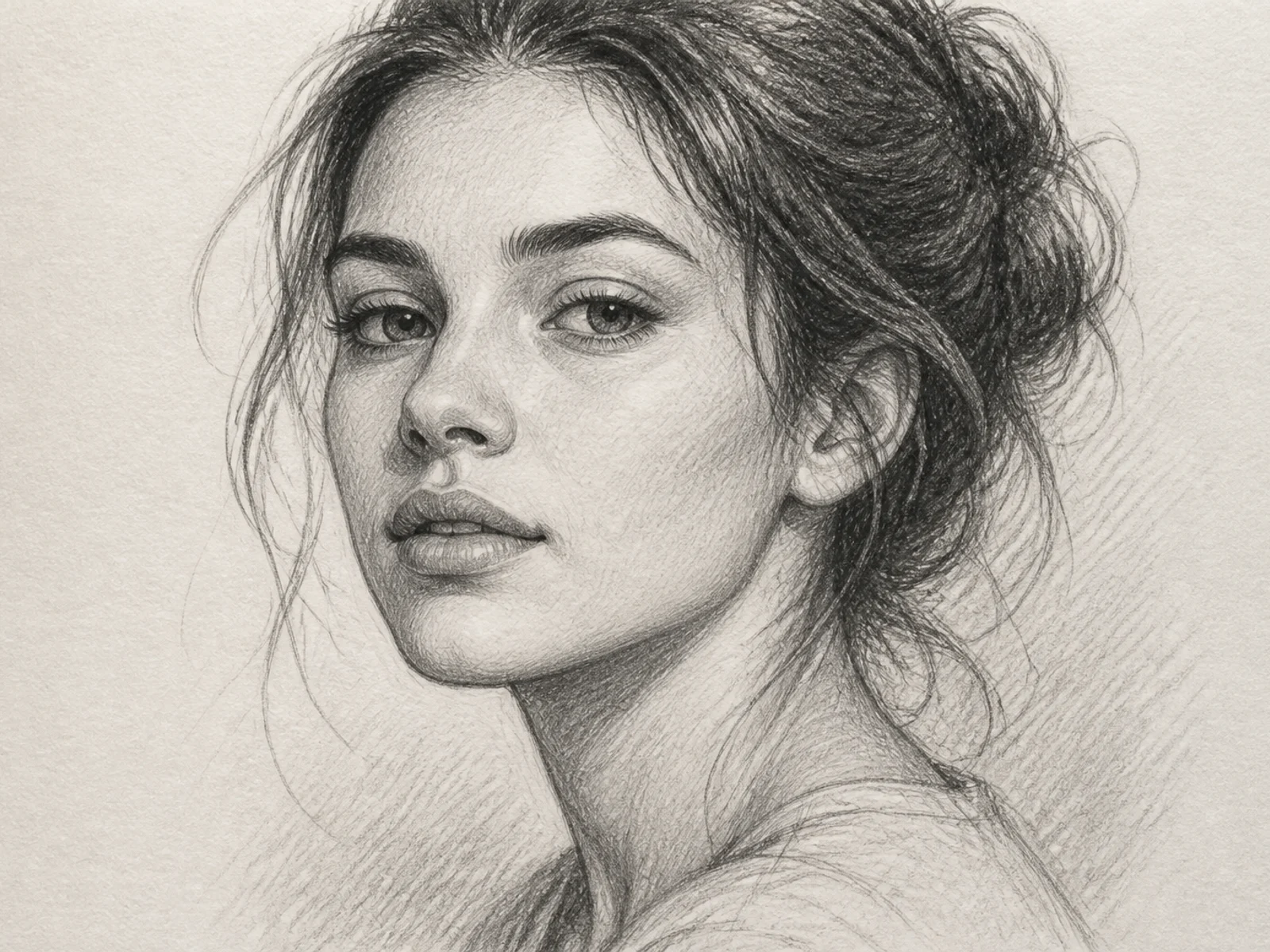
Sketch Portrait
Turn a photo into a refined hand-drawn sketch portrait.
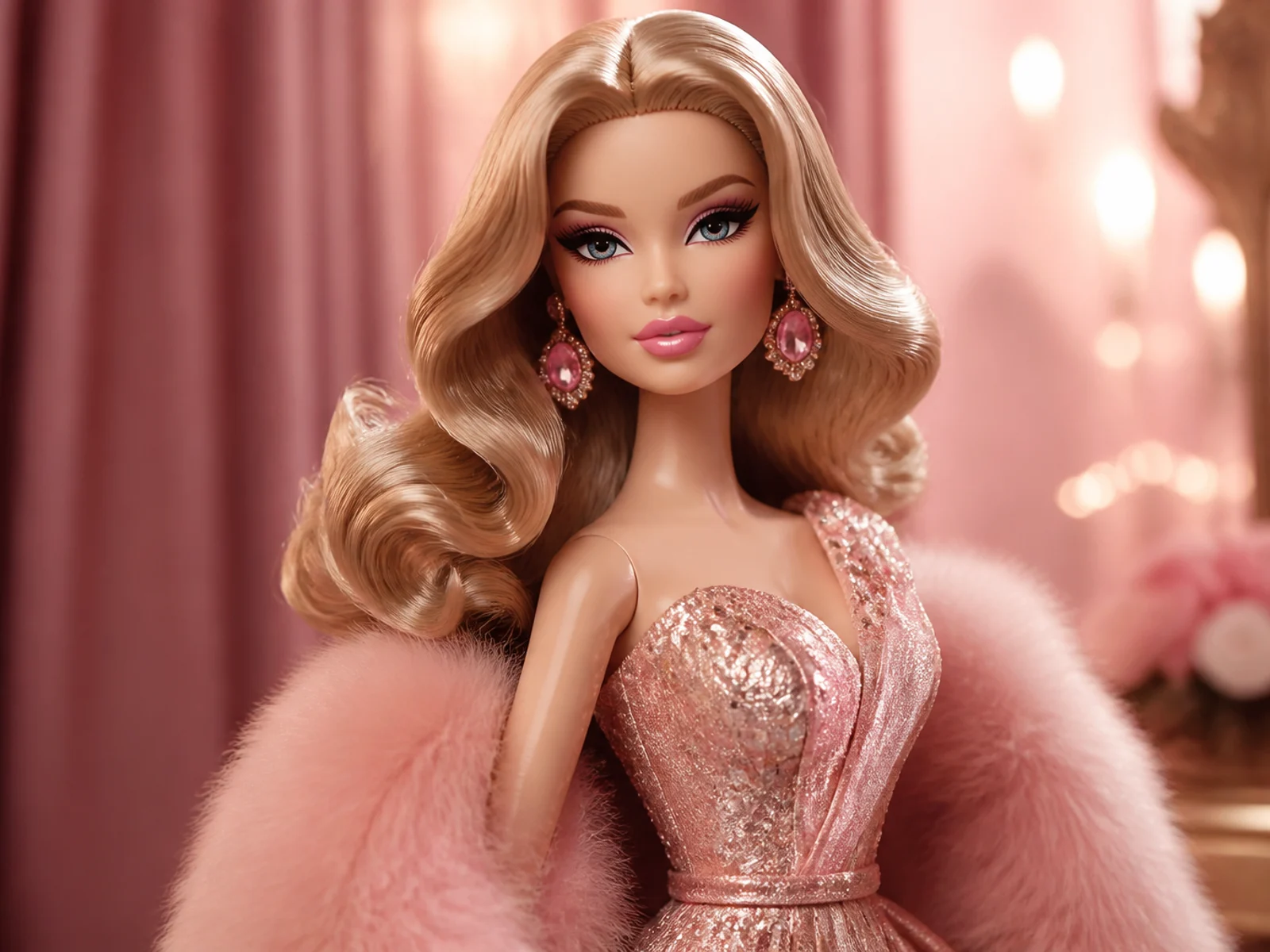
3D Glam Doll
Restyle a portrait as a polished 3D fashion doll.
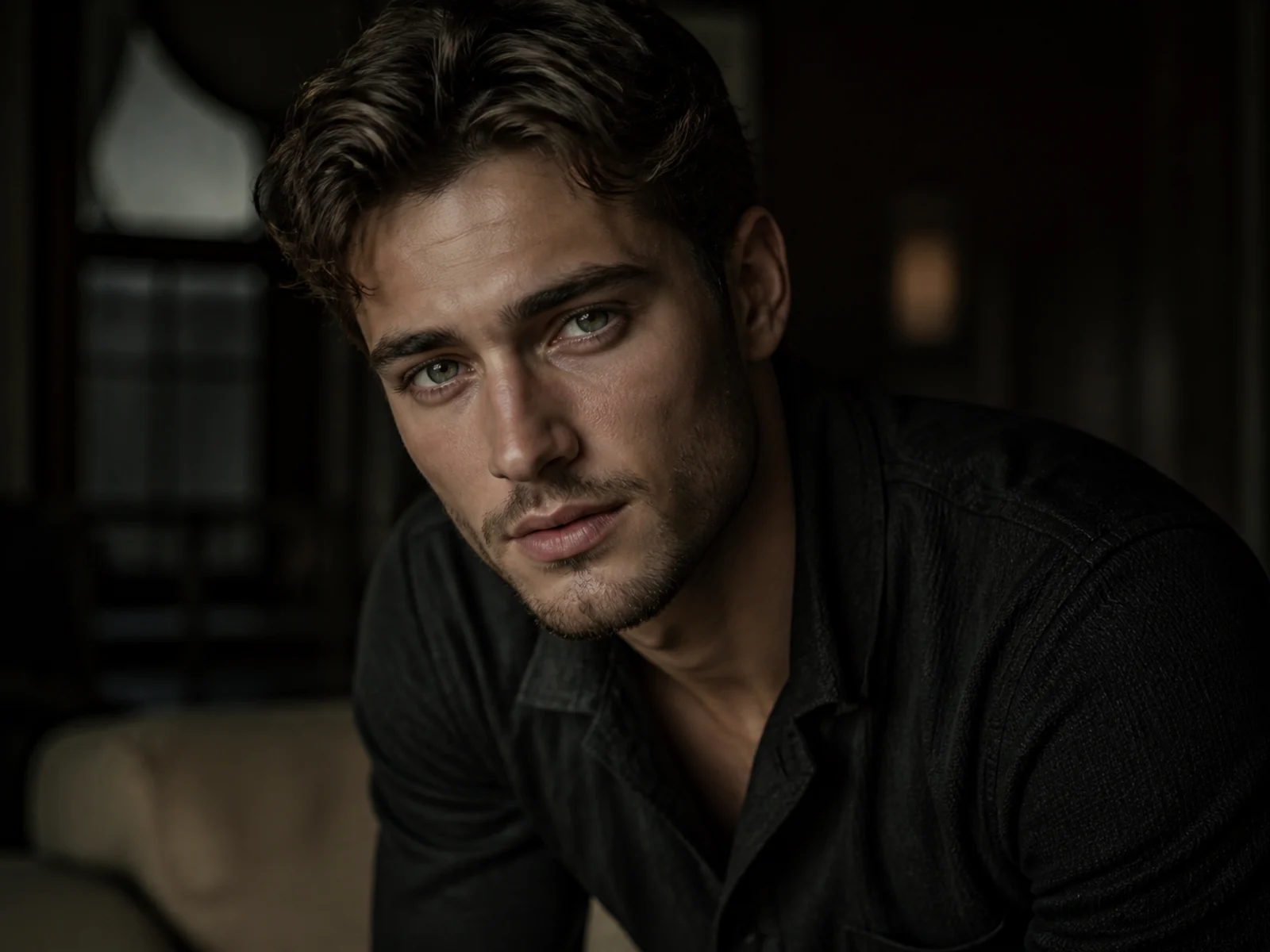
Cinematic Portrait
Give a portrait cinematic lighting, depth, and editorial polish.
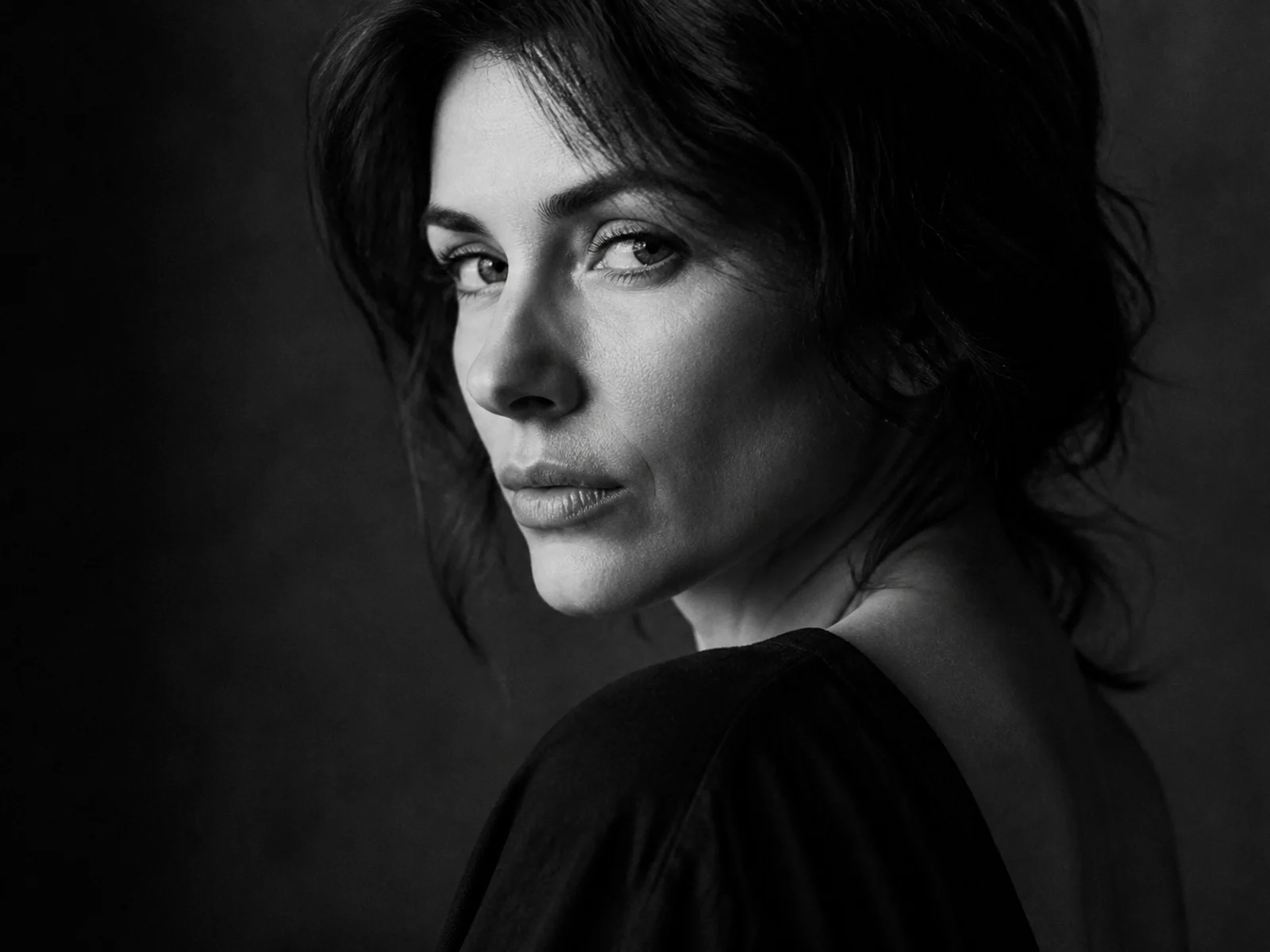
Dramatic B&W Portrait
Convert a portrait into a high-contrast black-and-white editorial look.
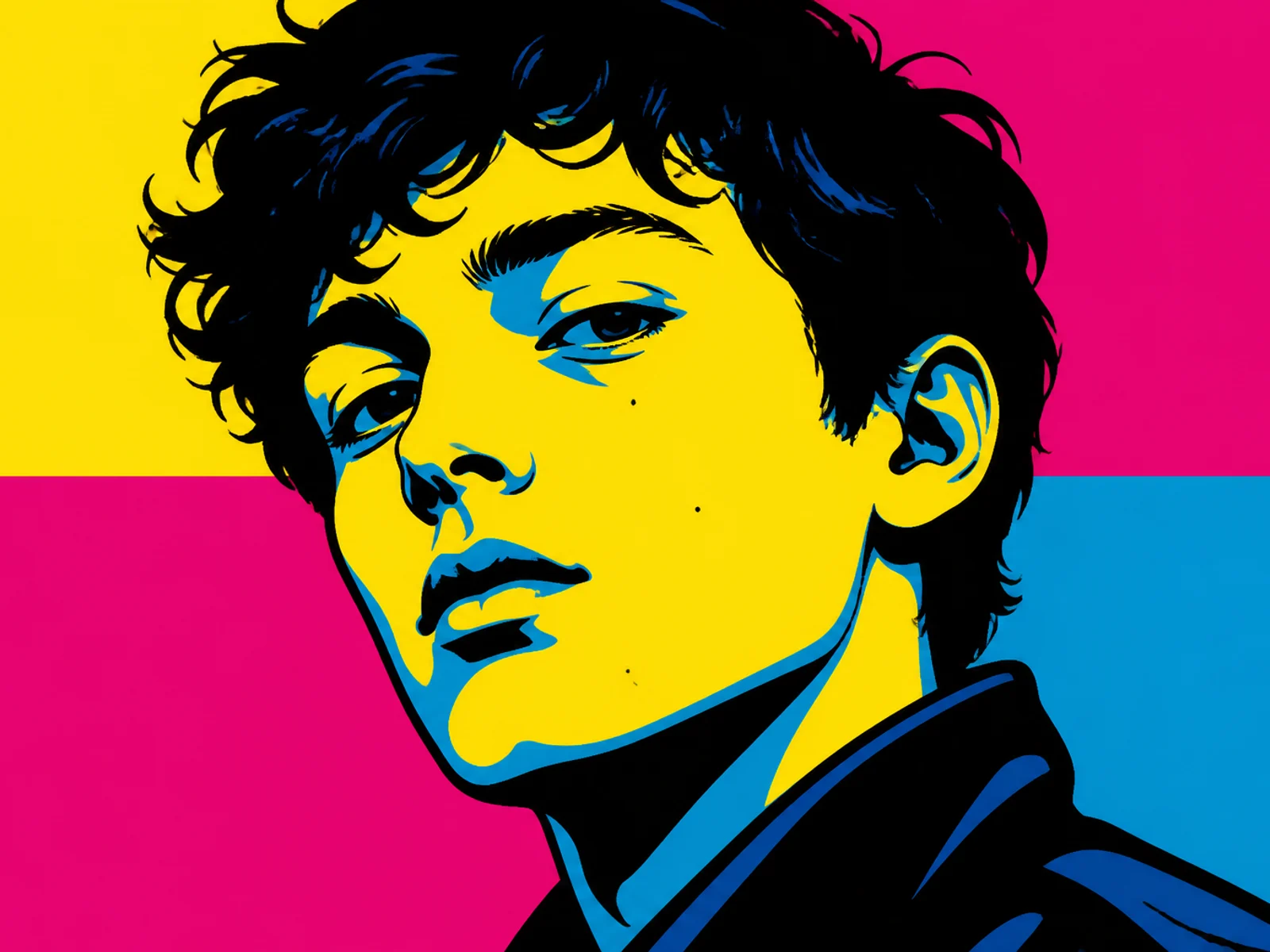
Pop Art Portrait
Restyle a face into bold graphic pop-art color blocks.
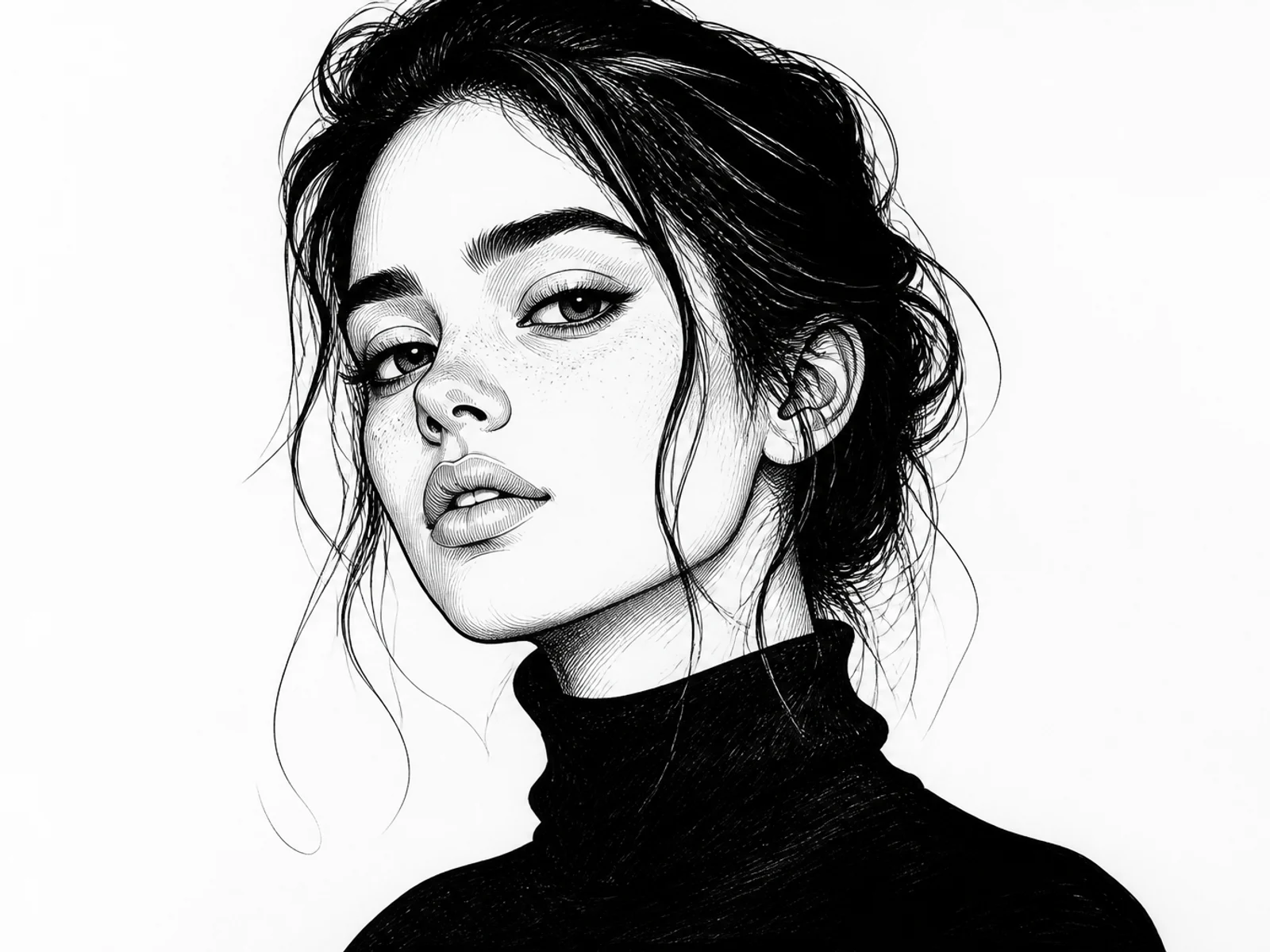
Ink Illustration
Turn a subject into clean ink illustration artwork.

Anime Character
Transform a portrait or character into polished anime key art.
Create a catalog-ready packshot
Clean the presentation while preserving product truth.
1
Upload the product
A sharp photo with readable label details works best.
2
Choose the studio setup
Request white, seamless, or soft shadow treatment in Customize.
3
Generate the packshot
Compare branding and proportions with the original.
Commercial product clarity
Studio discipline for marketplace and catalog use.
Accurate product form
Shape, colors, and proportions stay faithful.
Controlled lighting
Reflections and shadows stay catalog-clean.
Neutral presentation
Seamless backgrounds keep attention on the product.
Product Packshot FAQs
Turn a product photo into a clean packshot
Create consistent studio-style product imagery from an existing photo.