
EffectsImage
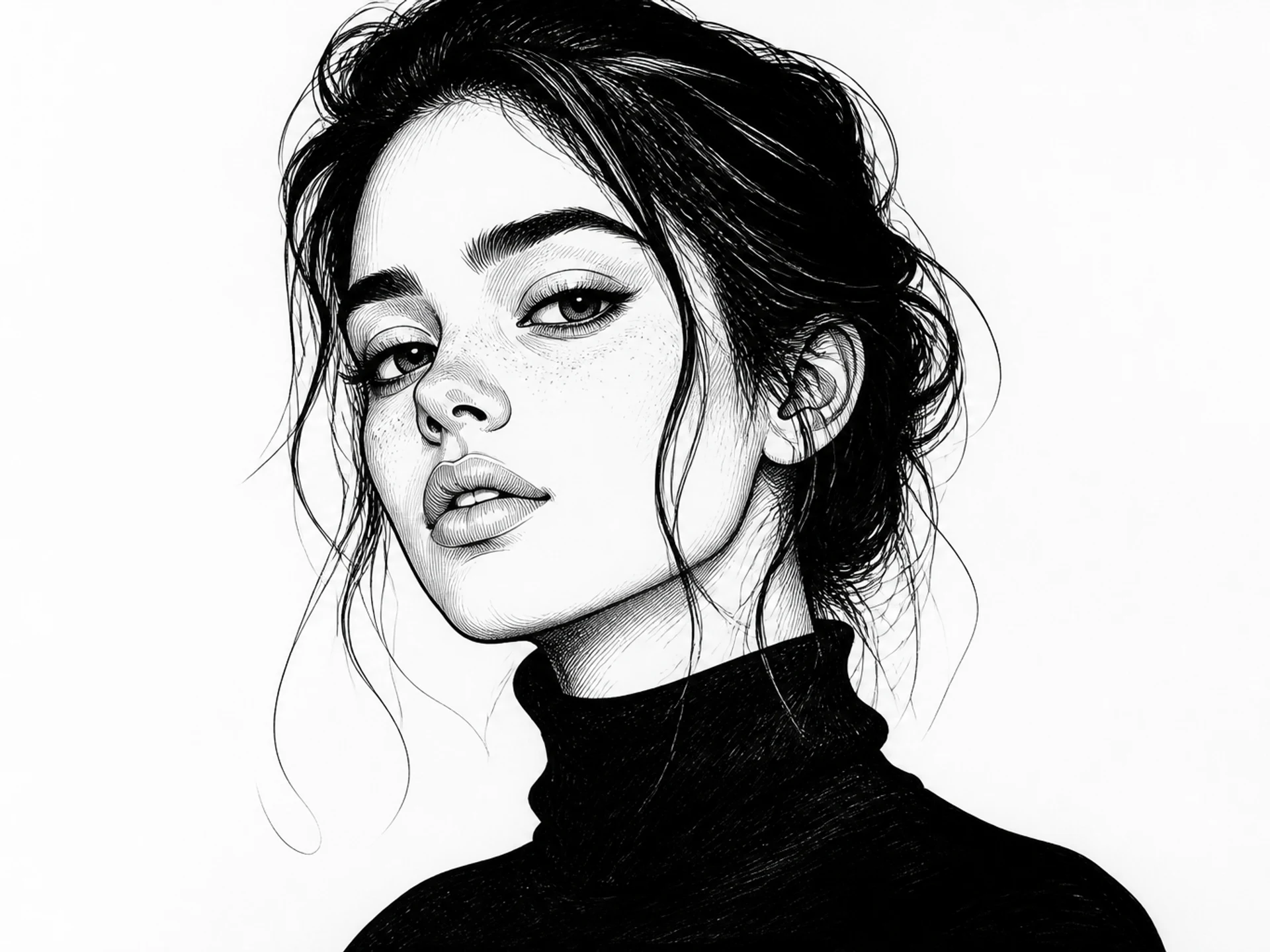
Ink Illustration
Turn a subject into clean ink illustration artwork.
14
Ink Illustration example
Preview the visual direction this effect is designed to create. Upload your own reference to make it yours.
Related effects
Continue with another ready-made creative effect.
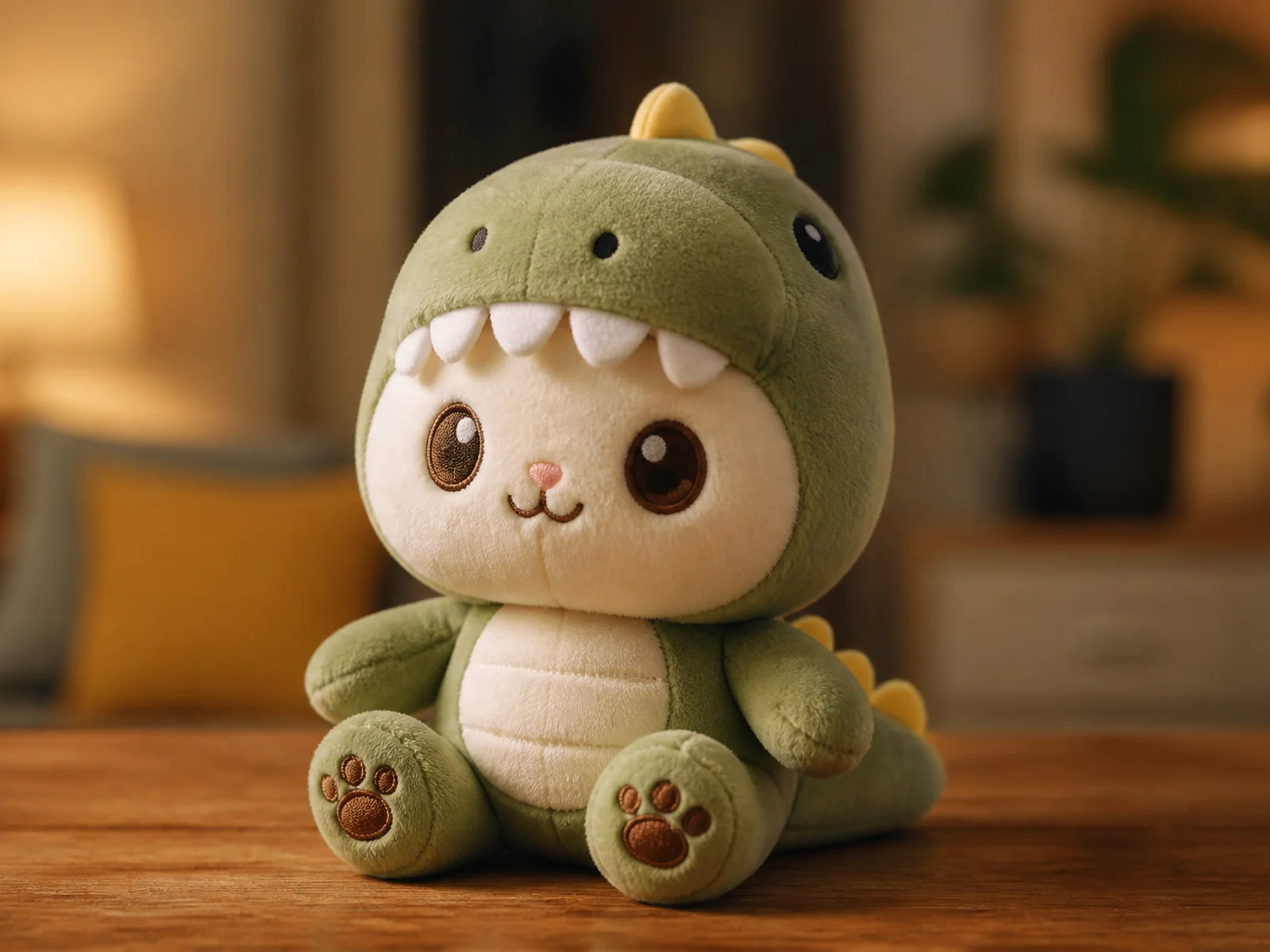
Plush Toy
Reimagine a subject as a soft, tactile plush character.
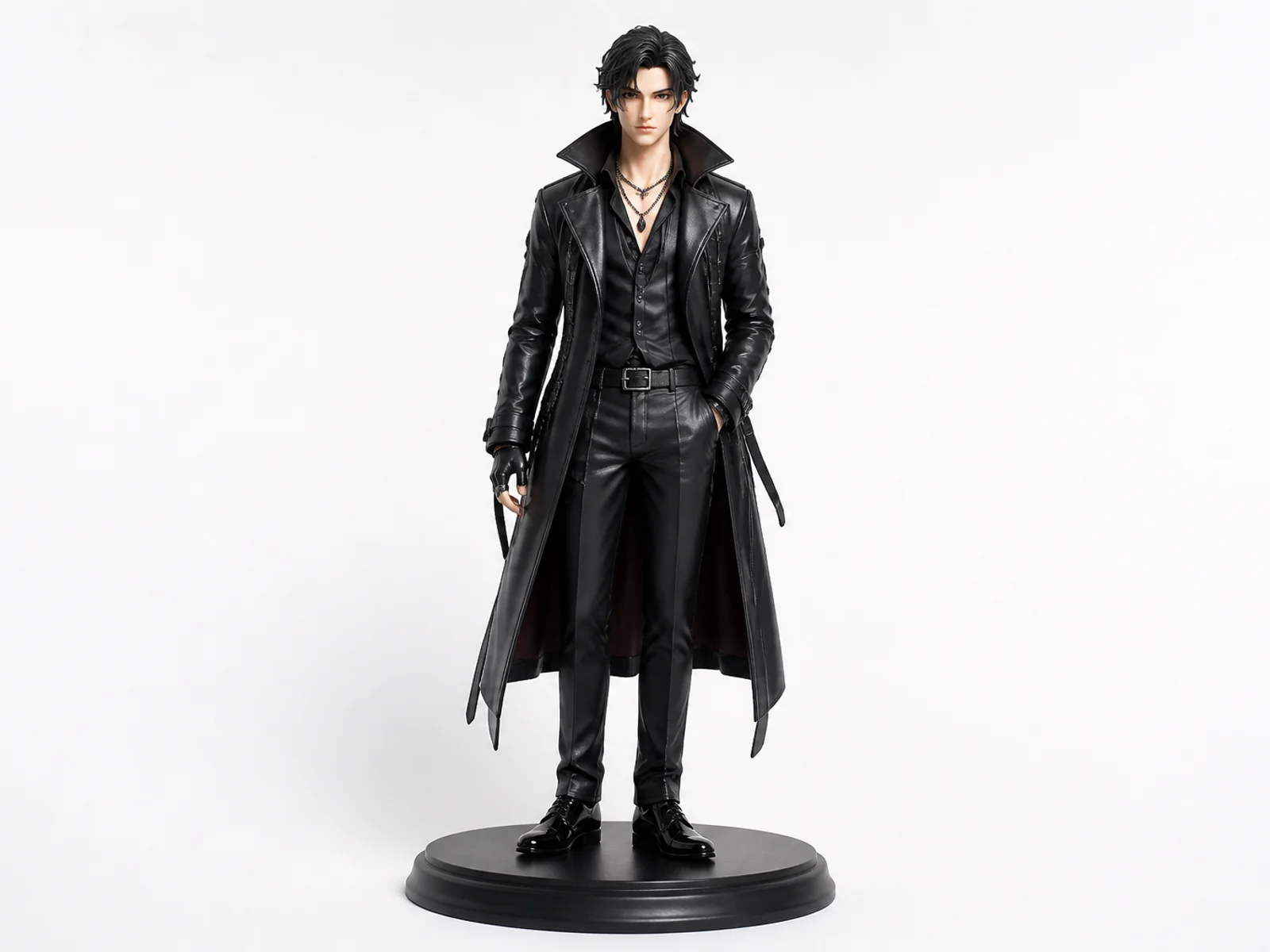
Collectible Figure
Turn a character or portrait into a polished collectible figure concept.

Professional Headshot
Create a clean studio headshot while preserving identity.
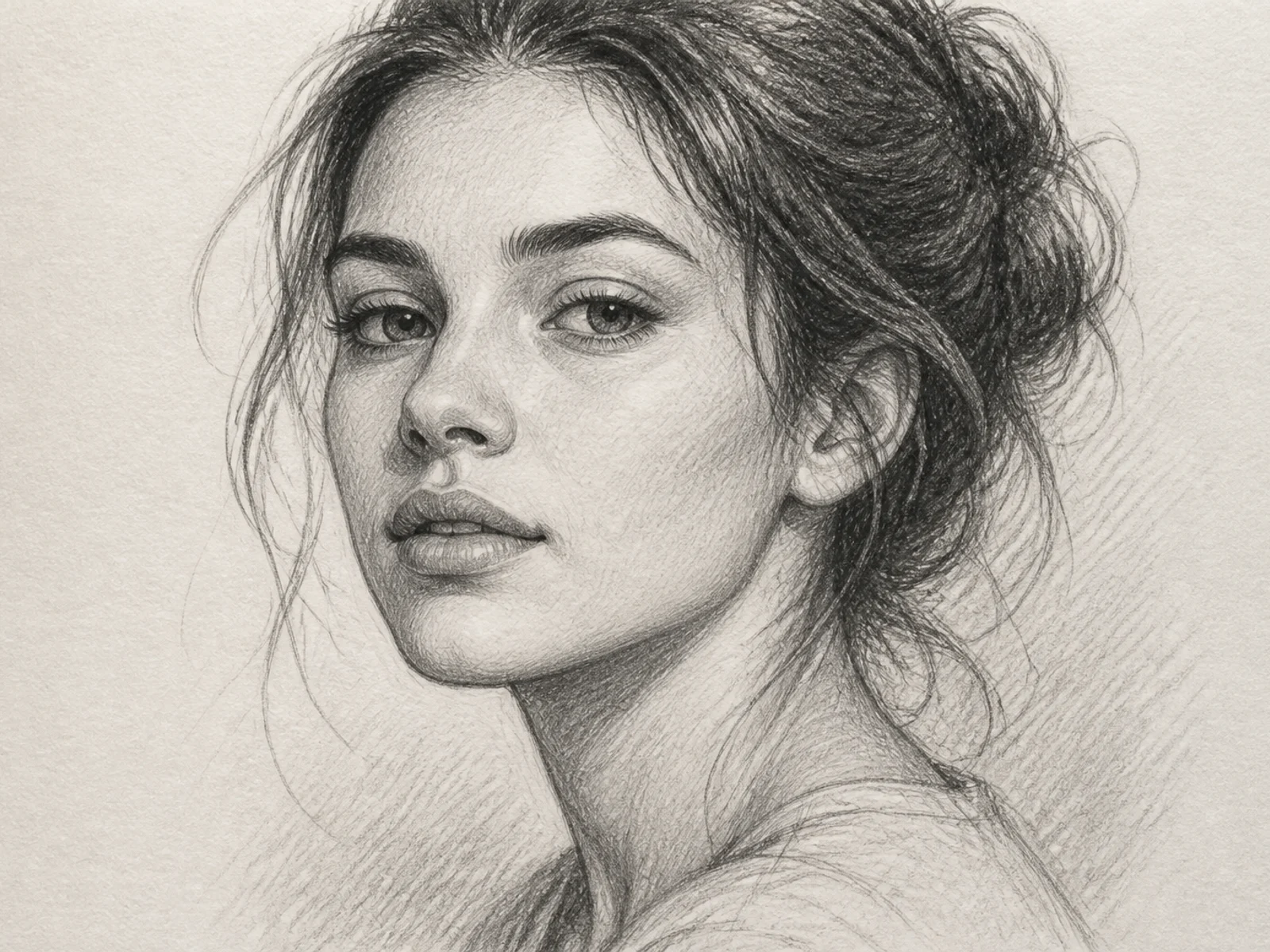
Sketch Portrait
Turn a photo into a refined hand-drawn sketch portrait.

3D Glam Doll
Restyle a portrait as a polished 3D fashion doll.

Cinematic Portrait
Give a portrait cinematic lighting, depth, and editorial polish.

Dramatic B&W Portrait
Convert a portrait into a high-contrast black-and-white editorial look.
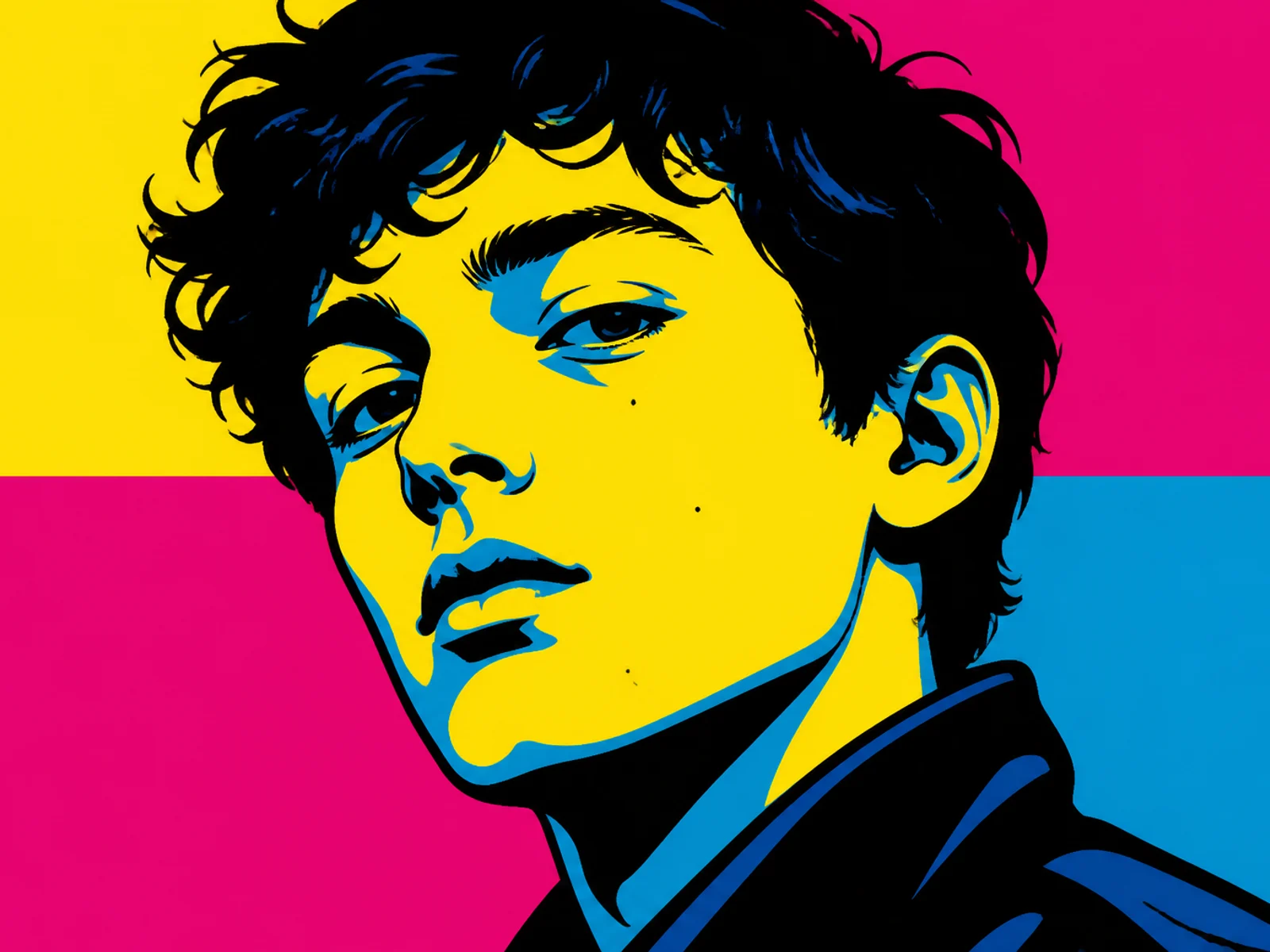
Pop Art Portrait
Restyle a face into bold graphic pop-art color blocks.
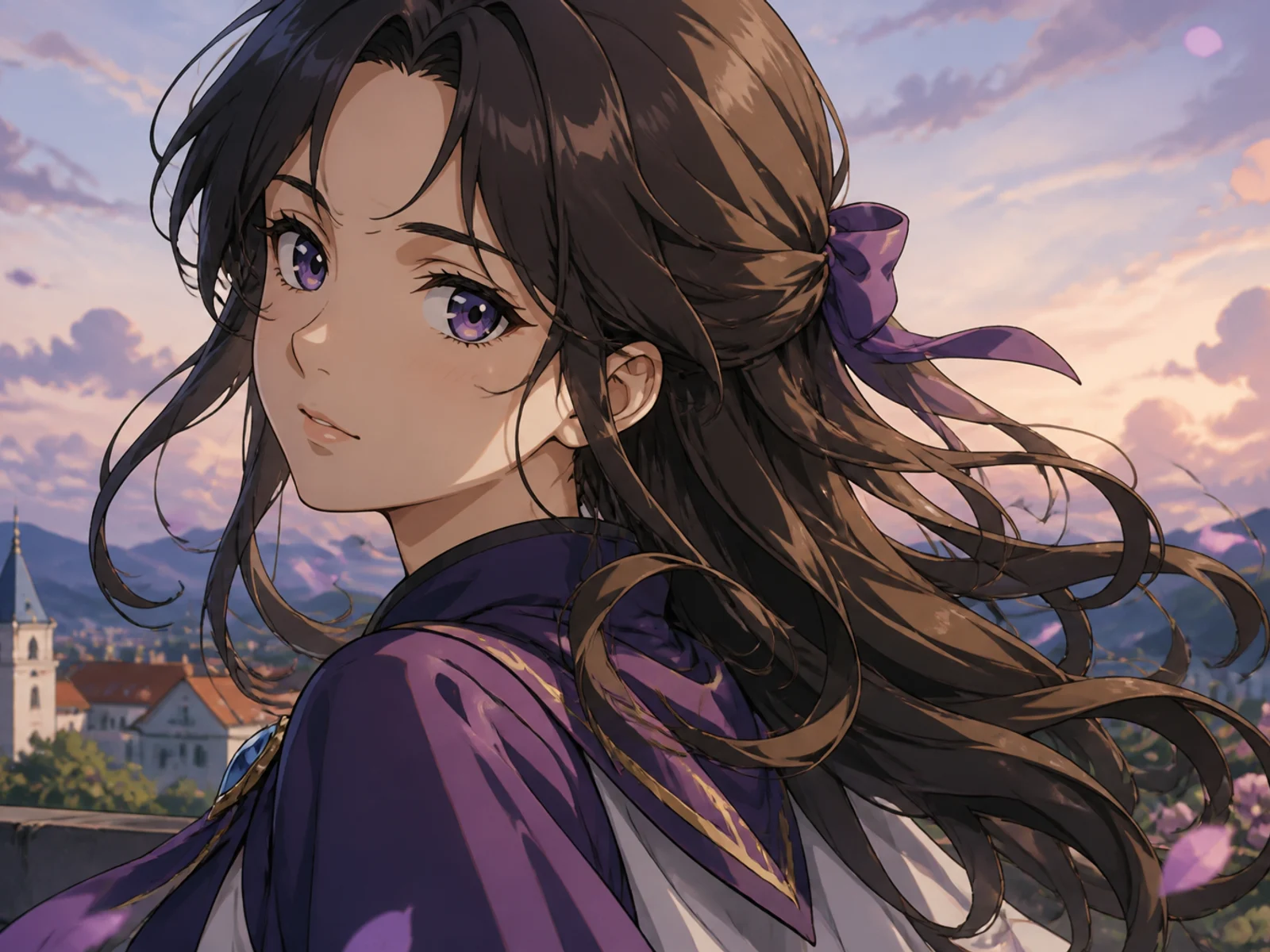
Anime Character
Transform a portrait or character into polished anime key art.
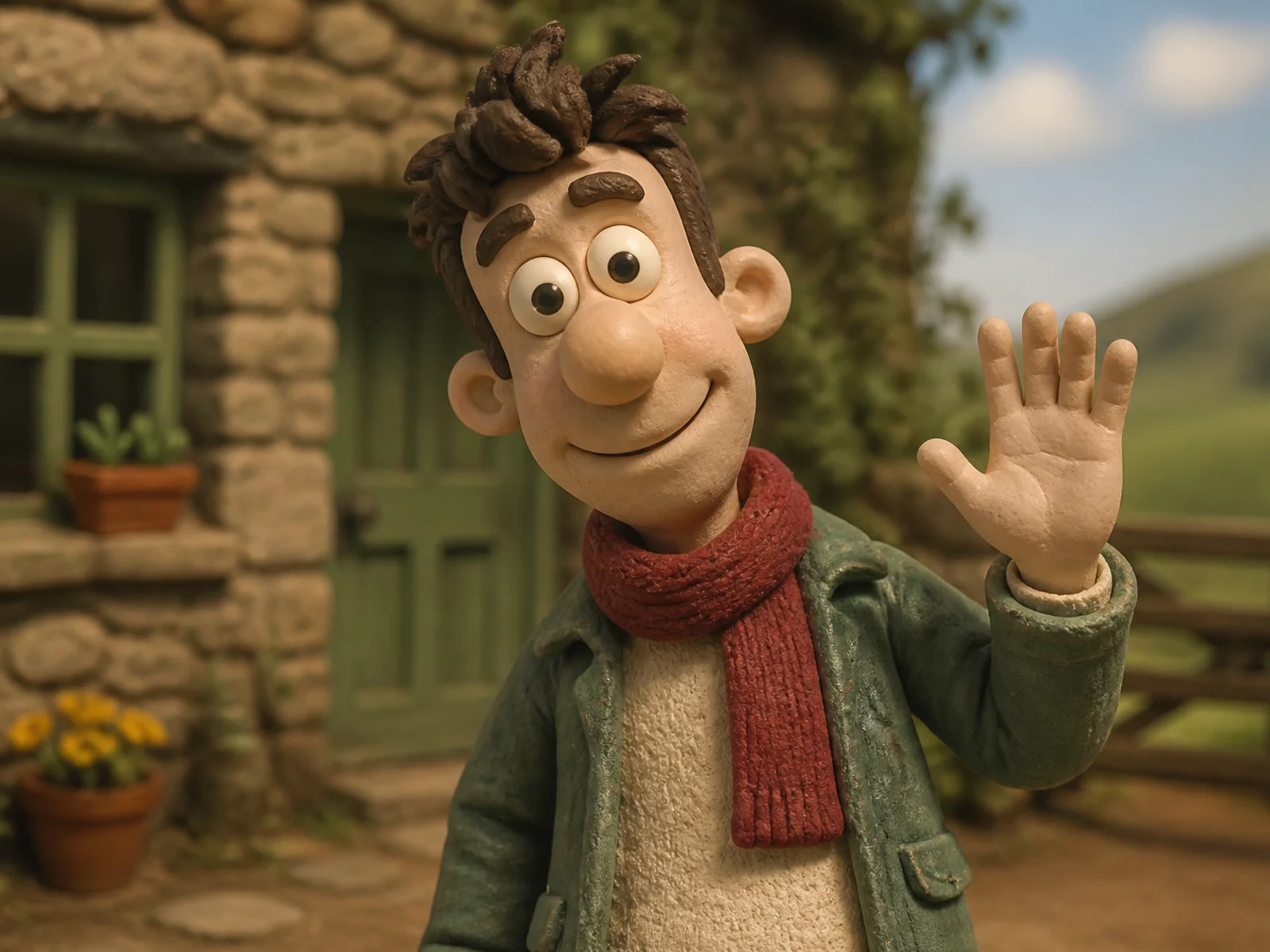
Clay Character
Rebuild a subject as a handcrafted stop-motion clay character.
Create an ink illustration
Move from a photo to intentional drawn linework.
1
Upload the subject
Portraits and characters with clear silhouettes work especially well.
2
Guide the ink style
Request fine line, bold contour, or denser hatching in Customize.
3
Generate the illustration
Review line quality, then continue into posters or print crops.
Editorial ink craft
Clean drawing decisions instead of a noisy filter.
Crisp contours
Silhouette and facial structure stay intentional.
Controlled hatching
Shading supports form without clutter.
Print-friendly contrast
Black ink on open space reads clearly.
Ink Illustration FAQs
Make an ink illustration
Upload a subject and generate a refined drawn artwork.