
Что вы создадите?
Опишите идею, добавьте референсы и выберите подходящую модель. Ваши работы автоматически сохраняются в истории.
Шаблоны
Начните с проверенного рецепта и настройте его под себя.
Избранные модели
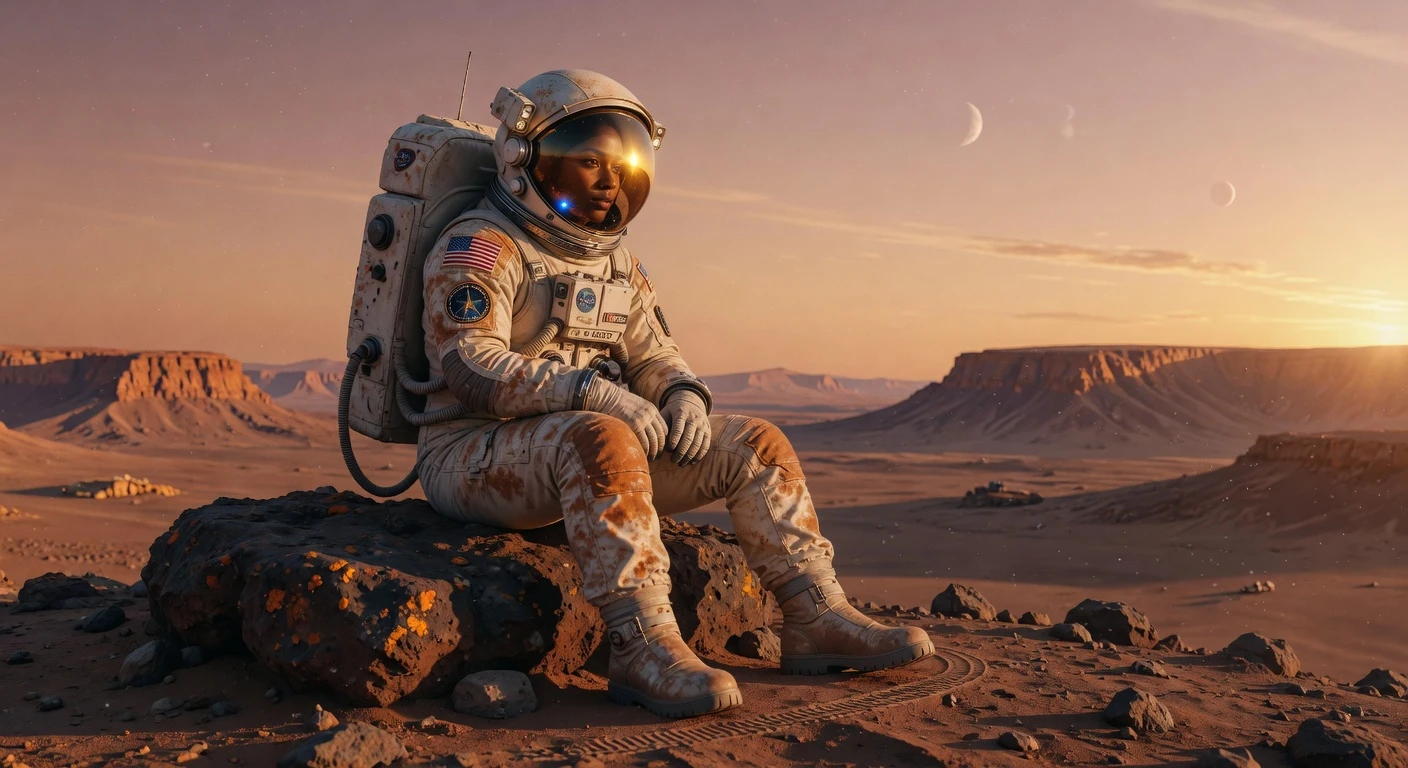
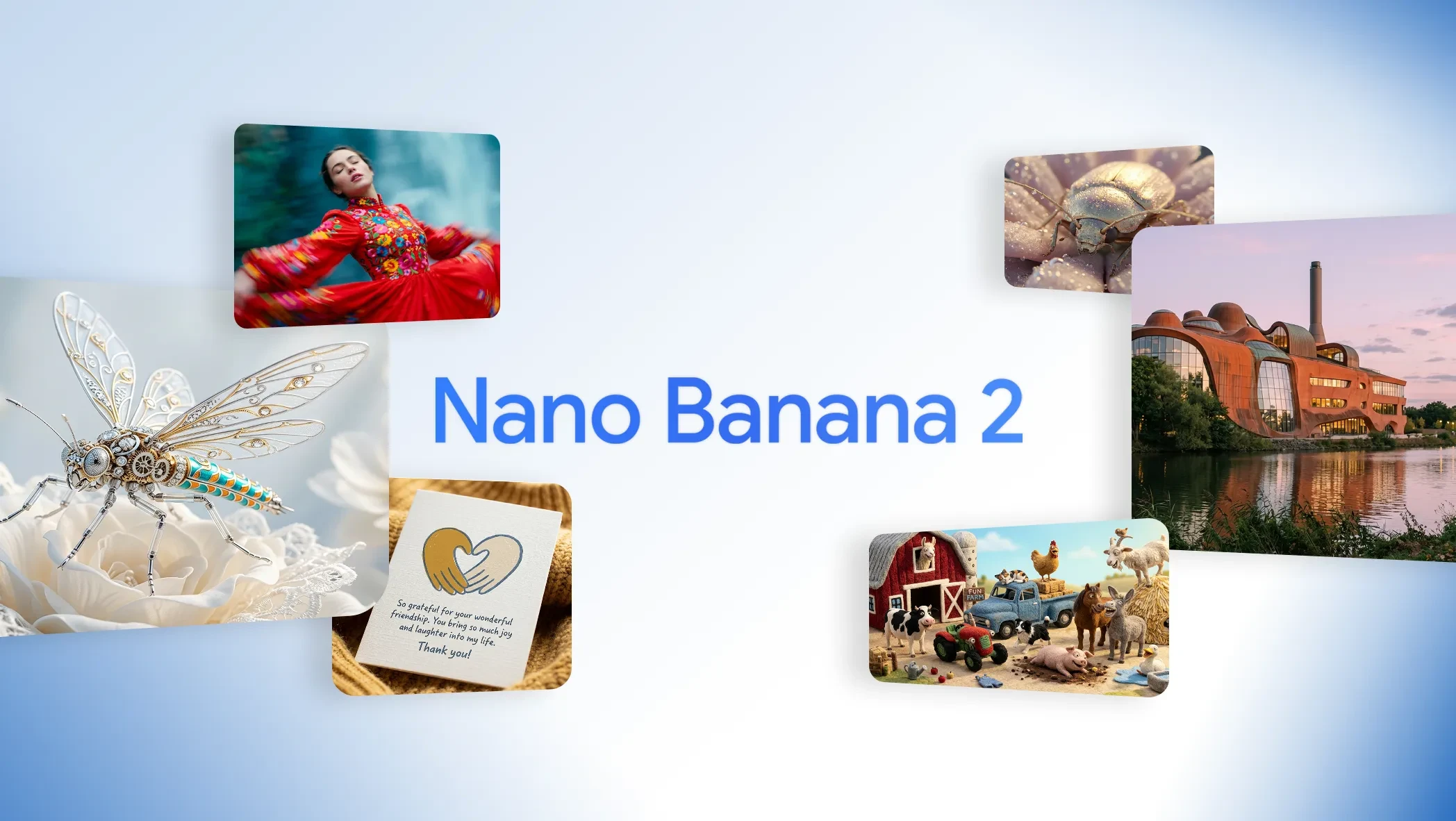
Подборка моделей генерации и редактирования изображений.
Продолжить исследование
Когда нужно доработать, изменить стиль или расширить результат — переходите в Инструменты и Эффекты.
Инструменты
Апскейл, удаление фона, расширение кадра и доведение результата до идеала.
Эффекты
Применяйте стилизованные визуалы и пресеты движения к изображениям и клипам.
Раздел Изображение
Модели, инструменты и эффекты для создания Изображение.
Create images and videos with AI
Move from an idea or source image to a finished result in one continuous flow.
Choose what to create
Start with an image or video model that fits your output and editing needs.
Describe or upload
Write a prompt, add reference media, and adjust only the controls relevant to the selected model.
Generate and refine
Download the result or continue directly into image editing, animation, video editing, or enhancement.
One place for the full creative loop
Create starts simple and exposes model-specific controls only when they are useful.
Leading AI models
Switch between image and video capabilities without learning a different interface for every provider.
Text and media inputs
Generate from a prompt, edit an image, guide with references, or animate an existing frame.
Continuous workflows
Carry results into compatible editing, restyling, animation, and enhancement actions.
AI Create FAQs
Ready to create your next image or video?
Choose a model, add references, and generate. Your results save automatically to history.