
Criar com um efeito de imagem
Escolha um template, envie uma imagem de referência e gere um resultado estilizado. Cada efeito seleciona um modelo adequado e uma direção criativa editável.
Em destaque
5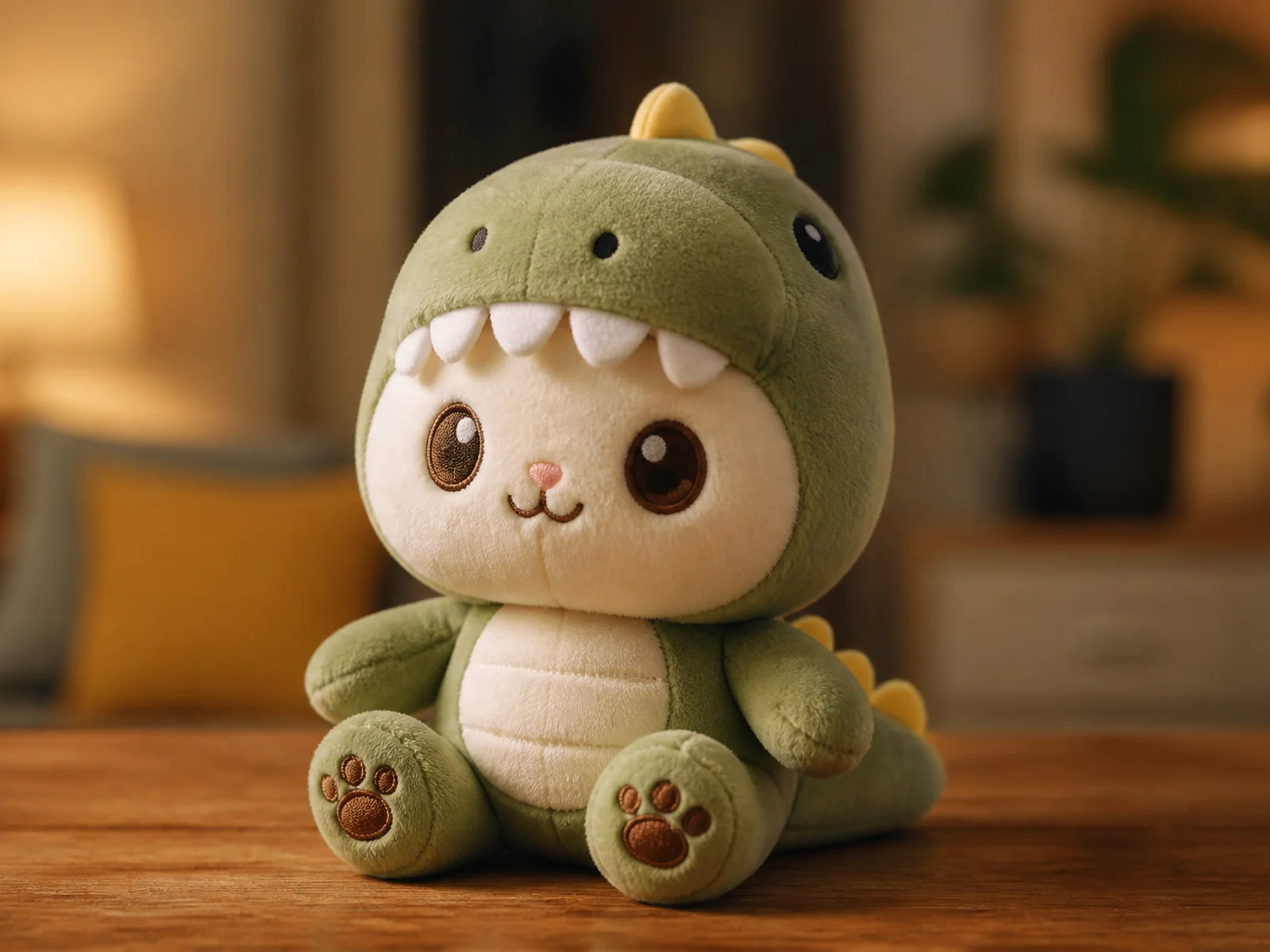
Plush Toy
Reimagine a subject as a soft, tactile plush character.
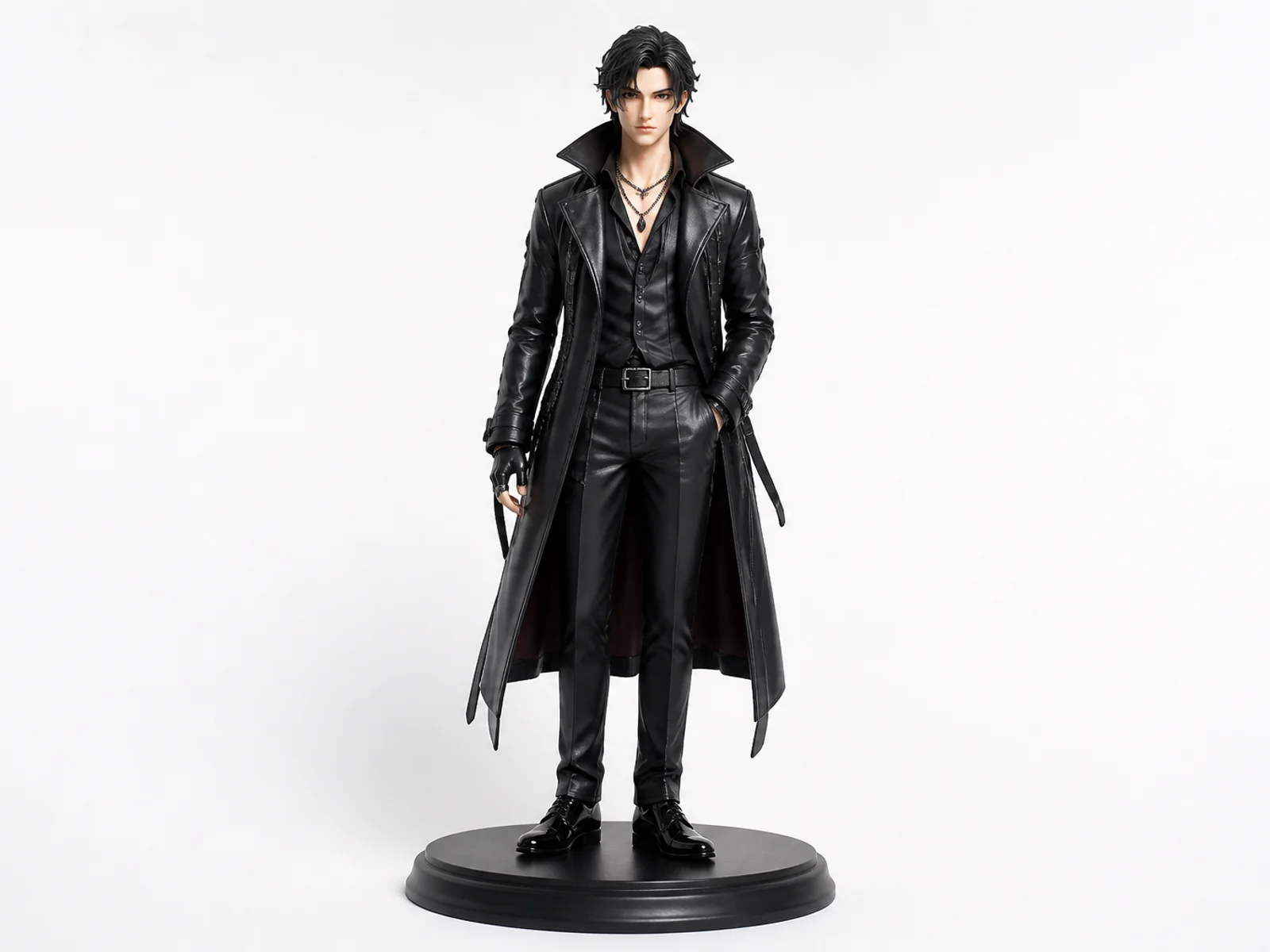
Collectible Figure
Turn a character or portrait into a polished collectible figure concept.
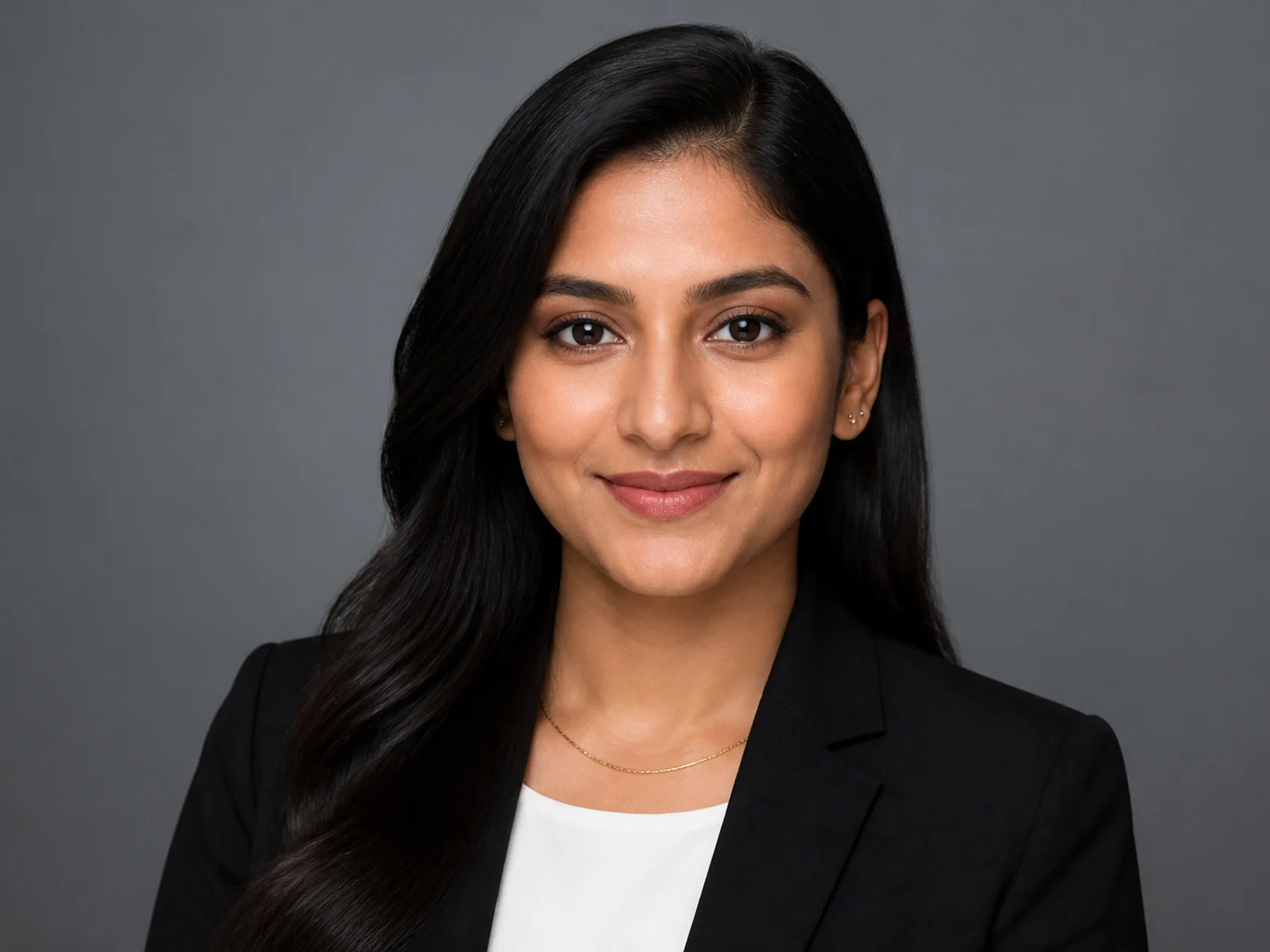
Professional Headshot
Create a clean studio headshot while preserving identity.
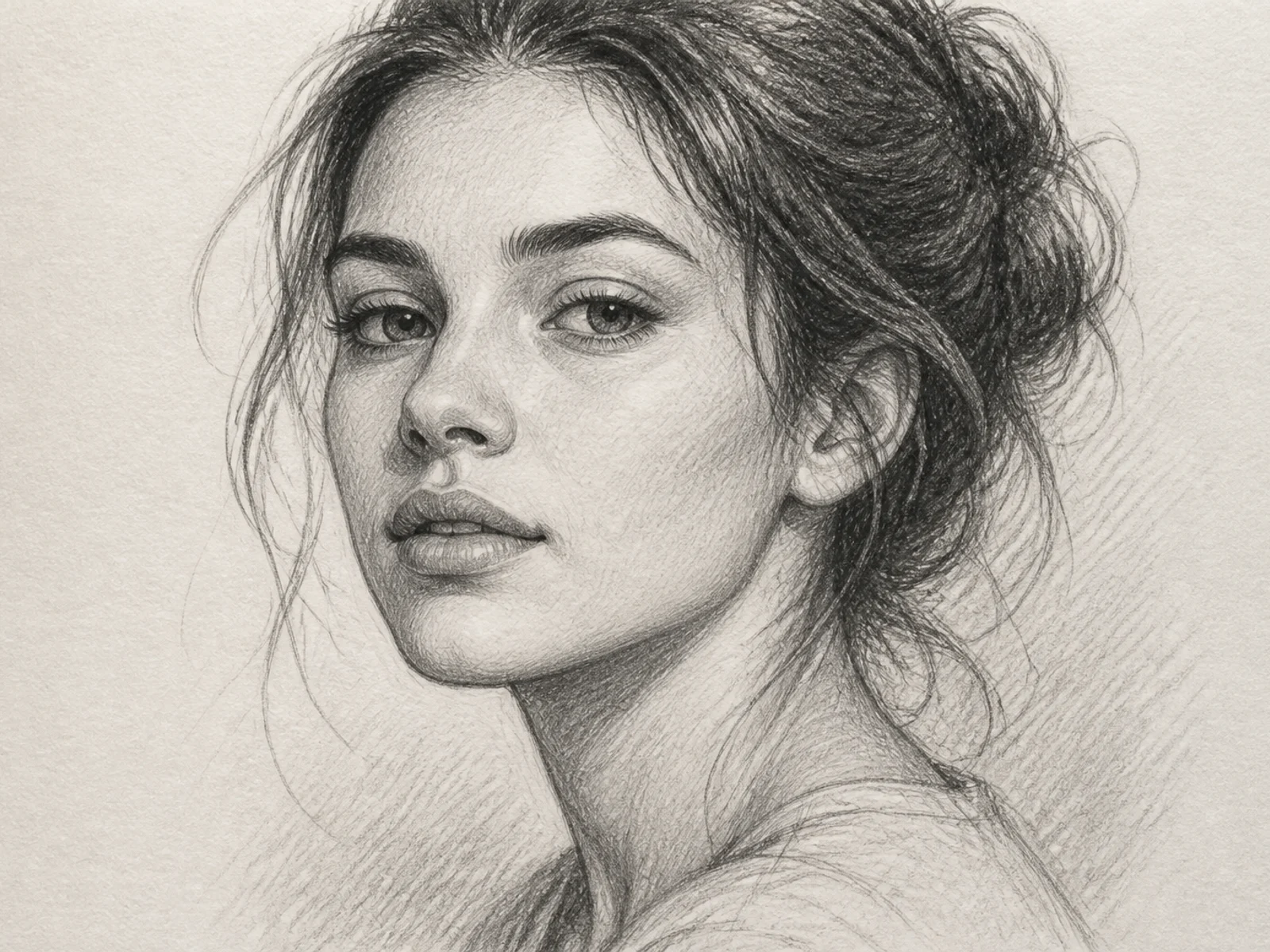
Sketch Portrait
Turn a photo into a refined hand-drawn sketch portrait.
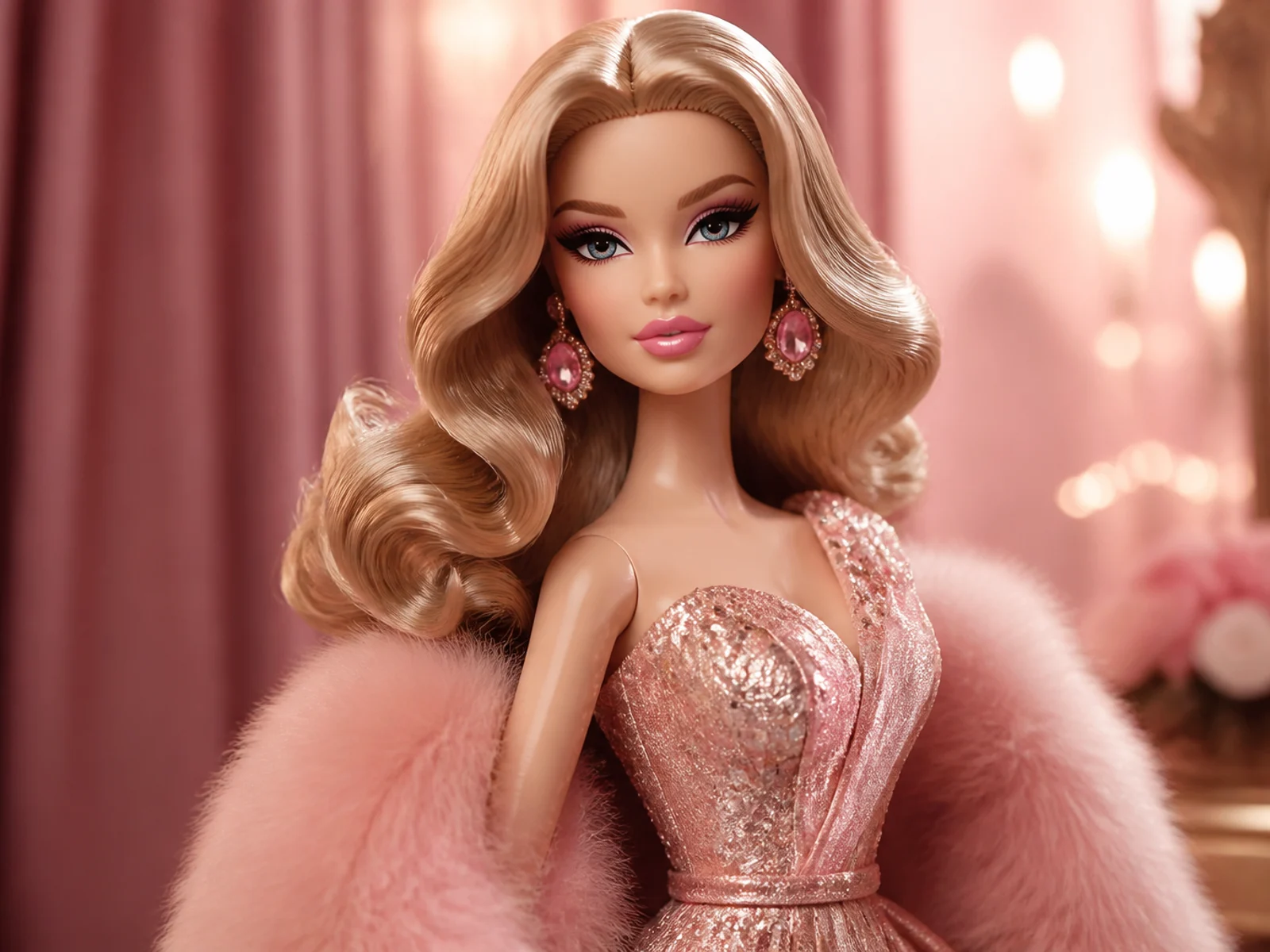
3D Glam Doll
Restyle a portrait as a polished 3D fashion doll.
Explorar
11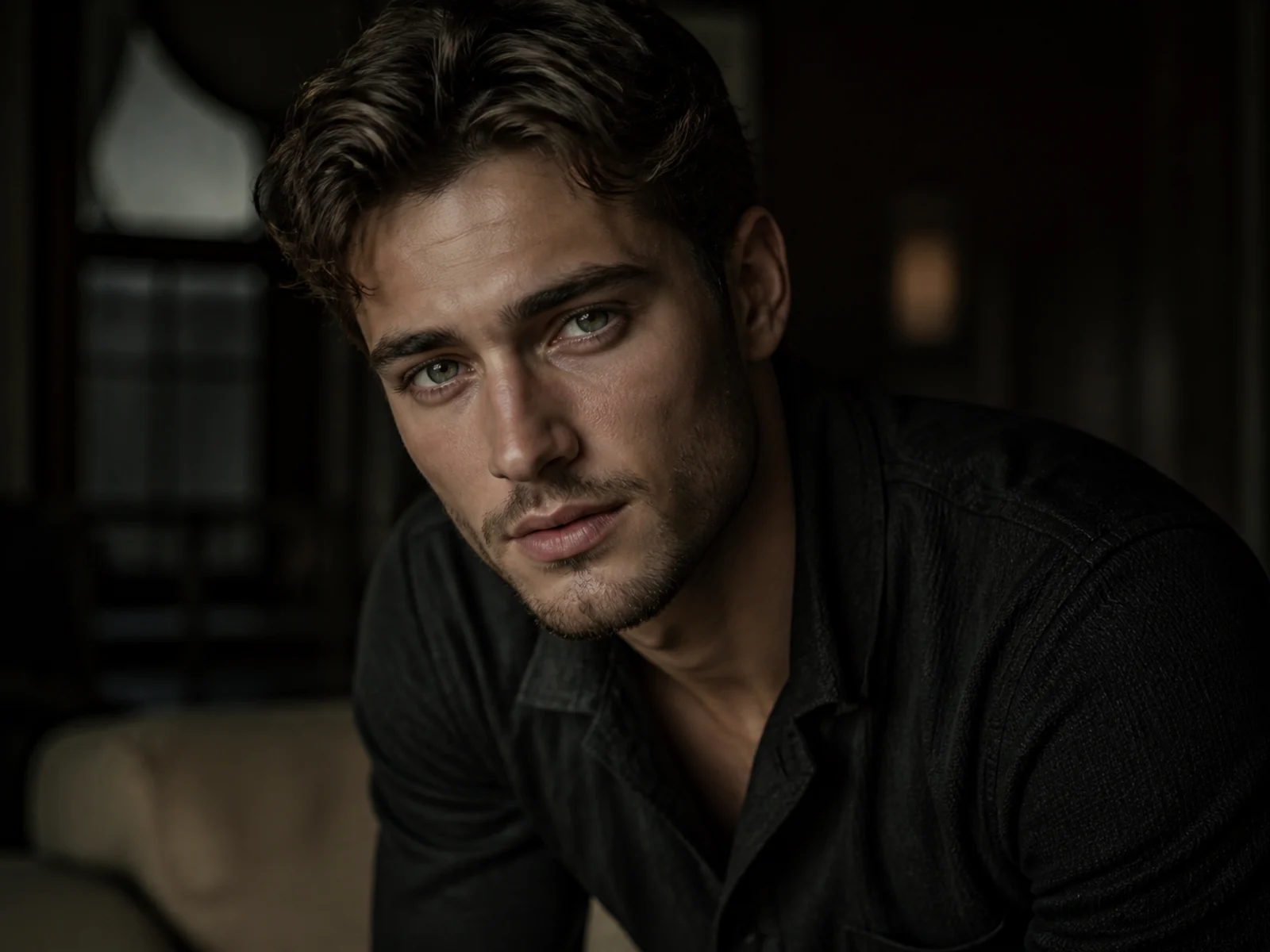
Cinematic Portrait
Give a portrait cinematic lighting, depth, and editorial polish.
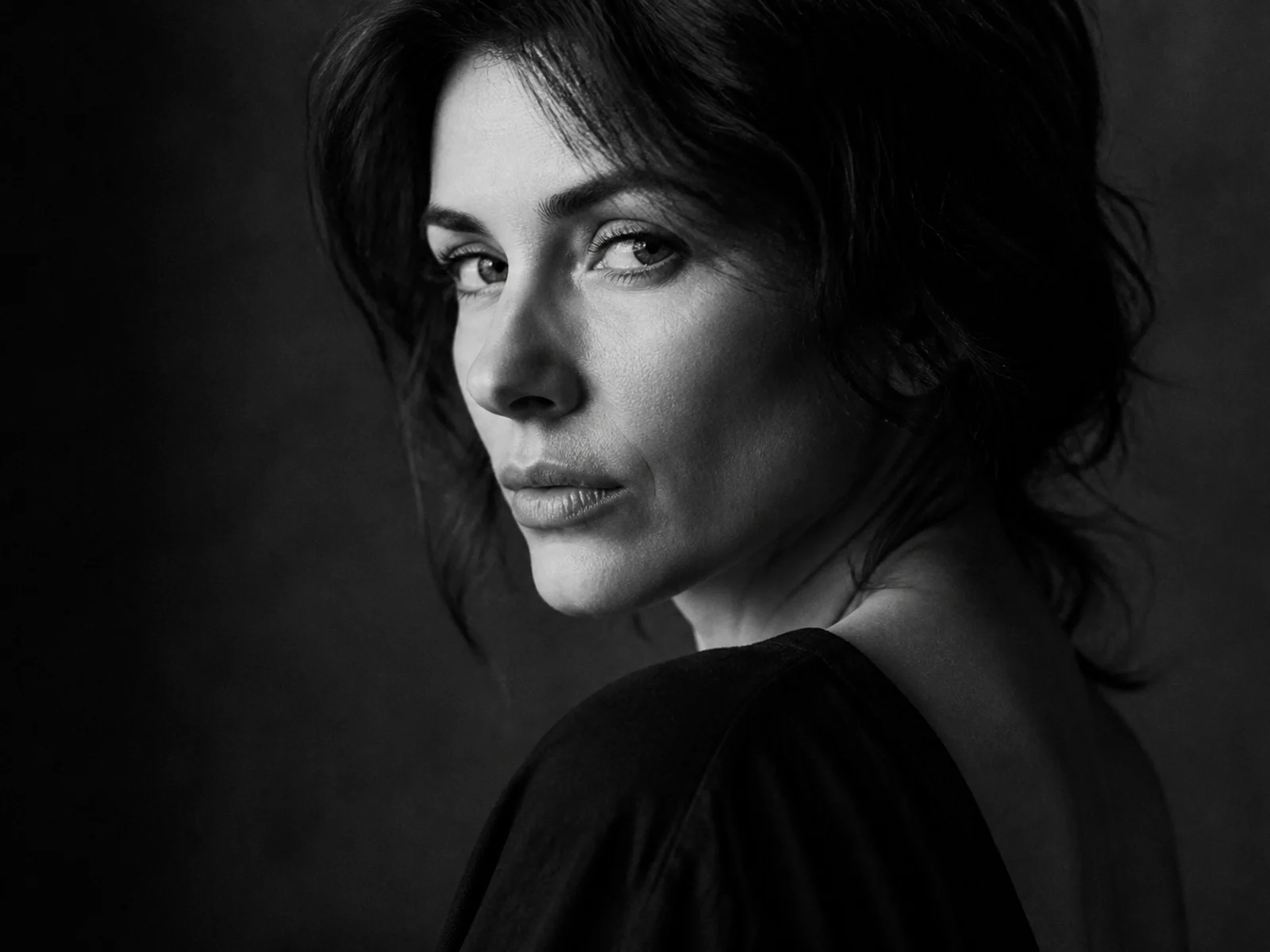
Dramatic B&W Portrait
Convert a portrait into a high-contrast black-and-white editorial look.
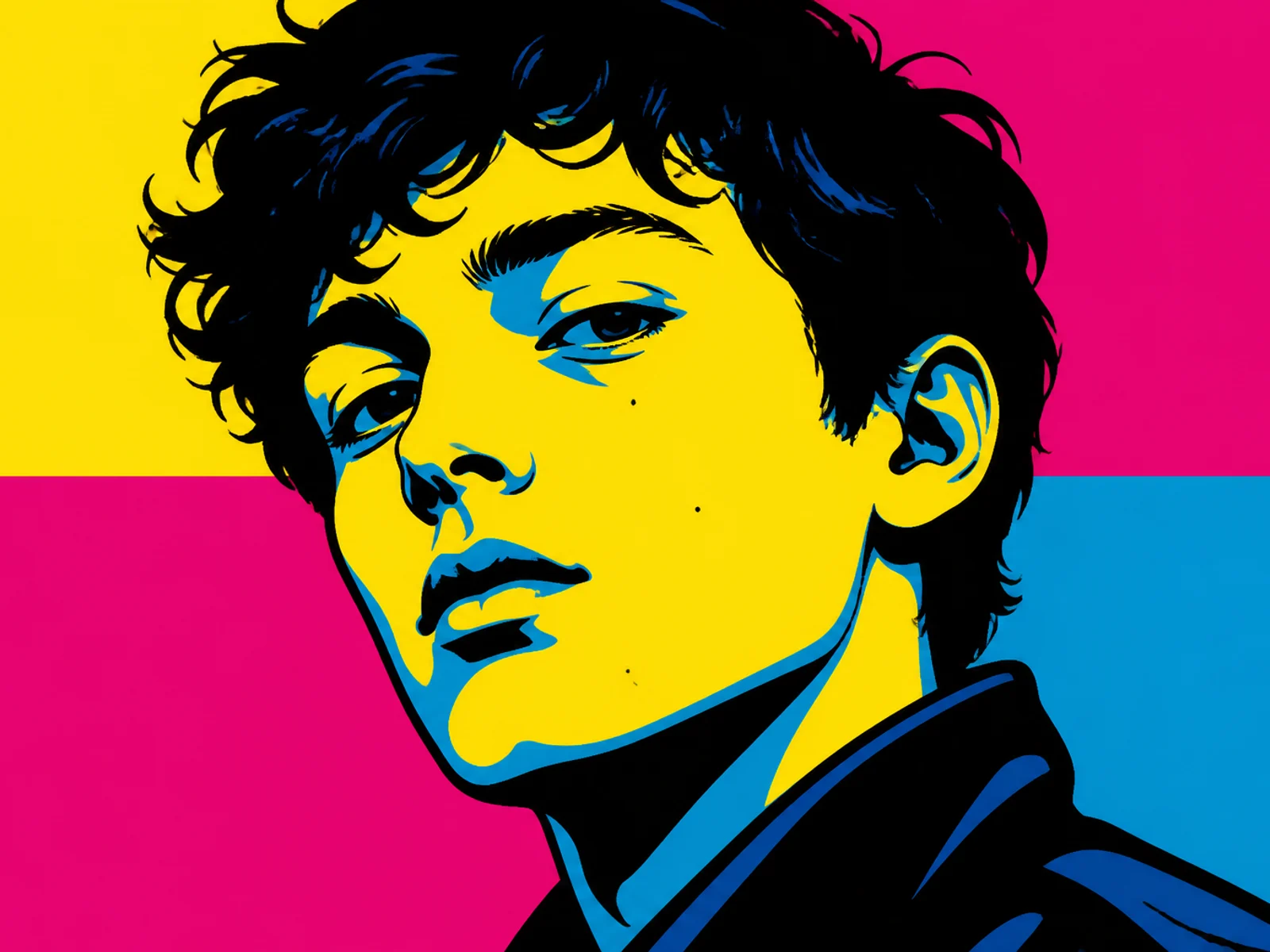
Pop Art Portrait
Restyle a face into bold graphic pop-art color blocks.
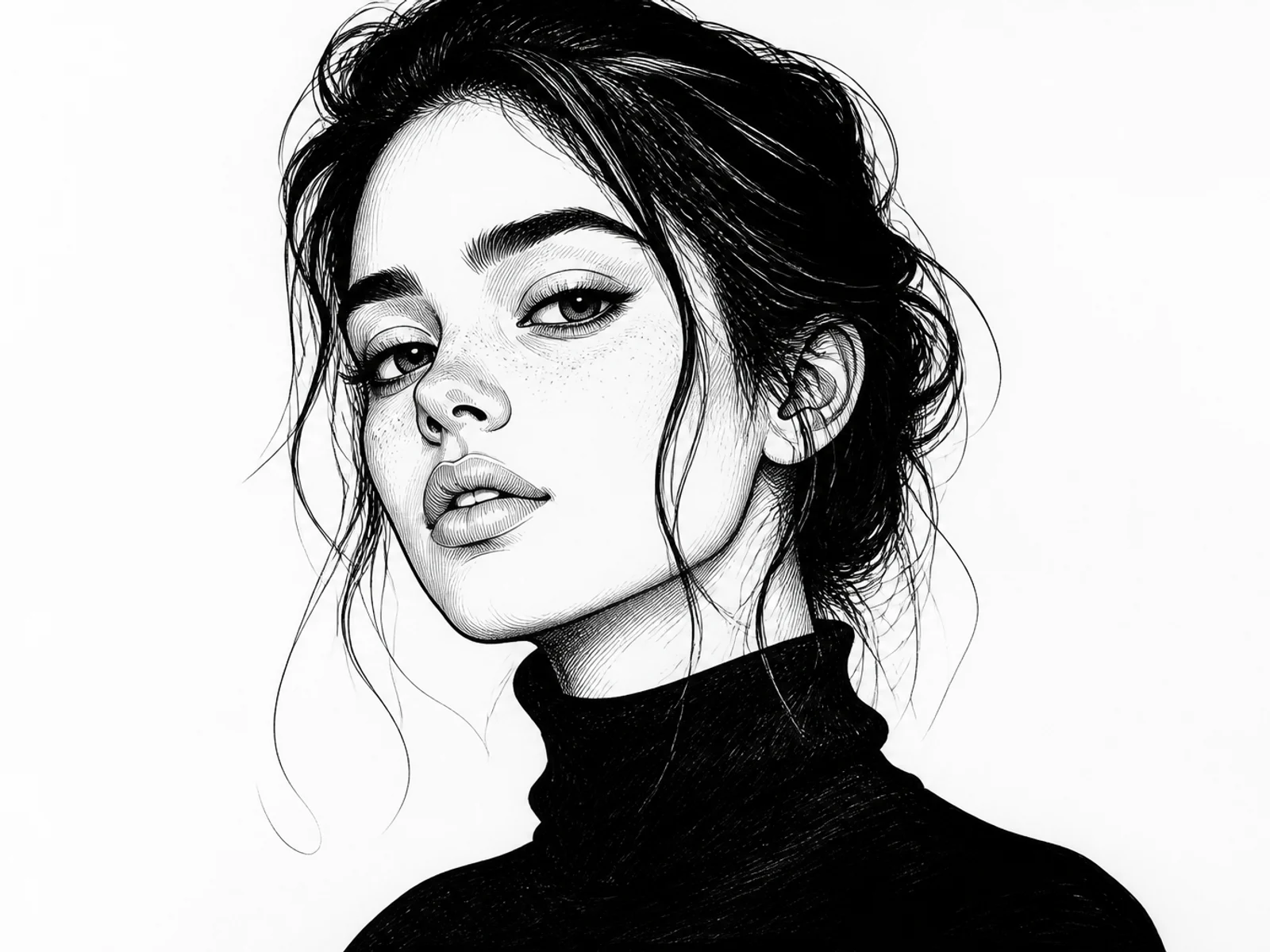
Ink Illustration
Turn a subject into clean ink illustration artwork.
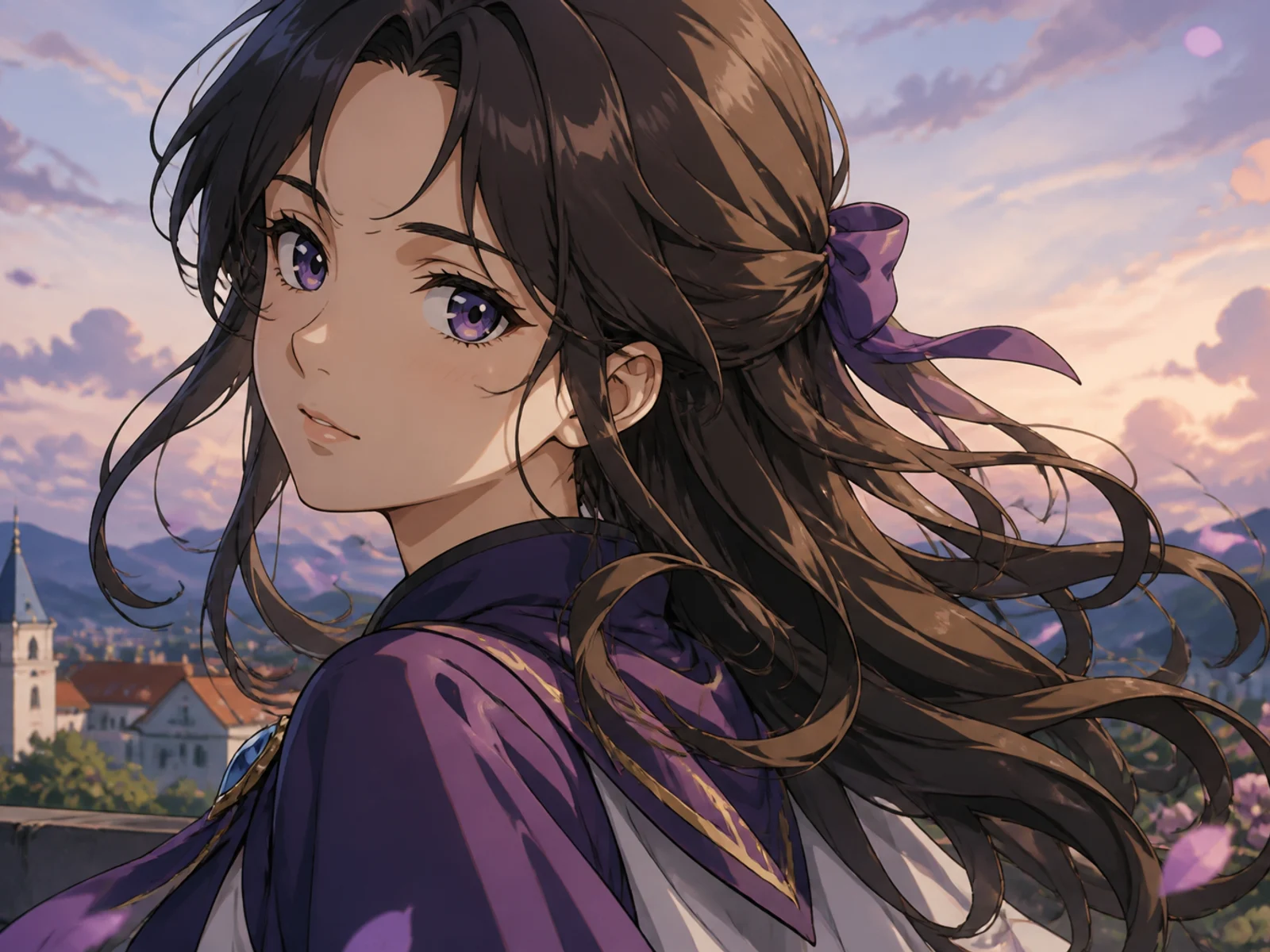
Anime Character
Transform a portrait or character into polished anime key art.
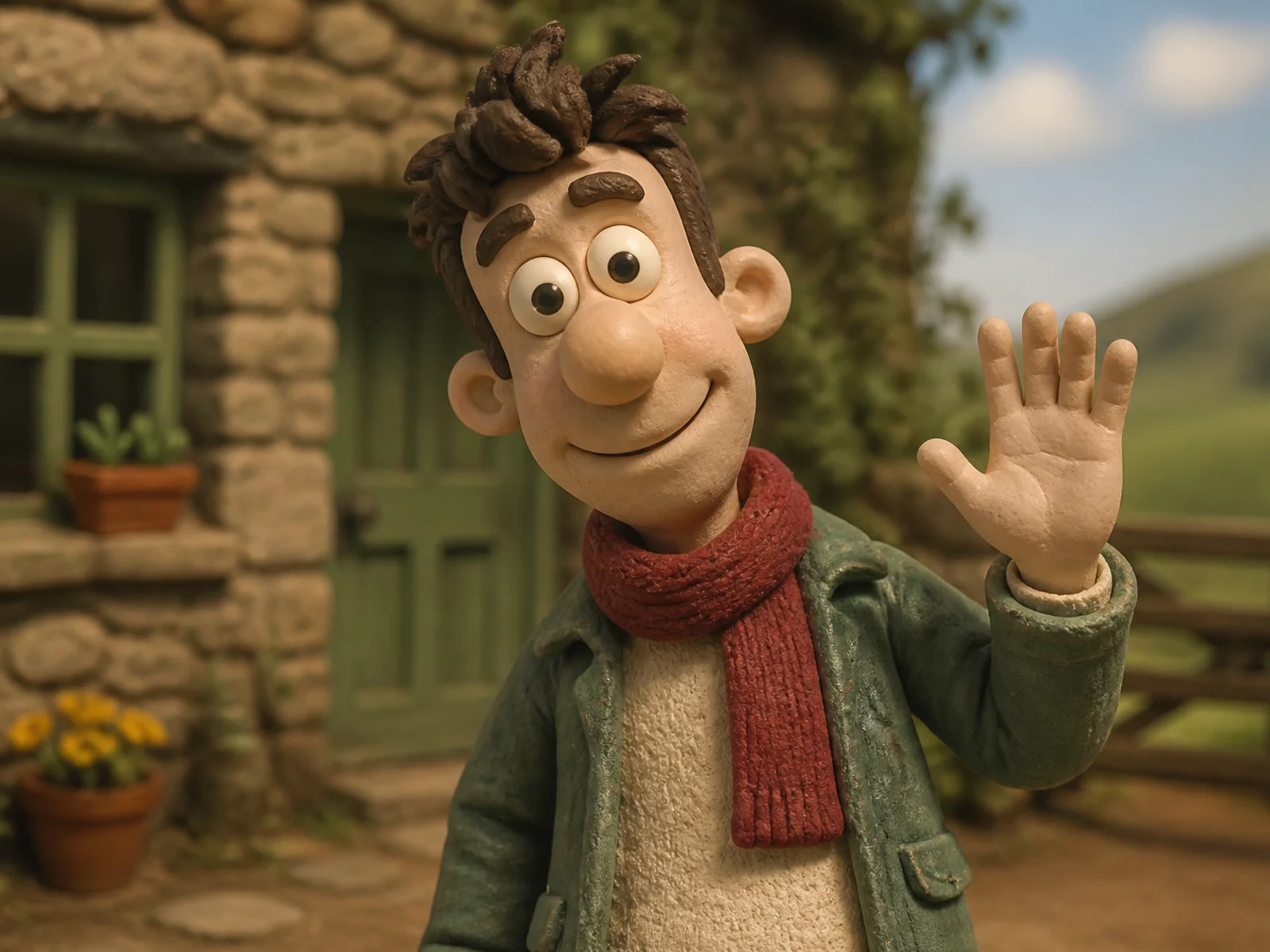
Clay Character
Rebuild a subject as a handcrafted stop-motion clay character.
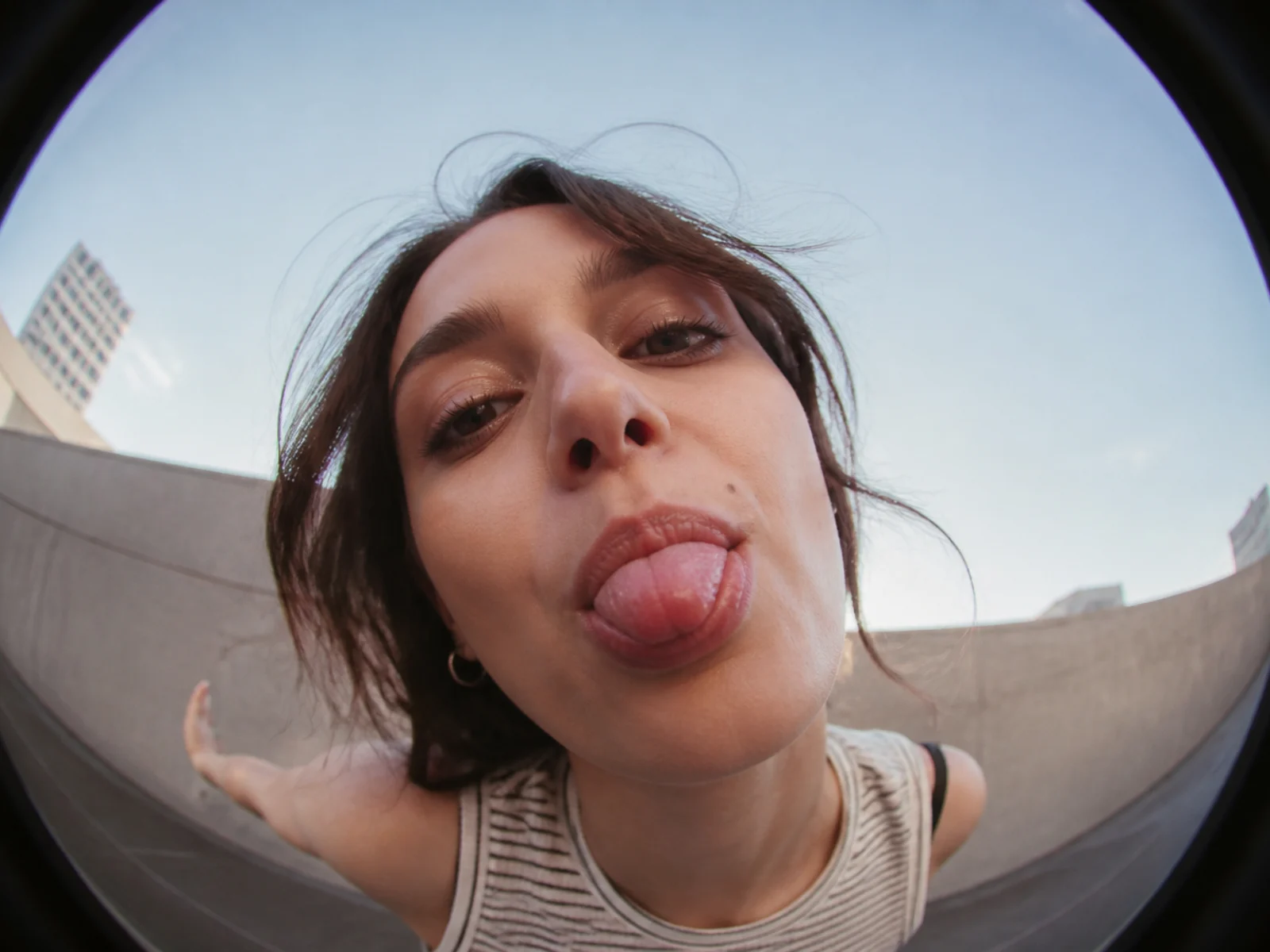
Fisheye Portrait
Restyle a portrait with playful fisheye lens distortion.
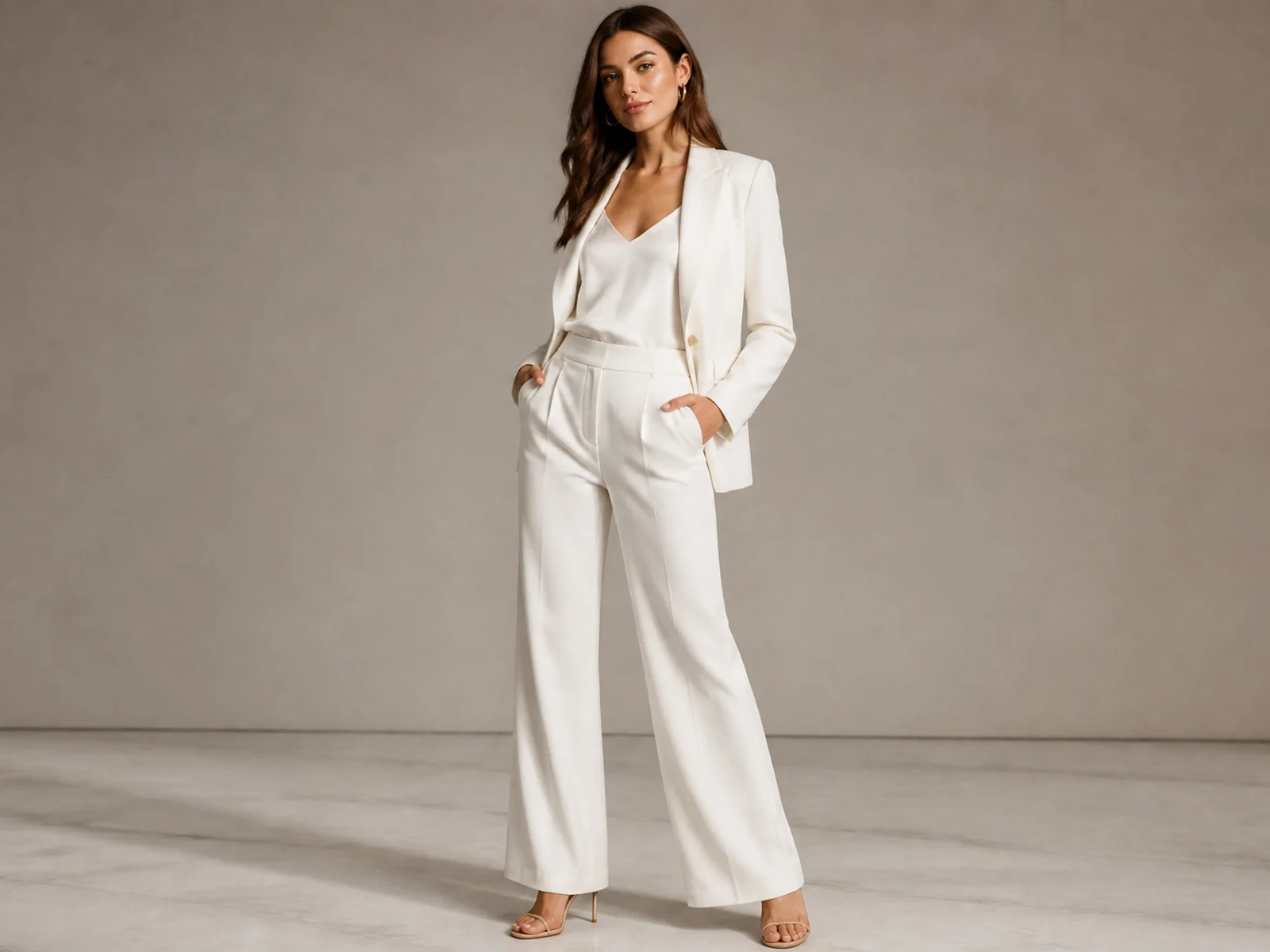
Outfit Generator
Restyle clothing while keeping the person and pose consistent.
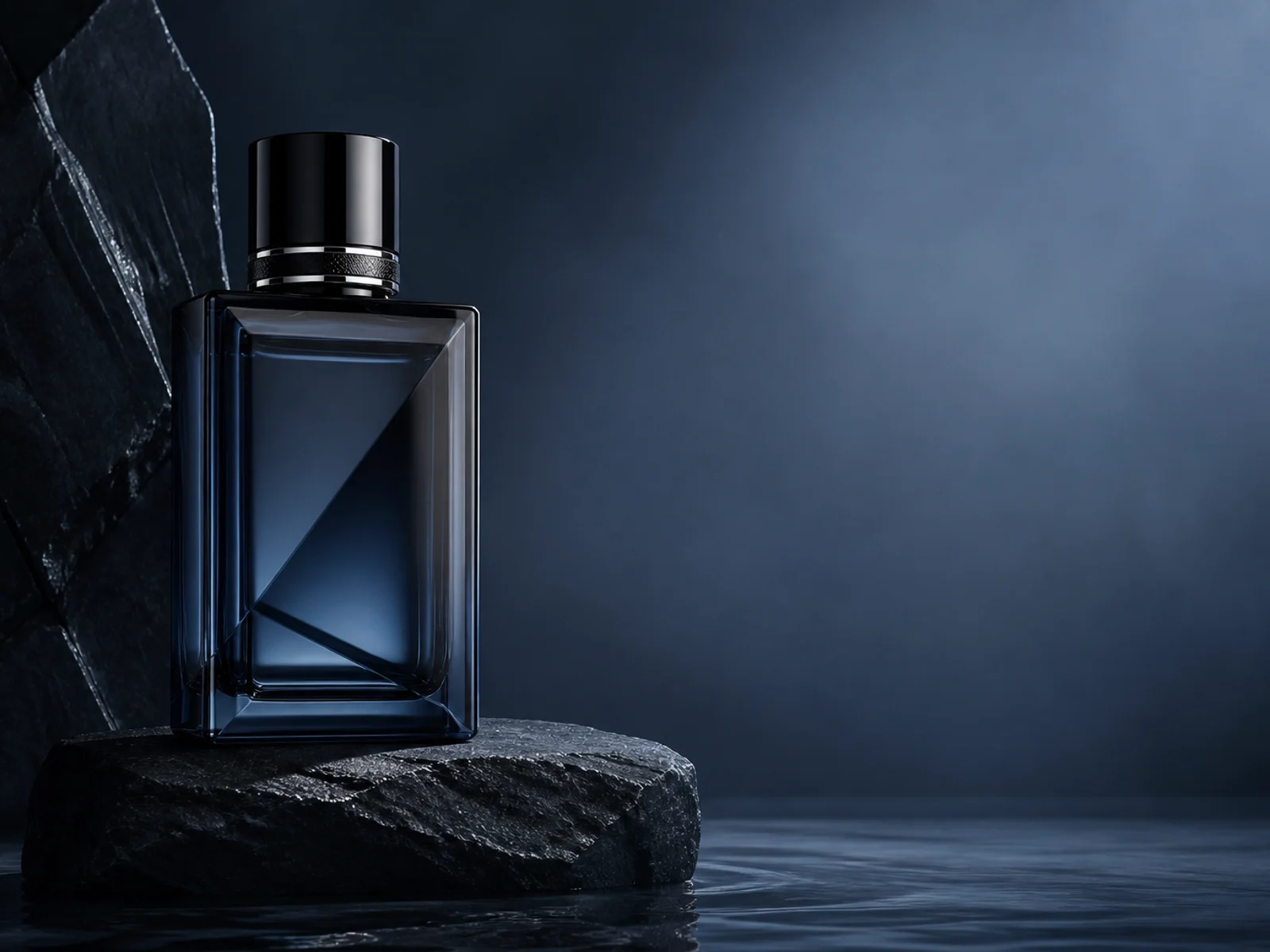
Product Poster
Build an art-directed advertising image around a product reference.
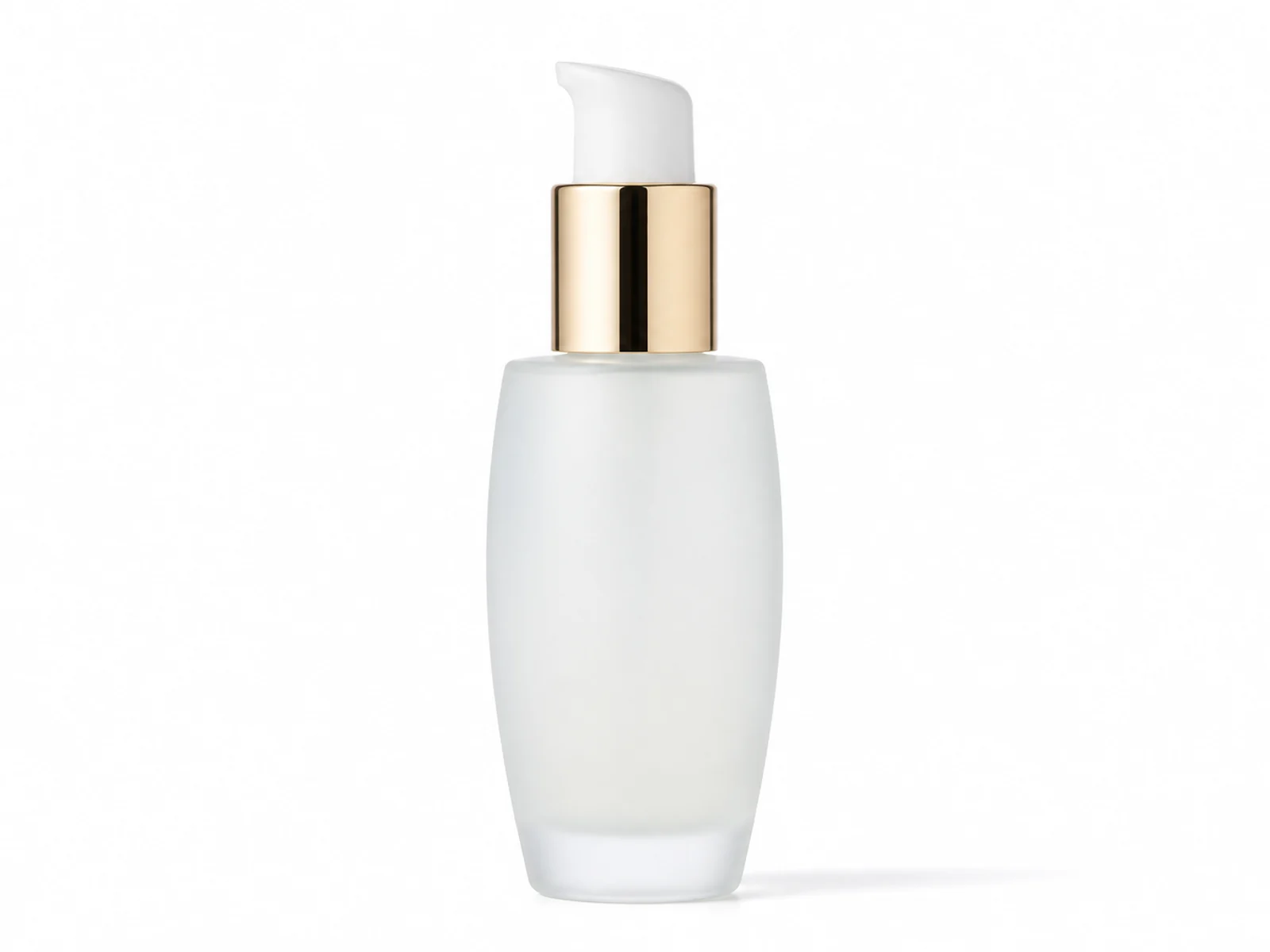
Product Packshot
Turn a casual product image into a clean commercial packshot.
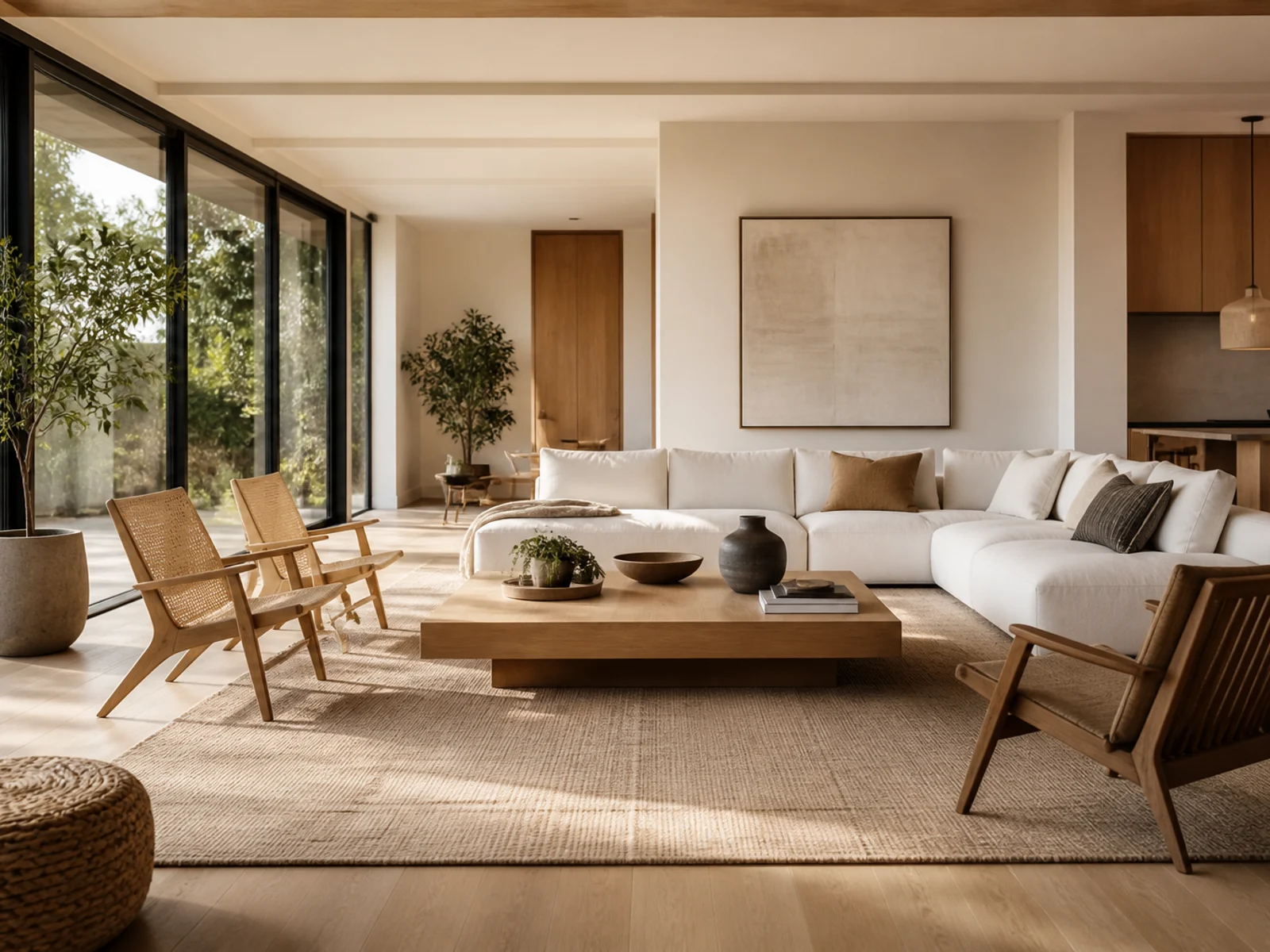
Room Redesign
Reimagine a room's interior style from a photo.
Create with an AI effect
Start from a visual outcome instead of configuring a model.
1
Pick a template
Browse ready-made image effects and open the recipe that matches your idea.
2
Upload a reference
Give the effect a concrete visual anchor so the result stays on brief.
3
Customize and continue
Add optional direction, generate, then carry the result into editing or animation.
AI Effects FAQs
Start with an effect, keep creating
Choose a ready-made image template, then carry the result into your next edit.