
इमेज इफ़ेक्ट के साथ बनाएं
एक टेम्पलेट चुनें, रेफ़रेंस इमेज अपलोड करें और स्टाइलाइज़्ड रिजल्ट जनरेट करें। हर इफ़ेक्ट आपके लिए उपयुक्त मॉडल और संपादन योग्य रचनात्मक दिशा चुनता है।
फ़ीचर्ड
5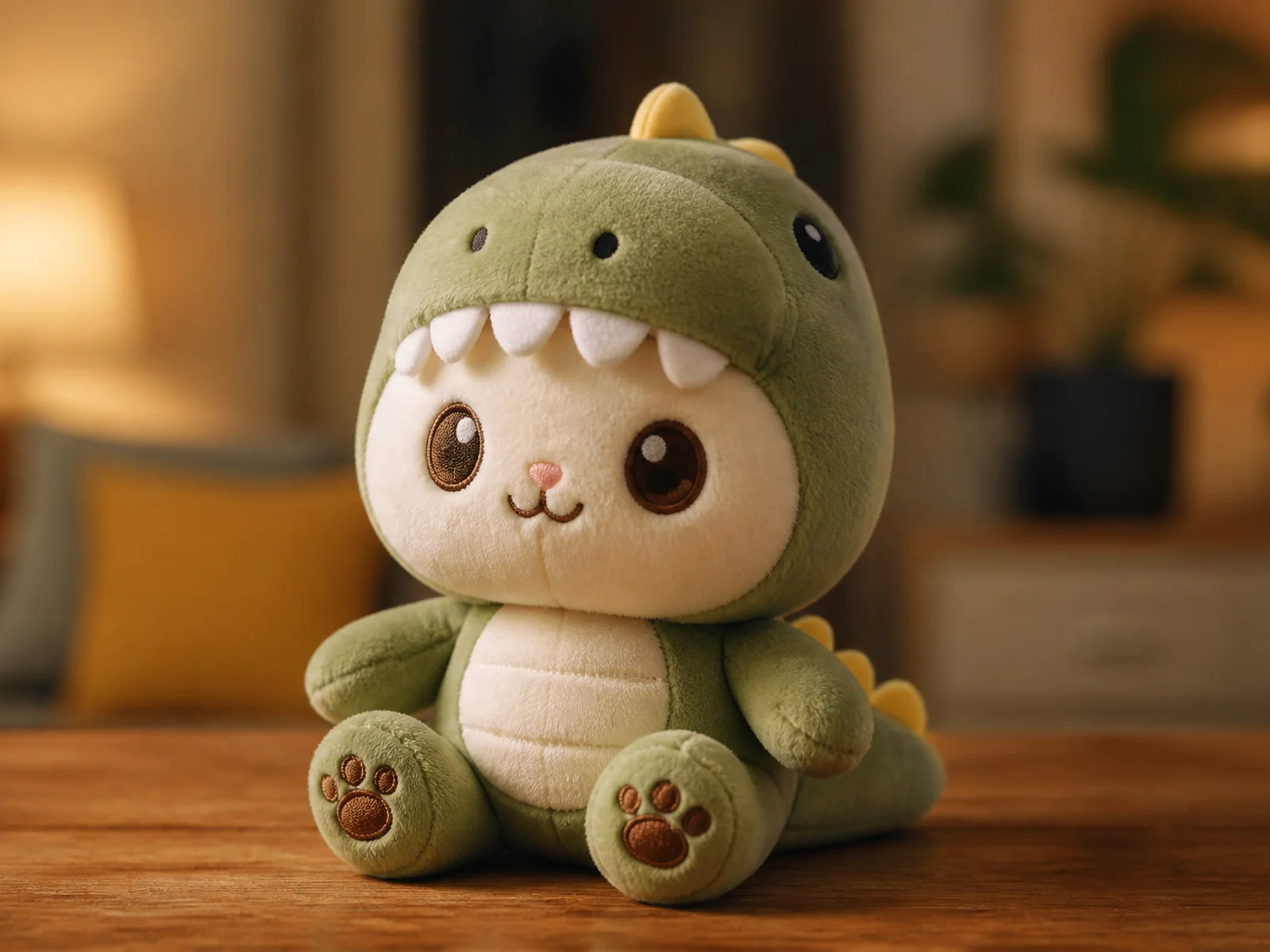
Plush Toy
Reimagine a subject as a soft, tactile plush character.
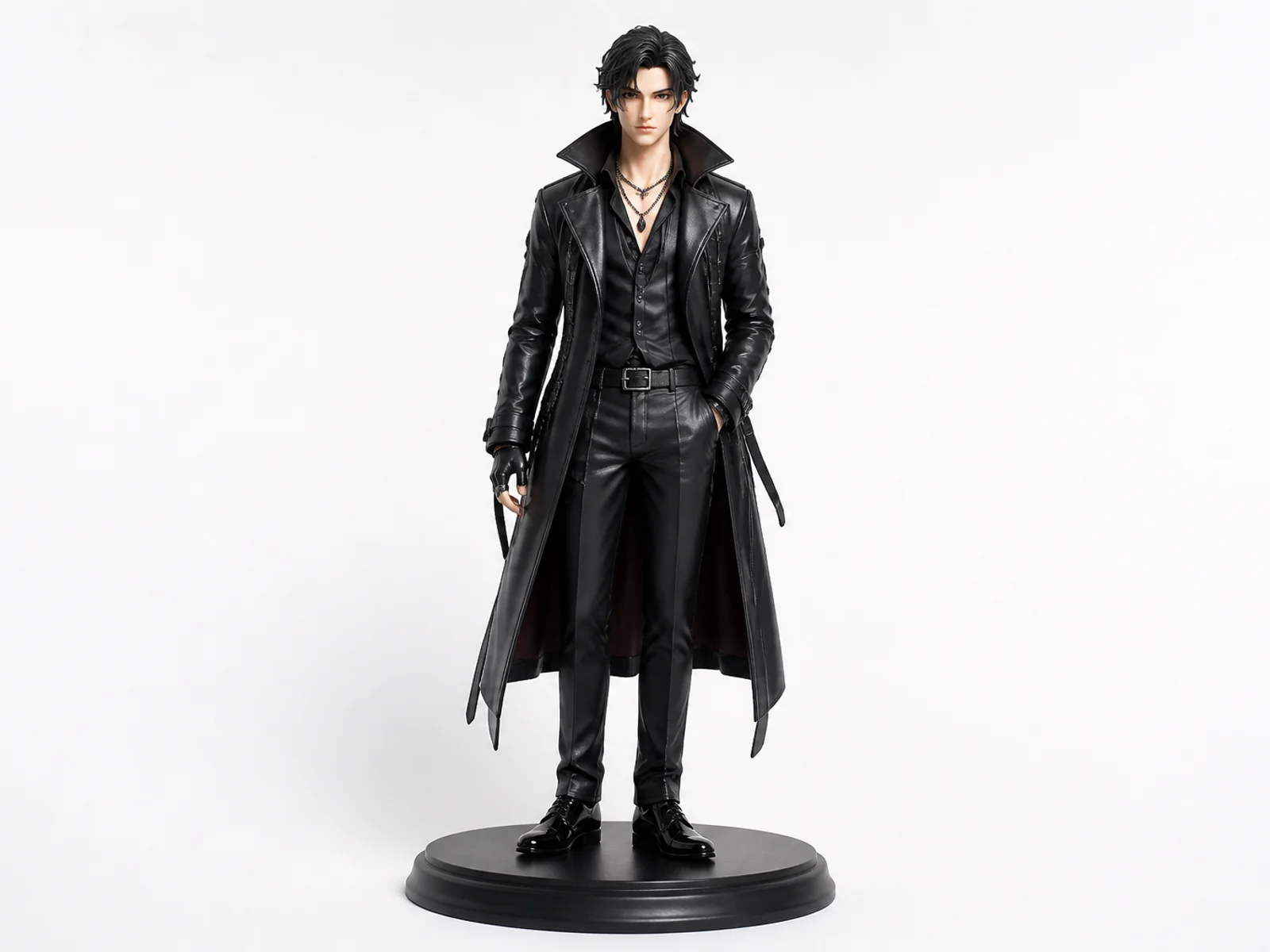
Collectible Figure
Turn a character or portrait into a polished collectible figure concept.
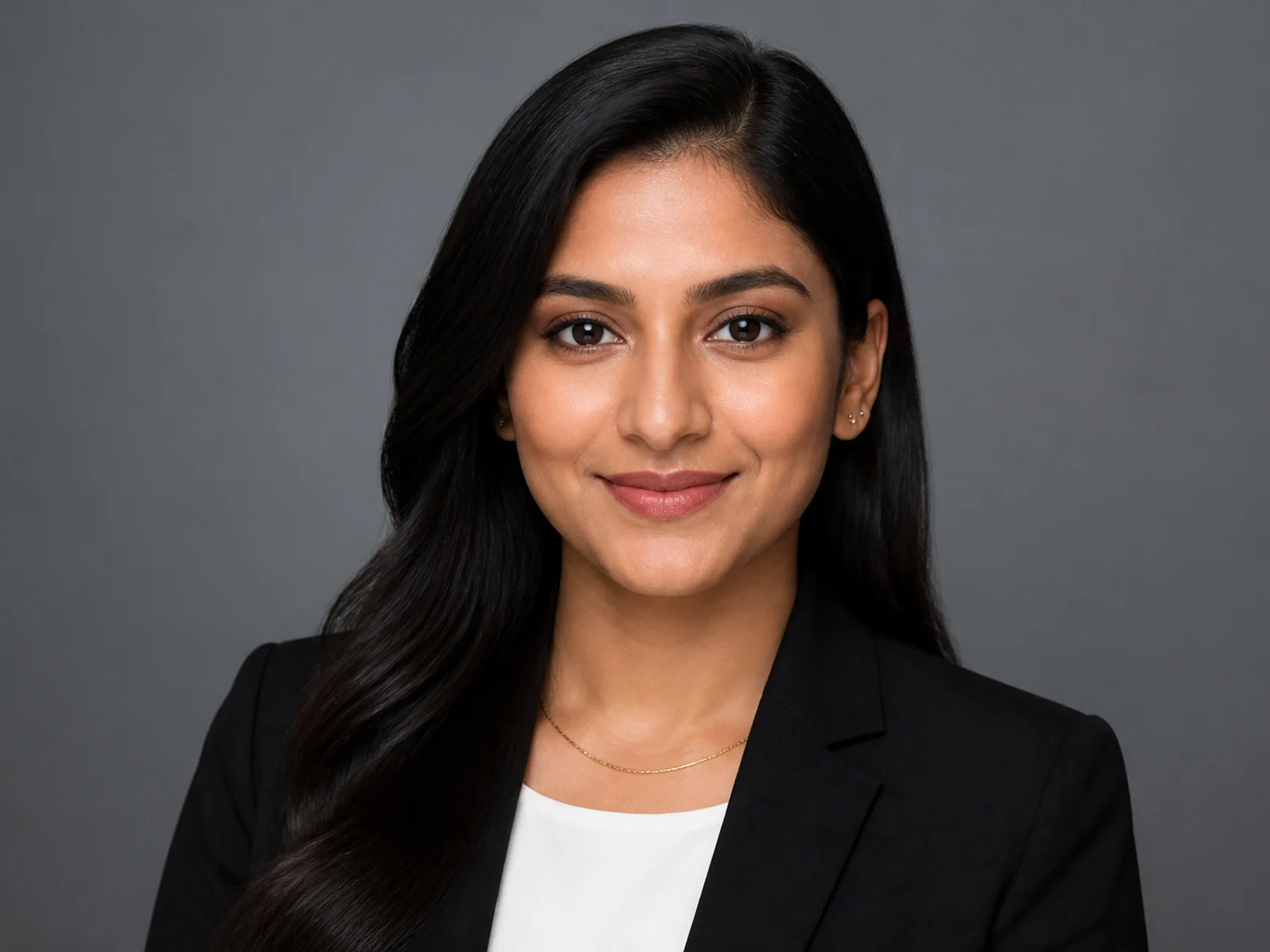
Professional Headshot
Create a clean studio headshot while preserving identity.
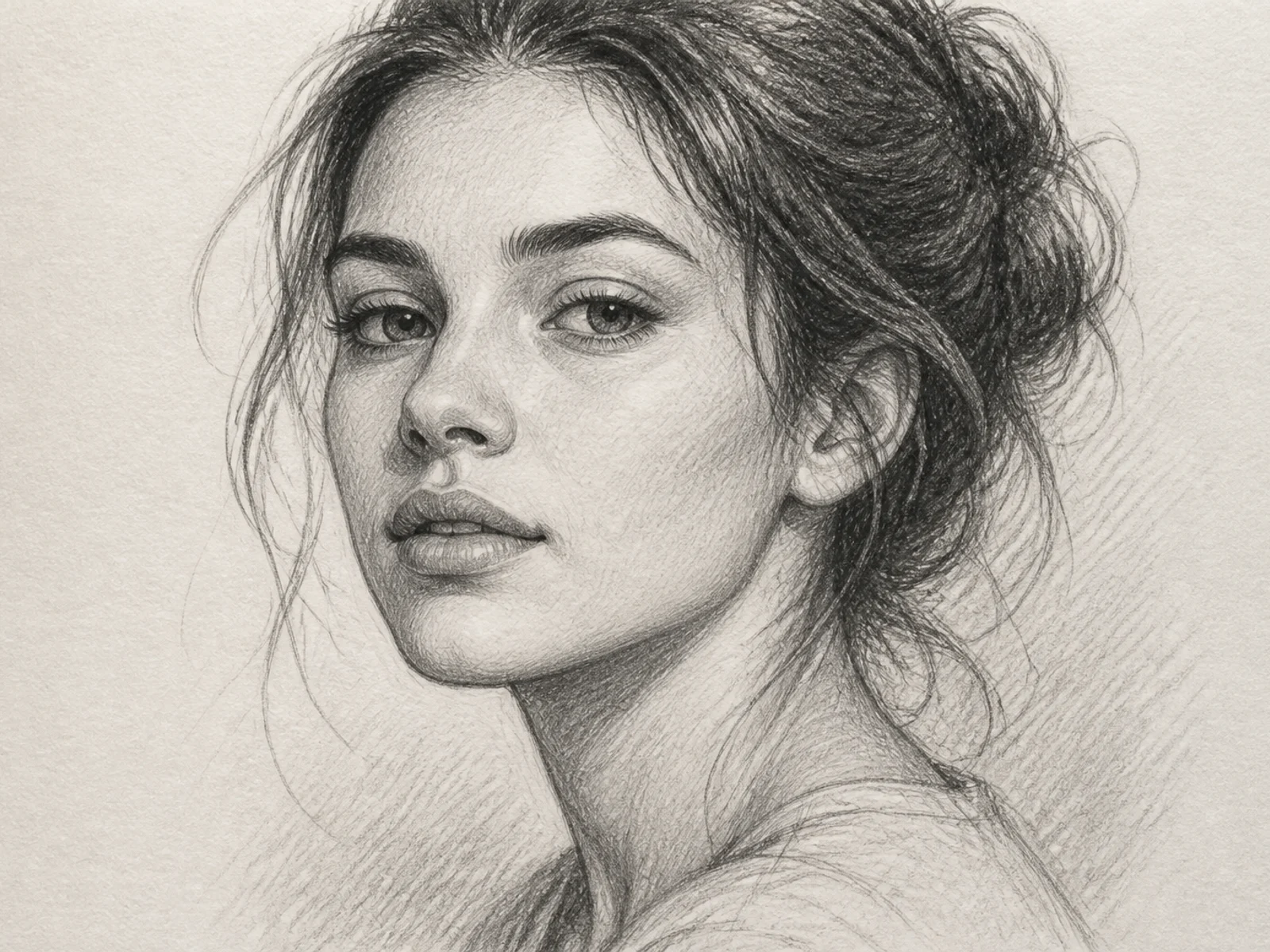
Sketch Portrait
Turn a photo into a refined hand-drawn sketch portrait.
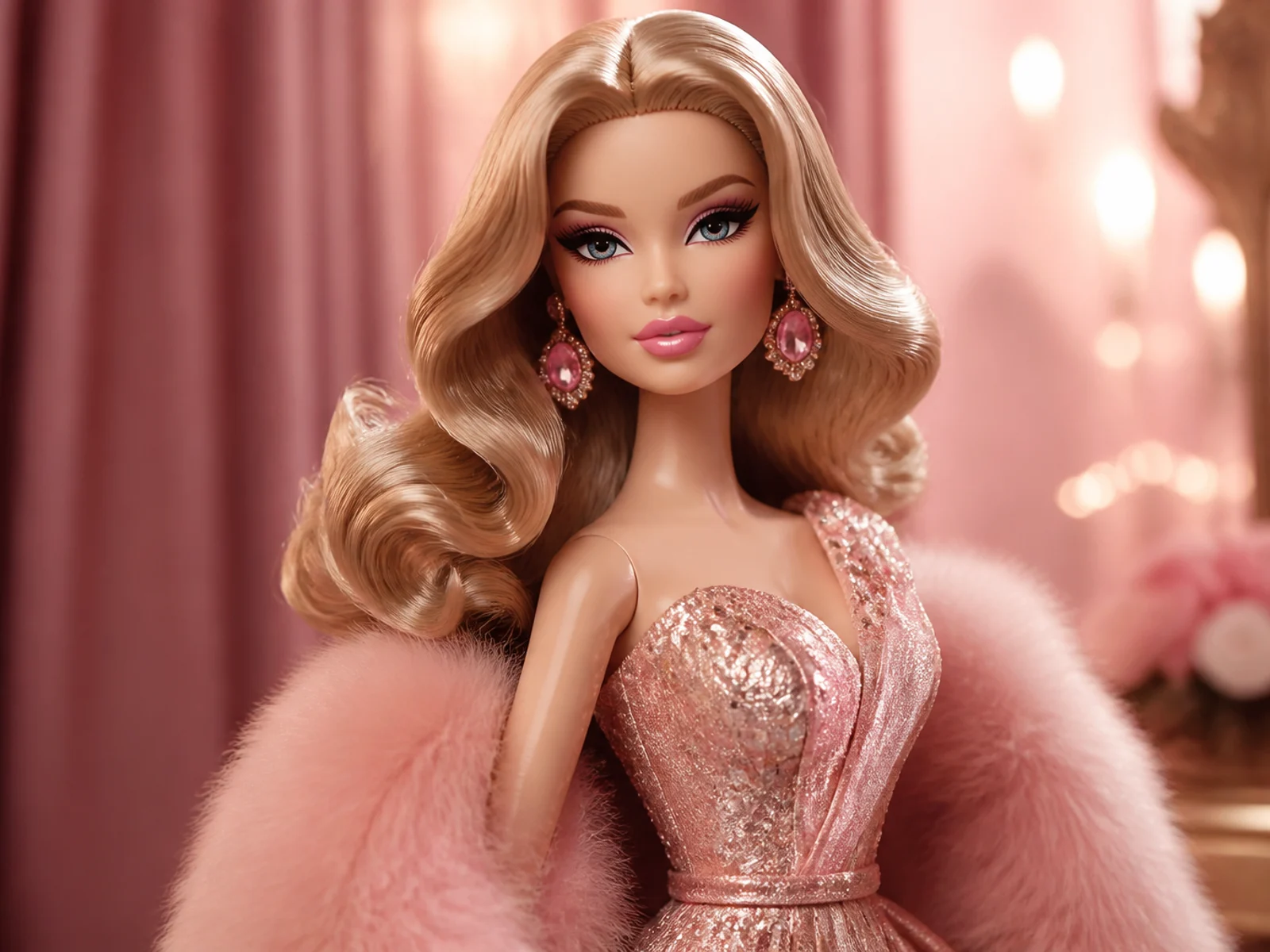
3D Glam Doll
Restyle a portrait as a polished 3D fashion doll.
एक्सप्लोर करें
11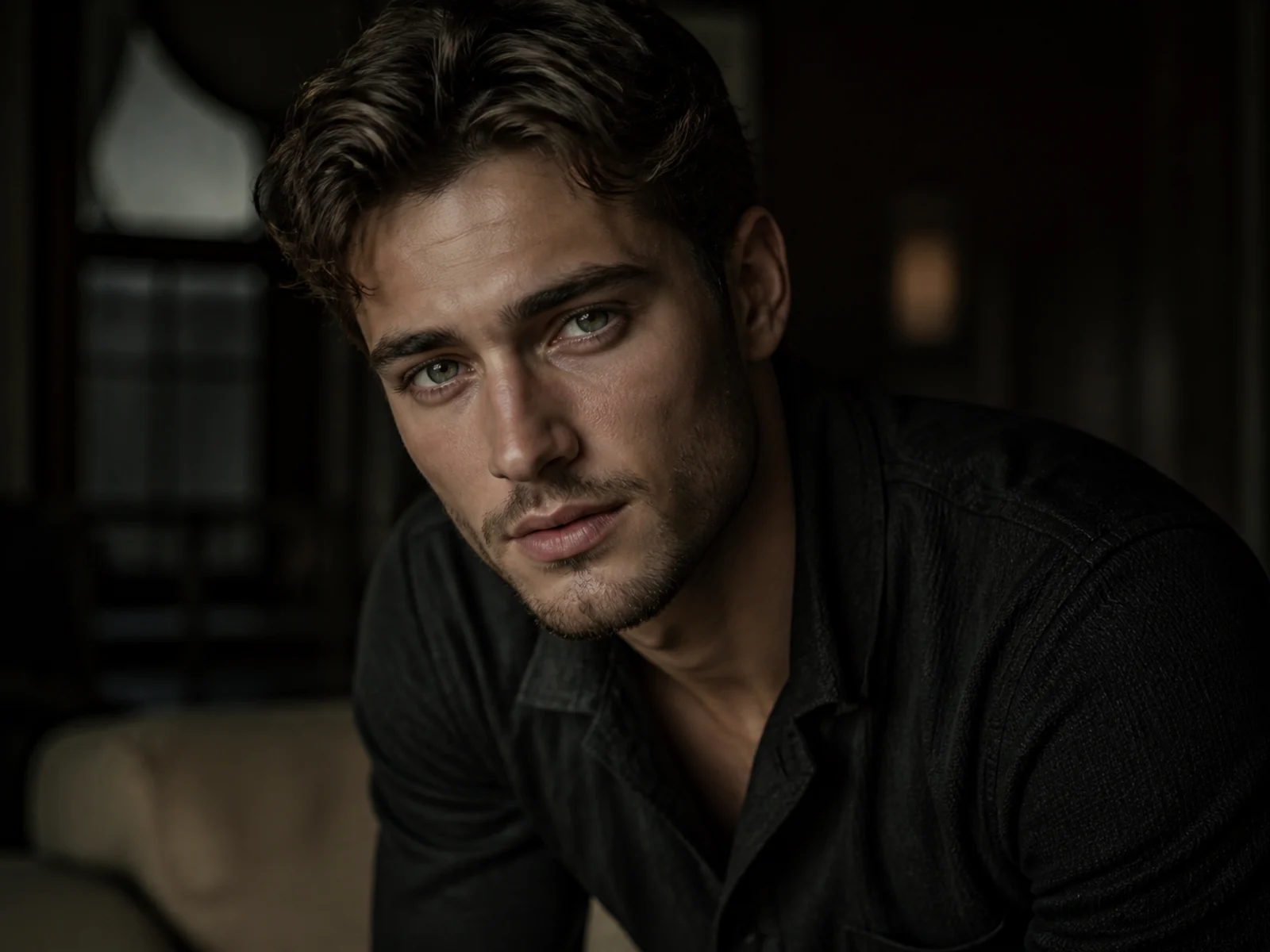
Cinematic Portrait
Give a portrait cinematic lighting, depth, and editorial polish.
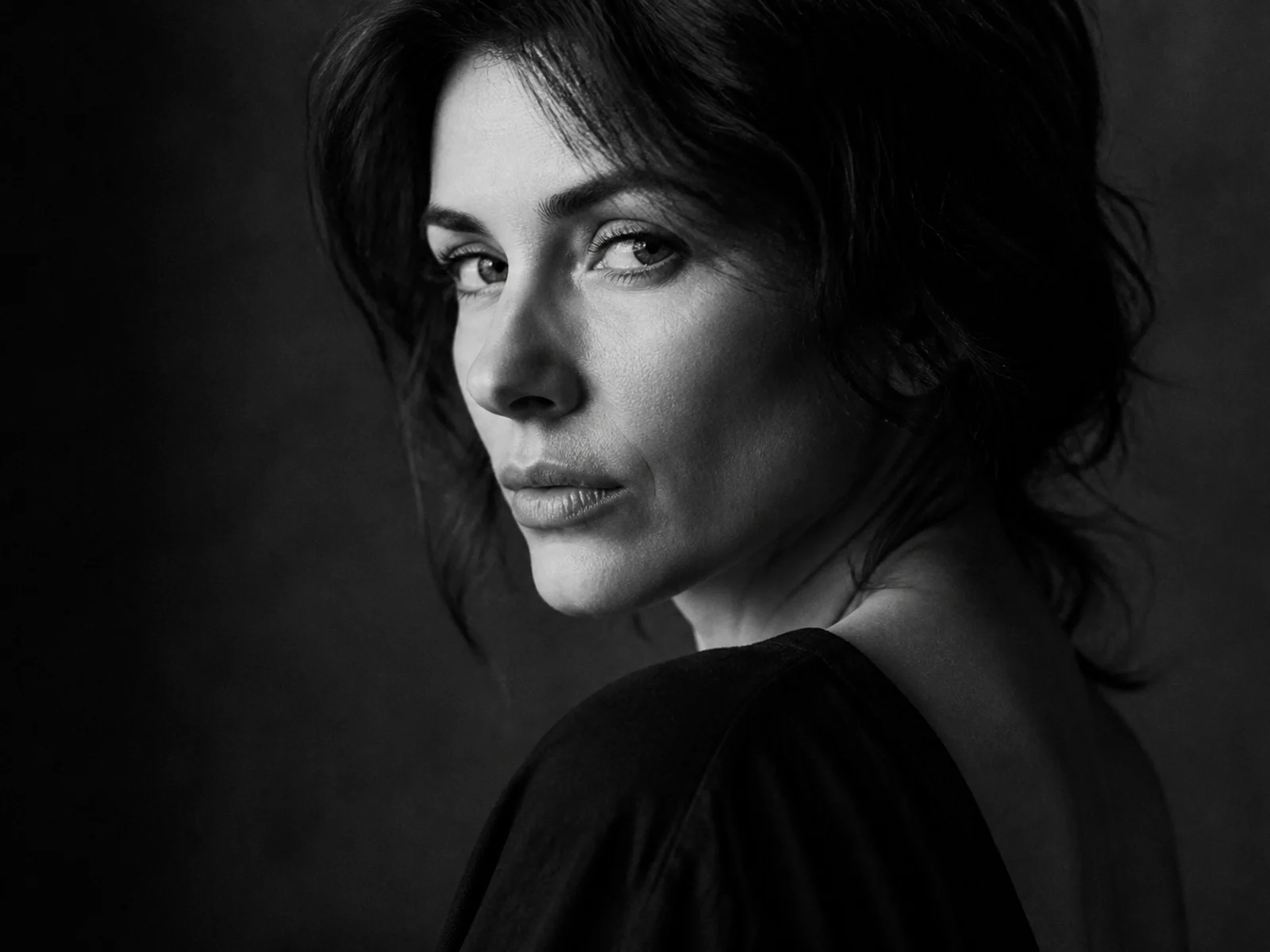
Dramatic B&W Portrait
Convert a portrait into a high-contrast black-and-white editorial look.
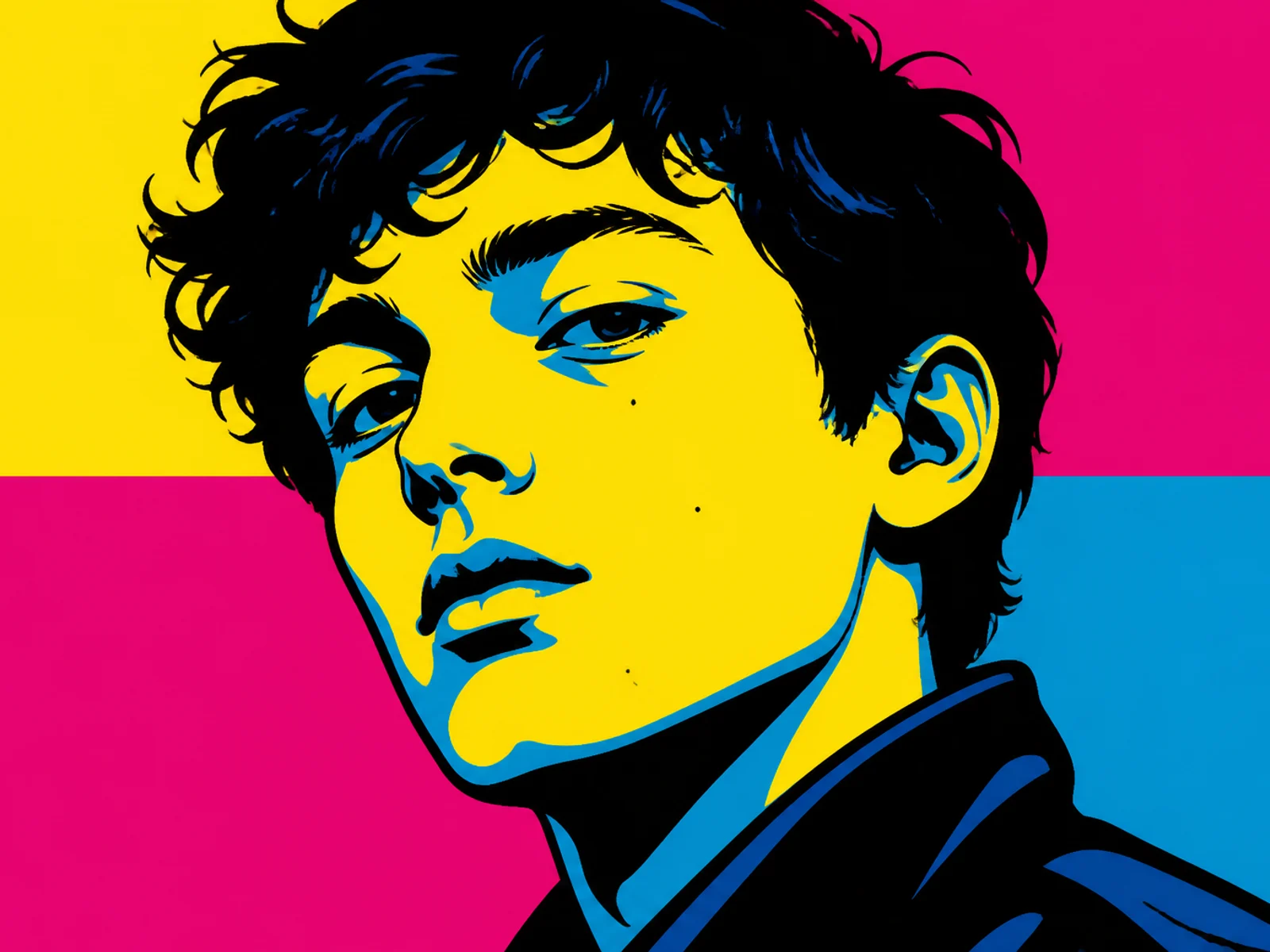
Pop Art Portrait
Restyle a face into bold graphic pop-art color blocks.
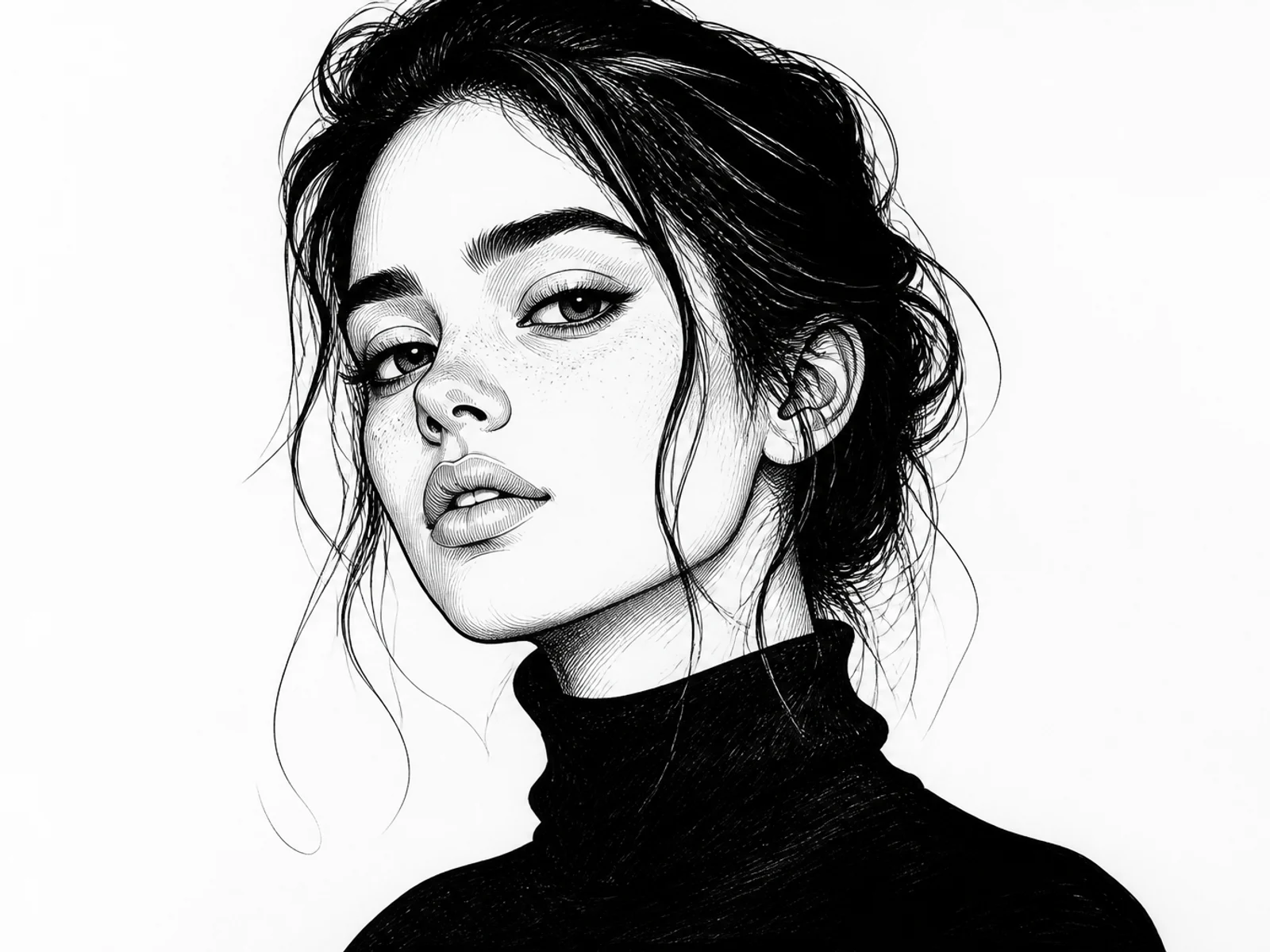
Ink Illustration
Turn a subject into clean ink illustration artwork.
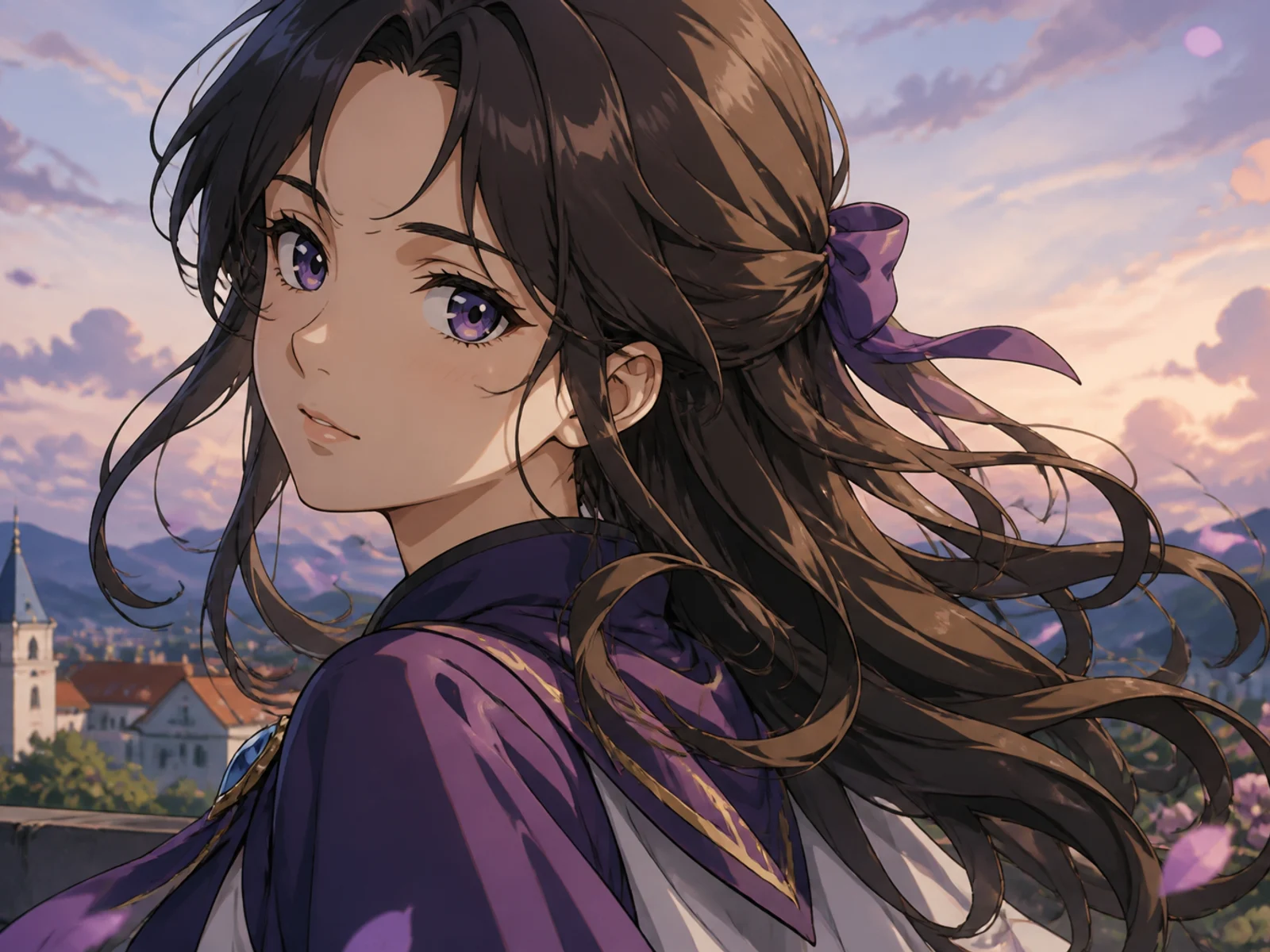
Anime Character
Transform a portrait or character into polished anime key art.
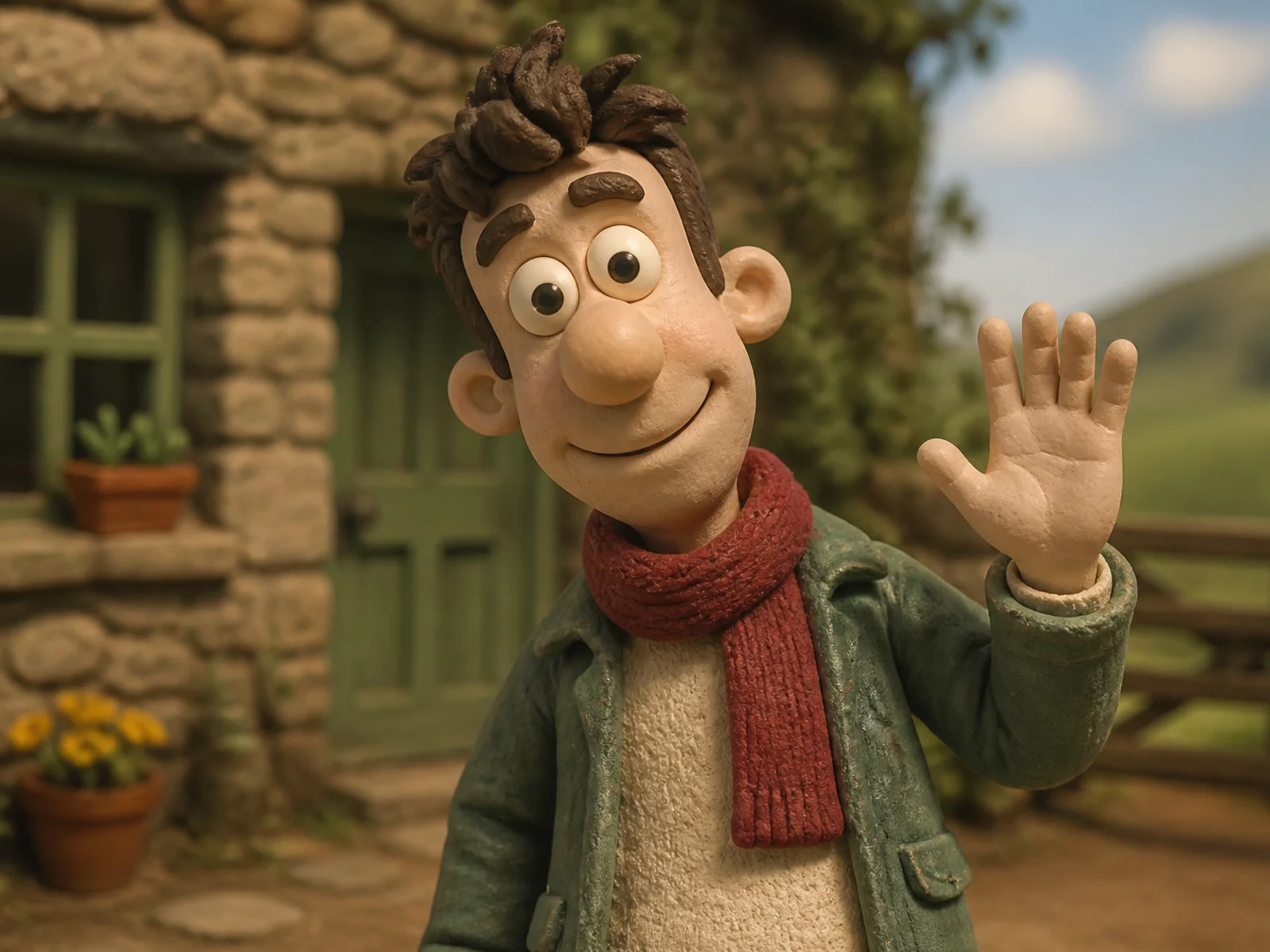
Clay Character
Rebuild a subject as a handcrafted stop-motion clay character.
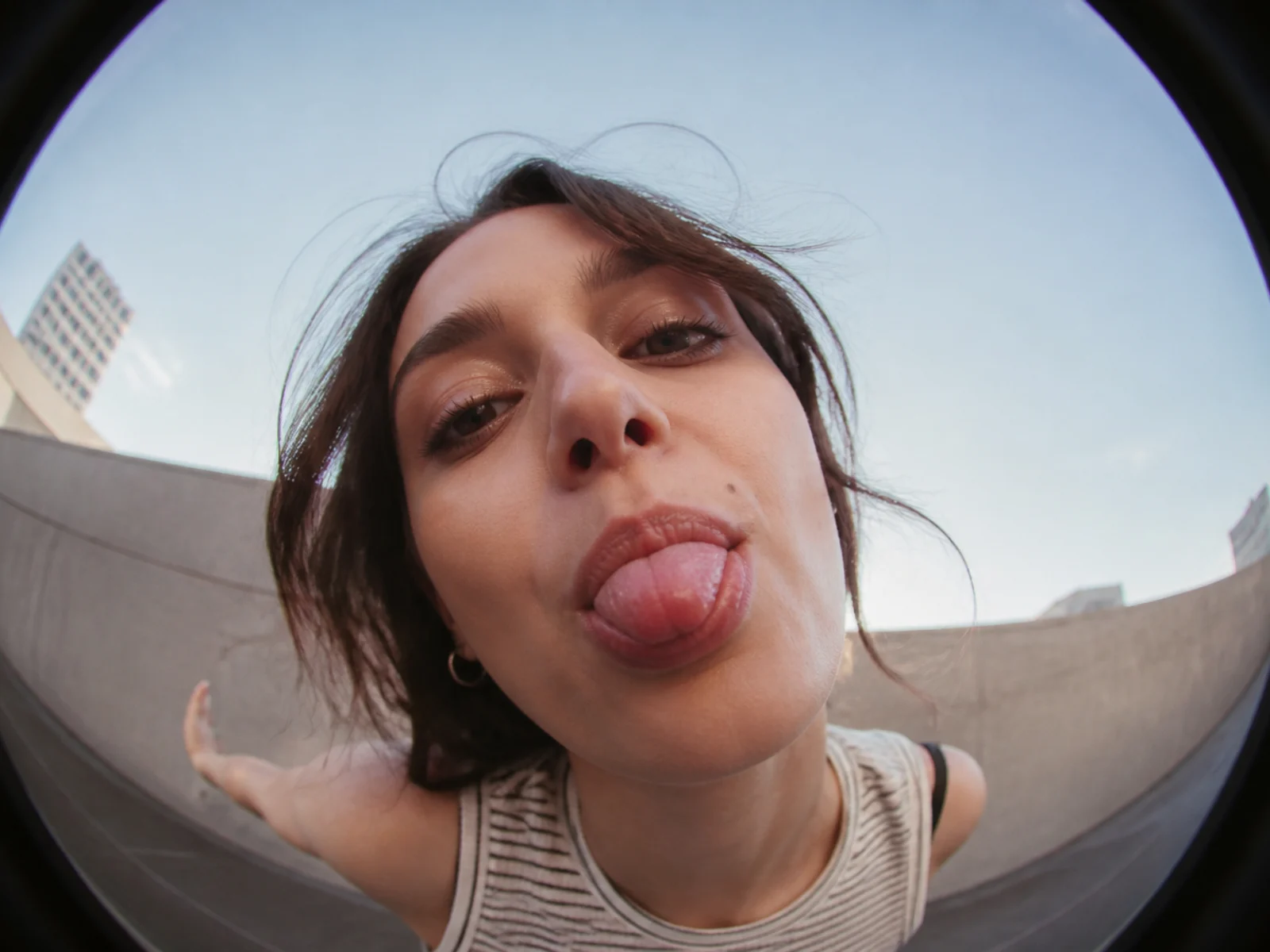
Fisheye Portrait
Restyle a portrait with playful fisheye lens distortion.
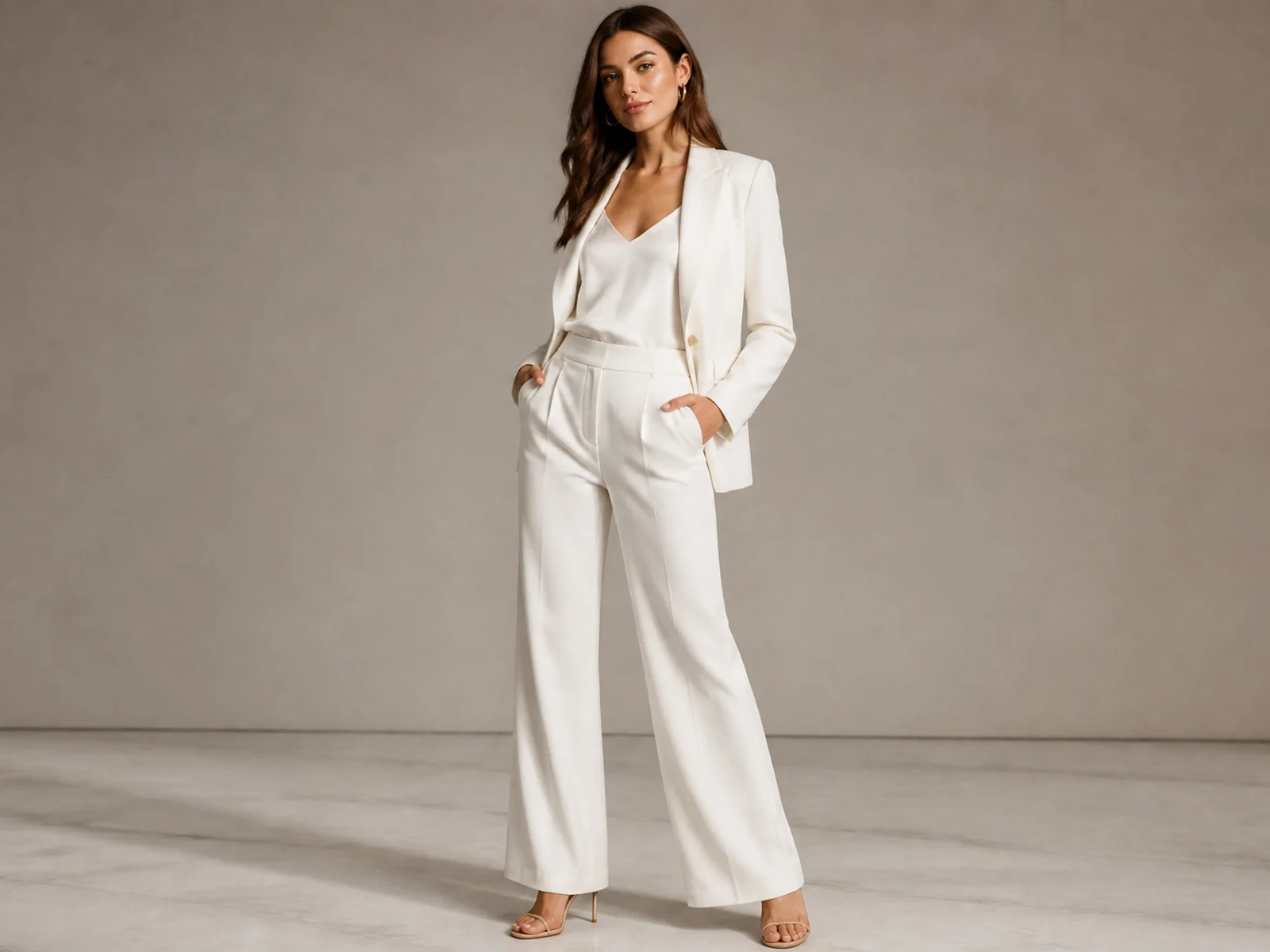
Outfit Generator
Restyle clothing while keeping the person and pose consistent.
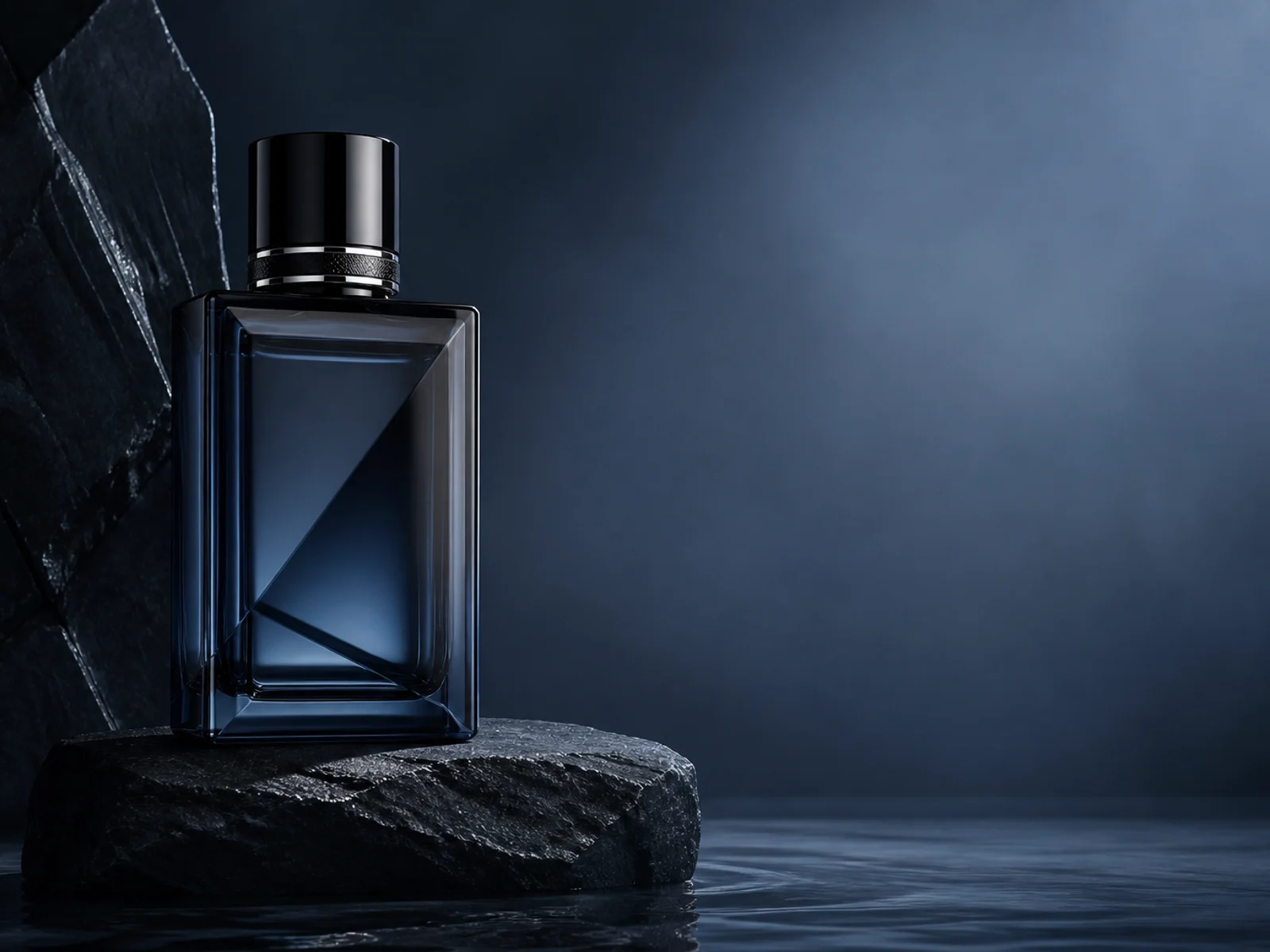
Product Poster
Build an art-directed advertising image around a product reference.
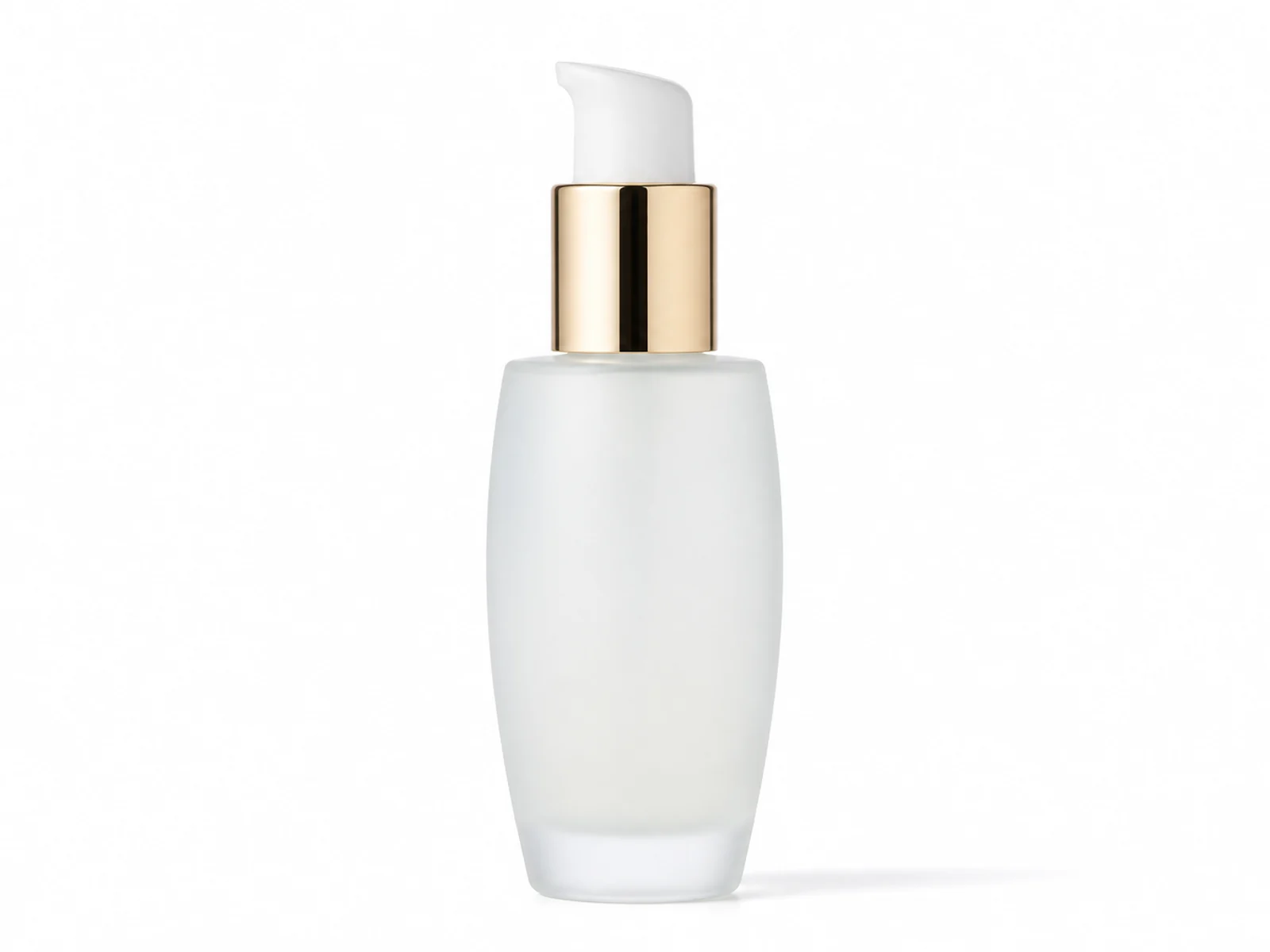
Product Packshot
Turn a casual product image into a clean commercial packshot.
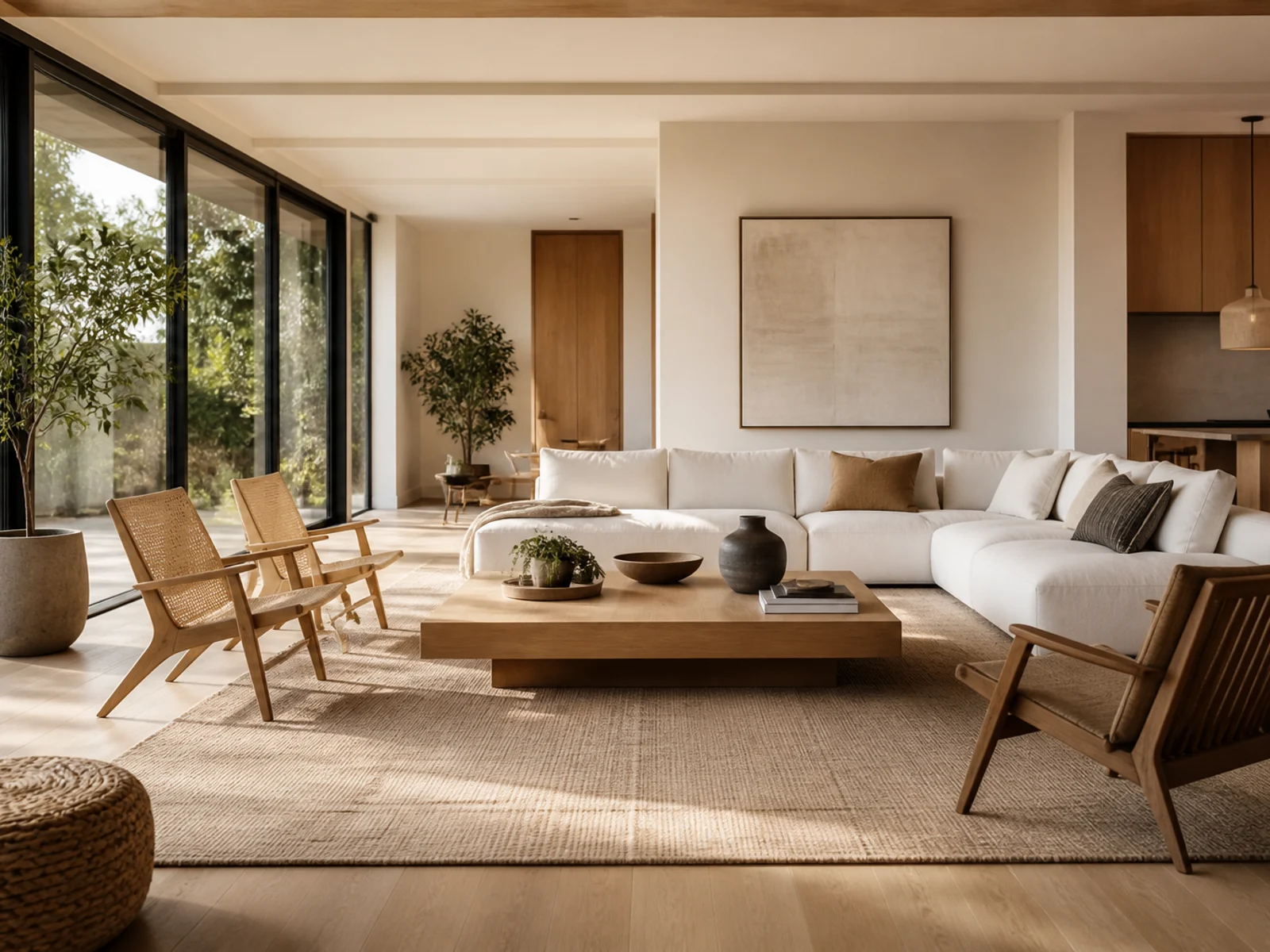
Room Redesign
Reimagine a room's interior style from a photo.
Create with an AI effect
Start from a visual outcome instead of configuring a model.
1
Pick a template
Browse ready-made image effects and open the recipe that matches your idea.
2
Upload a reference
Give the effect a concrete visual anchor so the result stays on brief.
3
Customize and continue
Add optional direction, generate, then carry the result into editing or animation.
AI Effects FAQs
Start with an effect, keep creating
Choose a ready-made image template, then carry the result into your next edit.